Log In

Free gifts available with your purchase
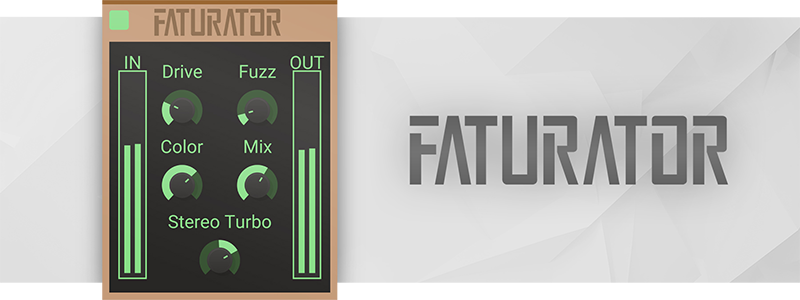
Grit, oomph, fatness, raw, color, or just that certain something. Sometimes your sounds need a shovel of dirt. Faturator is standing ready to tear whatever you throw at it apart violently, and then gently (but firmly) put it back together fatter and rawer than ever.
Faturator can do everything from adding subtle and warm gritty character to your sounds to slam them into a wall of heavy saturation and digital fuzz. Contrary to many distortion effects, Faturator will preserve the dynamics of your sound and work its wonders on it regardless of input gain.
For the heck of it, it can also color the input to emphasize a specific tone of the sound, or throw some stereo width into the mix. Everything to give you a fast and easy way of making any input come alive.

What's a Snapin?
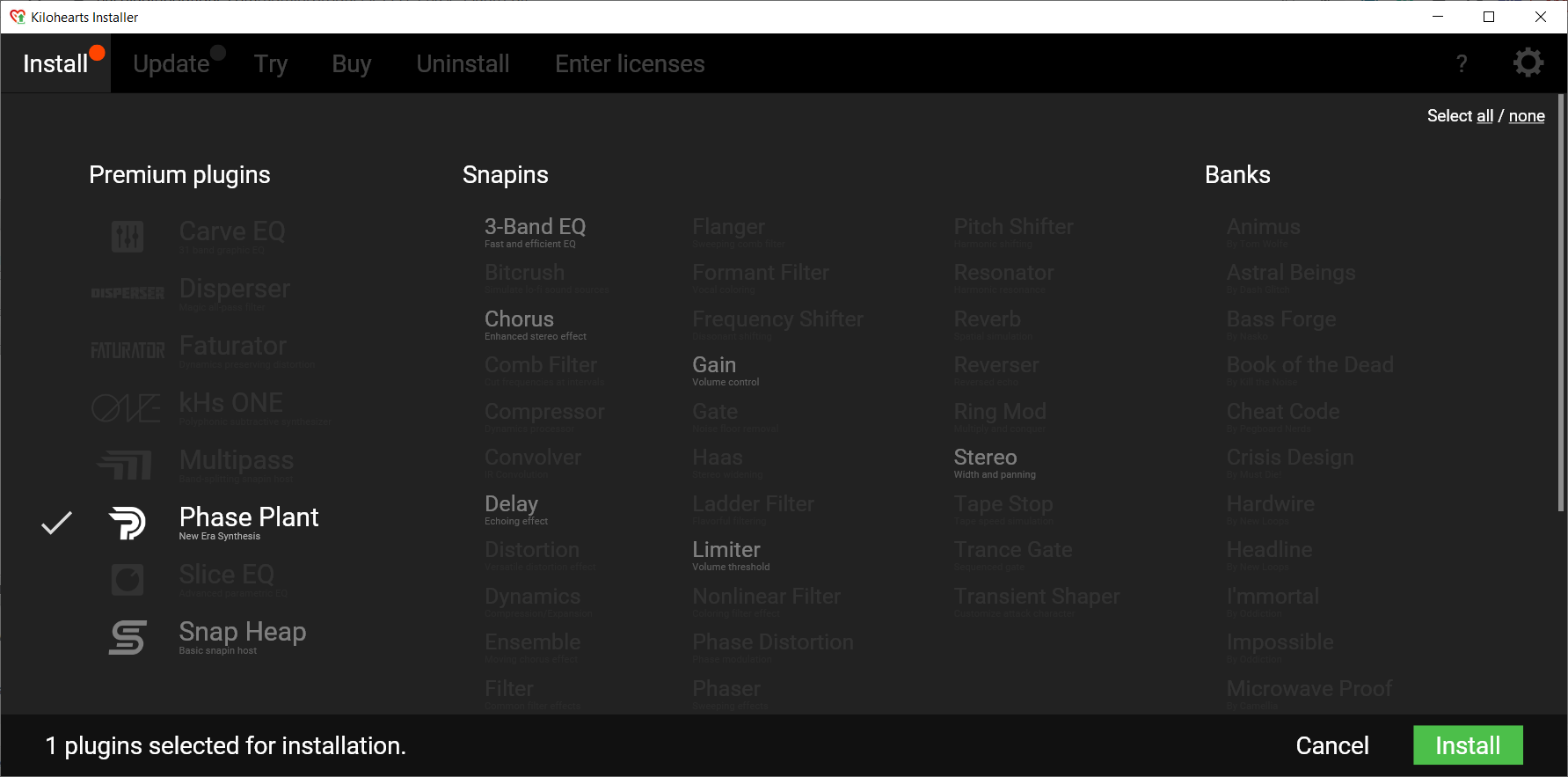
This plugin is a "snapin". That means you can use it as a regular VST/AU plugin, or you can use it with our snapin hosts Multipass and Snap Heap where you can combine effects in amazing ways.
System Requirements
- Operating System: Any version of Windows or MacOS actively maintained by Microsoft or Apple.
- CPU: 2 GHz or faster
- Memory: 1 GB or more
- Software: Any DAW supporting VST 2, VST 3, AAX, or Audio Unit plugin standards
Kilohearts recommend keeping up to date with OS versions as they become available. Kilohearts are not able to support OS versions that are no longer supported by their respective manufacturers. If you are using an outdated OS please try the free trials to ensure compatibility before making any purchases.
Ajay Bhattacharyya (Data Romance)
Data Romance is a Vancouver based electro-indie duo started by multi-instrumentalist/producer, Ajay Bhattacharyya and singer/lyricist, Amy Kirkpatric.
"Very user friendly and almost no drain on your CPU. It can add a nice grit to vocals, synths and even drums."
Pat Pardy (Evil Nine)
Evil Nine is a DJ duo comprising of members Tom Beaufoy and Pat Pardy.
"We're always looking for new ways to add texture to our sounds and I think Faturator just became one of our favourites."
KSHMR
KSHMR is an Indian-American EDM producer from California.
"Faturator is an amazingly simple way to add grit and width and I use it in almost every track."