


 Log In

Free gifts available with your purchase
Aggressive Multi-Mode Distortion Unit
Extreme Distortions
Pyros is an aggressive distortion effect ideal to give you a unique sound to your guitars, bass, synthesizers, drums and much more.
Audiority programmed a rich sounding distortion to fit in both vintage and modern music styles.
Features
- 20 Algorithms
- Pre Distortion LF Cut
- Input Biasing
- Bipolar Feedback
- Bipolar Envelope Follower
- Hard / Soft Clipping
- Input / Output / Mix Controls
- Input / Output Metering
- Resizable Interface
System Requirements
Windows
- Windows 7 or later (64-bit only)
- Intel i5 or higher
- 2 GB RAM
- Screen Resolution: 1024 × 768
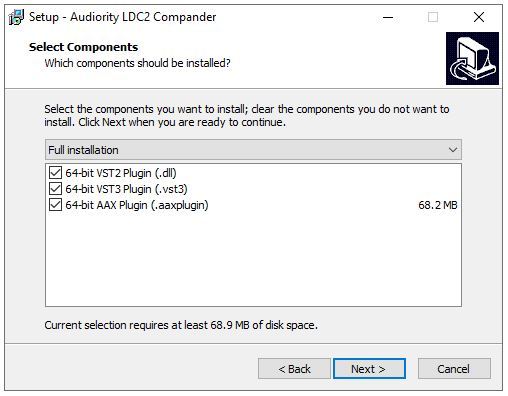
- VST2, VST3, AAX (requires Pro Tool 11 or higher).
Intel Mac
- Mac OS X 10.13 or later (64-bit only)
- Intel i5
- 2 GB RAM
- Screen Resolution: 1024 × 768
- VST2, VST3, AU, AAX (requires Pro Tool 11 or higher).
Silicon Mac
- macOS 11.0 or later
- Apple M1 or higher
- 2GB RAM
- Screen resolution: 1024×768
- CLAP, VST2, VST3, AU 64-bit host
- PT11 or higher, AAX 64-bit host


Reviews Summary
While it aims to provide a helpful overview, it may not capture every perspective or detail. We encourage you to read individual reviews to make an informed decision.
Users widely praise this saturation and distortion plugin for its versatility, high sound quality, and variety of algorithms. Reviewers highlight its ability to handle everything from subtle warmth and high-end texture to aggressive, extreme distortion, finding it especially effective on drums, bass, and synth buses. While one user noted the GUI could better utilize its space with larger knobs, overall reception is overwhelmingly positive with users commending its tone, character, and useful presets.


