/ Distortion / Grind
Audio Damage

Grind

4.5 (333 Reviews)
FREE
Audio Damage AD035 Grind - Main image
Piano Loop meets Audio Damage Grind & Dubstation 2 gallery thumbnail
Product information

A true powerhouse of audio warfare, Grind puts the "damage" in Audio Damage. From subtle tube-style saturation to full-on mangled wavetable distortion, Grind is a Swiss Army Knife of sound design. 

Grind consists of three main blocks: wavetable lookup, into algorithmic saturation/distortion/, and finally to a multi-mode filter. The wavetable module uses the amplitude of the incoming signal to replace the sample with one from 15 different linearly-interpolated wavetables, chosen for their mangling potential. Window size and phase controls provide further tone-shaping possibilities. 

The next stop is the algorithm module, with eleven different distortion and saturation algorithms, from simple soft-knee saturation on up to full-on sine warping. 

After this, the signal passes through a multi-mode filter stage, with eleven different filter models to choose from, including "vintage digital" versions from the early days of plugin development, on up to our modern analogue-modelled MS20-style lowpass and highpass synth filters. A tempo-synced LFO provides motion for the filter frequency, and a final stage of soft clipping and DC filtering tames the output. 

Make no mistake: this is not a subtle, polite tool. With careful tuning of the provided presets, it can be tamed to normal filtering and saturation duties, but on the whole, it is a noisy, snorting beast of a plug-in, and is happiest with Full Metal audio destruction. 

System Requirements

Mac

  • macOS 10.9 Mavericks or newer (M1 Apple Silicon supported) (64-bit only)
  • VST, VST3, AU, AAX

Windows

  • Windows 8.1 or newer (32 / 64-bit only)
  • VST, VST3, AAX
 
Product Reviews
Audio Damage Grind Review at MusicRadar

Music Radar's Verdict: With its dual saturation types and LFO modulation, Audio Damage’s ear-shredding distortion plugin is an absolute belter! Pros Excellent wavetable implementation. Gnarly algorithmic distortion. Gorgeous filter. Cons Can’t apply LFO to algorithmic w...

Read More
Installation Instructions

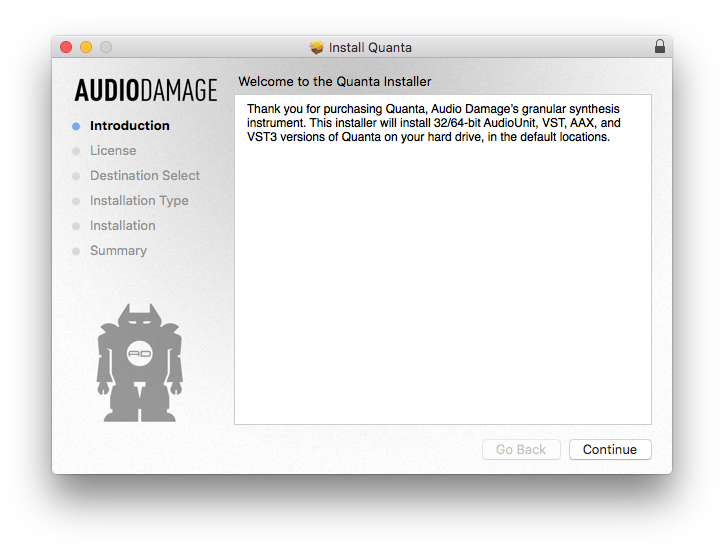
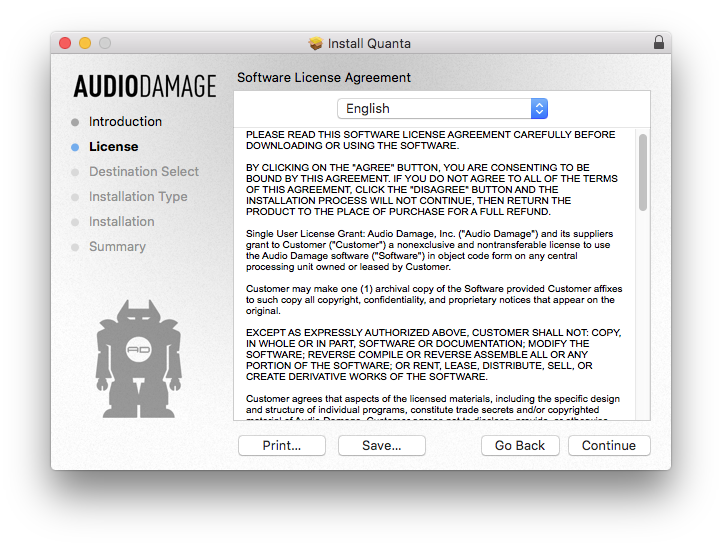
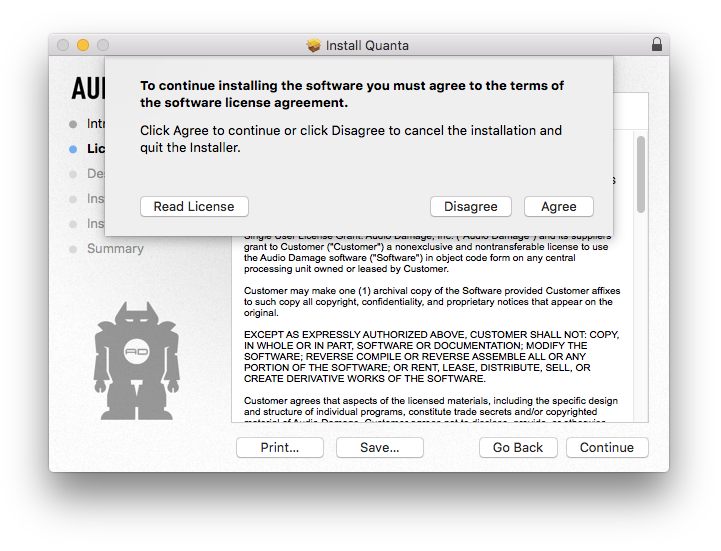
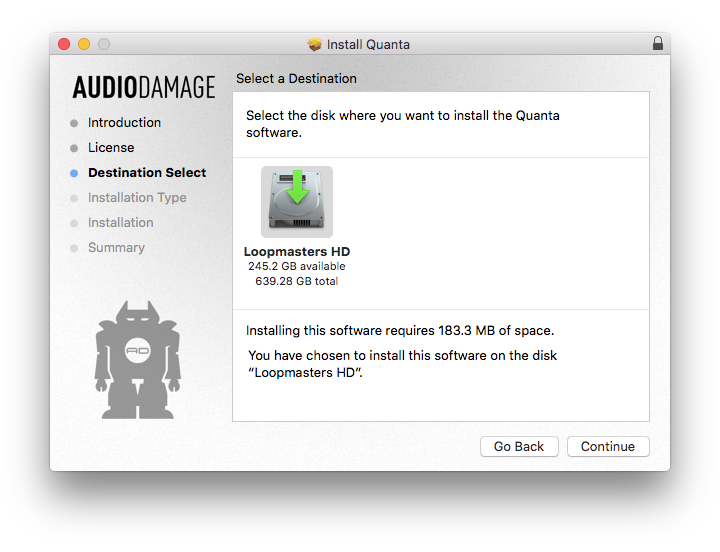
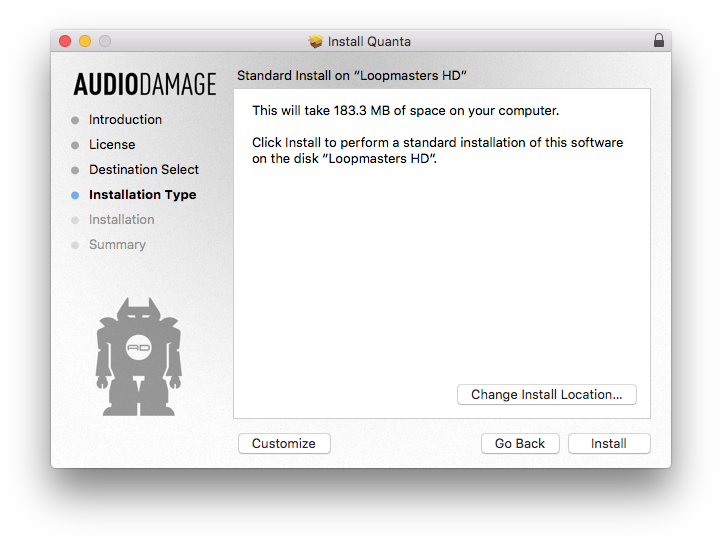
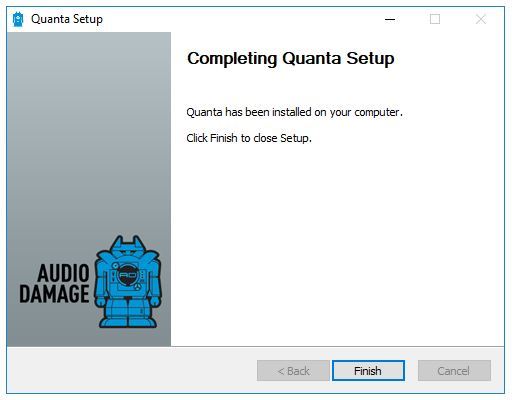
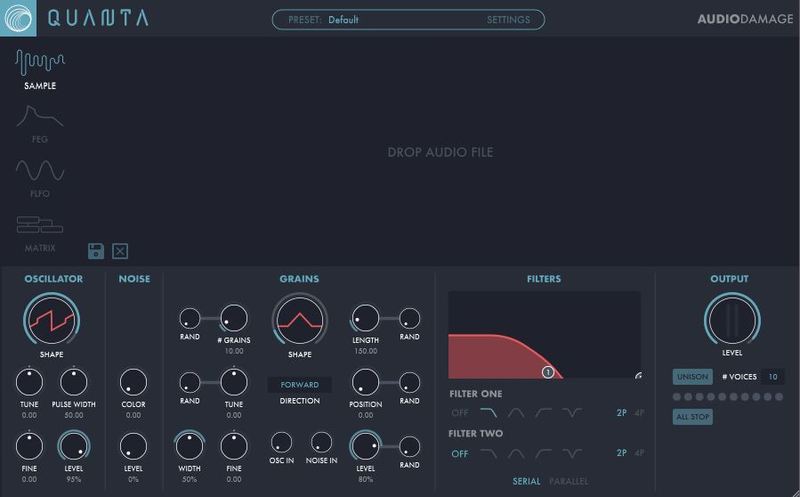
Note: Quanta is used as the example.

Mac

Installation

1. Download the .pkg file from within your Plugin Boutique User Account > Double-click it to run the installer.

2. Click 'Continue'.

3. Read the Software License Agreement > Click 'Continue'.

4. Click 'Agree'.

5. Click 'Continue'.

6. Click 'Install'.

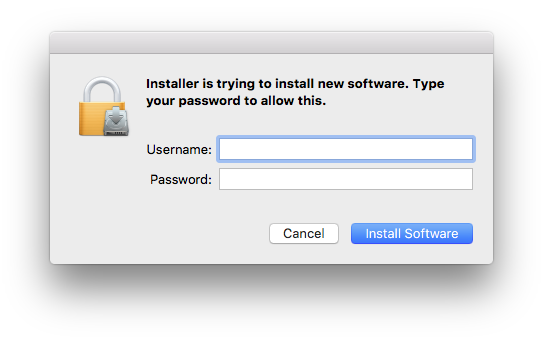
7. Enter your computer's Username and Password > Click 'Install Software'.

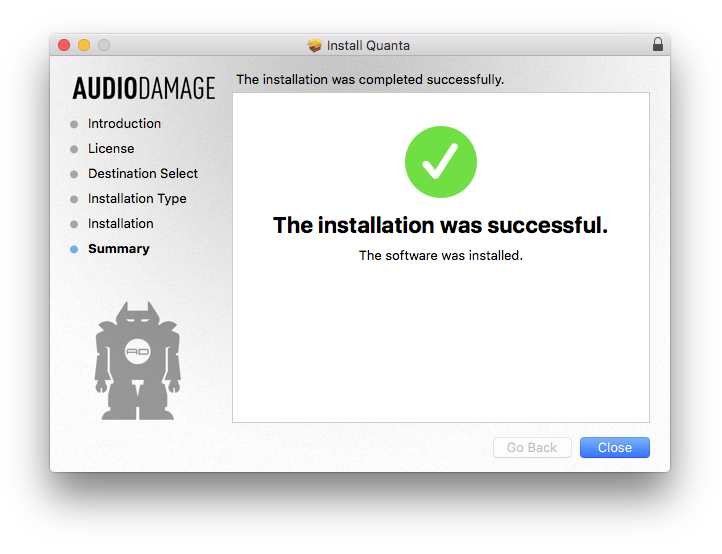
8. Click 'Close'.

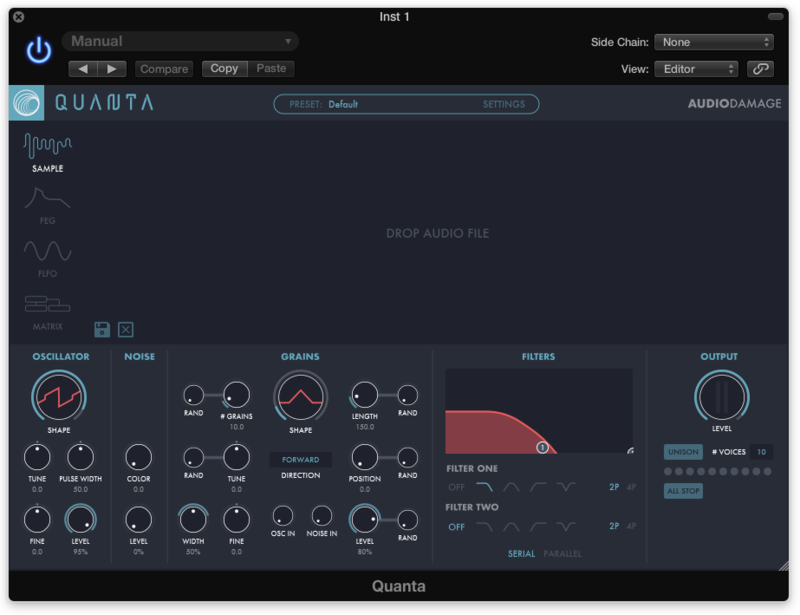
Your software is now ready to use within your DAW!

Windows

Installation

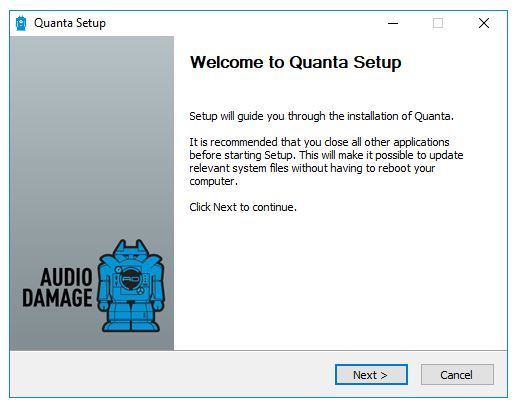
1. Download the .zip file from within your Plugin Boutique User Account > Double-click it to extract the contents and double-click the .exe file to run the installer.

2. Click 'Next'.

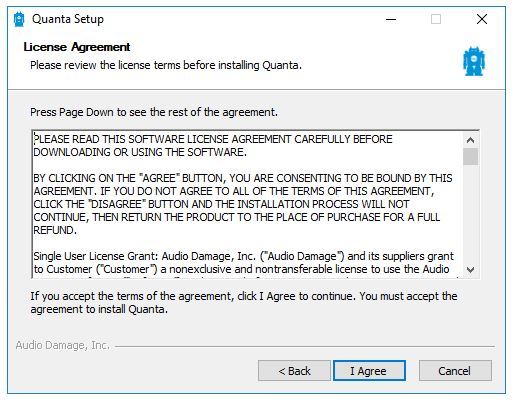
3. Read the License Agreement > Click 'I Agree'.

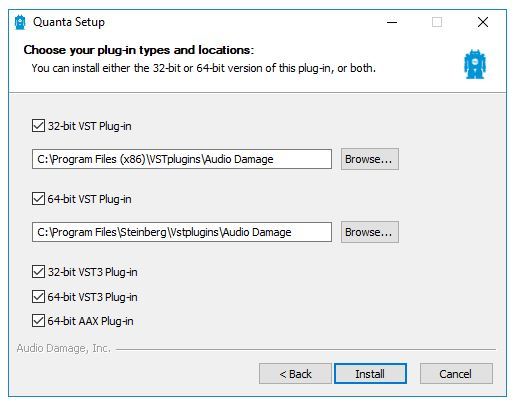
4. Choose which components to install > Click 'Install'.

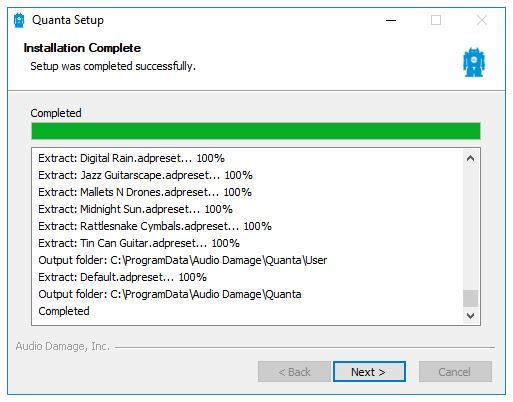
5. Click 'Next'.

6. Click 'Finish'.

Your software is now ready to use within your DAW!

Plugin Boutique Rewards

Discover the most rewarding loyalty programme among all plugin retailers.

  • Free Loopmasters Samplepacks
  • Discounts on products and courses
  • Extra Virtual Cash claimed immediately at checkout
Find out more

Follow us:

X (Twitter) Facebook YouTube Instagram
Logo Logo

Plugin Boutique Limited, Part of the Beatport Group LLC.

Copyright © 2011-2025 Plugin Boutique. All rights reserved