/ Distortion / Instinct
Inertia Sound Systems

Instinct

4.5 (39 Reviews)
$69.00
Instinct - Main Image
Introducing INSTINCT | Inertia Sound Systems gallery thumbnail
INSTINCT on Drums | Inertia Sound Systems gallery thumbnail
INSTINCT on Guitar | Inertia Sound Systems gallery thumbnail
Buy Now
Product information

A Living Organism of Drive, Dynamics and Tone

Instinct is not just another distortion, dynamics processing,  or tone shaping audio engine.

It is a sonic monster that can create new worlds from the sound you feed it with, varying from smooth analog warmth or dynamics processing to total destruction, aggressiveness and alienation.

Buttery Smooth

Instinct can deliver results that vary from smooth saturation or mild dynamics processing, to extremely distorted and noisy breathing sounds, with wide dynamics and a very rich frequency spectrum.

High quality, Transistor and Tube models

That can be tweaked, interchanged and modulated in depth.

A wide response transient shaper "SCULPT"

This is the modulation source that pumps the heart on Instinct. With controls overtime response and character, it can modulate many circuit parameters, achieving unique dynamics and distortion shaping. SCULPT is able to operate on auxiliary buffers as it supports an external sidechain.

VA Resonant Filters

High-quality zero-delay feedback analogue modelled drive and tone filters, with internal saturation, and self-oscillation.

Versatile signal flow

Instinct provides a lot of freedom regarding which modules are active or inactive. This creates different signal flow choices with different characters and a wide sound result palette.

Morph

Models, and model parameters can be smoothly tweaked.

High-quality Resampling

With bandlimited sync interpolation. Operating at 4x or 8x oversampling for pristine sound.

Preset System

Instinct comes with many built-in presets varying from smooth warm dynamics and drive to more creative/wild /noisy ones. These can be a good starting point both for mixing and sound design.

Features

  • High quality, Transistor and Tube models.
  • Versatile signal flow, with one or two drive circuits in series.
  • VA Resonant Filters
  • A wide response transient shaper "SCULPT" with an optional external sidechain.
  • Morph across circuit models and circuit model parameters.
  • Transparent high-quality Boost Filter.
  • High-quality resampling.

System Requirements

Mac

  • macOS 10.12 - 10.15
  • AU / VST & VST3 (64 bit only)

PC

  • Windows 10 or later
  • VST / VST3 (64 bit only)

Linux 

  • GLIBC: 2.29
  • VST / VST3
Installation Instructions

Note: Granulizer 2 is used as the example.

Mac

Registration

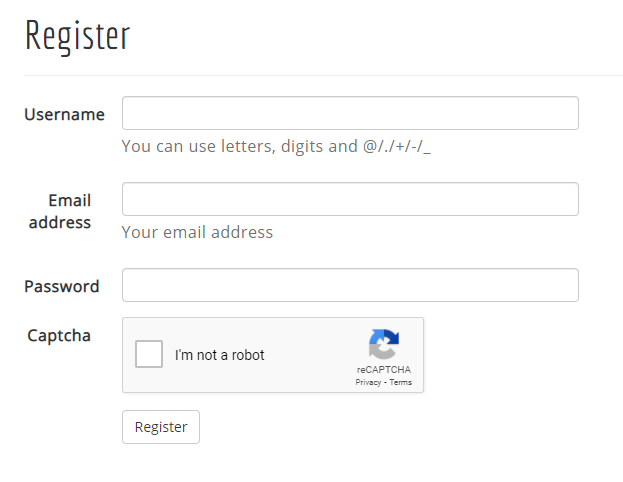
1. Go to https://www.inertiasoundsystems.com/account/login/ > Click 'Register'.

Note: If you already have an Inertia Sound Systems account skip to Step 5.

2. Choose a Username, enter your Email address and create a password > Click 'I'm not a robot' and click 'Register'.

3. Check your Email and click the activation link.

4. Click 'Login'.

5. Enter your Username and Password > Click 'Login'.

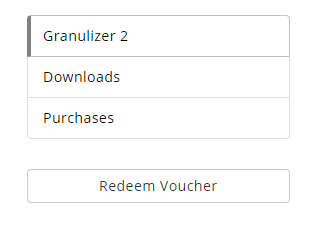
6. Copy and Paste the URL from your Plugin Boutique User Account > Click 'I'm not a robot' and click 'Redeem'.

7. Click 'Downloads'.

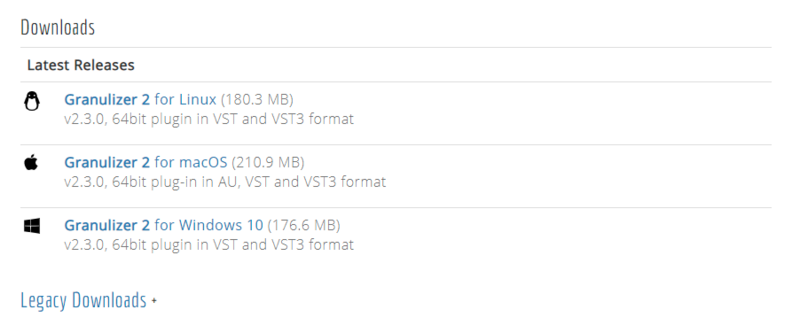
8. Click 'Granulizer 2 for macOS'

Installation

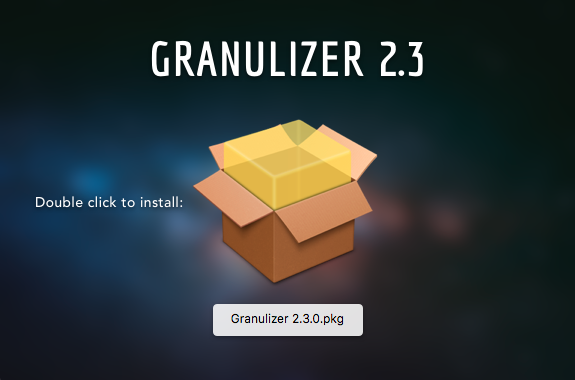
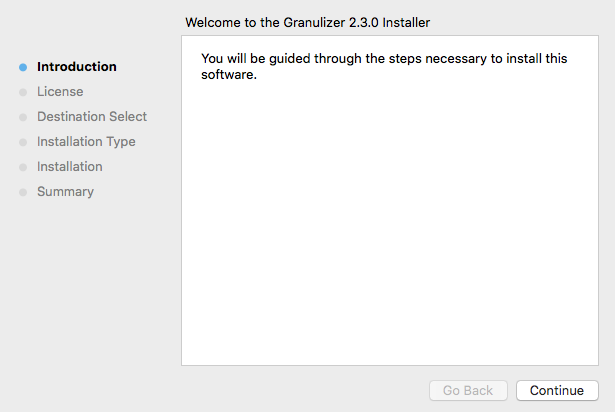
1. Double-click the download .dmg folder > Double-click the .pkg folder icon.

2. Click 'Continue'.

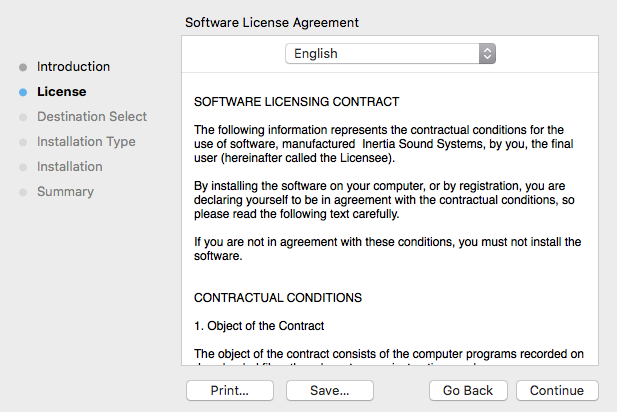
3. Click 'Continue'.

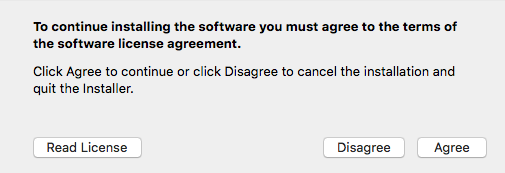
4. Click 'Agree'.

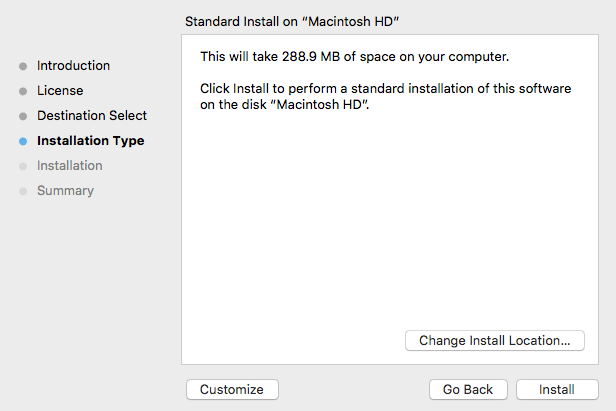
5. Click 'Install'.

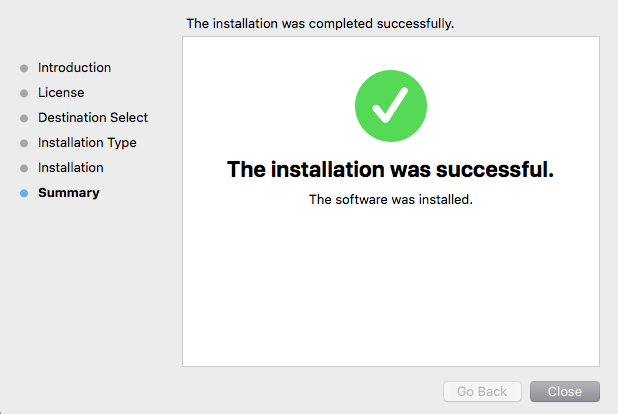
6. Click 'Close'.

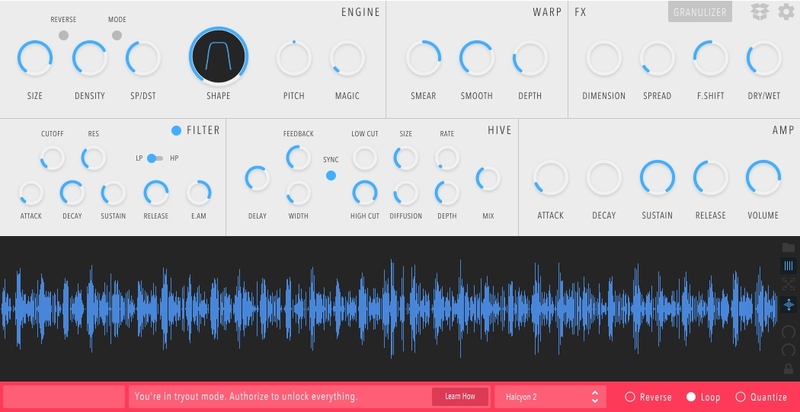
7. Open the software inside of your DAW > Click 'Learn How' at the bottom of the screen. 

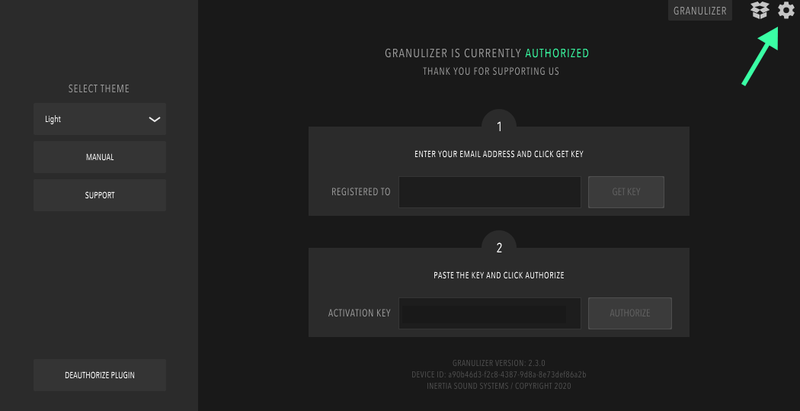
8. Enter your Email and click 'GET KEY'.

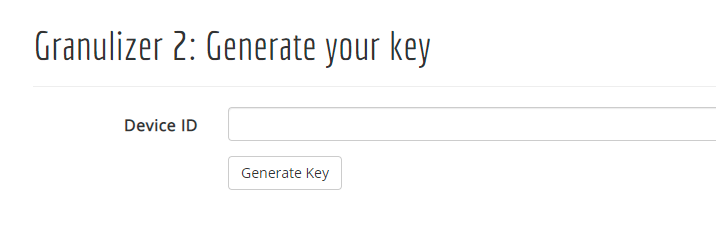
9. You will be redirected to your Inertia Sound Systems account > Click 'Generate Key'.

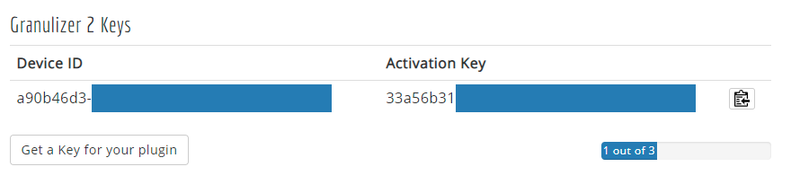
10. Copy the Activation Key.

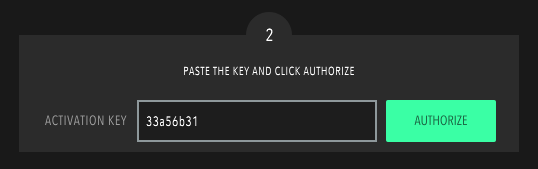
11. Paste the Activation Key in the software > Click 'Authorize'.

12. Click the cog-wheel to exit the settings page.

Your software is now authorised and ready for use inside of your DAW!

Windows

Registration

1. Go to https://www.inertiasoundsystems.com/account/login/ > Click 'Register'.

Note: If you already have an Inertia Sound Systems account skip to Step 5.

2. Choose a Username, enter your Email address and create a password > Click 'I'm not a robot' and click 'Register'.

3. Check your Email and click the activation link.

4. Click 'Login'.

5. Enter your Username and Password > Click 'Login'.

6. Copy and Paste the URL from your Plugin Boutique User Account > Click 'I'm not a robot' and click 'Redeem'.

7. Click 'Downloads'.

8. Click 'Granulizer 2 for Windows 10'

Installation

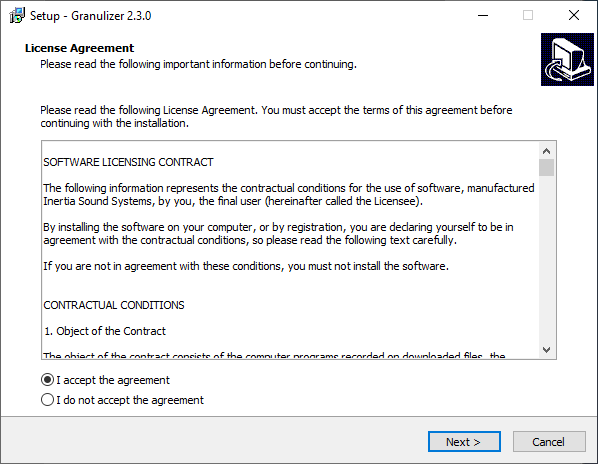
1. Double-click the downloaded .exe file > Select 'I accept the agreement' and Click 'Next'.

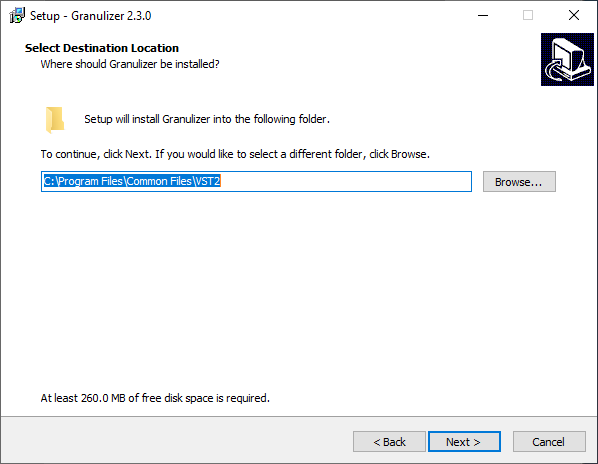
2. Click 'Next'.

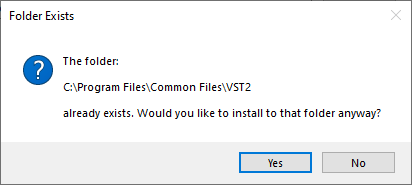
3. Click 'Yes'.

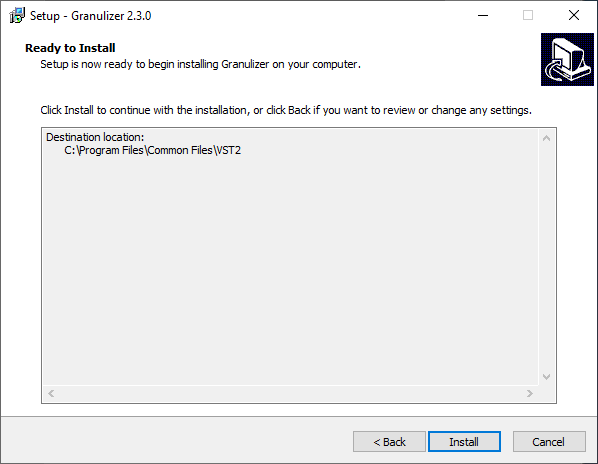
4. Click 'Install'.

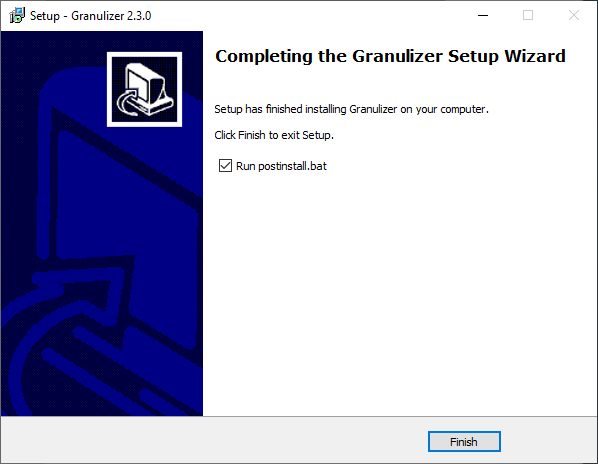
5. Click 'FInish'.

6. Open the software inside of your DAW > Click 'Learn How' at the bottom of the screen. 

7. Enter your Email and click 'GET KEY'.

8. You will be redirected to your Inertia Sound Systems account > Click 'Generate Key'.

9. Copy the Activation Key.

10. Paste the Activation Key in the software > Click 'Authorize'.

11. Click the cog-wheel to exit the settings page

Your software is now authorised and ready for use inside of your DAW!

Plugin Boutique Rewards

Discover the most rewarding loyalty programme among all plugin retailers.

  • Free Loopmasters Samplepacks
  • Discounts on products and courses
  • Extra Virtual Cash claimed immediately at checkout
Find out more

Follow us:

X (Twitter) Facebook YouTube Instagram
Logo Logo

Plugin Boutique Limited, Part of the Beatport Group LLC.

Copyright © 2011-2025 Plugin Boutique. All rights reserved