


 Log In

Free gifts available with your purchase
Cutting-Edge Hybrid Distortion
Minimal Audio has packed even more into their flagship product. Introducing an all-new experience with dark mode and multiband features.
A New Type Of Distortion Is Here
Rift's groundbreaking effects, extensive modulation, and all-around musical mindset put sought-after sounds at your fingertips.
Flexible Multi-Band Effects
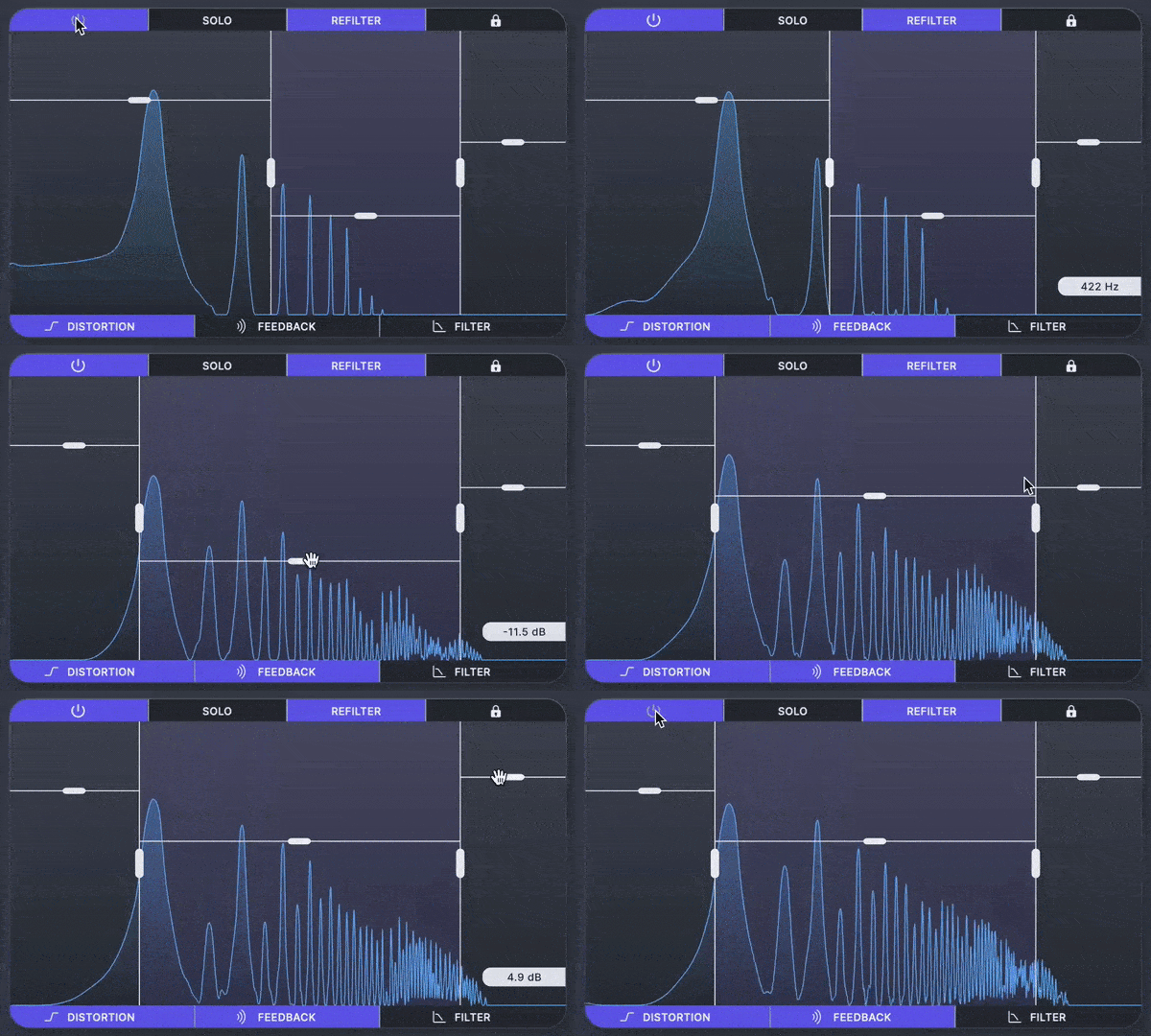
Send any combination of distortion, feedback, and filtering through the multi-band crossover to keep the effect exactly where you want.
Dark Mode
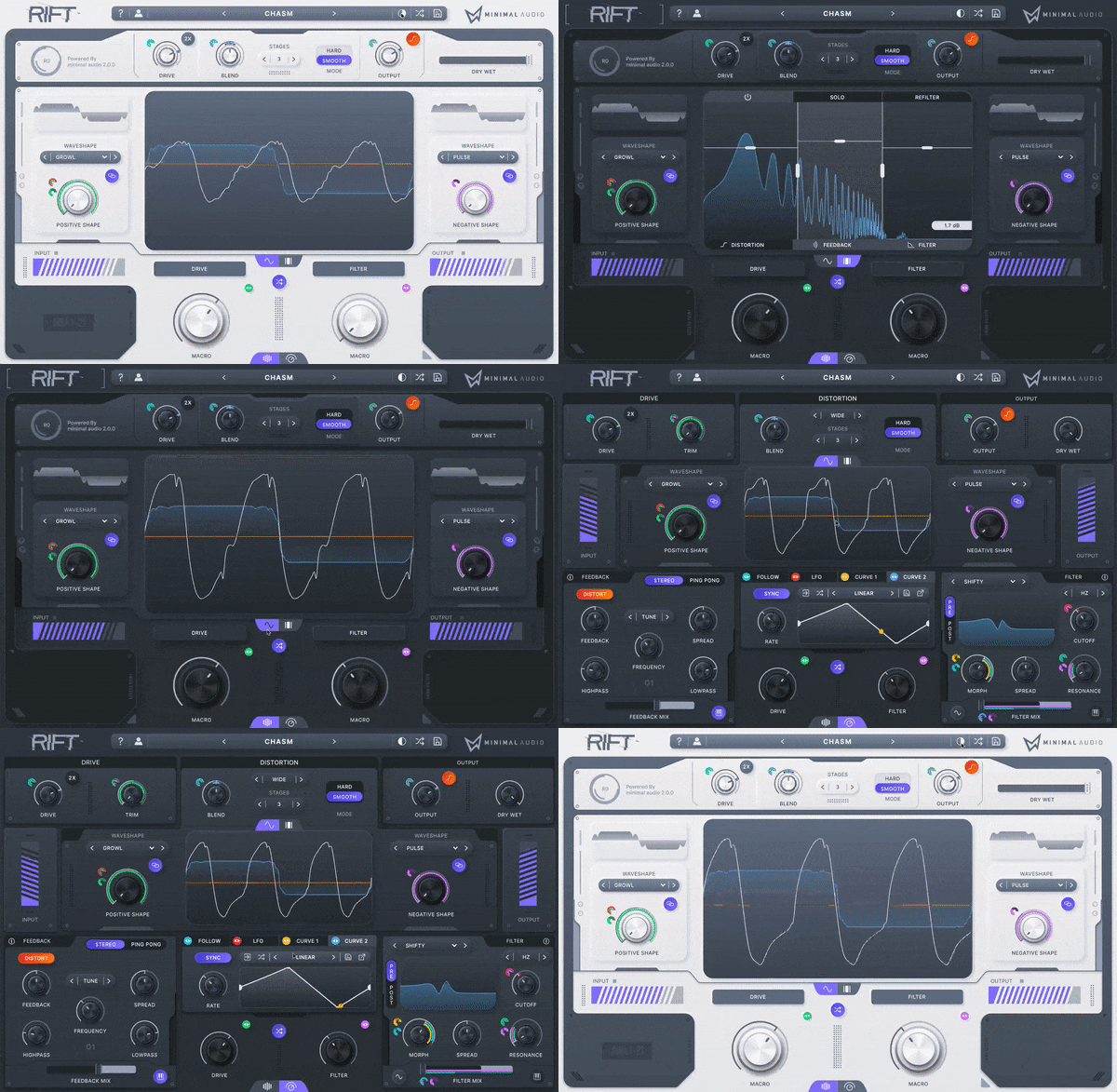
Now built for night owls. Switch between light and dark modes with the click of a button.
Multi-Polar Processing Engine
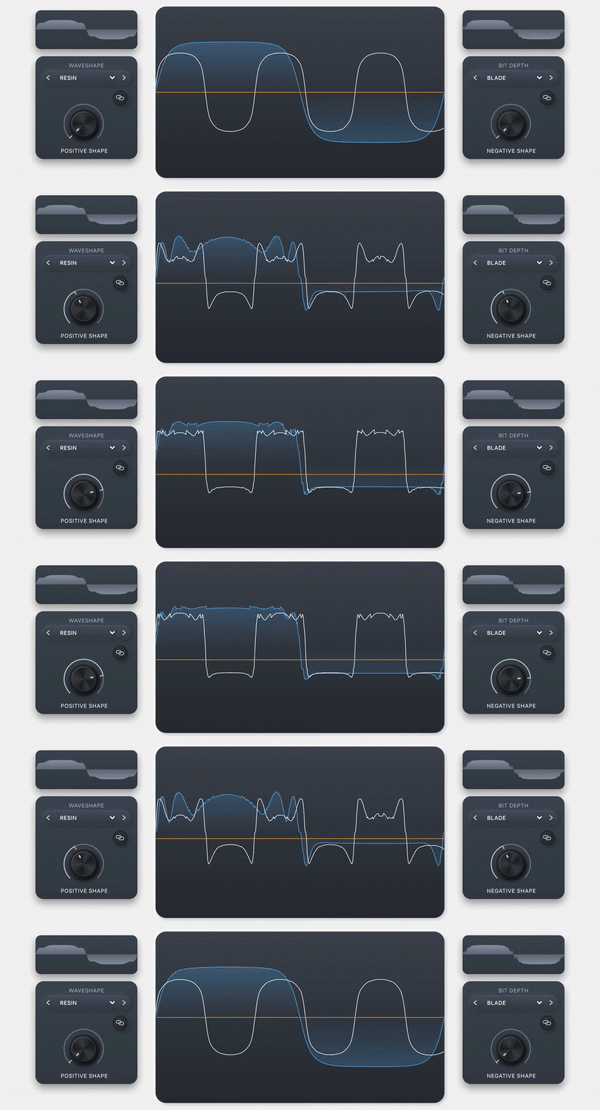
Create massive distortion effects and animated harmonic movements with unprecedented control.
Far Beyond Traditional Distortion
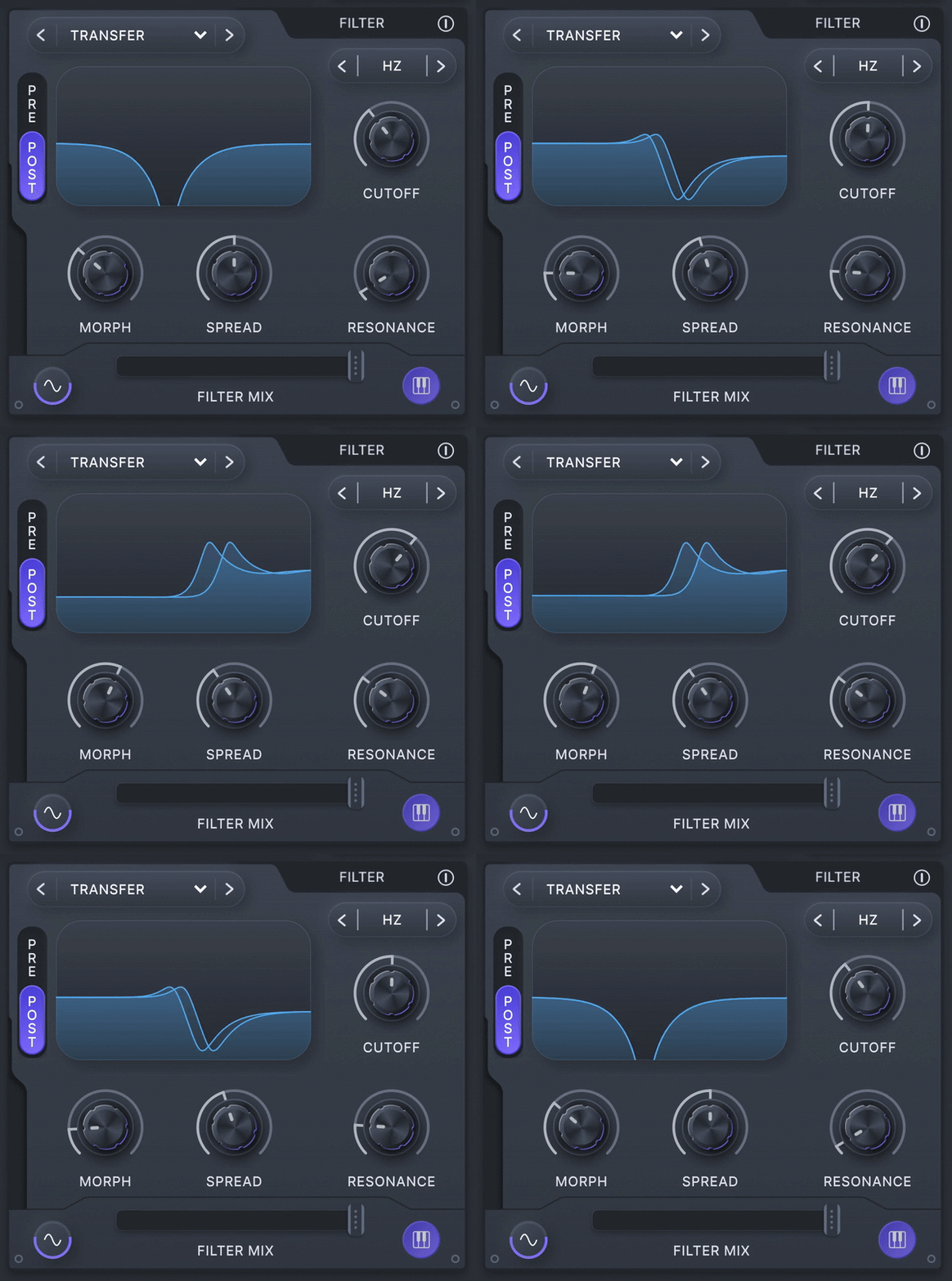
Physical modelling feedback and advanced morphing filters make Rift much more than another multi-effect plugin.
Tune Absolutely Everything
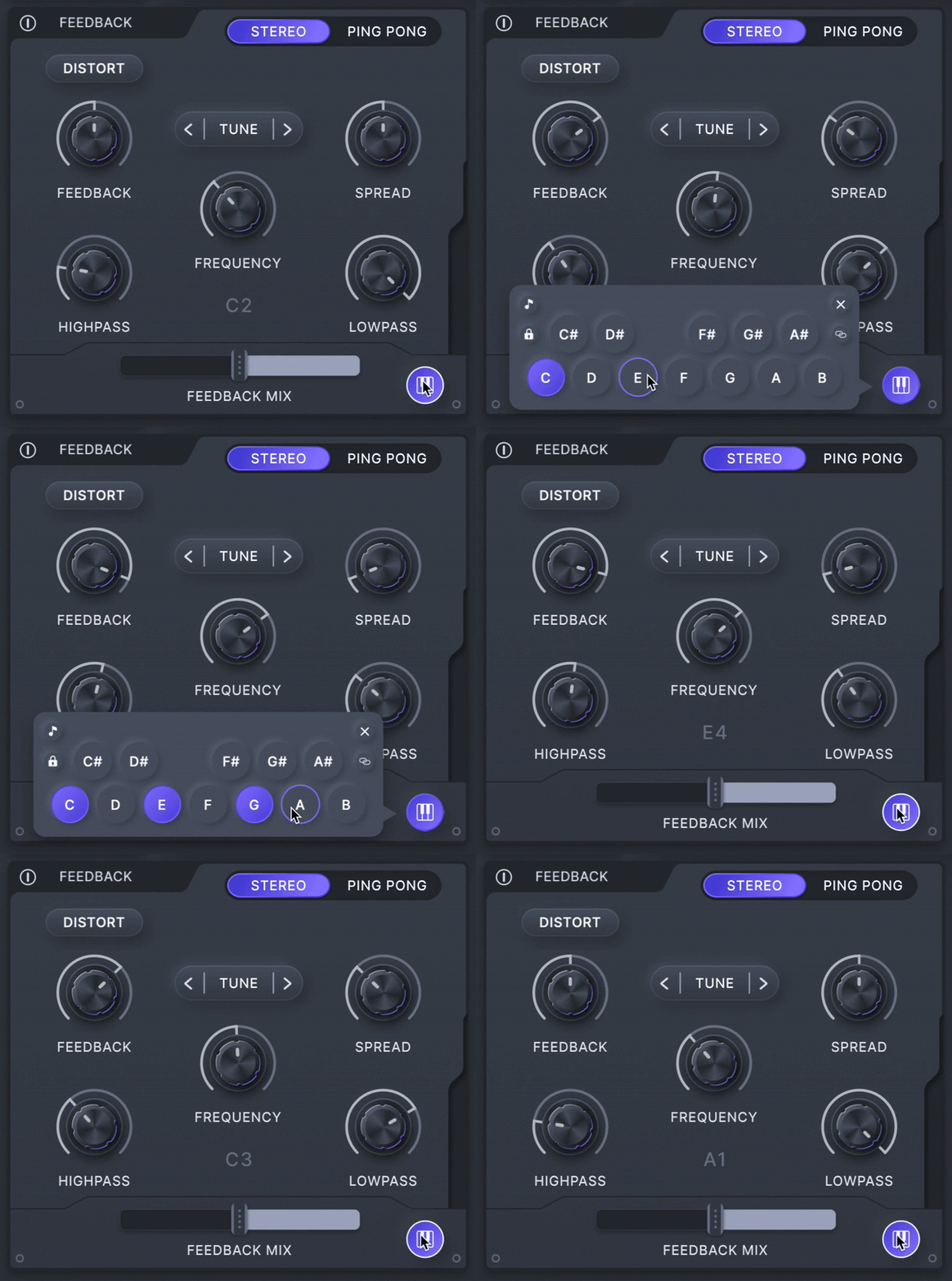
Intuitive pitch snapping, scale presets, and MIDI tracking blur the line between effect and instrument.
Powerful Curve Sequencing
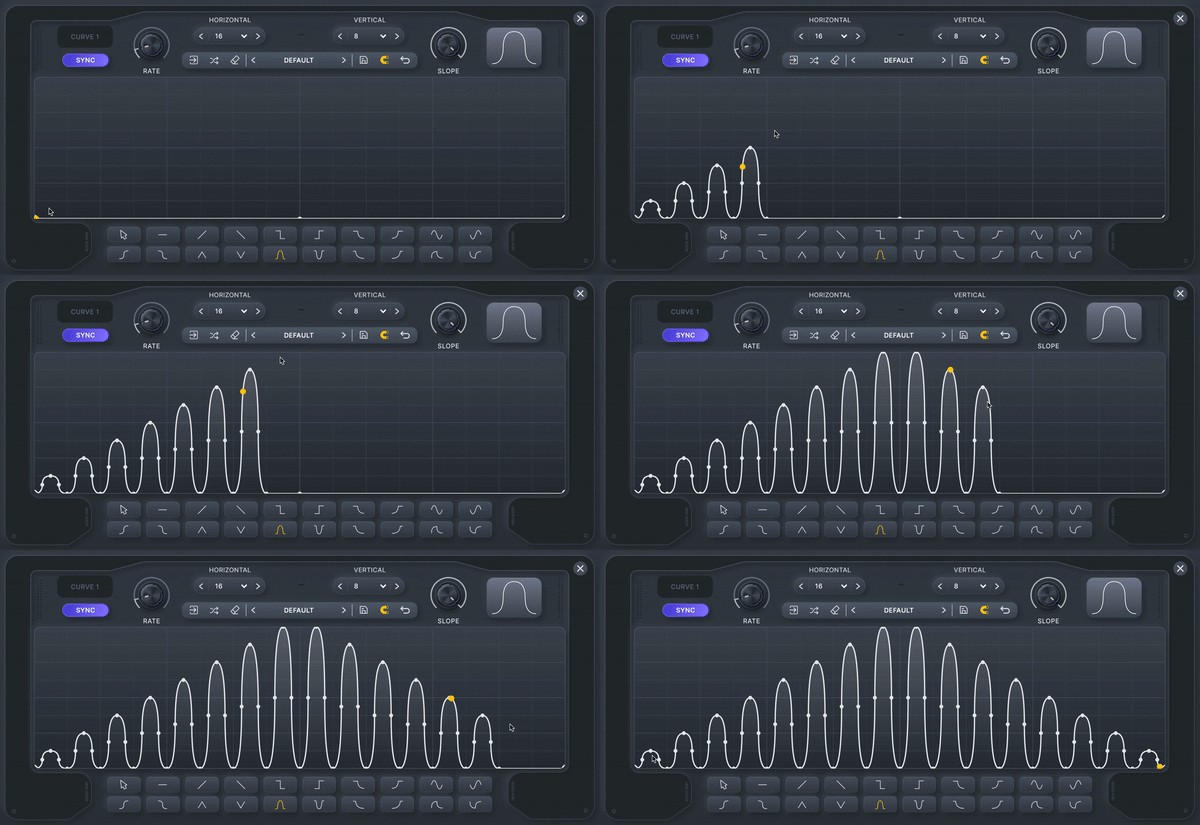
Effortlessly draw modulation shapes and assign them to any parameter. Save and load presets, randomize, edit, and undo.
Endless Preset Library
Get inspired by 400+ presets and intelligently randomize them into infinite variations
Features
- 400+ presets with deep macro control
- Easy-to-use Play View and extensive Advanced View
- A ground-breaking multi-polar distortion engine
- 30 distortion types and up to 6 stages of processing
- Physical modelling feedback and delay
- State-of-the-art morphing filters
- Flexible multi-band effects routing
- Powerful modulation sequencing
- Pitch snapping, transposition, and MIDI tracking
- Beautifully designed dark and light UI modes
- Intelligent randomization for endless preset variation
- In-app tooltips make learning Rift a breeze
- High-quality oversampling
- CPU-optimized algorithms and more
System Requirements
Mac
- macOS 10.9 or higher (64-bit only)
- AU, VST, VST3, AAX
Windows
- Windows 10 or higher (64-bit only)
- VST, VST3, AAX
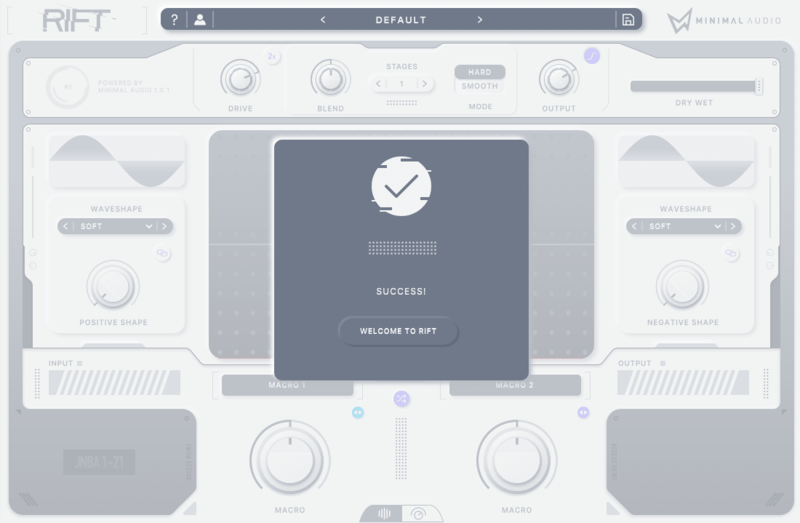
Please Note: An internet connection is required for activation.
Awards


Skream
English Electronic Music Producer
"Have to say, Rift is next level. Highly recommended."
Odd Kid Out
Music Producer (OWSLA)
"Rift has become my go-to plugin for distortion and redux effects. I can’t imagine using anything else at this point."
MusicTech
The world's leading media brand at the intersection of music and technology.
"Rift is superb. It's modern, unashamedly digital distortion character sounds wonderful."
Reviews Summary
While it aims to provide a helpful overview, it may not capture every perspective or detail. We encourage you to read individual reviews to make an informed decision.
Users overwhelmingly praise Minimal Audio's Rift as an exceptionally powerful, versatile, and high-fidelity distortion plugin. Reviewers highlight its rich modulation options, creative wave shaping, and useful workflow features like preset randomization and dual basic/advanced UI modes. It is widely considered a go-to tool for sound design, capable of transforming mundane sounds and producing everything from subtle harmonic saturation to extreme, raw distortion for heavy kicks and leads.


