


 Log In

Free gifts available with your purchase

Heat by 22Bullets - Smokin’ Saturation
With millions of Spotify plays under his belt, Thai-born producer 22Bullets is a dance music legend in the making. His high-profile list of collaborators includes Fedde Le Grand, Timmy Trumpet, Kura, and Vinai. W.A Production are proud to collaborate with him on a plugin that really shoots from the hip.
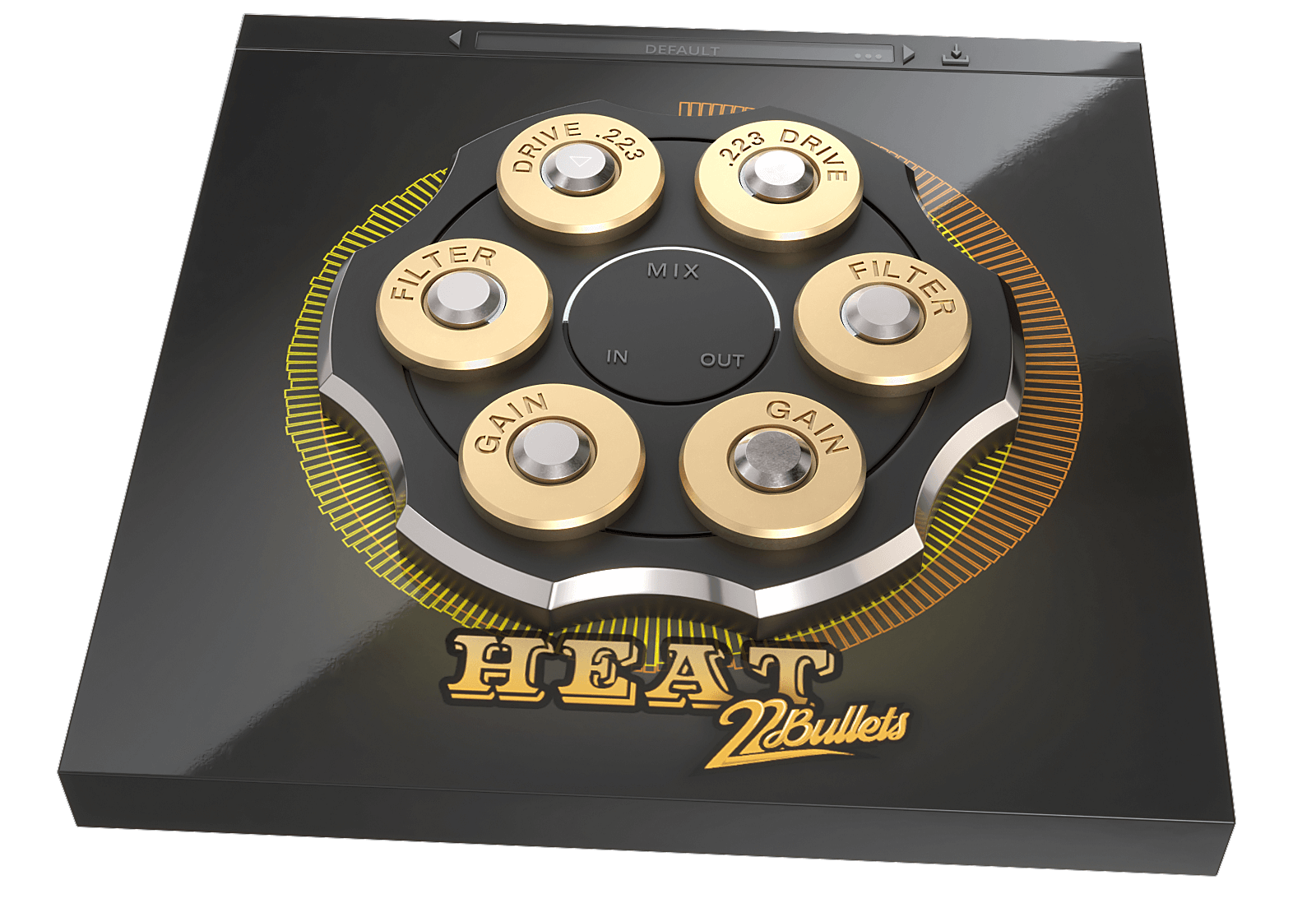
Presenting Heat. With a unique look, this bone-crunching plugin brings out the big guns. Load the revolver barrel with two of your favourite distortion and saturation models, and blend them together with a spin of the chamber. You can shape the two signals with high and low pass filters, resulting in a more musical output than many other types of distortion plugins. Feel the Heat of sweet saturation and intense amped-up overdrive as you tweak the parameters to your personal taste.
Also included is loads of factory presets to kickstart your distortion discoveries, from extreme settings for smashing your audio, to more tempered values for vocals, bass, and drums. Use these presets as jumping-off points and then adjust the drive, blend, filters, and other parameters to create a sound that’ll blow the competition away.
Bonus Sample Pack from 22Bullets
As an additional treat, with every purchase of Heat you’ll also get a 2GB pack of samples, stems, MIDI, and synth presets. Everything you need to recreate the signature sound from 22Bullets, from slamming bass lines to mutated FX, fat synths to pounding drums. Drop these files into your DAW to discover exactly how this top-tier producer constructs his own tracks.
Blend 10 Devastating Distortion Types
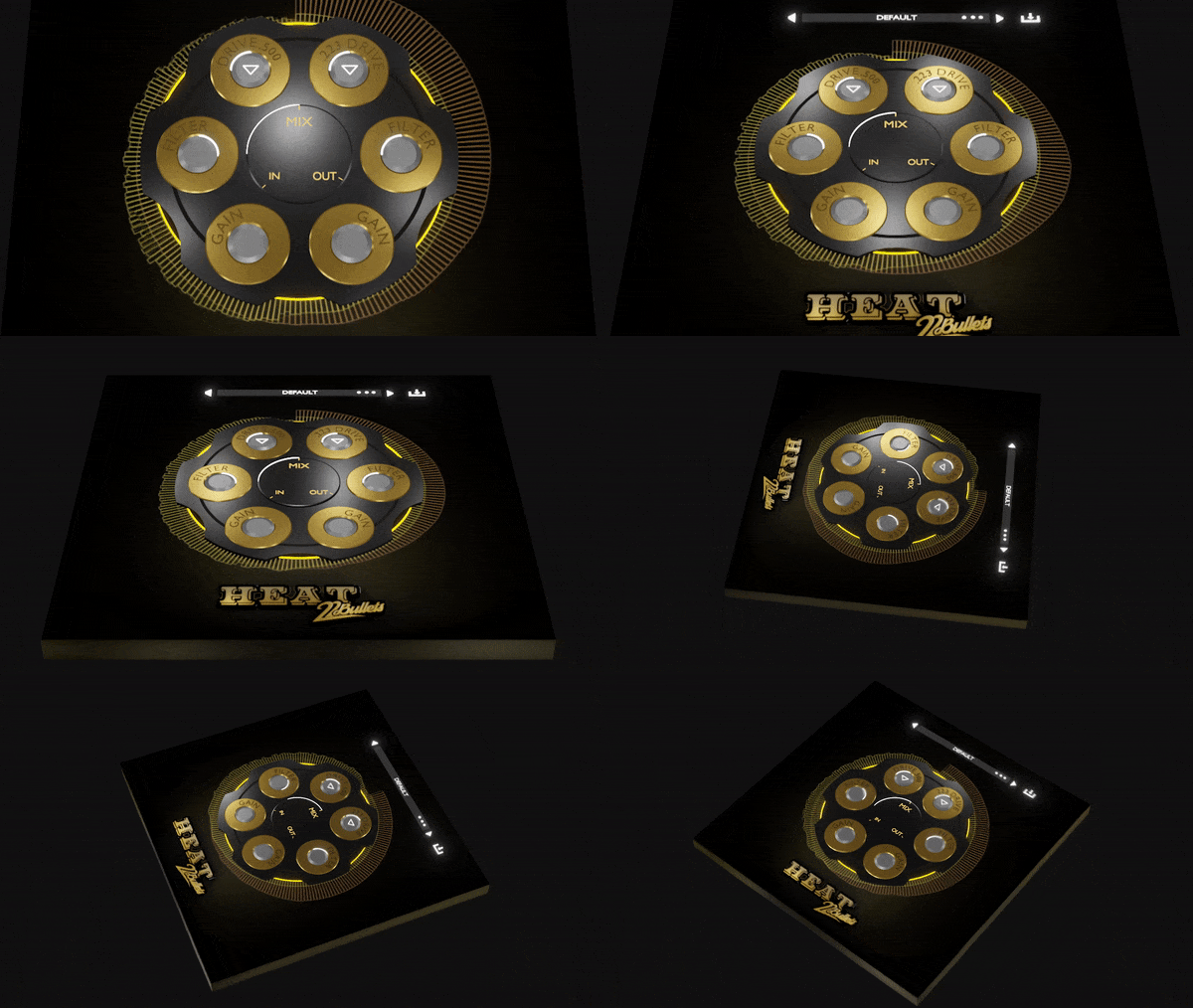
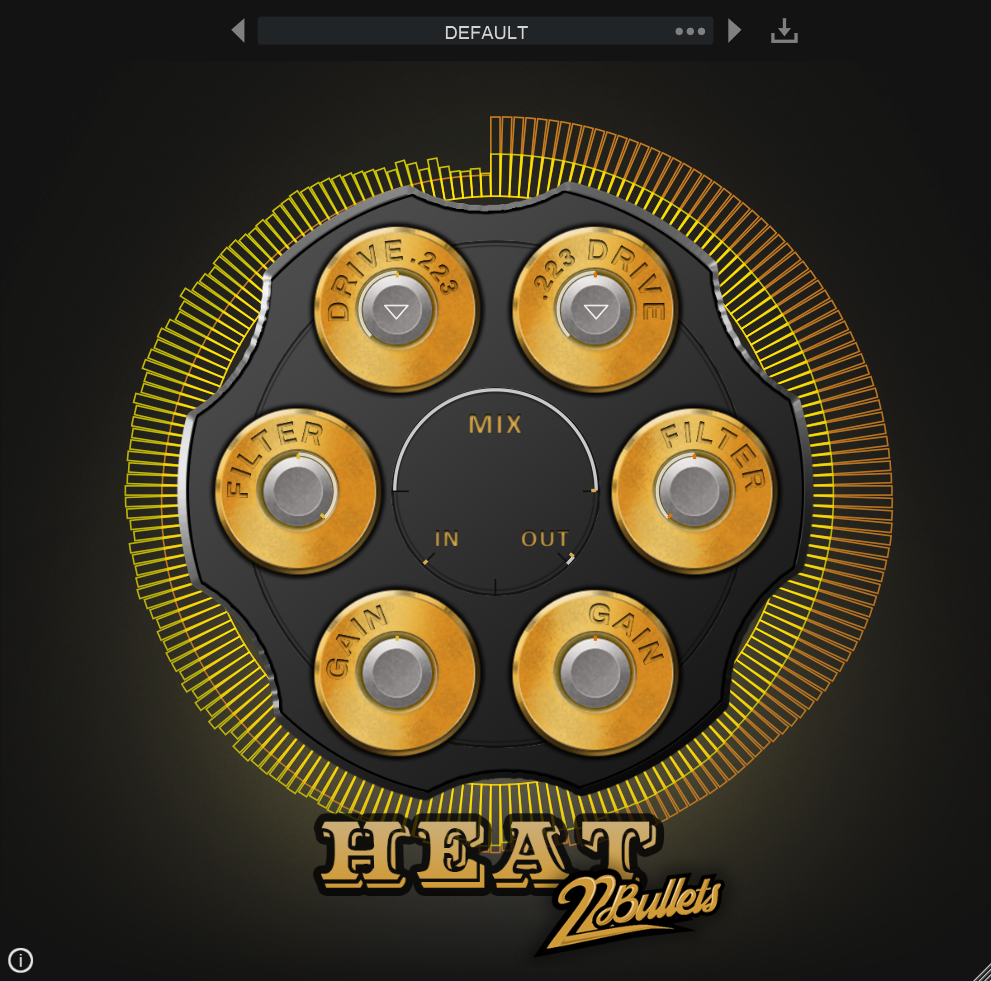
The whole concept of Heat is to apply twin distortion and then shape the signals so that your audio is powerful, yet retains musicality. The starting point for this are the 10 different types of modeled distortion. These 10 models can be loaded into the two chambers, each with adjustable drive levels. With a wide range of different distortion types, from Browning to Bazooka, you can easily craft everything from subtle saturation and harmonics to blow-the-doors-off distortion. Each of these 10 types of processing will produce a different character and timbre, so experiment by blending between them with a flick of the bullet chamber.
Twin Filters
These two filter controls allow you to shape your distortion far more musically than stock plugins. Separately adjust the High and Low frequency cut off parameters for the two different distortion chambers. For example, you might only want to crush the mid-range of a synth part, giving it more crunch and power. Or maybe just distort the lowest frequencies of a fat kick drum. Combine two different types of distortion with two different filter shapes and get your audio production-ready with the precision of surgical saturation.
Input, Output & Mix Ratio
Use the Input and Output sliders to compensate for any gain boost or reduction caused by the distortion chambers with up to +/- 48dB attenuation. This allows for very accurate comparisons when A/Bing. Use the Mix ratio control at the centre of the interface to dial in as much (or as little) of the distortion types as you need. Apply a conservative ratio for subtle saturation and sweetening or push the control further to hear the 100% destroyed signal.
Visual Feedback
The live visual meters around the perimeter of the interface show exactly what’s happening to the signal as it’s being processed in real time. This allows for accurate monitoring each time you decide to make a change to the distortion type or level. The output of the right-hand chambers is shown as a bouncing orange waveform, the output of the left-hand chamber shown in yellow. This makes it easy to tell the difference between the two types of distortion that you’re applying to the signal and exactly which parts of the signal the filters are targeting.
Presets
With many included presets, it’s easy to lock-and-load starting points to create your own distortion drama. Tailored to specific instruments, genres, and effects, these factory options can be used on many types of audio. The presets include everything from delicate distortion to all-out smashed saturation.
W. A. Production are real-life producers making creative plugins to help you achieve studio quality processing quickly and easily. Enjoy!
Features
- Artist Curated Plugin from 22Bullets
- Filtered Saturation & Distortion
- 10 Unique Distortion types
- Signal Blending & Frequency Filtering
- Visual Feedback
- Responsive & CPU friendly
- Click and Pop-free Bypass
- Factory Presets
- Full PDF Manual & Tutorial video
- BONUS 2GB Sample Pack from 22Bullets
System Requirements
Windows
- Windows 8 or later (32 / 64 bit)
- VST, AU, AAX
- AAX format ProTools 11 or higher
Mac
- macOS 10.13 and later (64-bit only)
- VST, AU, AAX
Please Note: AAX format requires Pro Tools 11 or higher.
Important Note for Mac Apple Silicon users: Before purchasing, please review the current compatibility status of this plugin on your system here.
STVW
German DJ/Producer
"Heat is a massive plugin to make my leads sound fat without using tons of plugins! Defintiely don’t wanna miss this in my production anymore!"
Ssketa & Nathan Chaim
Electronic musical duo
"This plugin is really dope! Makes it Bigger for sure, sounds awesome on drums, basses, leads and vocals. Gonna use it for sure"
Timmy Trumpet
Australian musician, DJ, songwriter and record producer
"Heat is a great plugin for any sound engineer. I can see myself using it for projects to come!"


