


 Log In

Free gifts available with your purchase
Put Your Game Bass On
Your New Low-End Go-To
BassKnob STD gives you the best bass sound you've ever heard with the turn of a knob. Add full-bodied bass to your next recording, capture a quick idea in pristine quality, or just enjoy a beautiful tone for your next practice session.
Simple, dynamic, responsive, articulate. It's absolutely everything a bad-ass bass plugin should be.
Everything You Need
- Mix-finished™ sound by producer Jens Bogren
- Clean and Dirt Channels
- Cab-Off button (use your own IR)
- Tuner optimized for Bass Guitar
- Built-in Gate

Your (B)ass Deserves the Best
Crafting a bass sound that sits great in a mix is an art. STD offers a complex recording chain based on Jens Bogren's favourite amp, using state-of-the-art algorithms to get you THAT sound in seconds. You gotta try it to believe it!
Have your own IRs? Use the cab-off switch and apply your preferred cab sound with the lush tone of an American Classic head.
BassKnob's design is pretty much as intuitive as it gets. Drop it into your DAW or crack open the standalone app, pick the Clean or Dirty channel, squeeze the knob til' you smile, and get to it.
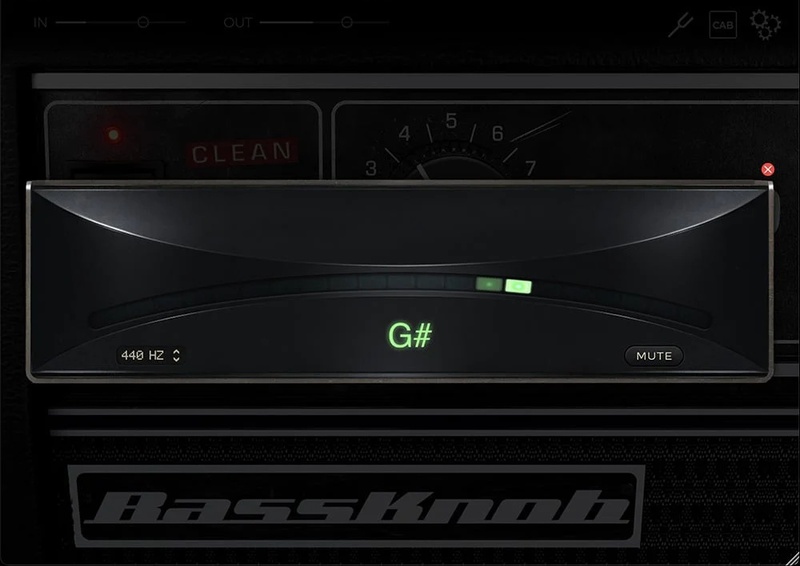
Out of tune? BassKnob STD has got your back. Pop open the tuner, get that pesky low B-string in order, and lay down that magical bassline in your head before it's gone forever.
So whether you're sitting down for a practice session, capturing a quick musical idea, or tracking and mixing your band's next banger, BassKnob STD lets you hit the ground running so you can keep your mind on the important stuff - making great music.
Audio examples by Felipe Andreoli.
System Requirements
- macOS 10.13 or newer (Intel / M1 Apple Silicon supported)
- Windows 10 or newer
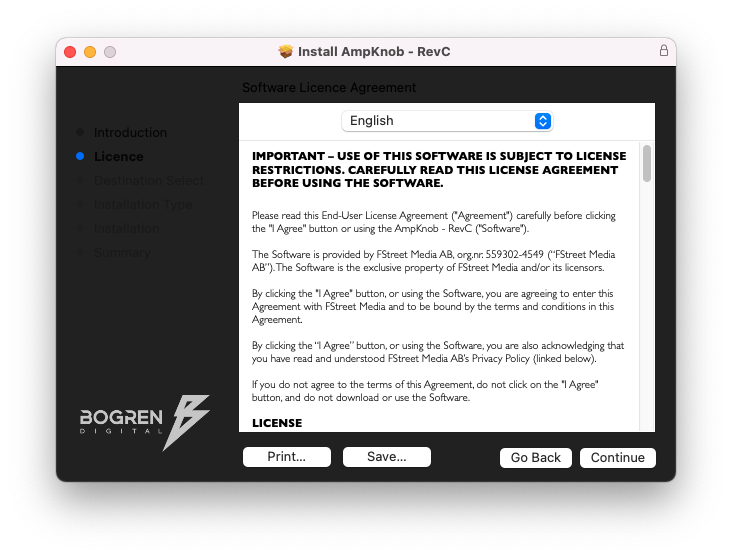
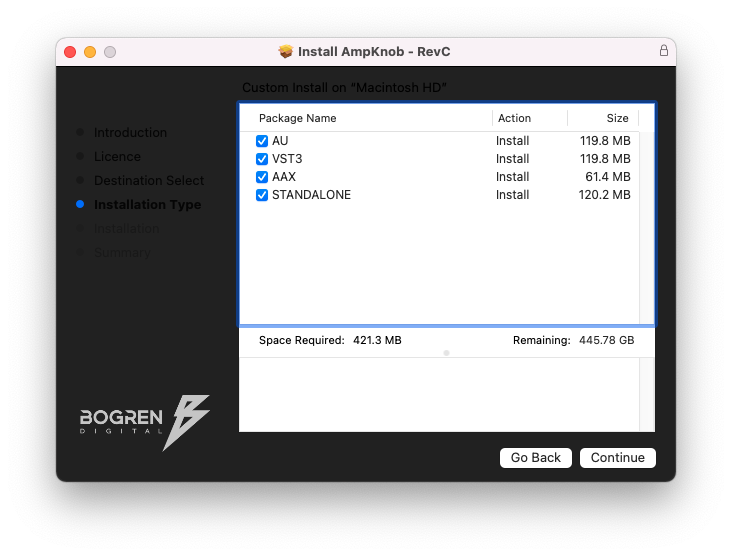
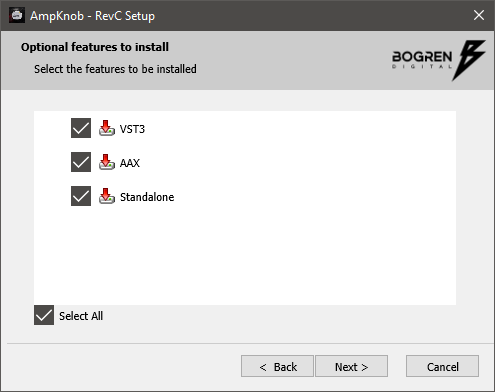
- Available in VST3, AU, AAX and Standalone formats
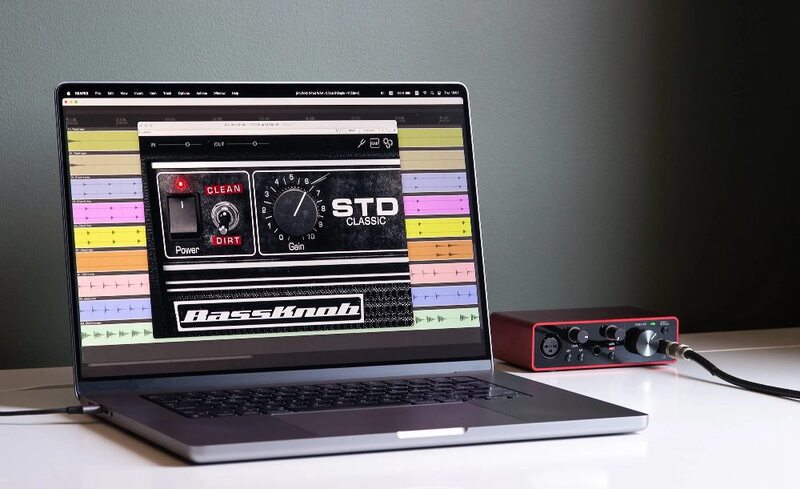
BassKnob STD works on most DAWs including Reaper, Logic, Cubase, Pro Tools, Studio One, Luna. If your DAW can load third-party plugins through VST3, Audio Units, or AAX, it will work.


Reviews Summary
While it aims to provide a helpful overview, it may not capture every perspective or detail. We encourage you to read individual reviews to make an informed decision.
Users strongly praise this bass amp plugin for its simplicity and ability to quickly dial in great tones across a wide range of applications, from pushed cleans to heavy distortion. Key highlights include fast workflow and the ability to load 3rd-party IRs, with the only noted drawback being the lack of a pitch shifter or transpose feature.


