


 Log In
.jpg)
Free gifts available with your purchase

The Ultimate Distortion Toolkit. Dynamic, Rhythmic, and Multiband.
What is DriveShaper?
From laser-focused harmonic warmth and sizzle, to massively modulated mayhem that reacts and breathes in synergy with your music, DriveShaper 2 does it all – and more. Animate any of 11 exciting waveshaping algorithms using easy, drawable LFOs and simple 1-slider Envelope Followers. Create magical distorted rhythms, targeted analogue warmth and hard-edged drive patterns.
Running inside Cableguys' ShaperBox 3 effects plugin, use DriveShaper on its own or with other Shapers — they all work in exactly the same way, stacking up to create elaborate, multilayered effects that'll make your productions stand out.
Do All This With DriveShaper
- Make 808s punch harder
- Make your treble sizzle
- Enhance drum attack
- Energise melodies
- Design monster basslines
- Distort hits in a loop
- Rhythmise pads
Diverse Distortion Styles
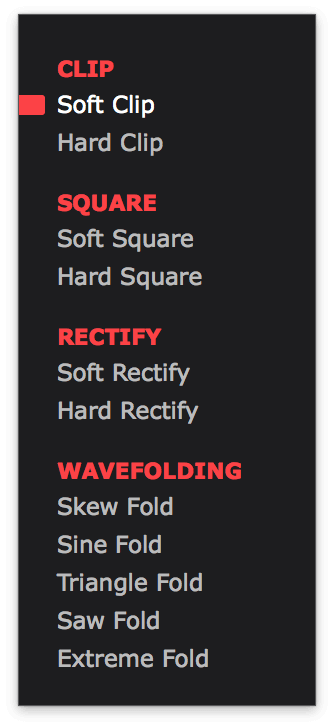
Choose from 11 diverse Styles of distortion: Soft/Hard Clip for classic analogue-style clipping. Soft/Hard Square for fizzy, distorted zero crossings. Soft/Hard Rectify for octave-up FX. Skew/Sine/Triangle/Saw/Extreme Fold for wild wavefolding transformations.
Waveforms That You Design
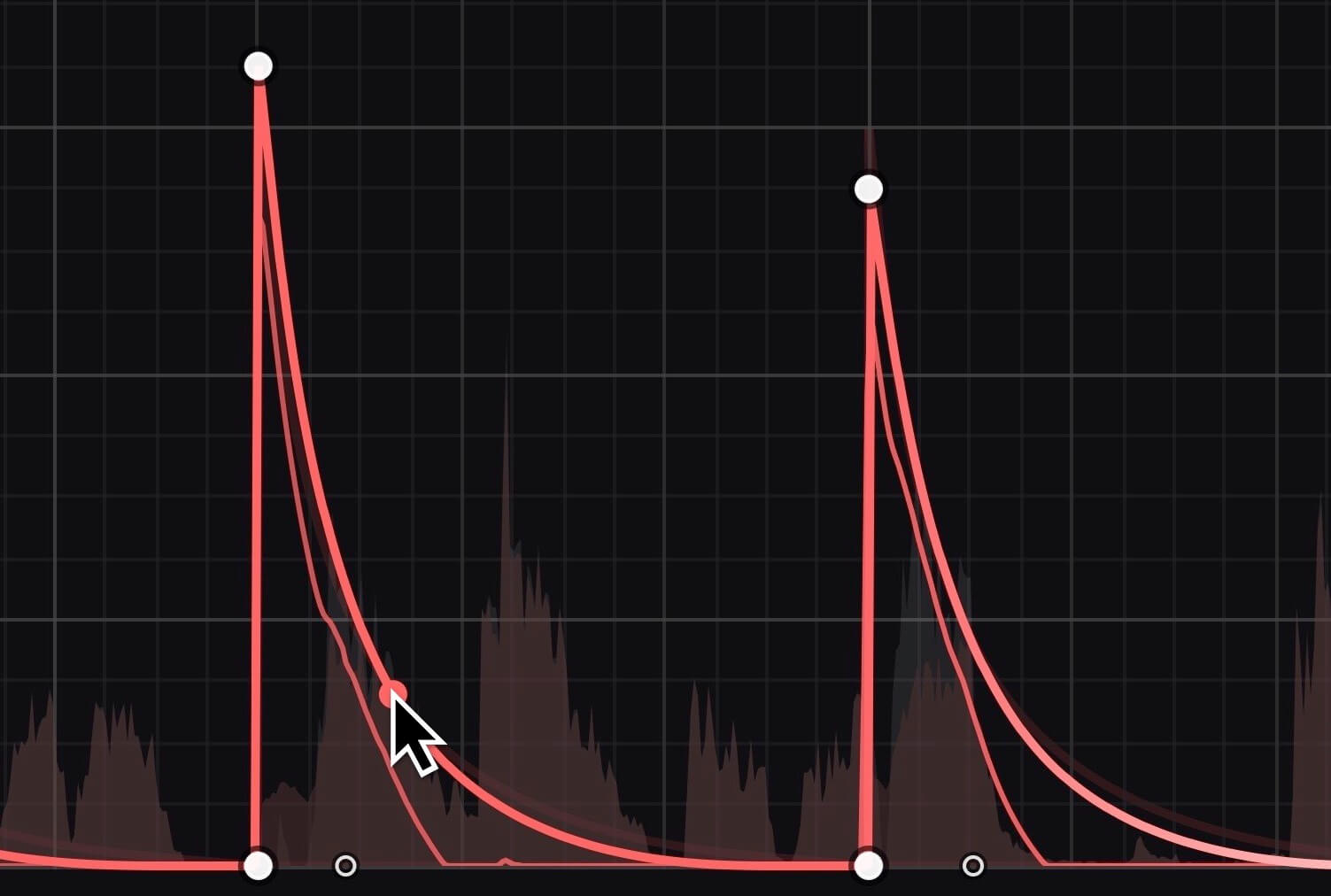
Animate distortion over time with Cabelguys' easiest ever waveform-editing tools. Create throbbing, stepped, or ramped drive patterns in seconds. Any shape you can imagine, just clicks away.
Locks To The Beat
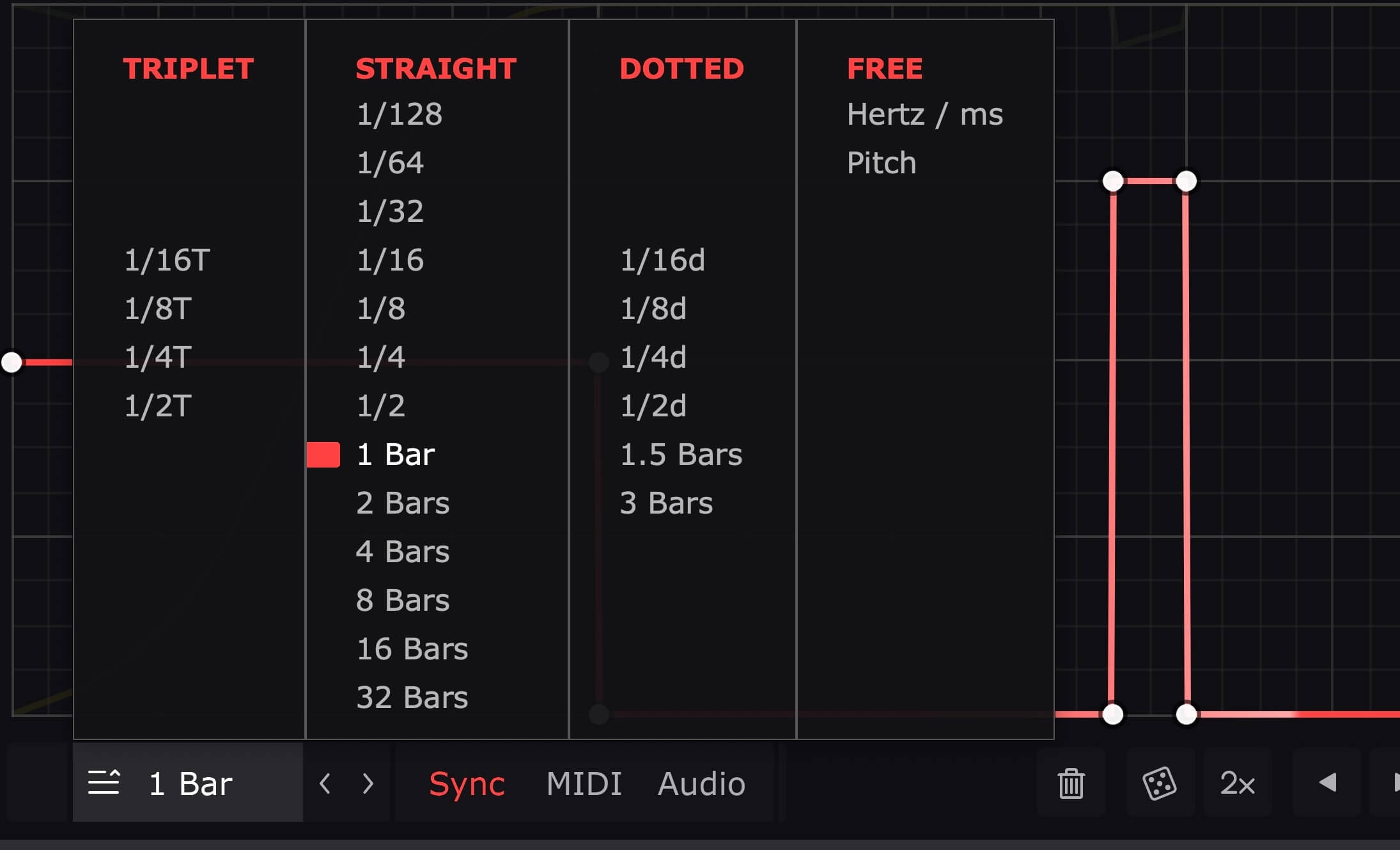
Sync your waveforms to beats and bars so they're always locked to your track. Go from 1/4-note distorted pumping to multi-bar drive patterns and beyond, all with sample accuracy.
Follows Any Rhythm
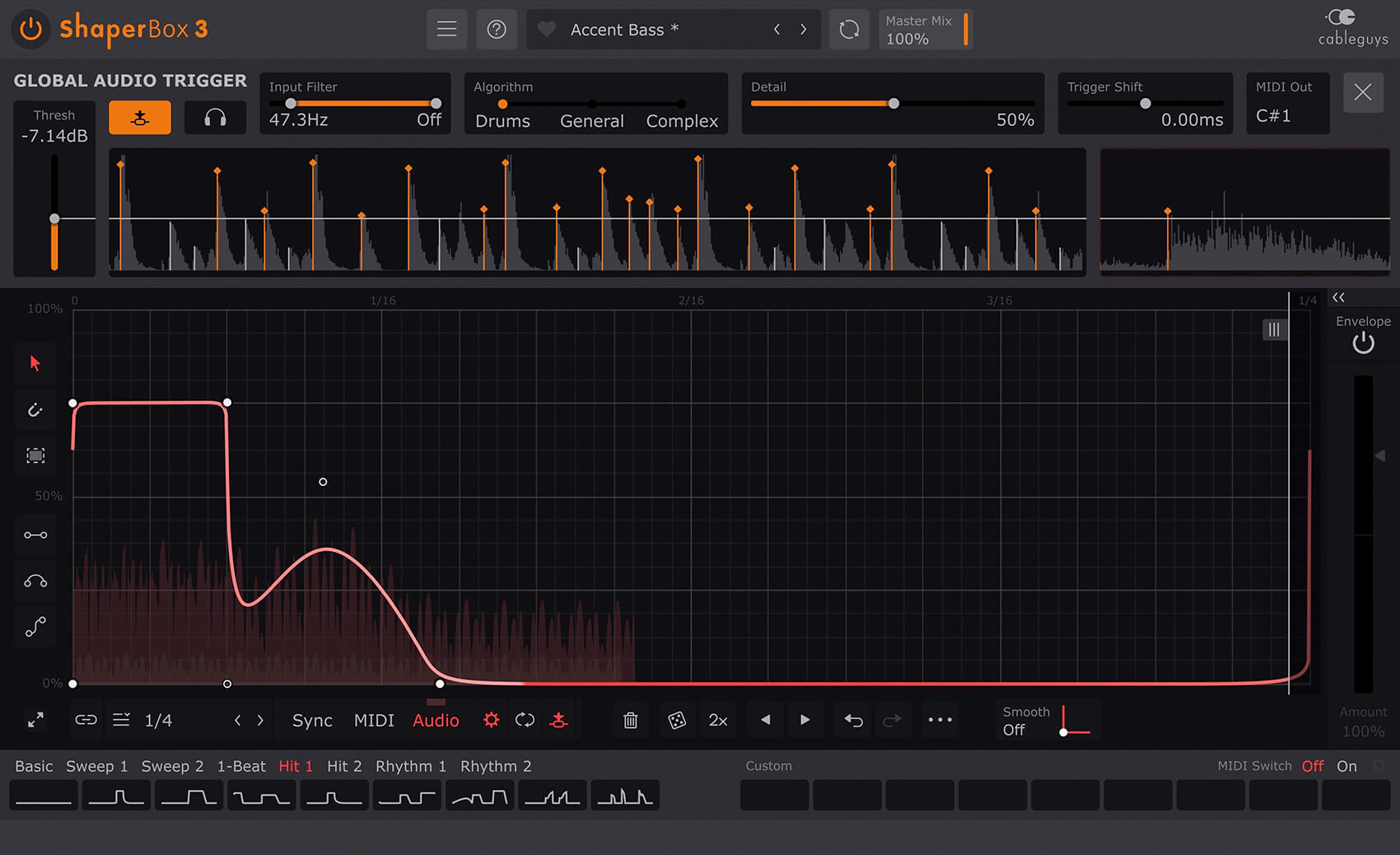
Trigger your waveforms in any pattern at all using MIDI. Or use powerful new audio triggering that resets LFOs with every transient, for precise targeting of attack and sustain on drums, loops, instruments – even full mixes.
Distortion That's Dynamic
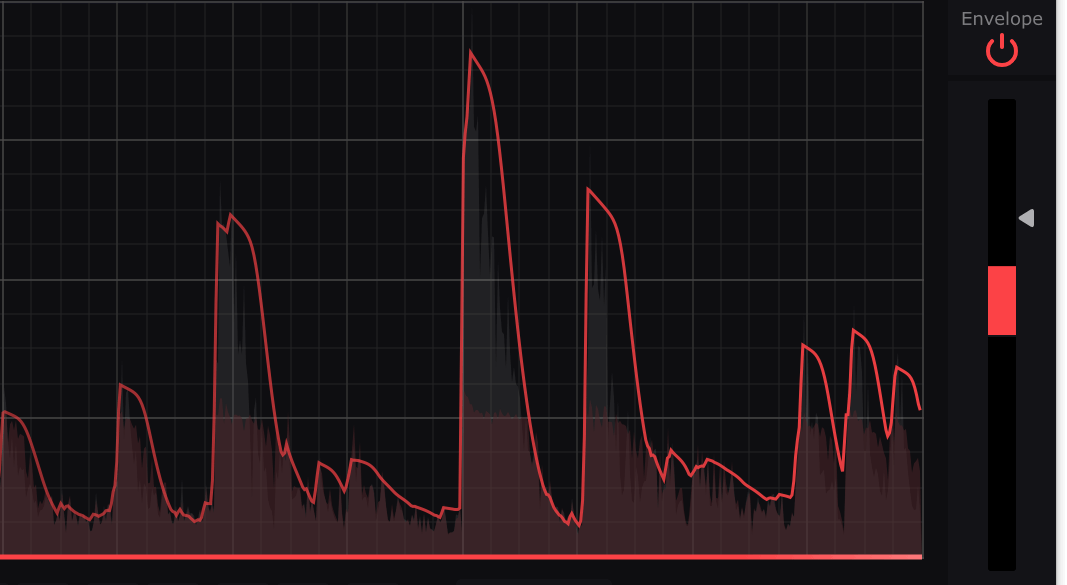
Using one easy slider, get distortion that bounces with the dynamics of beats, loops, melodies – anything. A pop-out control panel gives full access to attack/release and more.
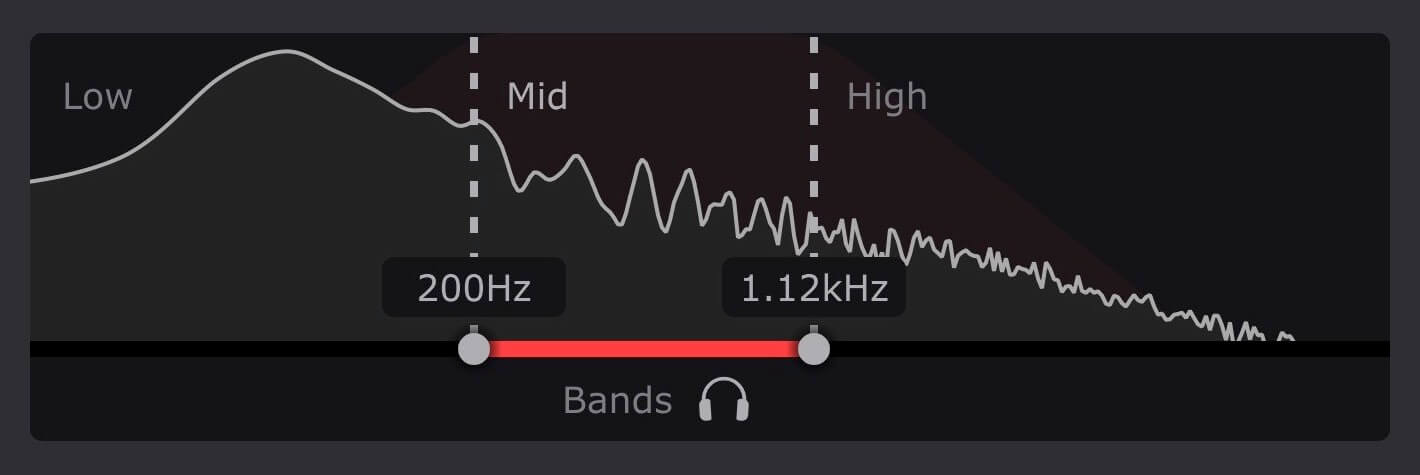
Multiband Control
Split your audio into up to three frequency bands. Enhance the bass, mids and treble with a different Style, LFO and Envelope for each. Just drag in the Bands area to set up – it's fast, easy and powerful.
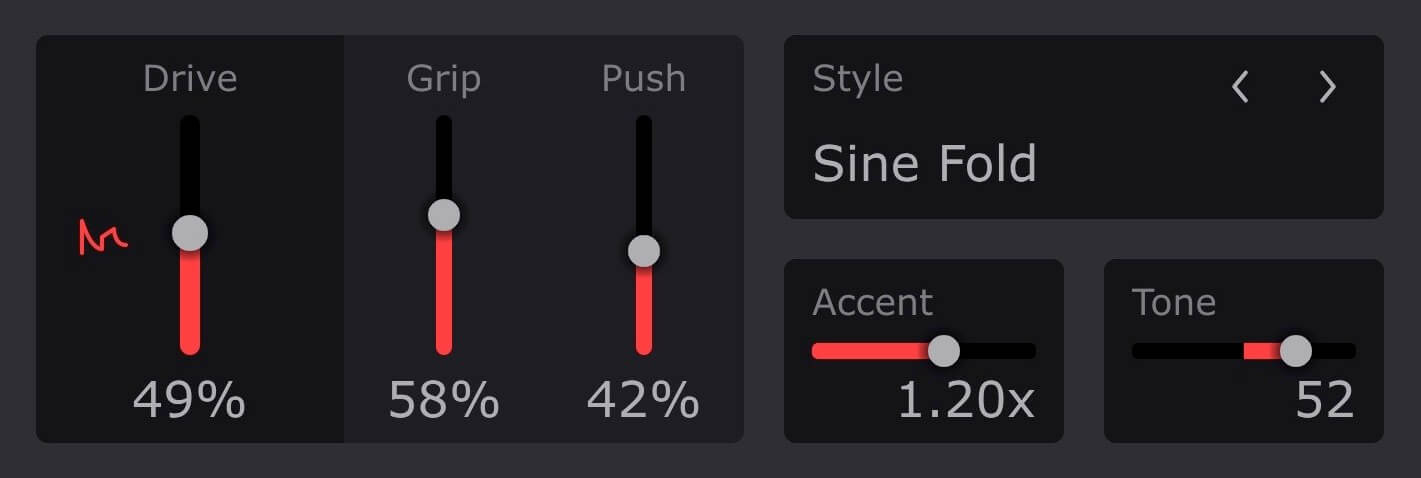
Grip. Push. Accent. Tone
Take total control with four specialised distortion parameters. Grip prevents quiet elements like reverb ambience dominating the distortion. Push generates asymmetric drive. Accent and Tone level and EQ the distorted parts only, slotting them into the mix – or making them punch even harder.
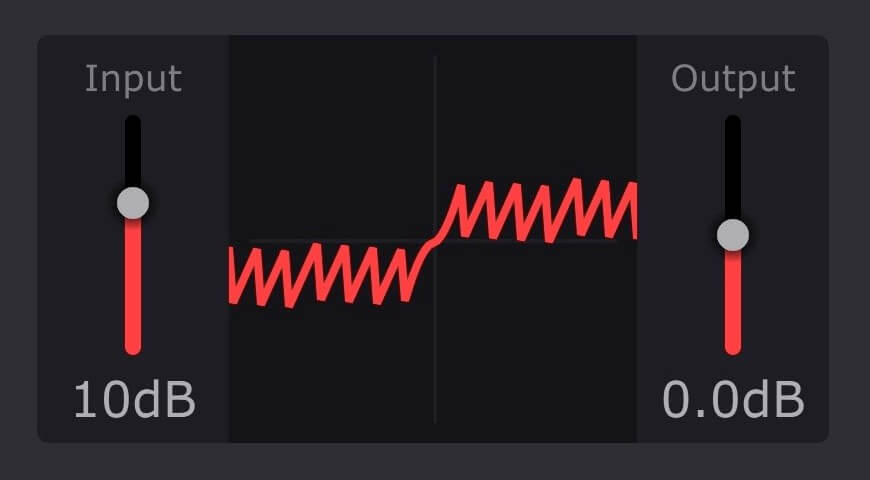
Amazing Visual Feedback
A unique animated distortion transfer curve shows precisely how your audio signals are being shaped over time, and by how much.
Features
- New! Redesigned interface with larger editing areas
- Interface resizable from 75% to 200%
- Retina/HiDPI support for crisp, clear graphics
- Built-in help — hover over any control for description
- Wave Presets covering all common uses
- 9 slots to store Custom Waves, saved with the patch
- Switch User Waves via MIDI
- Dry/wet mix for each band
- New! Master Mix with improved algorithm, for artifact-free creative blends
- New! Smoothed Bypass for click-free switching to the dry signal
- Solo bands for easy setup
- Smooth, accurate spectrum view
- Large, precise oscilloscope view with Magnitude mode and Freeze option
- Trigger Smoothing to reduce clicks when switching/triggering Waves
- Expandable LFO for detailed editing
- Set LFO loop length in beats and bars, or Hertz/ms
- LFO loop length from 1/128 to 32 bars, with sample-accurate sync
- Audio-rate modulation up to 5.24kHz for extreme sound design
- 2x/3x button — double or triple patterns with a click
- Flip/resize/move/randomize wave or selection
- Copy/paste waves between any Shapers
- Unlimited undo/redo for LFO wave edits
- Selection skewing, for easily increasing intensity over time
- Input/Output Gain controls for gainstaging and manual leveling
Mac
- Mac OS X 10.13 or later
- Intel or Apple Silicon processor
- VST 2, VST 3, AU or AAX host DAW
Windows
- Windows 7, 8, 10 or 11 (64-bit only)
- VST 2, VST 3 or AAX host DAW


