Log In

Free gifts available with your purchase
Morphing Rotor Effect
Motor is a plugin effect that uses side-chaining to combine signals in new and interesting ways: put in any two signals and they will dance around each other like courting birds drunk on fermented cherries. Use it to gentle morph between sounds or rhythmically cut them up, affecting both volume and spatial position. Add life to the plainest signals with vibrato, or destroy them in interesting ways with extreme modulation speeds.
Where Does it Come From?
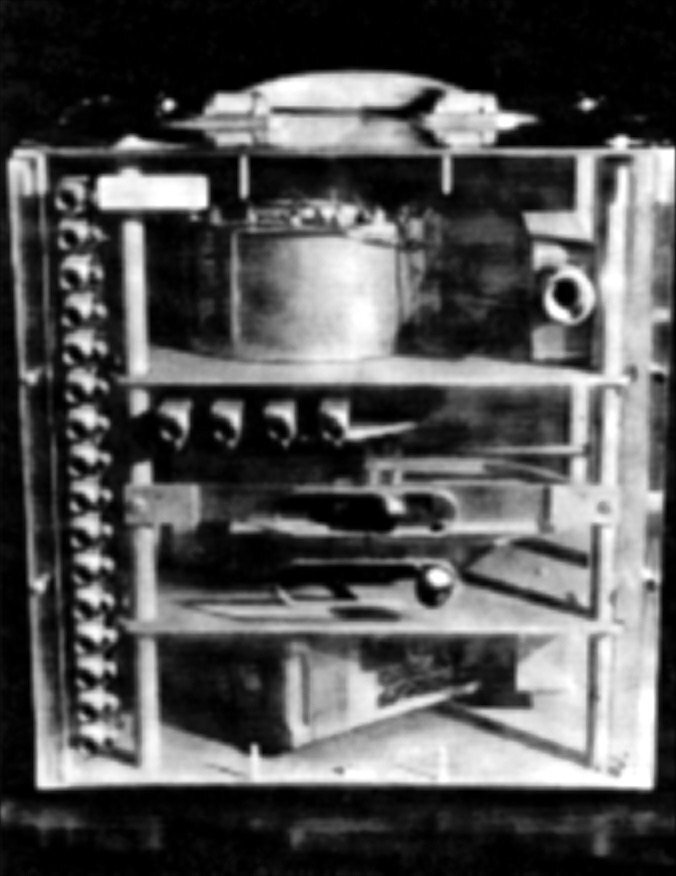
Like AudioThing's previous collaboration with Hainbach (the Soviet spy recorder turned echo, Wires), Motors takes cues from history: “The Crystal Palace” built by Dave Young for the BBC Radiophonic workshop. This one-of-a-kind tool allowed speed-dependent switching of up to sixteen audio channels. It did so in an almost steampunk fashion, by employing a big capacitor rotating on a Motor. The effects it created reached from sublime to almost granular, a major achievement at the time. You can hear it on the soundtrack to the Doctor Who episode “The Krotons” by Brian Hodgson and Delia Derbyshire.
What is New?
Things Motor focuses and expands on this peculiar tool by allowing the combination of two signals via sidechain, which makes it work easily across platforms. Switching is controlled via a variable waveshape LFO instead of the fixed physical waveform of the original. This allows for smooth morphing or aggressively chopped sounds, and worlds in between. You can even use it for audio rate modulation of signals, which results in ring-modulation-like artefacts.
To make it a truly versatile tool, AudioThing added a vibrato and a panner synced to the “motor” LFO, as well as some of AudioThing's classic analogue-like sound shaping. Together with the variable time on the motor start/stop this becomes the sound morphing rotary effect you never know you needed – until you hear it.
The Past Melts into the Present
While the original Crystal Palace might not be heard in public again, with Things Motor you get a modern take on a classic tool. Bringing avant-garde techniques of the past to a modern audience is one of Hainbach’s main interests on his channel, and AudioThing are happy to have partnered up with him on this.
Hainbach
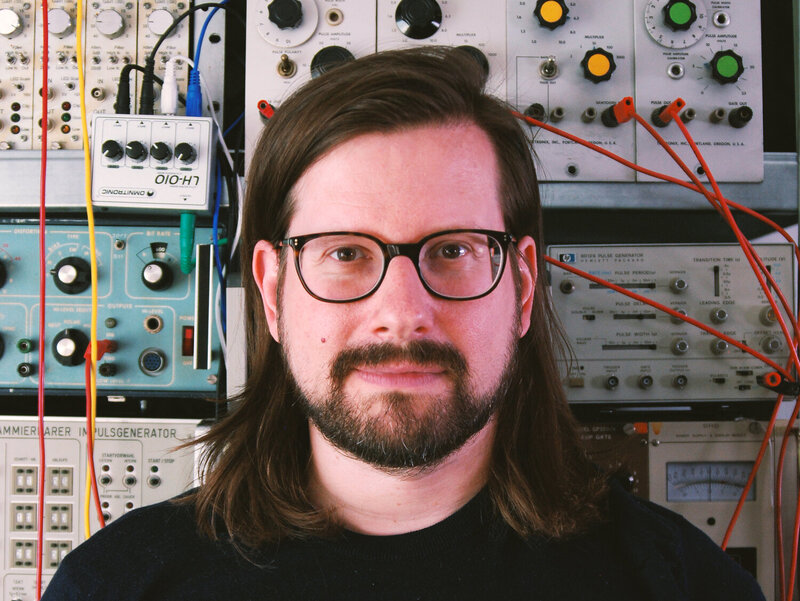
Based out of Berlin, Germany, electronic music composer and performer Hainbach creates shifting audio landscapes THE WIRE called “One hell of a trip”. He has been fascinated with electronic sounds since he discovered the dial on the radio. Never losing his childhood wonder, he still searches for the sounds in between on modular synths, tape, and test equipment, making even the unmusical “music”. Through his YouTube channel, Hainbach brings experimental music techniques to a wider audience.
Features
- Signal Chopper
- Tremolo, Vibrato, Panner
- Multi-wave LFO (Sine, Triangle, Ramp Up, Ramp Down, Square, Sine Up, Sine Down, Exp Up, Exp Down, S&H)
- LFO Start/Stop with Speed Control
- Resizable Window
System Requirements
Windows
- Windows 7-11
- 2GHz CPU, 4 GB RAM
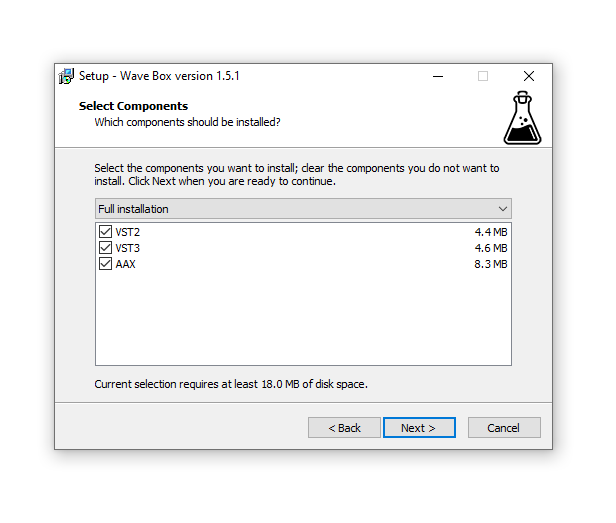
- VST2, VST3, AAX, CLAP (64-bit)
Mac
- OS X 10.9 – macOS 14
- Apple Silicon (M chips) Native (Universal 2 Binary)
- 2GHz CPU, 4 GB RAM
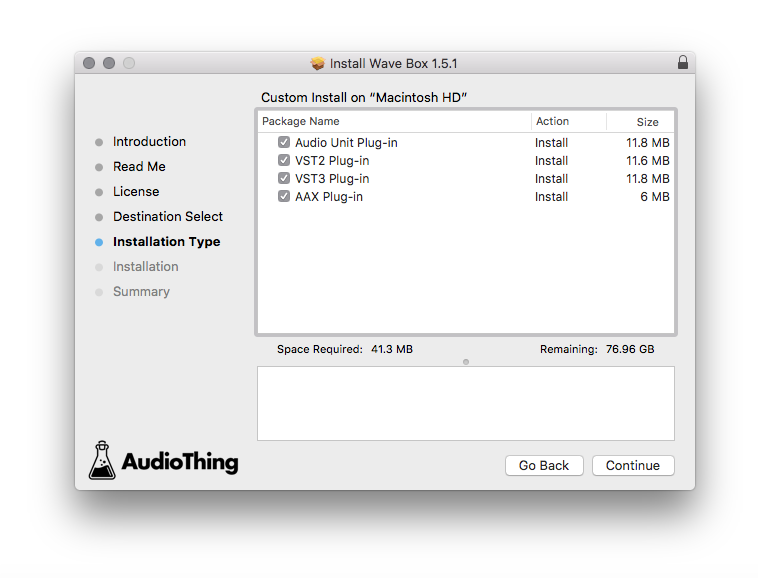
- VST2, VST3, AU, AAX, CLAP (64-bit)
- Universal 2 Binary