Important Note: This product requires an iLok account and a physical iLok USB Key. If you don't have one, you can purchase the iLok USB key here.
Mac
Serato Registration
1. Visit https://serato.com/login and enter an Email Address and Password.
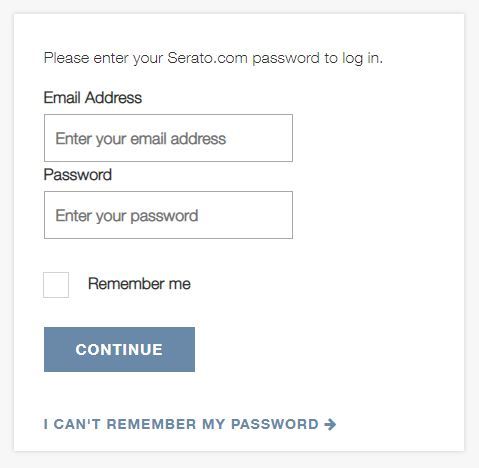
2. You will then be re-directed to a page where you can create a Serato account > Enter your chosen Password and click 'Continue'.
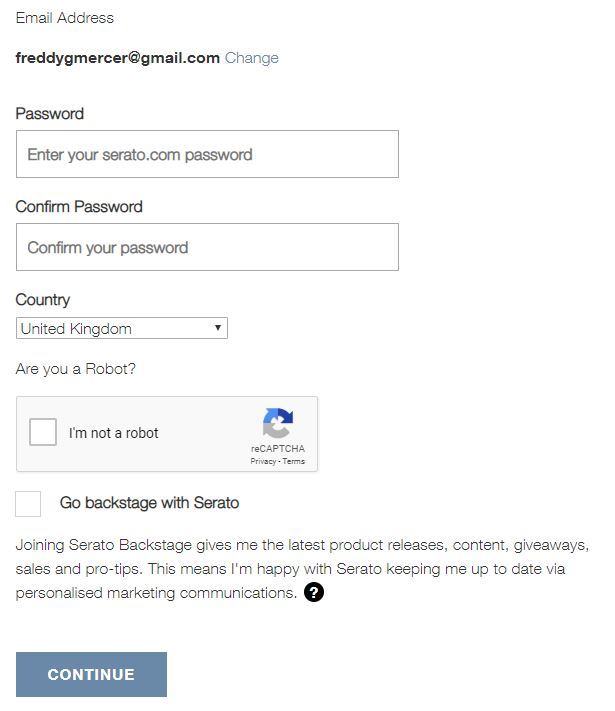
3. Check your email and click the link to verify your email address.

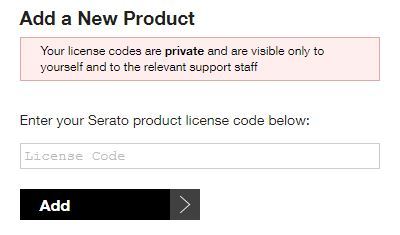
4. Go to your Serato account and click the 'Products' tab > Scroll down to the 'Add a New Product' section, enter your License Code, found in the Serial Number section of your Plugin Boutique User Account and click 'Add'.
iLok Registration
1. Go to the iLok website and create a new account if you are not currently registered and do not have the iLok Licence Manager installed on your computer.
Note: Skip to the 'Installation' procedure if you are already an iLok registered user.

2. Download and install the iLok License Manager.
Installation
1. Download the .pkg file from within your Plugin Boutique User Account and double-click it to begin the installation > Click 'Continue'.
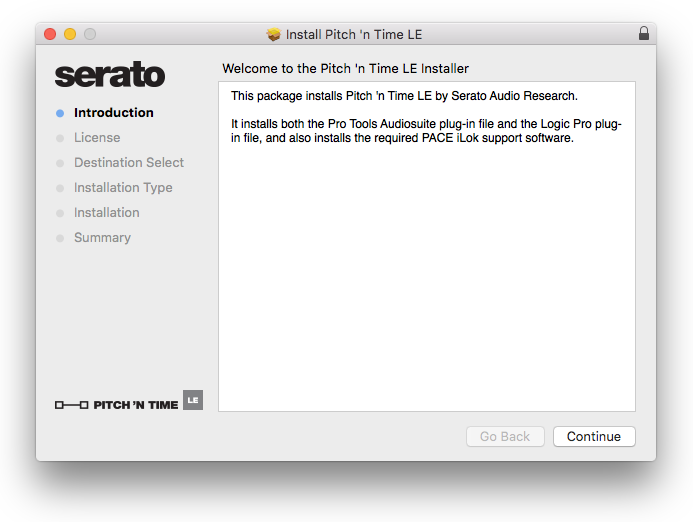
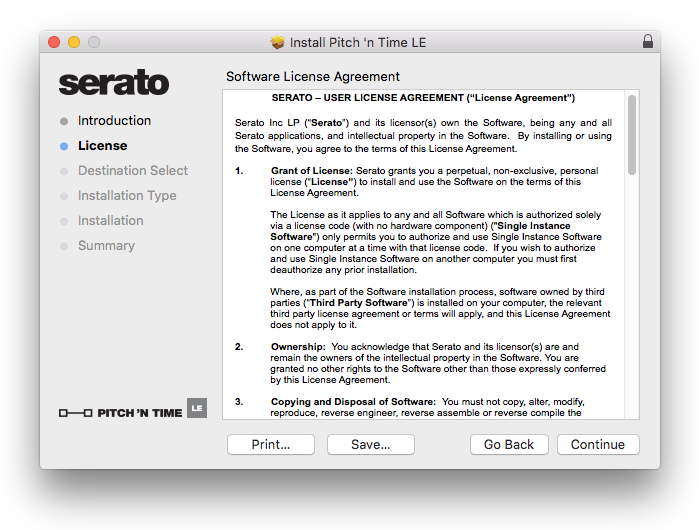
2. Click 'Continue'.
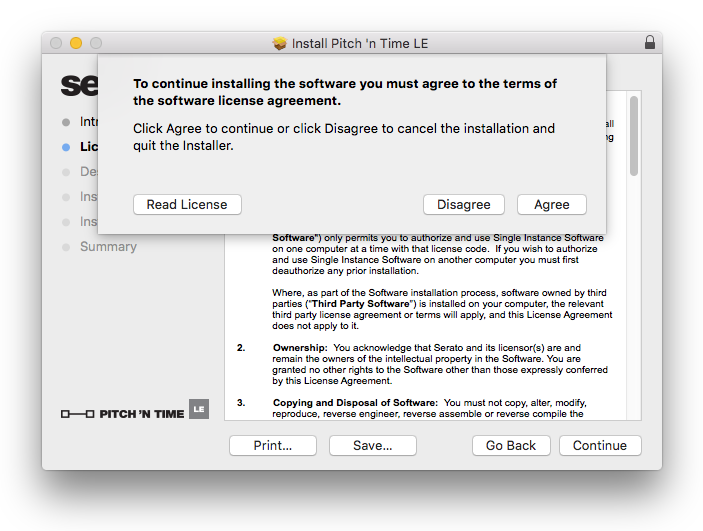
3. Click 'Agree'.
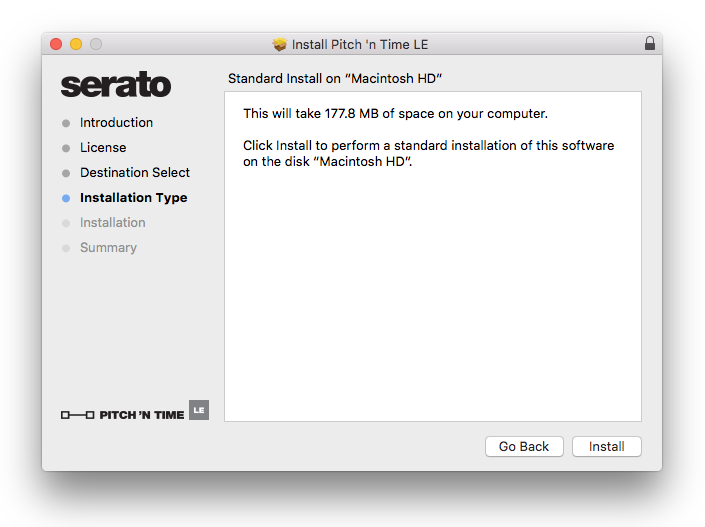
4. Click 'Install'.
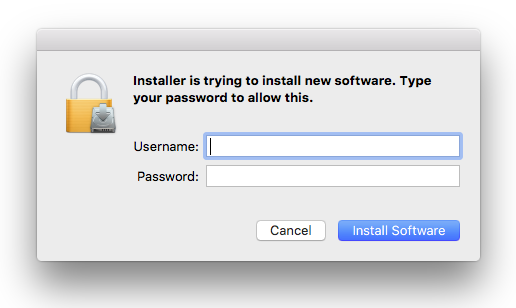
5. Enter your computer Username and Password > Click 'Install Software'.
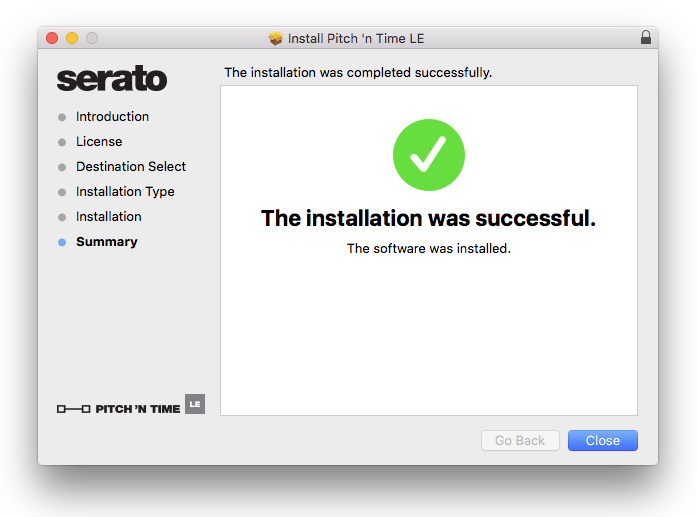
6. Click 'Close'.
Activation
1. Ensure you're signed in to Serato.com with the account you created in the 'Registration' stage of the installation process, then navigate to your products page, via the following link: https://serato.com/yourproducts
2. Scroll down to the bottom of your products page, under the Plug-in Products category, then click Show Serial Numbers and Licenses, then enter your Serato.com account password, and click 'Submit'.
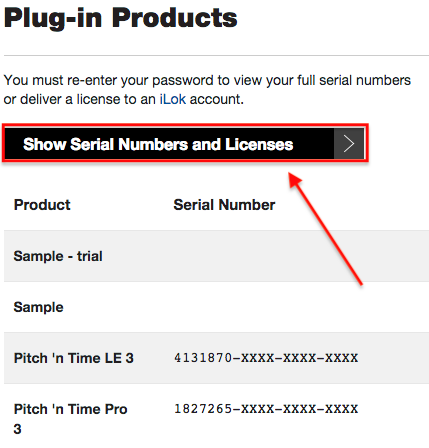
3. Next to your Pitch 'n Time product, you'll now see a field and a 'Generate Activation Link' button. Enter your iLok user ID here, and click the button to confirm.

4. After doing this, the product listing will change to a dark blue colour, and you'll need to click 'iLok Activation Link'.

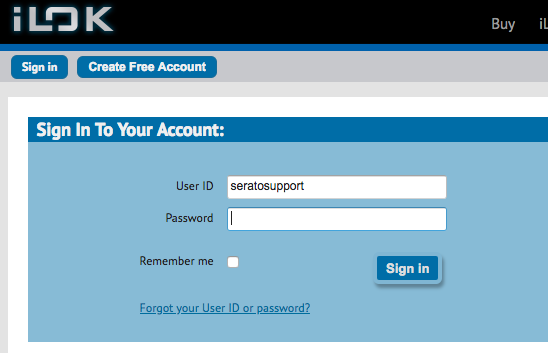
5. You'll now be redirected to iLok.com, where you'll need to sign-in with your previously nominated iLok user ID.
6. Carefully check your iLok user ID details, and then choose 'Redeem' as per the following image.
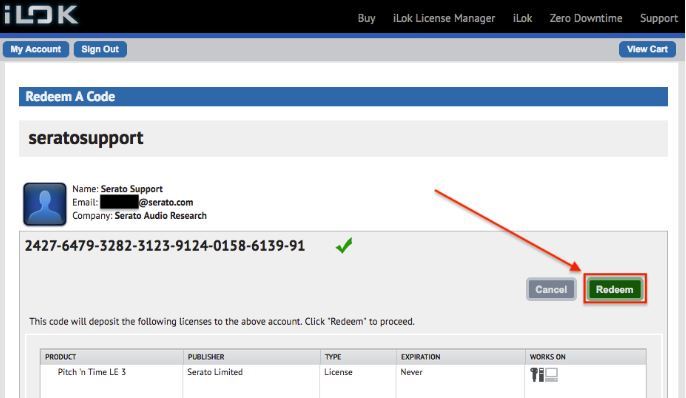
7. Ensure the license was successfully redeemed as per the confirmation screen, then launch the iLok license manager (if not already installed - click the following link to download it: https://www.ilok.com/#!license-manager then connect the iLok you wish to authenticate your Pitch 'n Time product with, and sign-in with the same iLok user ID as previously nominated.
At this point you can click the Available licenses tab, then click and drag your Pitch 'n Time product onto the iLok in the left-hand panel of iLok license manager.
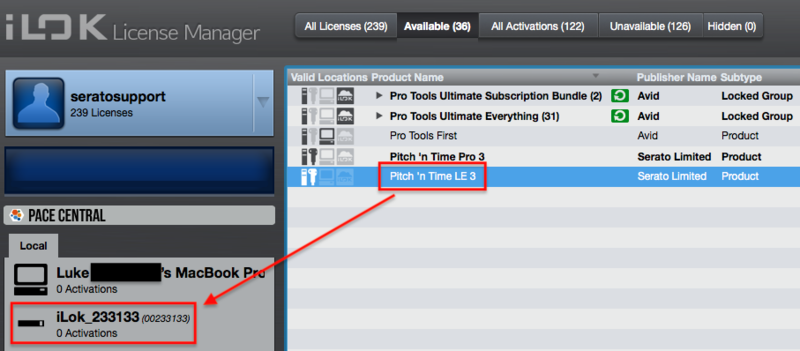
8. Confirm you wish to activate the license on the chosen iLok, then close iLok license manager.
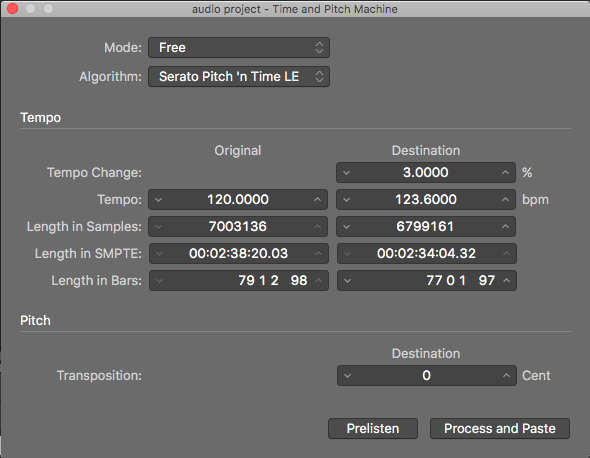
Your software is now activated and ready to use.
Windows
Serato Registration
1. Visit https://serato.com/login and enter an Email Address and Password.
2. You will then be re-directed to a page where you can create a Serato account > Enter your chosen Password and click 'Continue'.
3. Check your email and click the link to verify your email address.
4. Go to your Serato account and click the 'Products' tab > Scroll down to the 'Add a New Product' section, enter your License Code, found in the Serial Number section of your Plugin Boutique User Account and click 'Add'.
iLok Registration
1. Go to the iLok website and create a new account if you are not currently registered and do not have the iLok Licence Manager installed on your computer.
Note: Skip to the 'Installation' procedure if you are already an iLok registered user.
2. Download and install the iLok License Manager.
Installation
1. Download the .zip file from within your Plugin Boutique User Account and double-click it to extract the contents > Double-click the .exe file to begin the installation.
2. Select 'I agree to the license terms and conditions' > Click 'Install'.
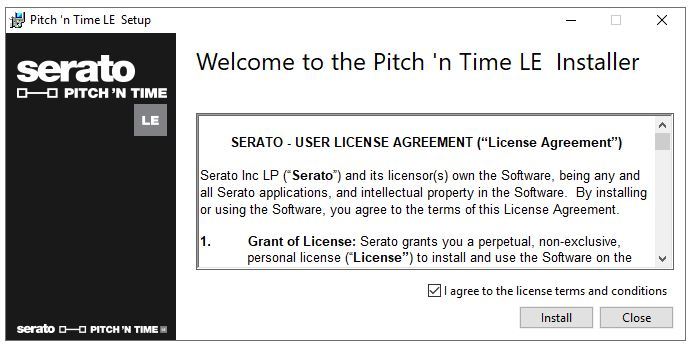
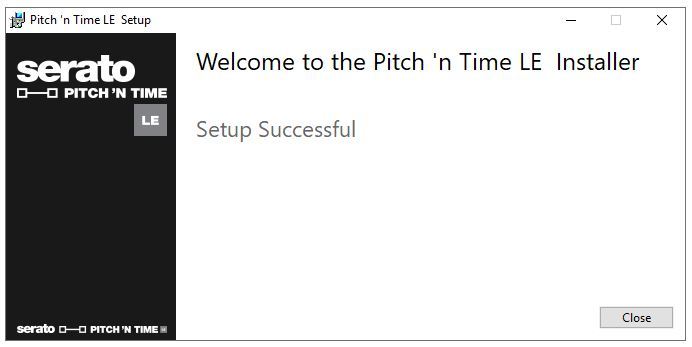
3. Click 'Close'.
Activation
1. Ensure you're signed in to Serato.com with the account you created in the 'Registration' stage of the installation process, then navigate to your products page, via the following link: https://serato.com/yourproducts
2. Scroll down to the bottom of your products page, under the Plug-in Products category, then click Show Serial Numbers and Licenses, then enter your Serato.com account password, and click 'Submit'.
3. Next to your Pitch 'n Time product, you'll now see a field and a 'Generate Activation Link' button. Enter your iLok user ID here, and click the button to confirm.
4. After doing this, the product listing will change to a dark blue colour, and you'll need to click 'iLok Activation Link'.
5. You'll now be redirected to iLok.com, where you'll need to sign-in with your previously nominated iLok user ID.
6. Carefully check your iLok user ID details, and then choose 'Redeem' as per the following image.
7. Ensure the license was successfully redeemed as per the confirmation screen, then launch the iLok license manager (if not already installed - click the following link to download it: https://www.ilok.com/#!license-manager then connect the iLok you wish to authenticate your Pitch 'n Time product with, and sign-in with the same iLok user ID as previously nominated.
At this point you can click the Available licenses tab, then click and drag your Pitch 'n Time product onto the iLok in the left-hand panel of iLok license manager.
8. Confirm you wish to activate the license on the chosen iLok, then close iLok license manager.
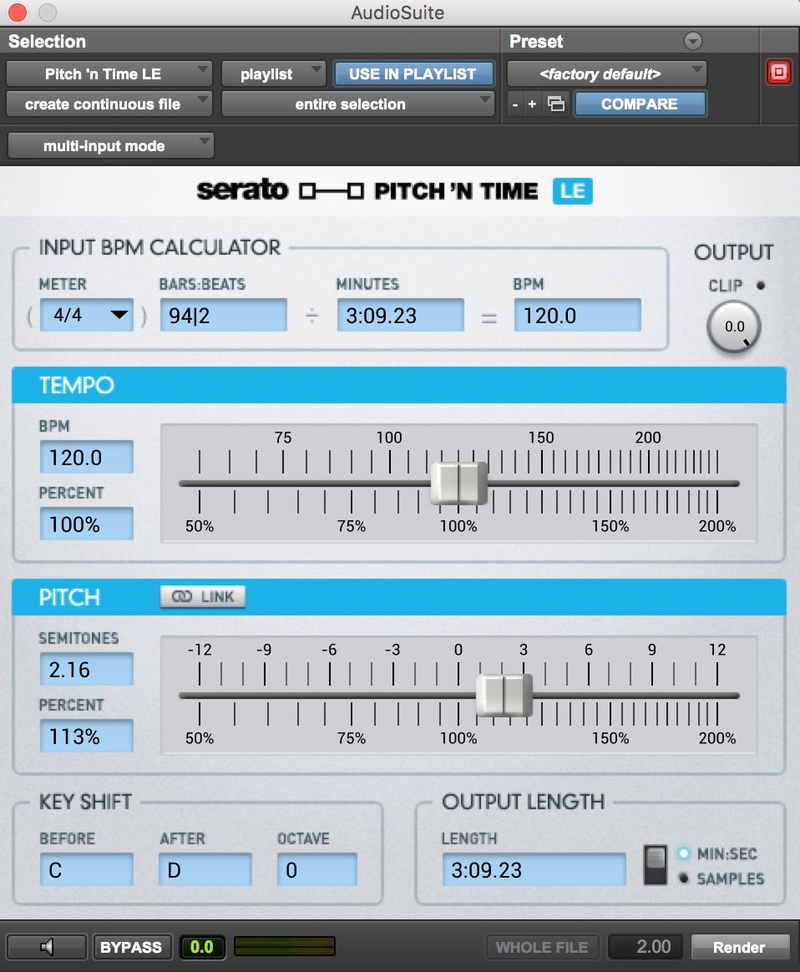
Your software is now activated and ready to use.


 Log In


