


 Log In

Free gifts available with your purchase
Extreme Pitch Shifting
Underneath Pitch Monster’s streamlined exterior lurks an absolute beast, capable of 64 voices of sound-warping insanity. Transform a solo vocal into a beautiful choir or robotic melody; turn a mono synth into an orchestra, or your own familiar speaking voice into the rumbling vibrations of Thor, God of Thunder.
With its granular, formant and robo-tastic vocoder engines, Pitch Monster goes far beyond ordinary pitch shifting. Realtime MIDI control, low latency and 8-voice polyphony mean that it can be played like an instrument. Pitch and time spread and randomisation functions turn ordinary sounds into the fantastical, whilst extreme formant shifting can not only alter the gender of a voice but mutate it into an entirely different species!
Just don’t turn the knobs too far. You don’t want to get it over-excited.
Chord Mode
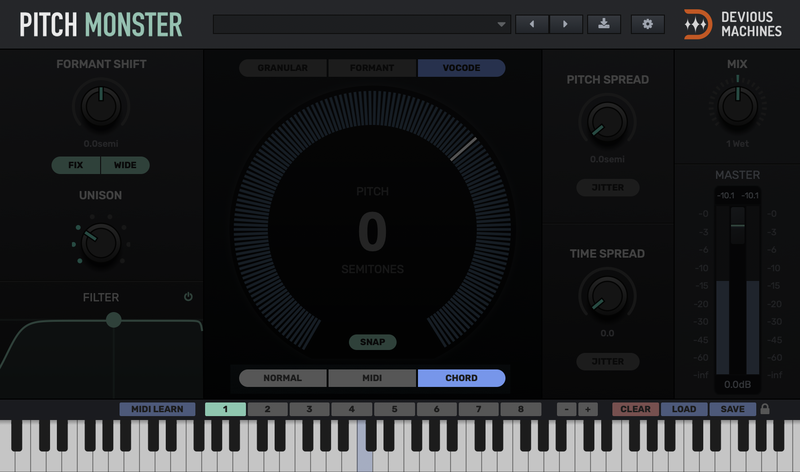
Chord mode lets you select up to eight notes on the on-screen keyboard to form a chord. This mode can be used to harmonize or add higher or lower energy to a sound. With eight chord memory slots, you can save and recall chords for live performance.
Build chords for your track in MIDI learn mode, or copy and paste chords between slots and edit them. You can even copy chords to other instances of the plugin.
MIDI Mode
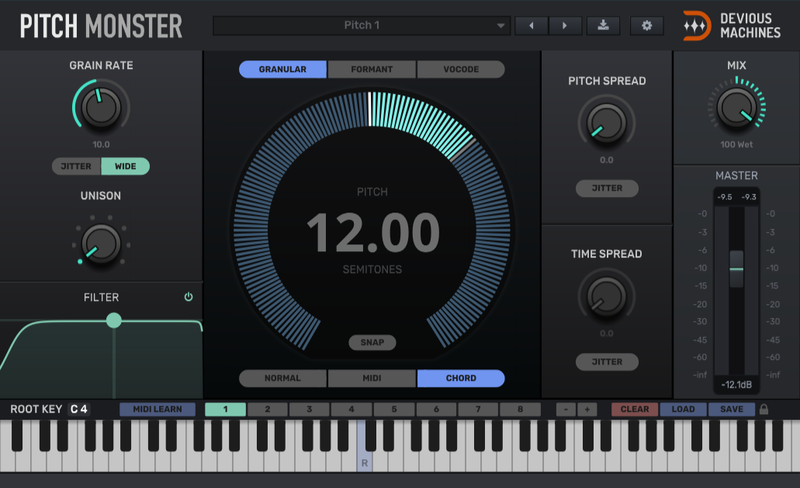
As well as Normal mode, with its pitch wheel control over the sound’s shift, Pitch Monster can operate using MIDI or Chord mode.
Route MIDI to Pitch Monster, and control the amount of shift applied from your DAW or MIDI keyboard. With MIDI note, glide and pitch bend support you can get musical results quickly – imposing new melodies and harmonies on existing material. In MIDI mode, audio-only plays when a note is pressed.
Formant Mode
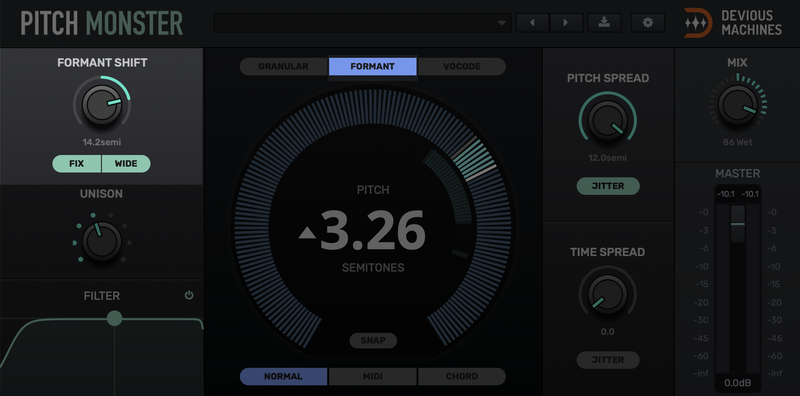
Formant mode is tailored for vocals but also works with other clean monophonic audio.
If you think of the voice as a series of pulses from your vocal cords through the resonating chambers of your neck and head then this mode lets you control the speed of the pulses and the size of your neck and head independently.
Unison, Jitter and Spread
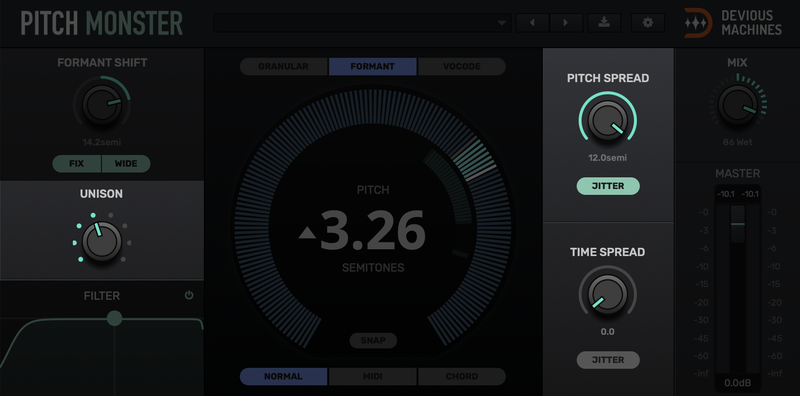
Pitch Monster can create 8 voices in unison (or 64 total voices in MIDI or chord mode) and spread them in time, pitch or both. Use these controls to create wide, thick or diffuse textures.
Features
- Harmonise with up to 8 voices of polyphony
- Huge 6-octave range
- Dial-in 8 voices of unison for a 64 voice stack
- Granular, formant-shifting and vocoder engines
- Realtime MIDI control
- Programmable chord memories, with hundreds of presets
- Dual high + low pass filters for fine tonal control
- Wide mode for BIG stereo effects
- Responsive, low-latency DSP engine
System Requirements
Mac
- OSX 10.9 or later (Intel / M1 Apple Silicon supported) (64-bit only)
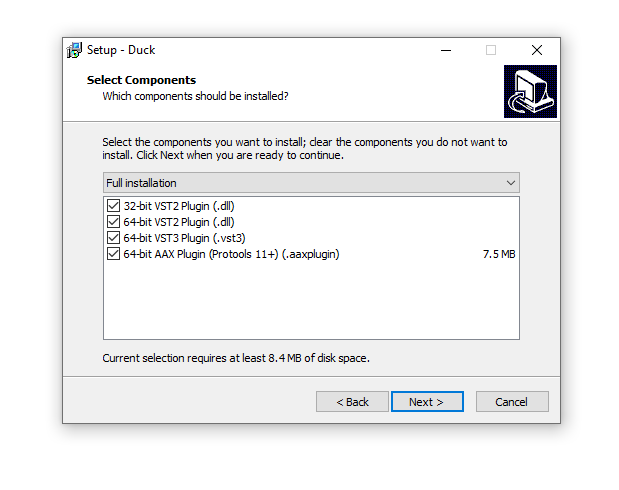
- VST, AU, AAX
PC
- Windows 10 or later (64-bit)
- VST, AAX
Beat Magazine
"Pitch Monster not only cuts a fine figure when it comes to vocals: Exciting sonic results can also be achieved with monophonic instrument recordings or synth sounds."
Reviews Summary
While it aims to provide a helpful overview, it may not capture every perspective or detail. We encourage you to read individual reviews to make an informed decision.
Users generally praise the product for its impressive sound quality and versatile effects, noting it is great for creating wild sounds and formant shifting. However, some find it less effective for standard pitch shifting and mention that it is a bit expensive.


