Log In

Free gifts available with your purchase

The Shifting Nightmare
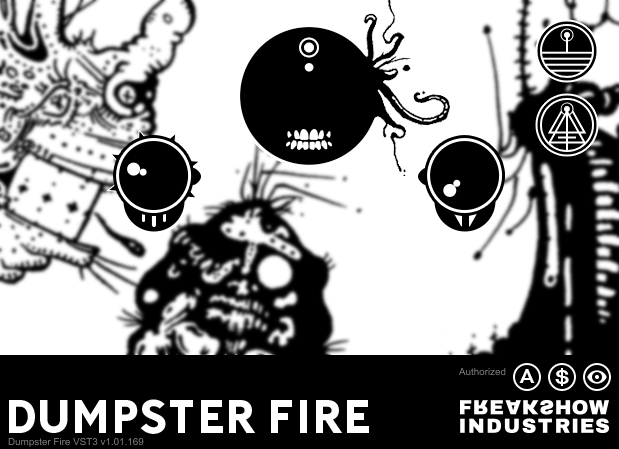
DUMPSTER FIRE is what its name sounds like, a preventable tragedy of arbitrary pitch rotation. Featuring the latest in anti-utility advancements, it is not meaningful or intuitive. This information will not help you.
Strike the eldritch match of transformation with Freakshow Industries, DUMPSTER FIRE.
Sometimes a track takes that dark turn. Every path leads ever deeper into desperation. Nothing is working, perhaps the well is dry. Delete it all. Salt the earth. Anything but this.
Never far away is the thirst for cleansing fire. Undo has become a parasitic companion. Defeat is calling like a moth to the candle flame. Endure this manic force in resolute defiance. Strike the eldritch match of transformation.
APPLY DIRECTLY TO THE GARBAGE
- Artisanal DSP - Cursed math powered by exotic research chemicals. It probably sounds okay.
- Ultimate Versatility - Five sad knobs neurotically tuned to ruin your sanity. Lose yourself in the literally tens of combinations.
- Big Marketing - Sigils, incantations, and illusions set upon you as a storm of manipulation and sabotage.
- Anti-Utility - The first person to find a practical use for this thing gets a free cookie from the no one cares jar.
- Super Haunted - This s*** is haunted. Every bit. Every pixel. Super f****** haunted.
- Relative Value - Almost anything can be free, with the right amount of #moralflexibility.
Features
This sentence could say literally anything and it wouldn't matter or be completely true. Here is a list to please the hungry:
- Rotate the pitches. Hear them spill to all the wrong places. Pretend to understand the method and outcome
- Set an unreasonable and arbitrary number of bands in the least helpful way possible
- Use Aether to generate unspeakable hellscapes with discrete control of amount, pitch spread and time spread
- Understand none of this, it doesn't matter.
- Please stop reading.
System Requirements
Mac
- macOS 10.11 or later (Intel / M1 Apple Silicon supported) (64-bit only)
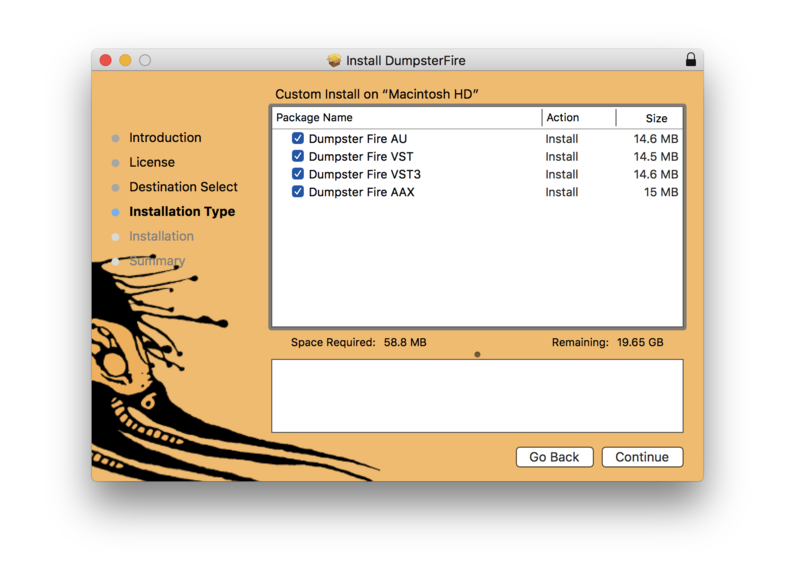
- AAX, AU, VST, VST 3
Windows
- Windows 10 or later (64-bit only)
- AAX, VST, VST 3
DAW Compatibility:
- Pro Tools 11+
- Logic Pro X
- Ableton Live 9+
- Cubase 9+
- Studio One 3+
- Reaper 5+
- FL Studio 12+
*Even if you are using a DAW that isn't listed here it is possible that Freakshow Industries plugins will work for you.
Important Note: DUMPSTER FIRE is 64-bit only and will not function on 32-bit systems.