


 Log In

Free gifts available with your purchase

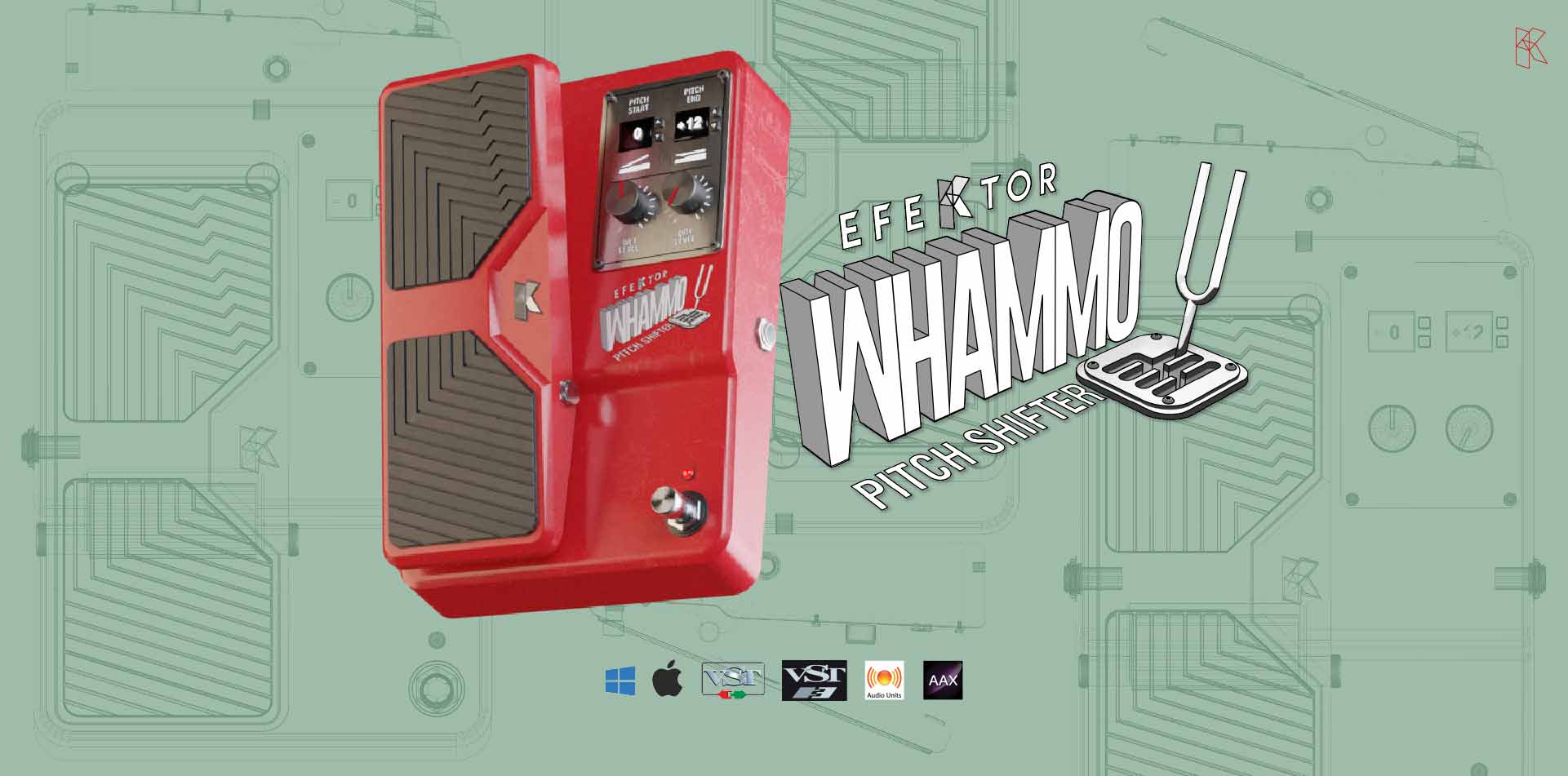
High precision, pitch shifter/bender effect
Experience a pitch-sweeping effect unit that revolutionized music. Divebomb from rumbling lows to squealing highs and control via MIDI.
Over the years, guitarists have searched, tried, and been let down by pitch-shifting/bending effect pedals on the market: crackles, artifacts, grainy-stepped, uneven pitch shifts, and reduced attacks are a common encounter in search of a pitch-shifter/bender plug-in.
As a result of years of development, Efektor Whammo has smooth pitch-shifting and pitch-bending action in either direction, while also maintaining crisp attacks with every pick. The unit can also be controlled via MIDI. When paired, this is the ultimate fun for any guitarist who needs a simple, convenient way to manipulate pitch using their software counterparts.
What about chords? Using pitch-shifted or pitch-bent chords gives a similar result to the "chord mode" from the latest hardware pedal effects. A minor or diminished chord may "flutter" in a musical and somewhat desirable way. The chord flutters in Radiohead's "Iron Lung" are a great example.
Features
- NEW! Resizable window
- NEW! Updated interface for Efektor series
- Straightforward single screen interface. No hidden functionality.
- Assignable to MIDI devices. A MIDI foot controller is highly recommended.
- Wide range of pitch bending, from -3 octave to +2 octave
- Unlock Whammo module in Amplifikation 360
System Requirements
Mac
- Mac OSX 10.11 or later (64 bit)
- Core2 Duo, or better (latest Intel i3 recommended)
- 4GB minimum RAM
- Native Apple M1 Compatible
- VST, VST3, or Audio Units compatible host/DAW
- Pro Tools 11 or later for AAX format
Windows
- Windows 7 or Later (64 bit)
- Core2 Duo, or AMD Phenom ii X4 or better (latest Intel i3, AMD A4, or better is recommended)
- 4GB minimum RAM
- VST or VST3 compatible host/DAW
- Pro Tools 11 or later for AAX format
Note: This product is a plugin and a VST/VST3/AU/AAX compatible host/sequencer is required to run this software.

















