Log In

Free gifts available with your purchase

A new way to add depth, dimension and clarity to your mix
Instantly Add Impact, Punch & Definition To Any Mix
Reviver's adaptive processing automatically distinguishes between transient and sustained layers. This means you can add extra warmth, punch, definition and clarity to your transients, while leaving the sustained material in your mix completely intact.
It's Not EQ It's Not Compression
Reviver's flat summing multiband splitter efficiently splits the frequency spectrum into Low, Mid, and High bands. Each band is treated independently with finely calibrated detection circuits and processes that are perfectly designed for their frequency range.
Energy & Punch For Your Transients
The Low Module reinforces the punch, power and impact of the low end.
The Mid Module enhances the depth and presence of the mid range.
The High Module improves the clarity and definition of the high end.
Harmonies For Added Warmth
Reviver's optional harmonic processing includes three different even saturation algorithms to add presence and warmth to any sound material. This harmonic saturation is designed to enhance the tonal quality of the source material without introducing unwanted distortion or noise.
Choose Your Aesthetic
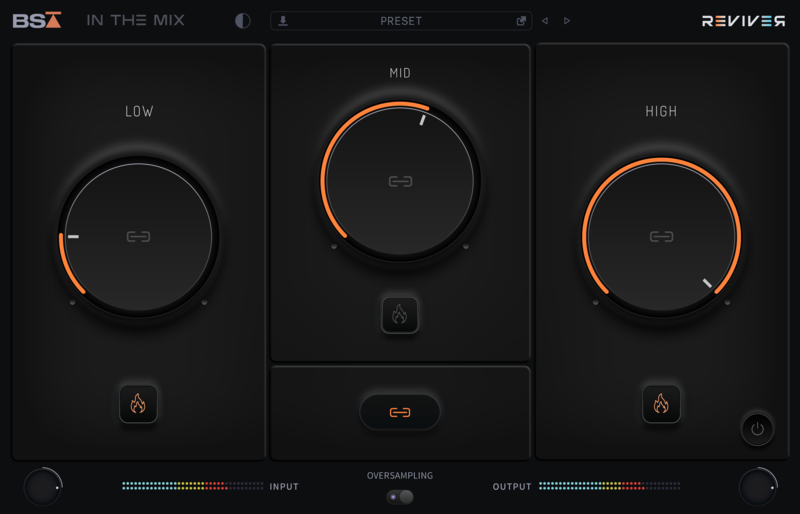

By providing both light and dark modes, Reviver caters to your preference and environment. Ultimately, Black Salt Audio want to give you the most versatile and convenient user experience possible.
Produced in proud collaboration with Michael Wynne, the brains behind the extremely successful YouTube channel; In The Mix.
Over the years, Michael has forged a spot in the audio world with his calm demeanor and deep understanding of audio production.
BSA and Michael have come together to combine our 20+ years of knowledge and expertise in the industry to bring you a must-have sound enhancement tool for all mixing and mastering engineers.
Features
- Crystal clear and completely flat summing multi-band splitter that efficiently splits the frequency spectrum into Low, Mid, and High bands.
- Finely calibrated detection circuits and processes that are perfectly designed for their frequency range.
- The Low band module provides punch and thump to drums and bass, while maintaining the source material's integrity.
- The Mid and High-Frequency modules contains two dynamic, variable transient shaper algorithms. These introduce attack, punch, and tightness without losing the original character of the sound.
- Three different even saturation algorithms to add presence and warmth to any sound material.
- Oversampling can be engaged to limit aliasing and maintain the integrity of the original signal.
- Both a Light and Dark mode
System Requirements
- Mac OS X 10.11 or higher
- 64 bit compatible
- Windows 10
- At least 200 MB of free drive space
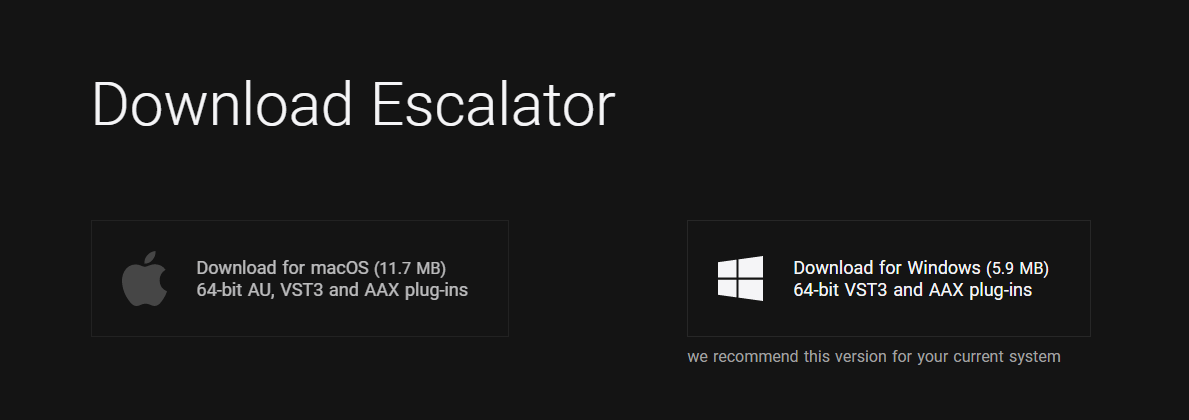
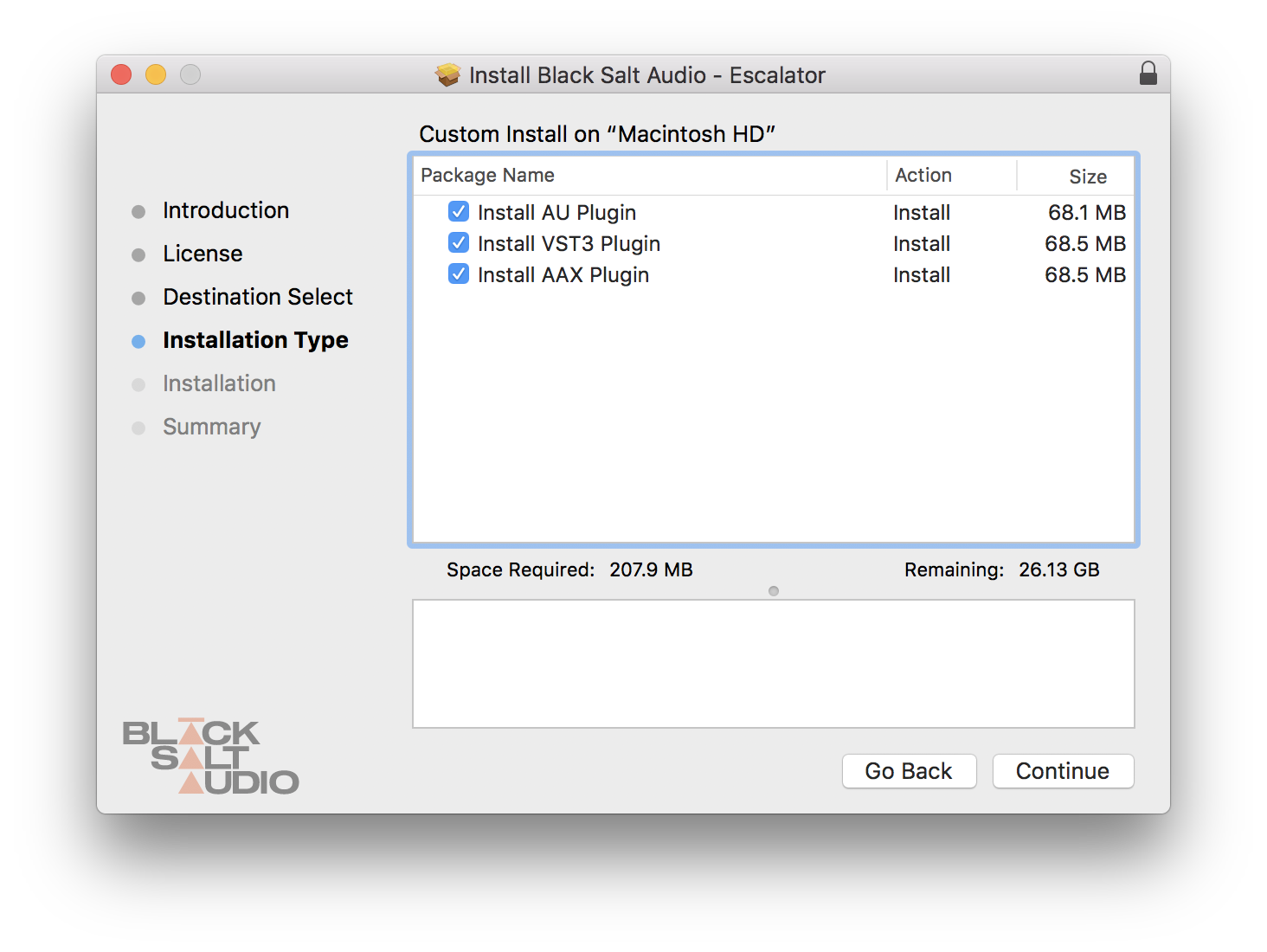
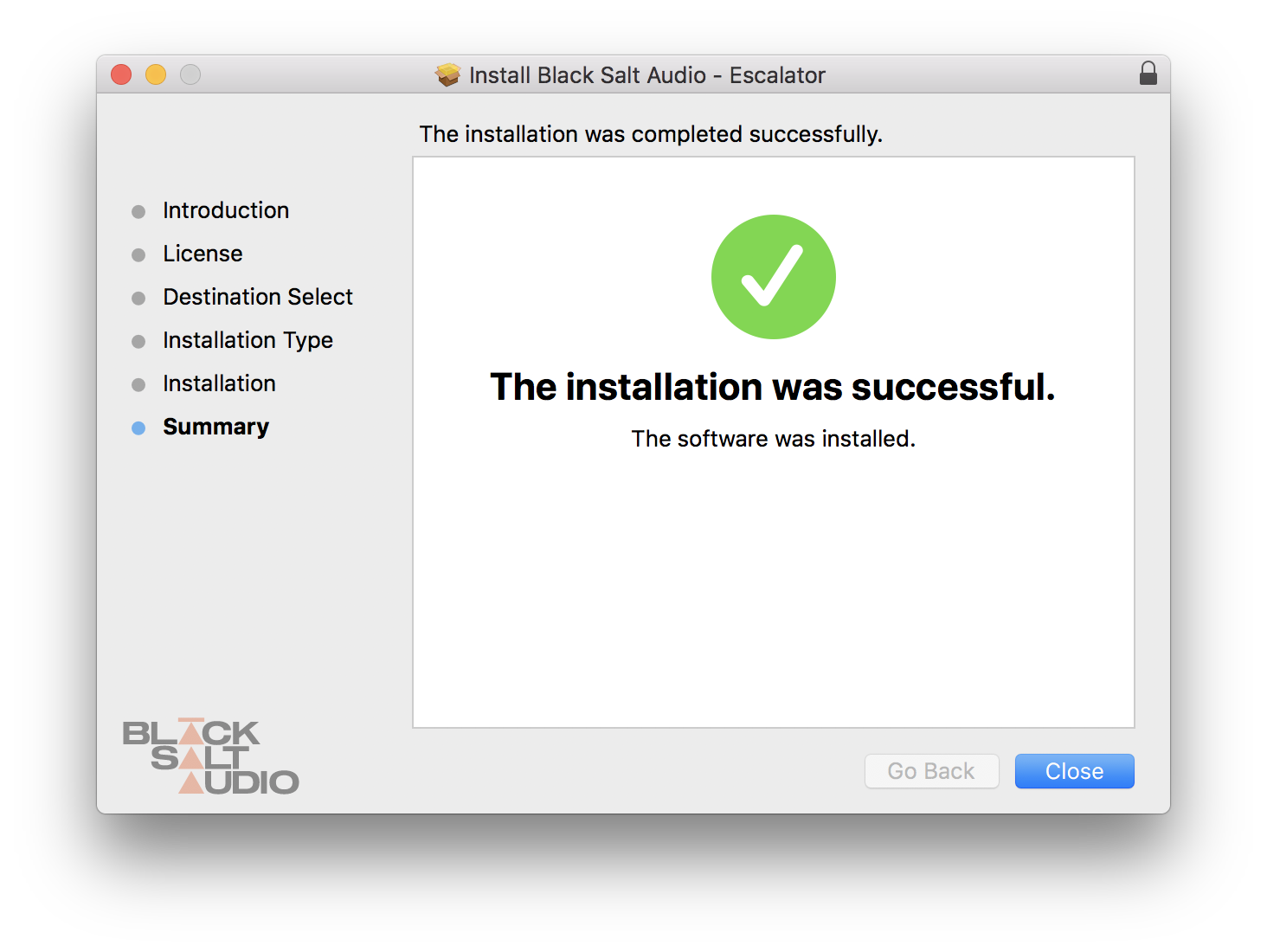
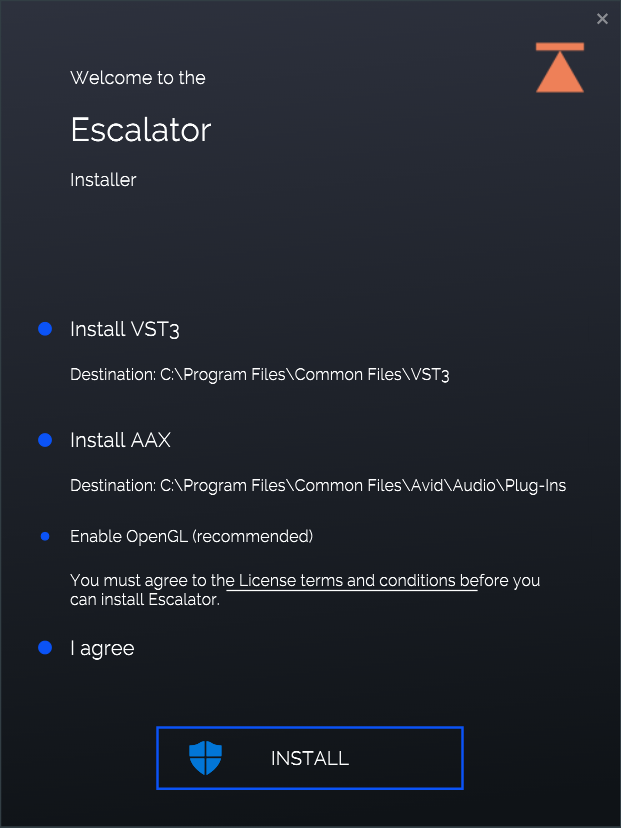
- AAX, AU, VST3 versions