/ Transient Shaper / Couture
Auburn Sounds

Couture

4.6 (45 Reviews)
$29.00
Auburn Sounds Couture
Free Transient Shaper plugin: Couture Trailer gallery thumbnail
5 Best Free Transient Shaper Plugins With Audio Tests & Comparisons gallery thumbnail
Auburn Sounds - Couture gallery thumbnail
Buy Now
Product information

Ultimate Transient Shaper

Since its introduction, Couture has been praised for its superb and precise sound. Couture gives you control over your dynamics, and particularly attacks. Laser-sharp. Couture’s 2-bands, half-spectral, RMS, program-dependent detector is the engine behind superior transient shaping.

Couture is Very Versatile

  • Make individual drum tracks a lot more dynamic and punchy
  • Remove the “click” out of a kick drum sample
  • Give life to inane lead synths and basses
  • Make a whole bus more or less dynamic in a single click
  • Give glue to a mix with light compression and saturation
  • Use a subtle saturation that preserve dynamics
  • Add attack then SMASH it with saturation all-in-one

Features

  • Volume-preserving Distortion
  • World-class transient shaper
  • Up to 8x oversampling
  • Internal sidechain filter
  • Transient view with pause
  • "Needle"-like accuracy with regards to time
  • 6 types of saturations
  • Pre and post-filters
  • Dry/Wet and Amount
  • "Mood": route dynamics to lowpass filter for tape-ish sound

System Requirements

  • macOS 10.12+ (M1 native)
  • Windows 7+
  • Linux
  • VST2, VST3, AU, AAX, LV2
Installation Instructions
Registration

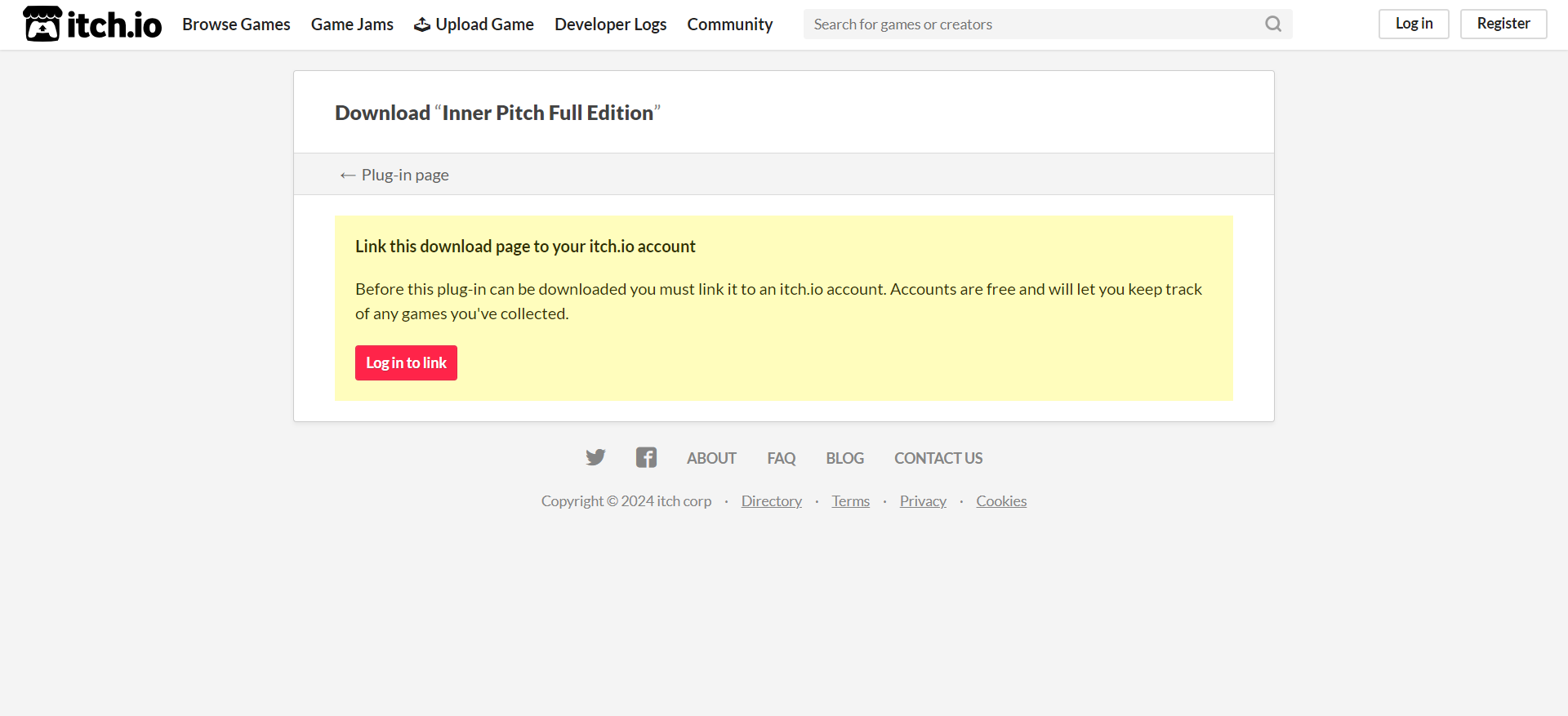
1. Copy and paste the URL which is listed as the ‘Serial Number’ in your Plugin Boutique User Account into your browser search bar and press enter.

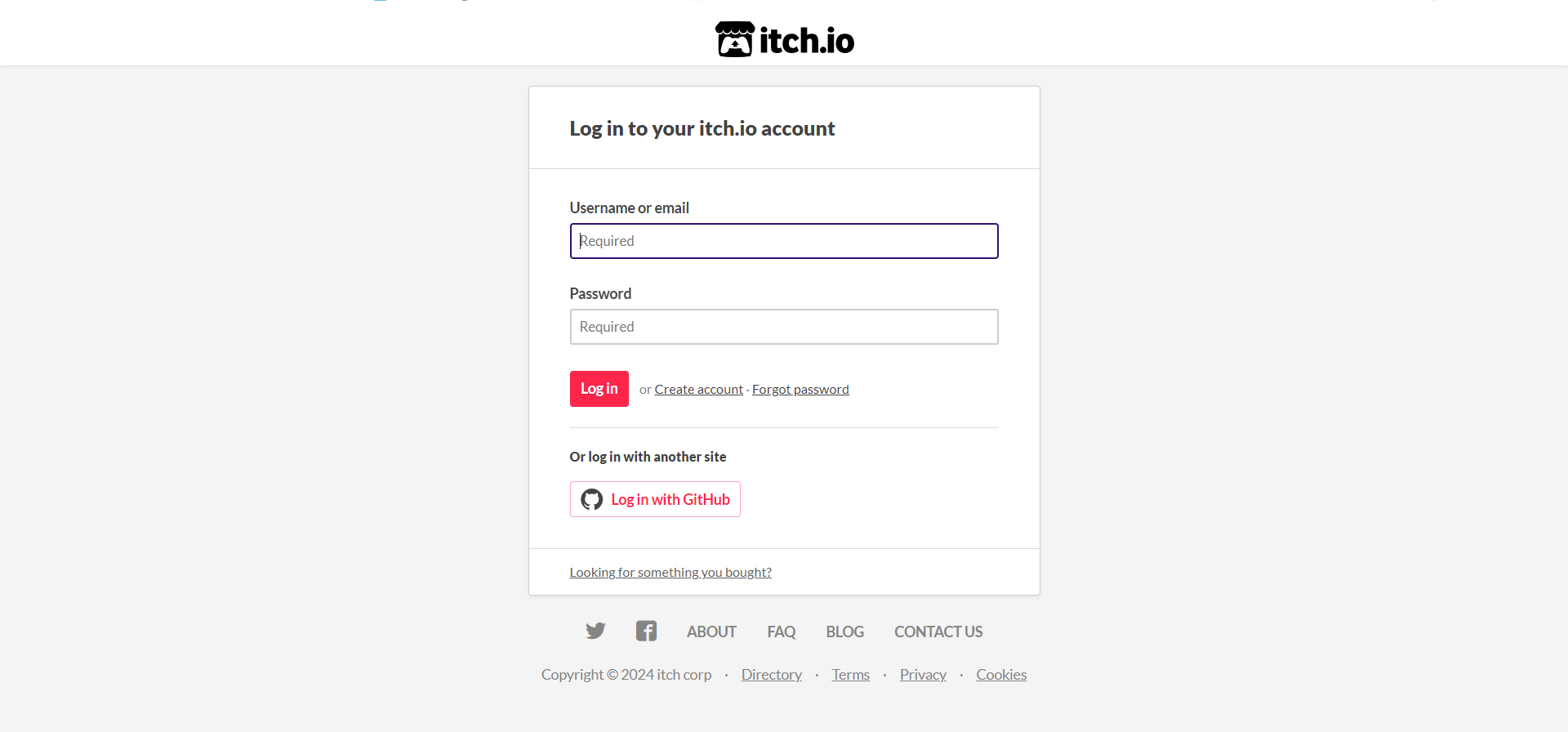
2. Click 'Log in to link'.

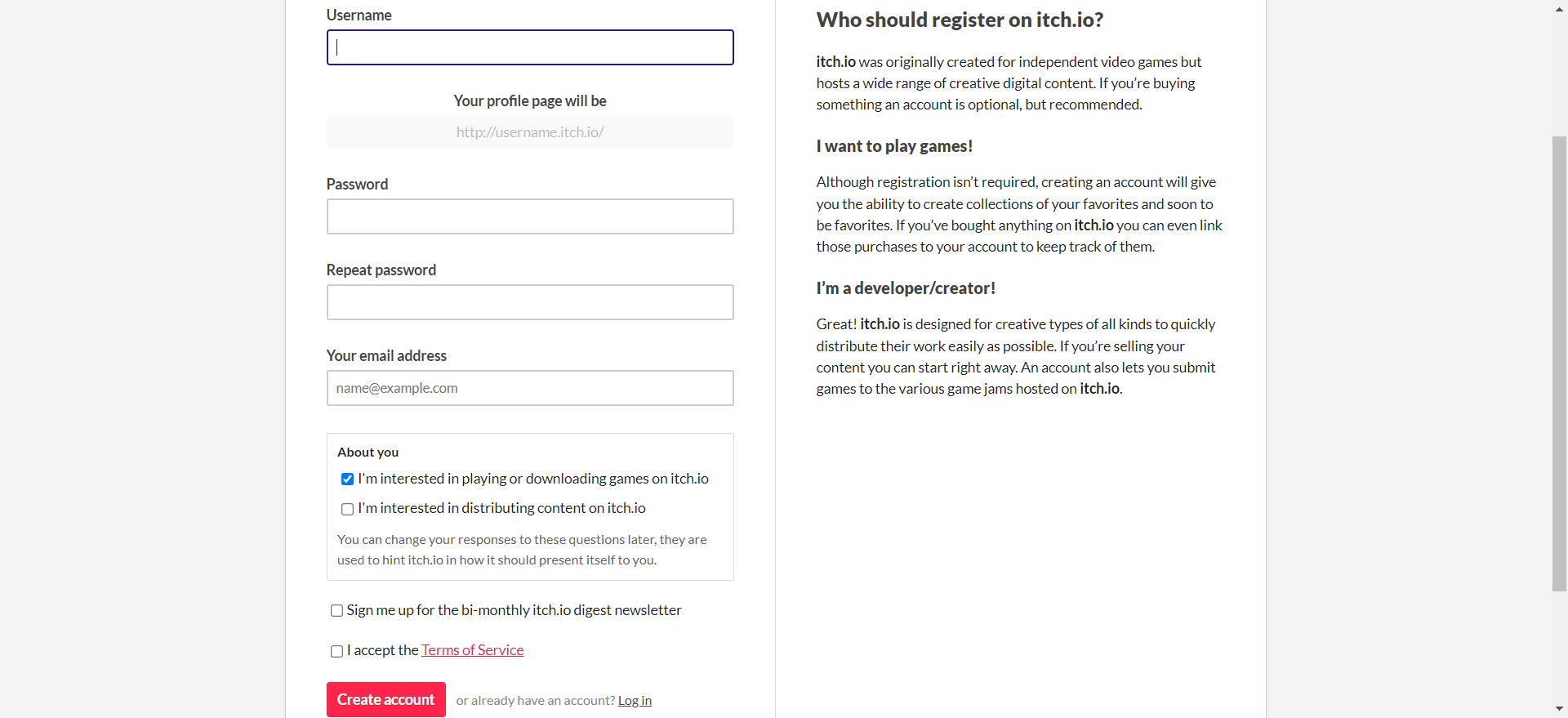
3. Click 'Create Account'. If you already have an itch.io account, log in and skip to step 5.

4. Enter the relevant details > Click 'Create account'.

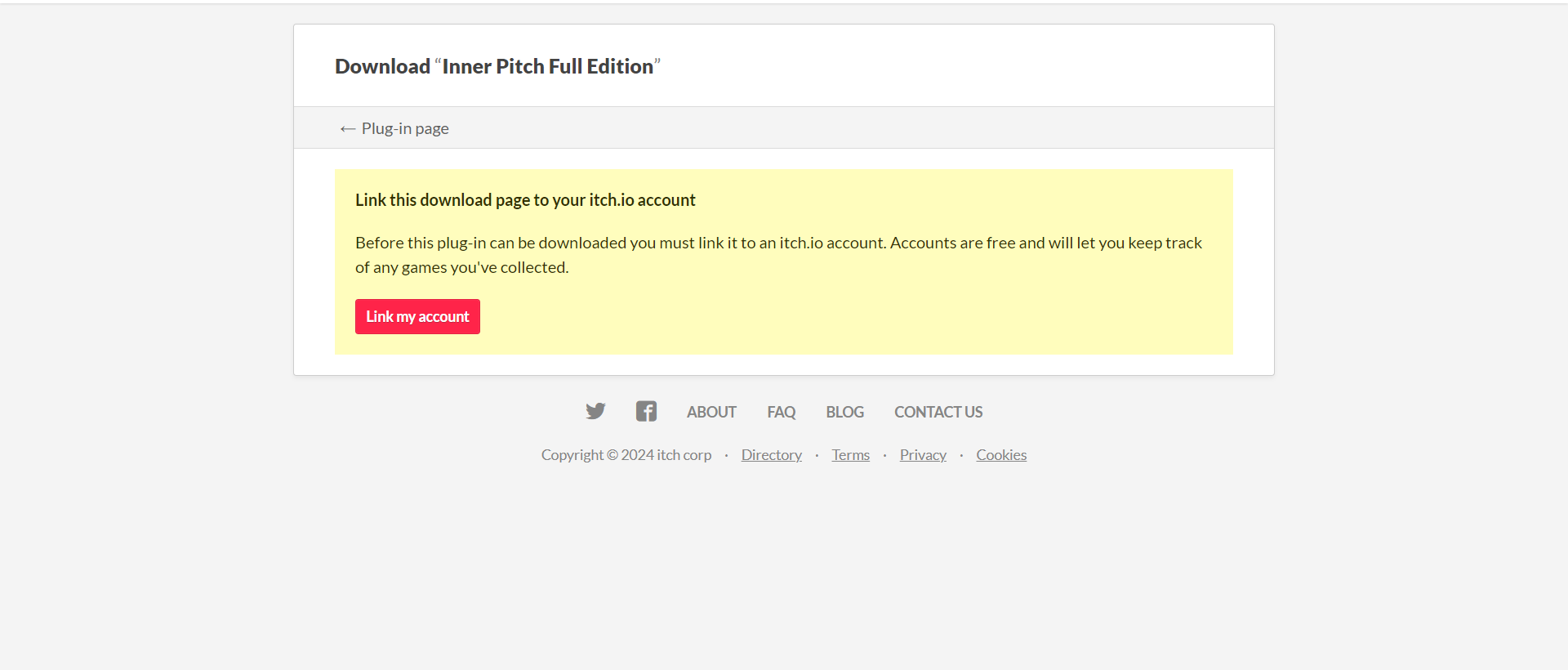
5. Click 'Link my account'.

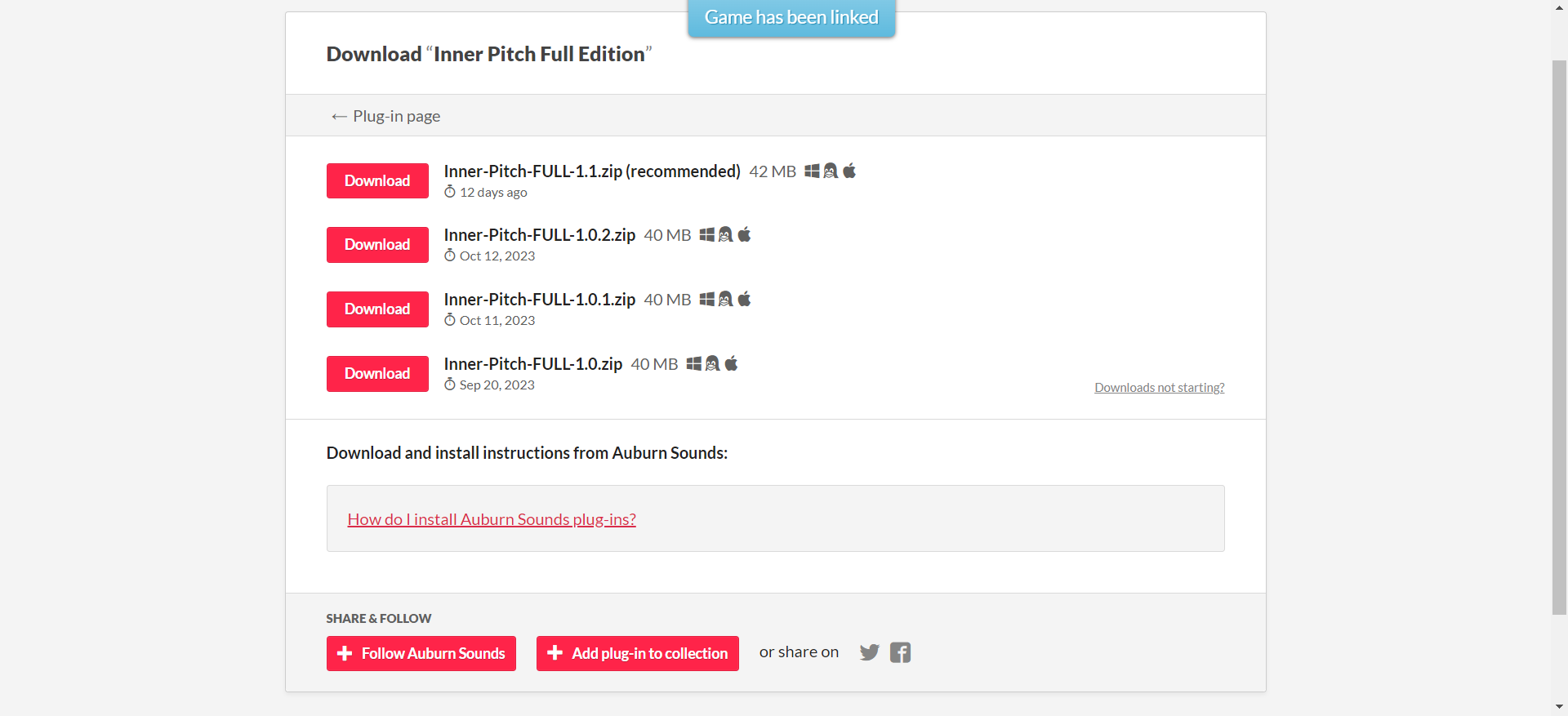
6. Click 'Download' to download the installer package (the most recent version is recommended).

Installation

PC

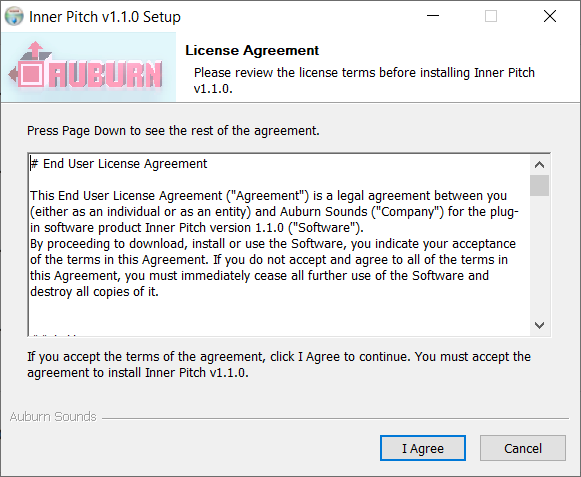
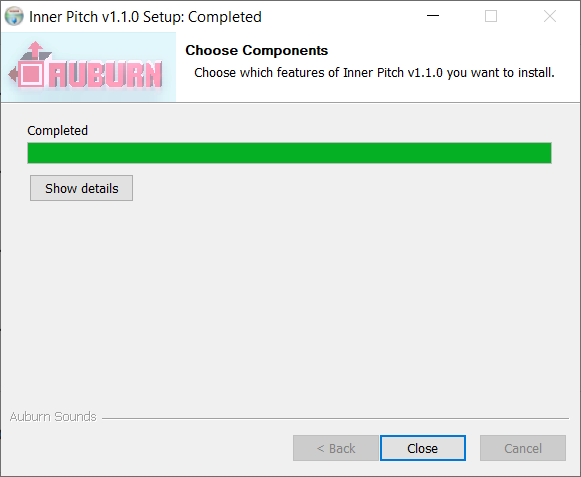
1. Double click the .exe file to begin installation.

2. Click 'I agree'.

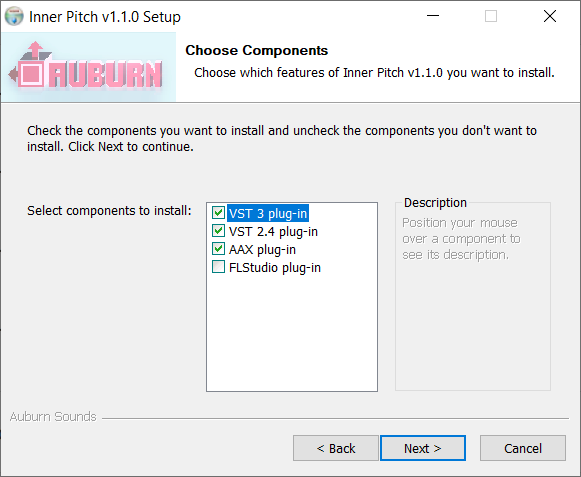
3. Click 'Next >'.

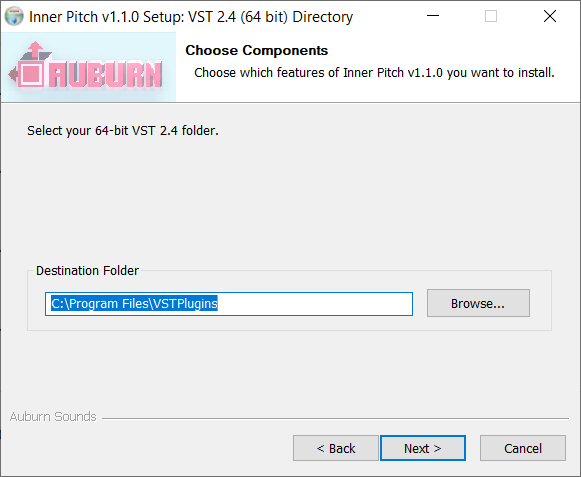
4. Click 'Next >'.

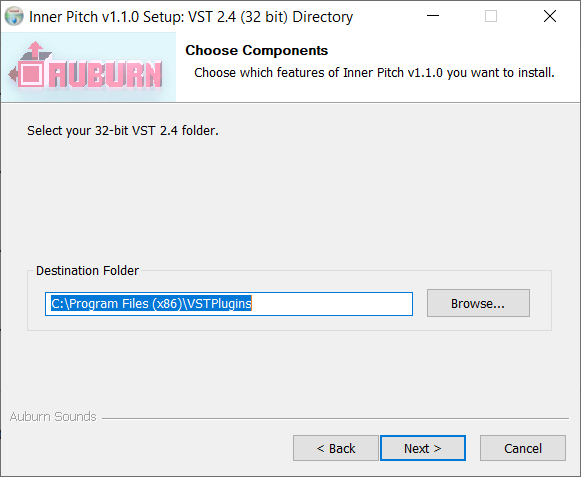
5. Click 'Next >'.

6. Click 'Close'.

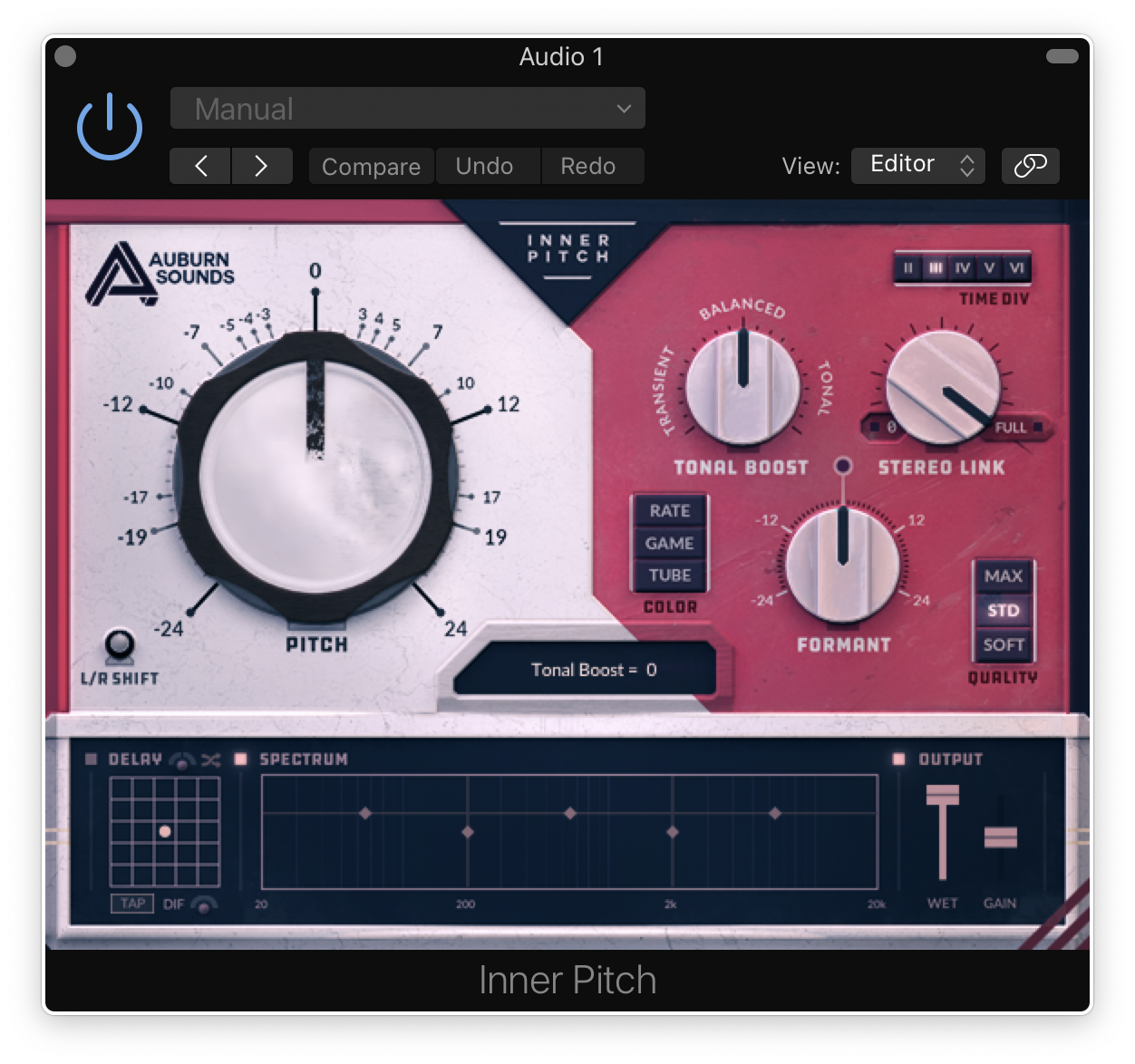
Inner Pitch is now installed and ready to be used within your DAW!

Mac

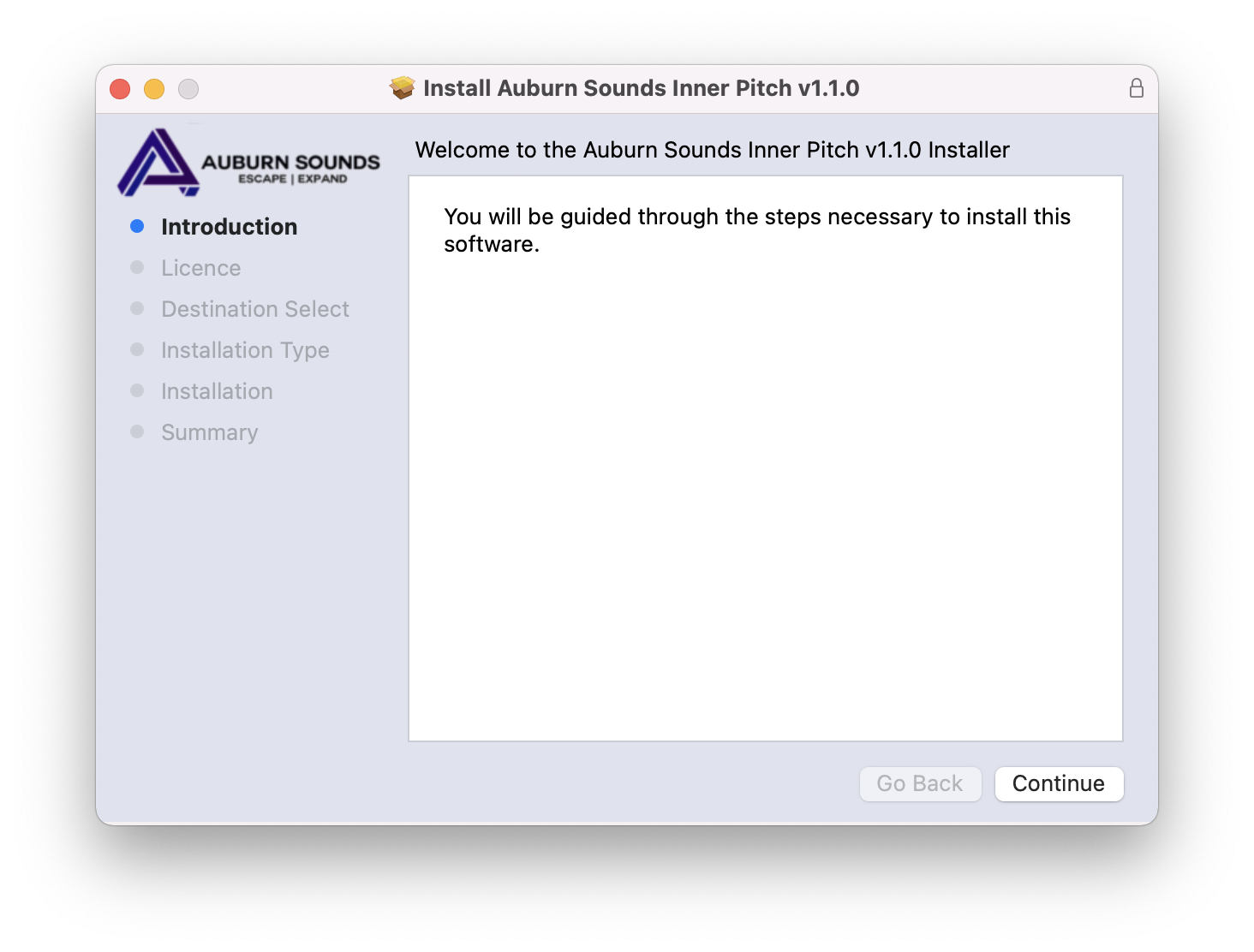
1. Double click the .pkg file to begin the installation.

2. Click 'Continue'.

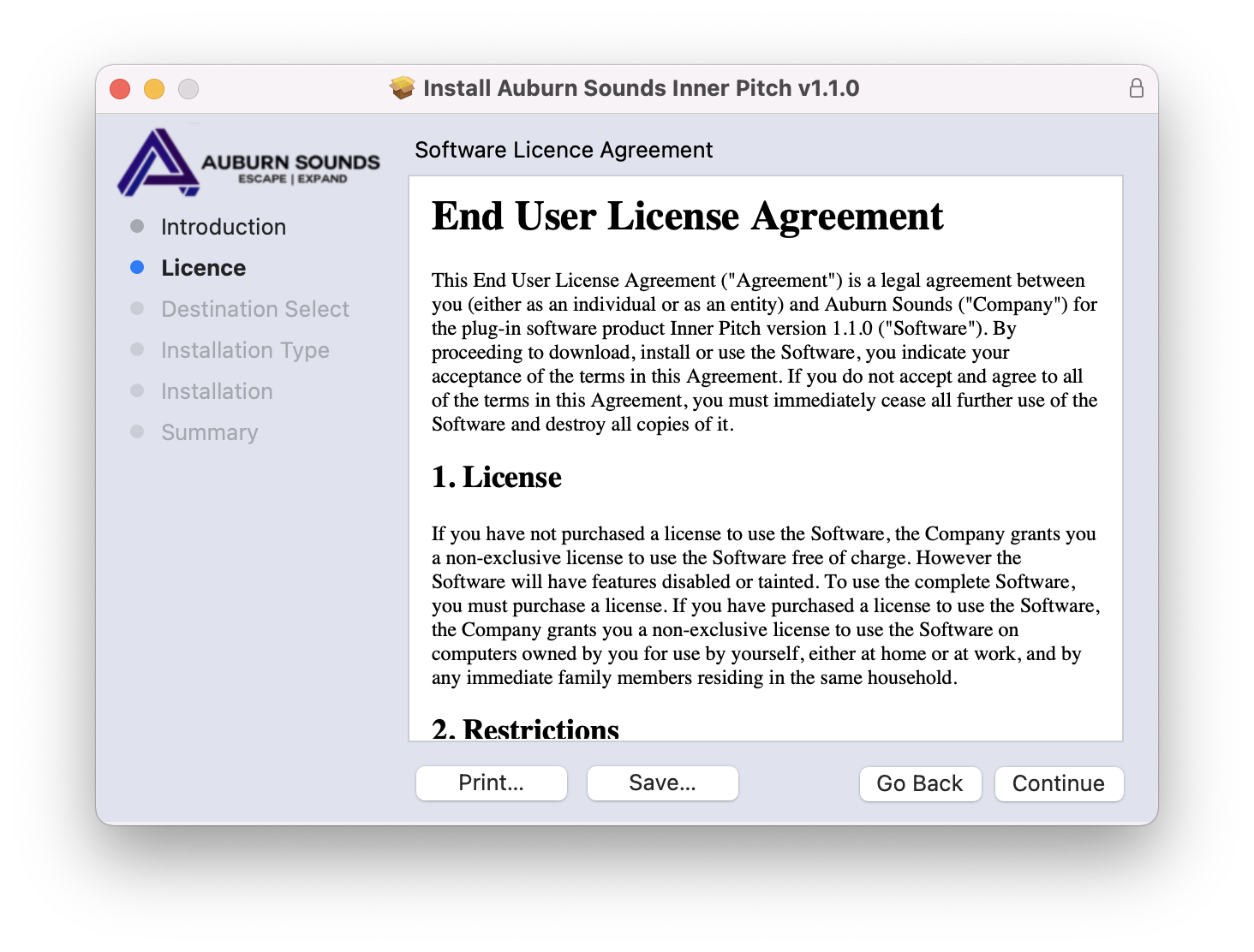
3. Click 'Continue'.

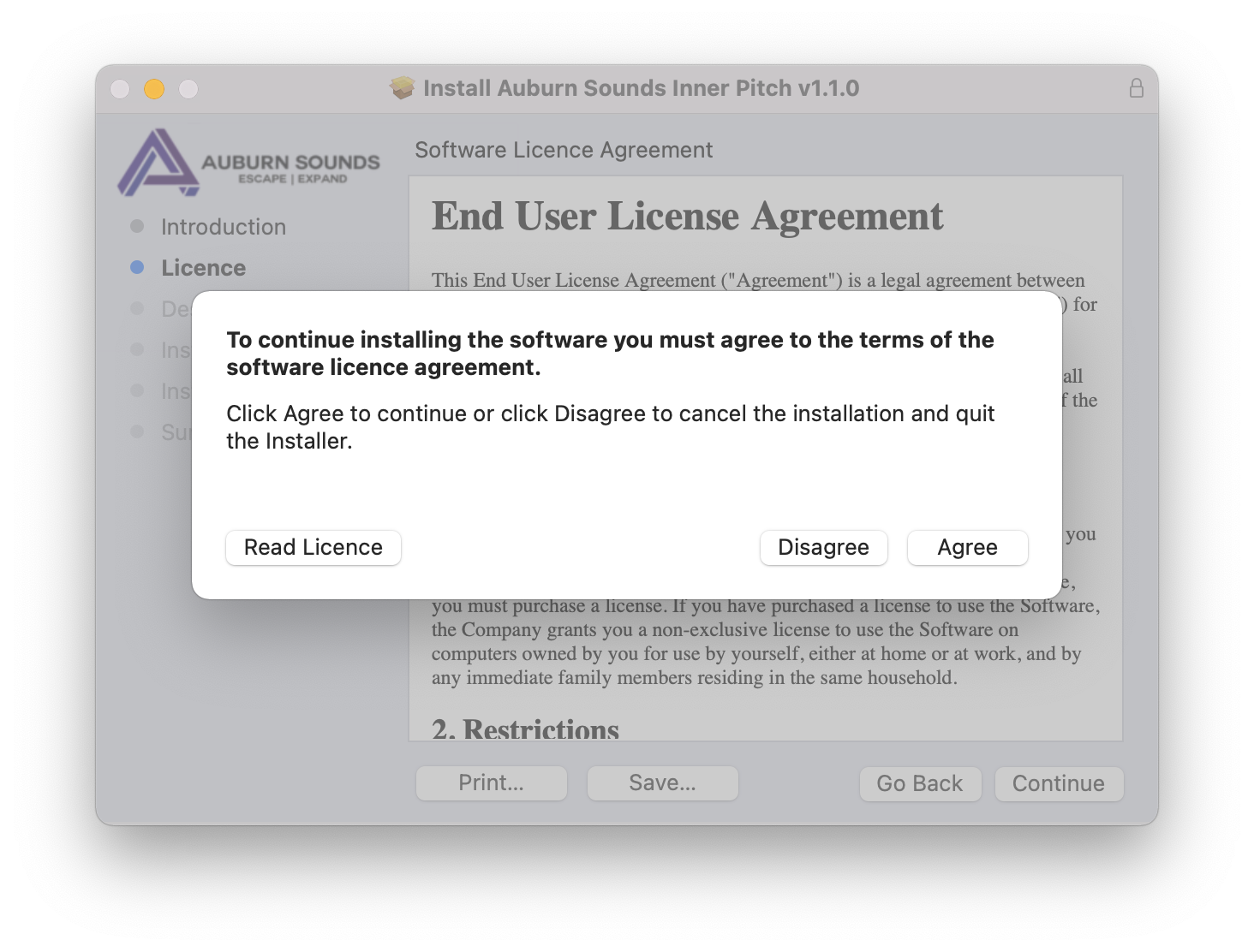
4. Click 'Agree'.

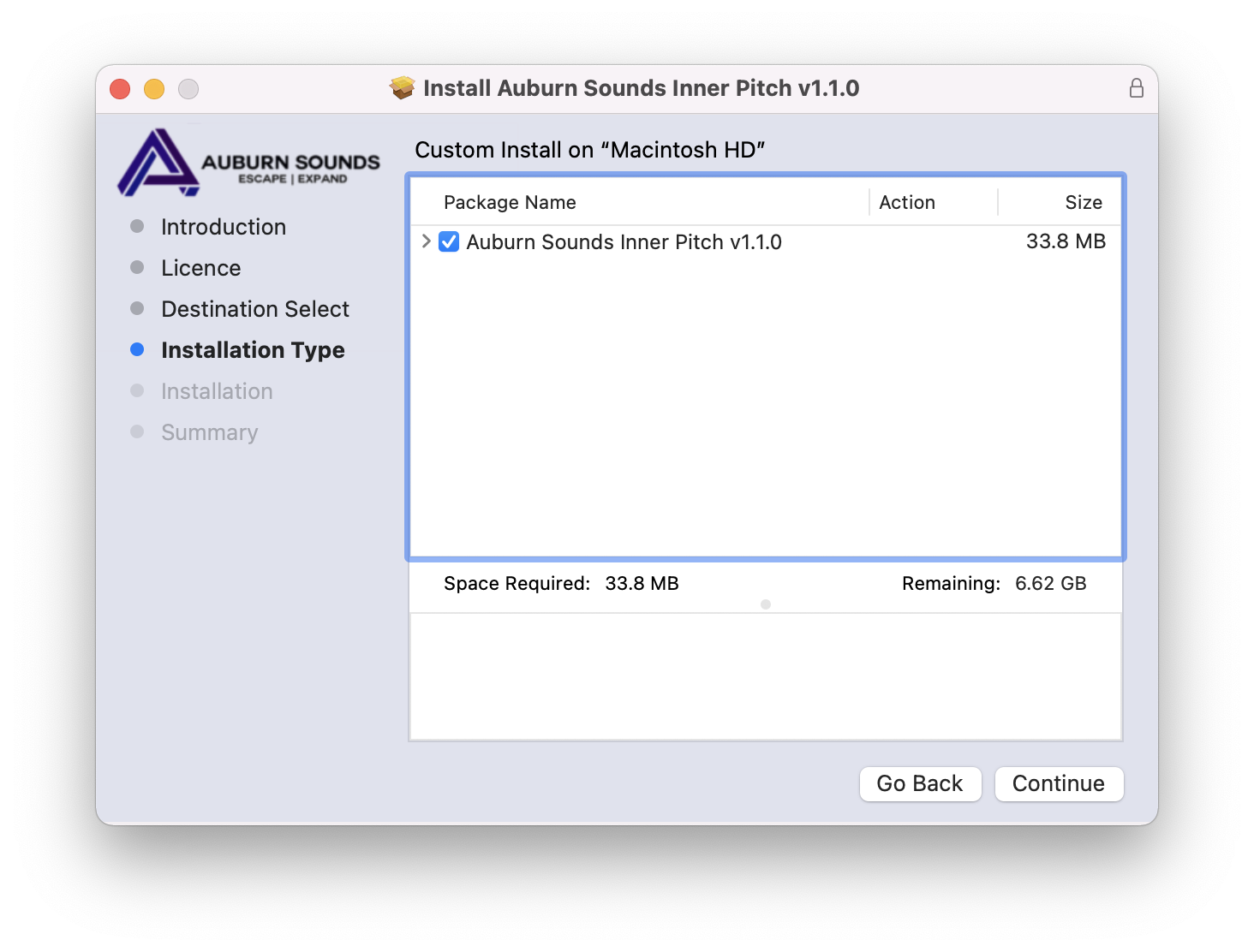
5. Click 'Continue'.

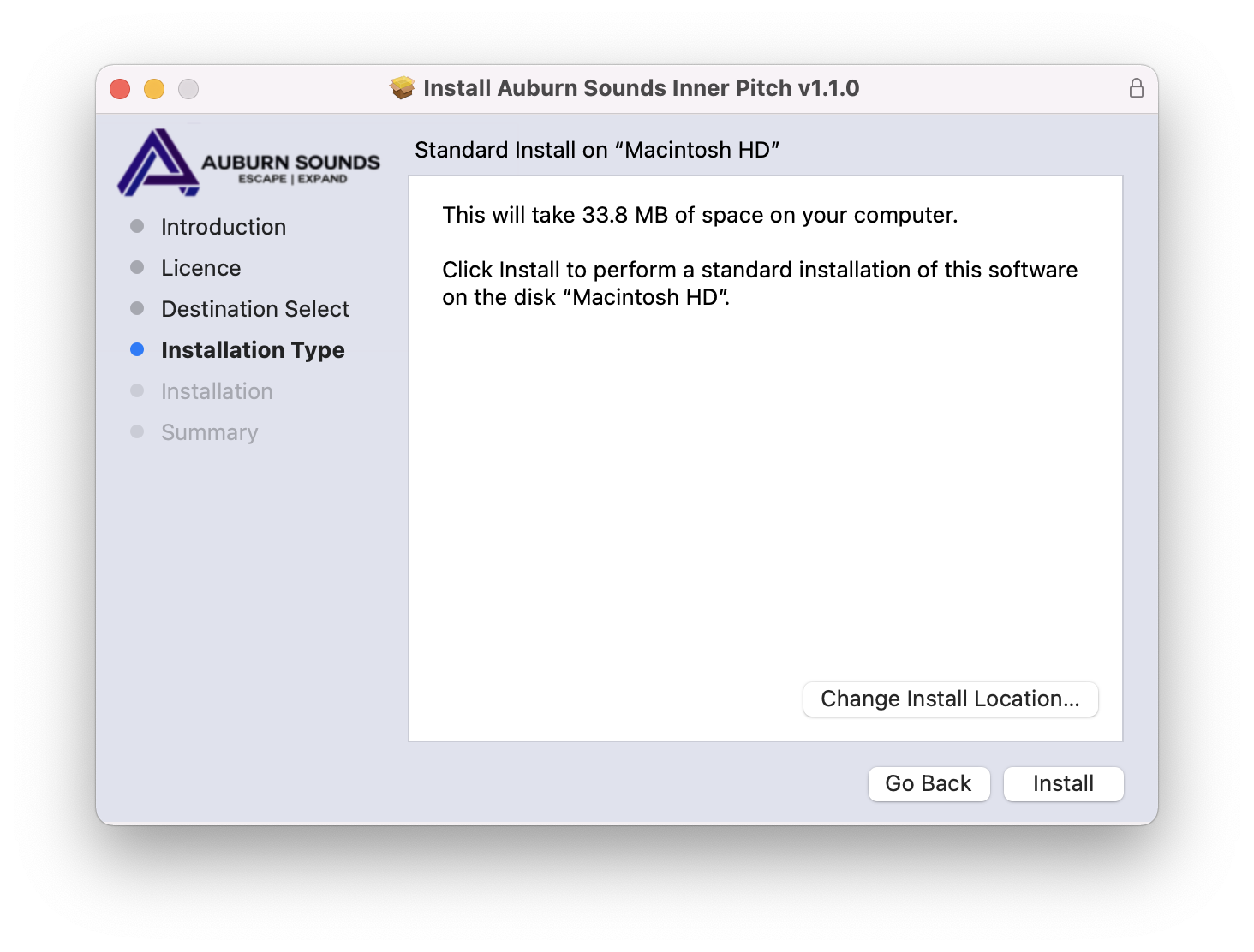
6. Click 'Install'.

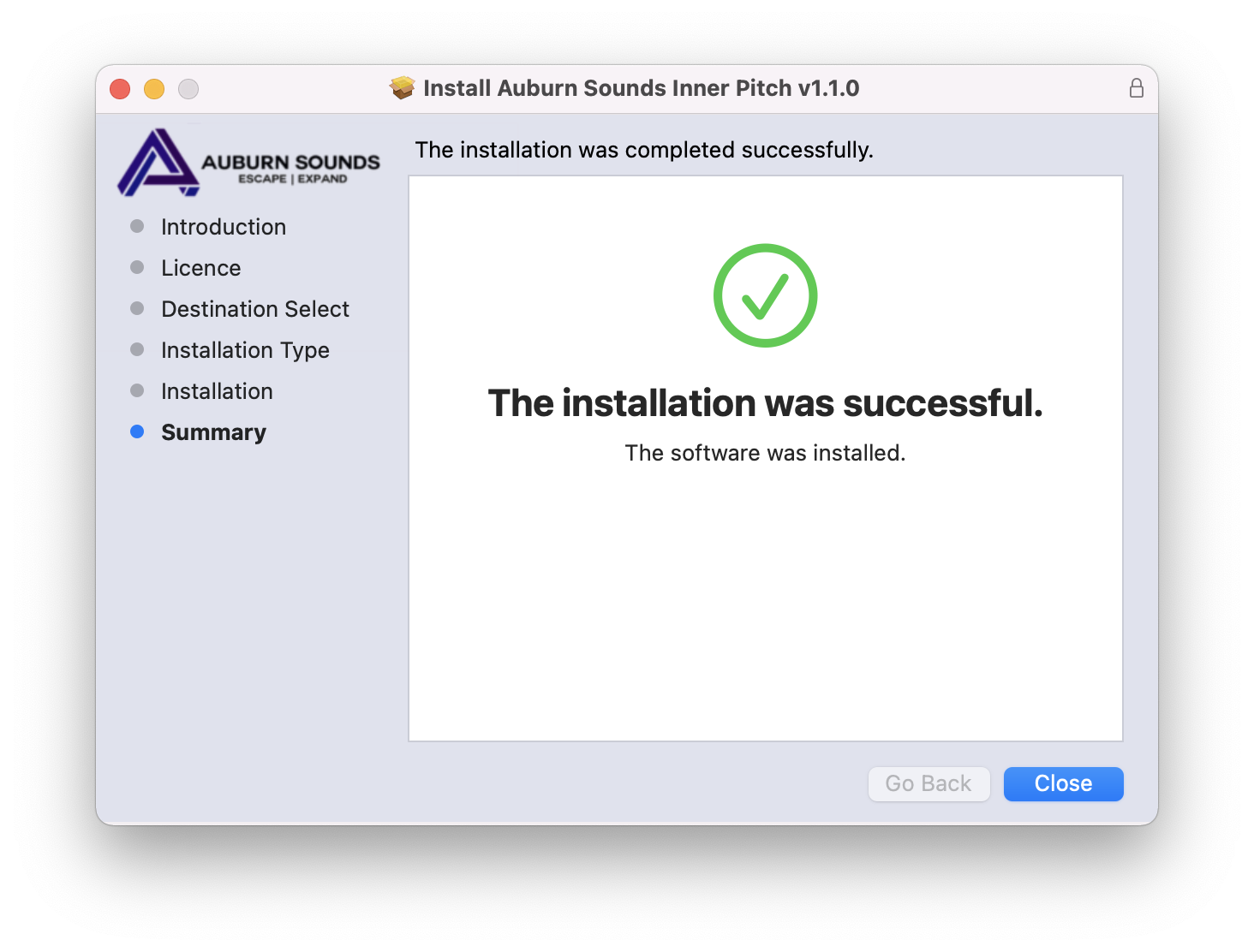
7. Click 'Close'.

Inner Pitch is now installed and ready to be used within your DAW!

Plugin Boutique Rewards

Discover the most rewarding loyalty programme among all plugin retailers.

  • Free Loopmasters Samplepacks
  • Discounts on products and courses
  • Extra Virtual Cash claimed immediately at checkout
Find out more

Follow us:

X (Twitter) Facebook YouTube Instagram
Logo Logo

Plugin Boutique Limited, Part of the Beatport Group LLC.

Copyright © 2011-2025 Plugin Boutique. All rights reserved