Buy Impact, get a free gift with purchase:
The most versatile tool for reshaping the dynamics of drums, loops, and much more.
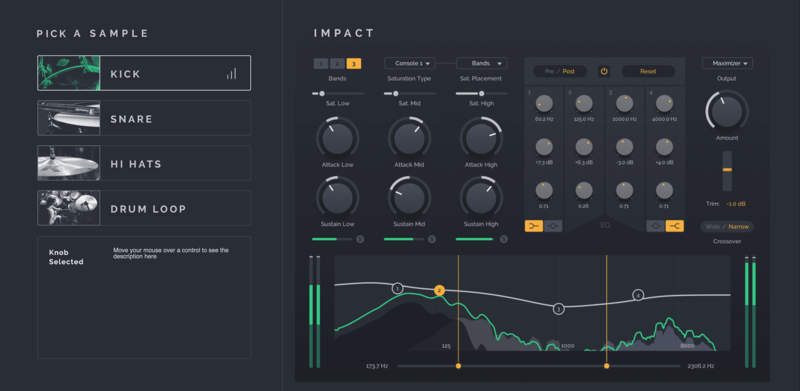
Impact is designed to help with the more nitty-gritty, detail-oriented aims of transient shaping.
The multi-channel processor is switchable between one, two or three bands of transient modification - this means that different frequency bands can be adjusted independently so that if you wanted to emphasize the attack of some airy hi-hats while, in the same sample, dulling the attack of a low-rumbling kick drum, you could do simply by adjusting the Attack and Sustain controls for each frequency band.
As part of its dynamic processing chain, Impact also includes four switchable styles of analogue-modelled saturation, along with a final processing section that includes a clipper, limiter and a maximizer designed specifically to work with transient materials.
This ensures that you are not only able to shape your transients exactly how you want, but you can also add some additional character to your sounds in the process.
System Requirements
Mac
- macOS 10.11 El Capitan or higher (Intel / M1 Apple Silicon supported) (64-bit only)
- VST 2.4, VST 3 or Audio Unit host
- Minimum Intel i5 CPU / M1 Apple Silicon Processor and 4GB RAM or more recommended
Windows
- Windows 8 - Windows 11 (32 or 64-bit)
- VST 2.4 or VST 3 host
- Minimum Intel i5 CPU and 4GB RAM or more recommended
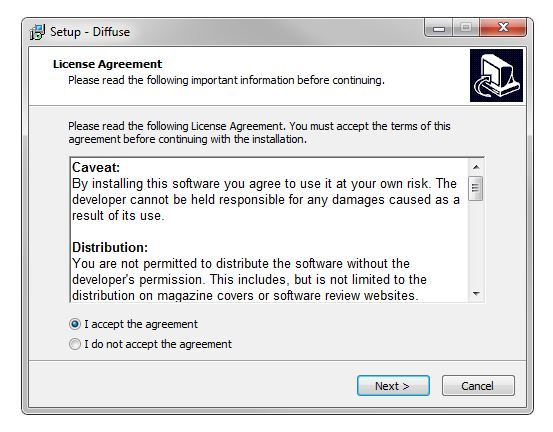
Note: Diffuse is used as the example.
Windows
1. Download the full version of the software from your User Account.
2. Extract the installer file and double-click it to begin the installation process.
3. Read through the license agreement and select 'I accept the agreement' > click 'Next'.

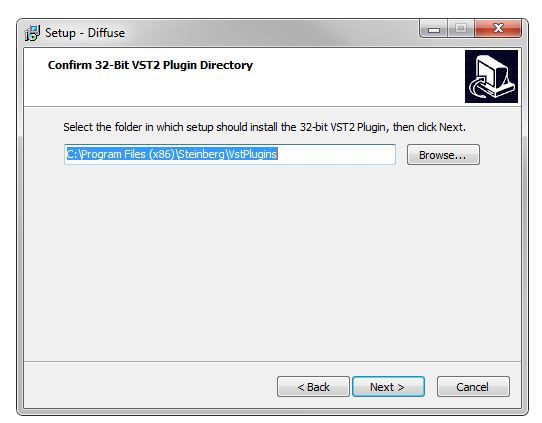
4. Select a folder in which to save the 32-bit version of the software to > click 'Next'.

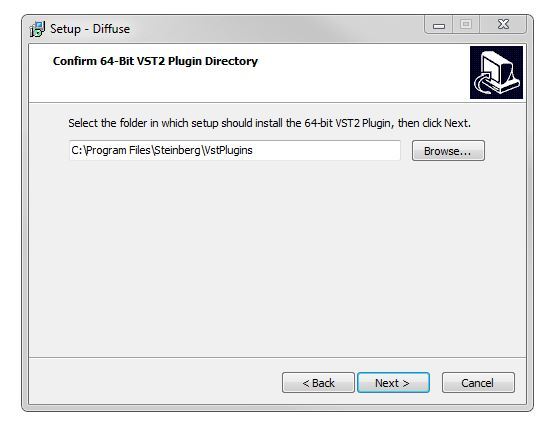
5. Select a folder in which to save the 64-bit version of the software to > click 'Next'.

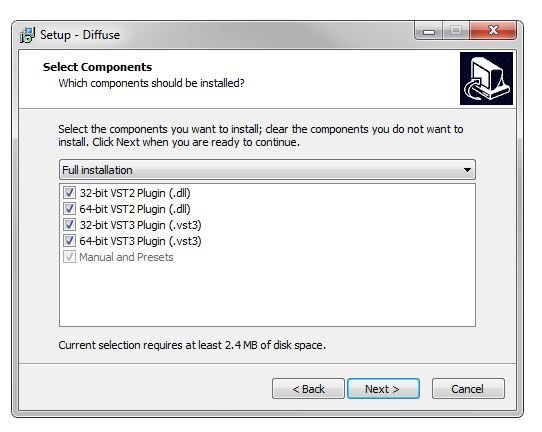
6. Select the software components that you wish to install > click 'Next.

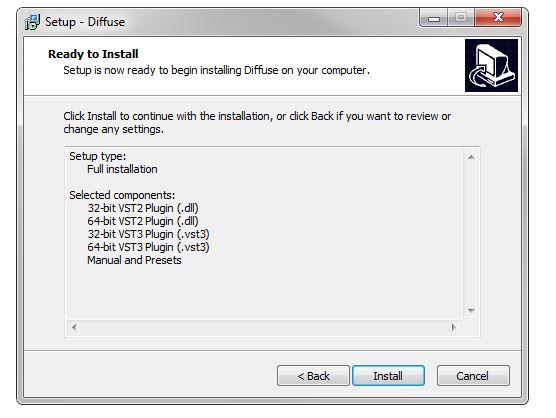
7. The software is ready for installation > click 'Install'.

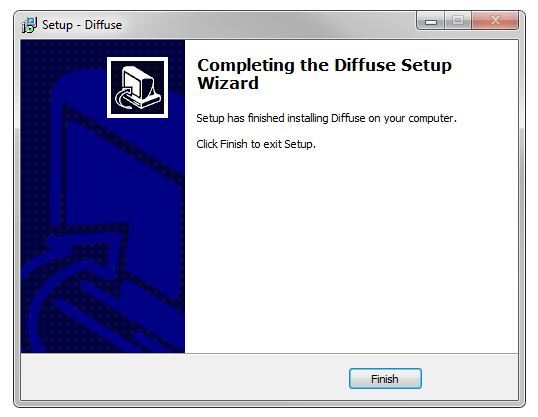
8. The installation of the software has successfully completed > click 'Finish'.

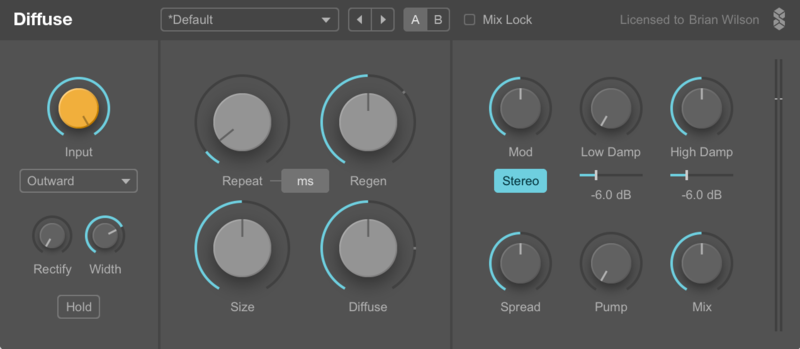
9. Open/Restart your DAW and load an instance of the newly installed software.
Note: Rescan your DAW's plugin list if the software fails to appear.
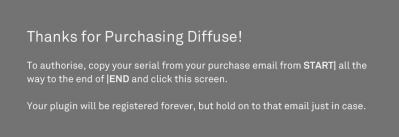
10. The first time you load the software, an authorisation screen will appear with instructions. You will need to copy the serial number from your User Account, which appears as shown below:
START|Your Name|your@email.com|XXXX-XXXX-XXXX-XXXX|END
Note: You must copy the entire serial as it appears in your email, including the words START and END.
11. After the serial number has been copied, click on the plugin authorisation screen.

The Software is now Ready for Use!

Mac
1. Download the full version of the software from your User Account.
2. Extract the installer file and double-click it to begin the installation process.
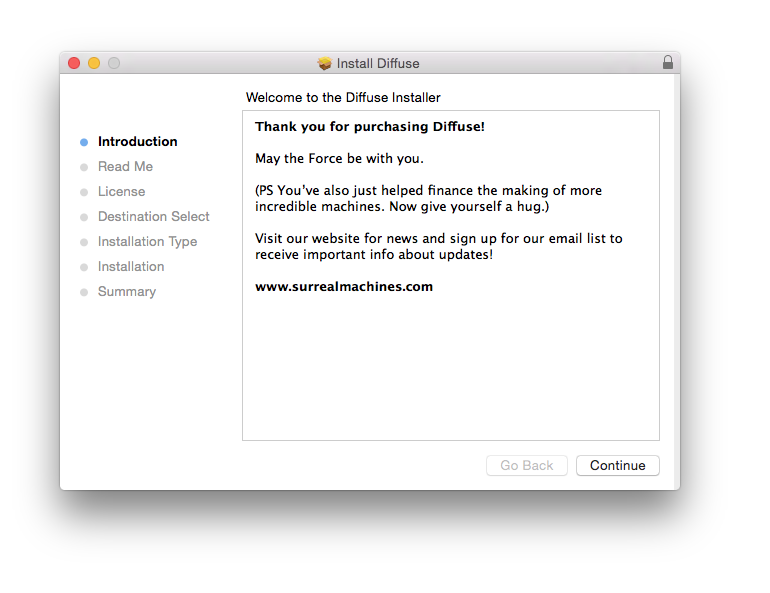
3. Double-click the installer file to begin the installation process. > click 'Continue'.

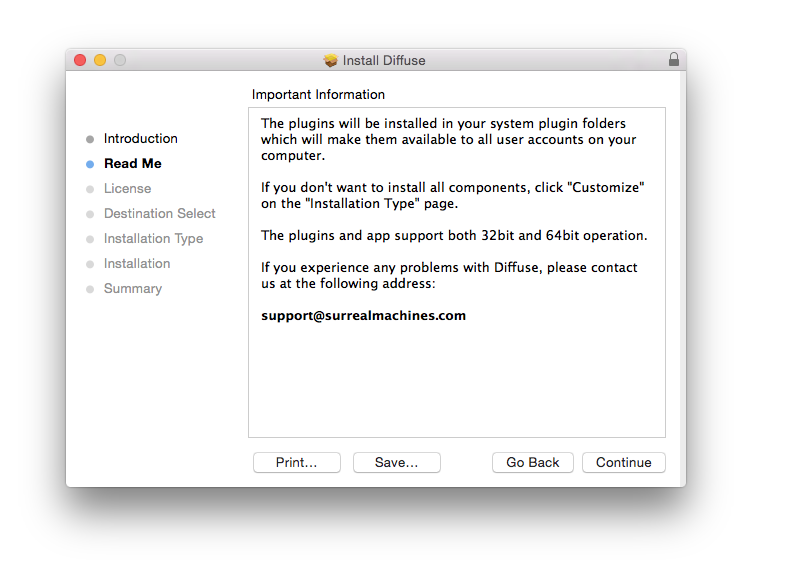
4. Read through the information > click 'Continue'.

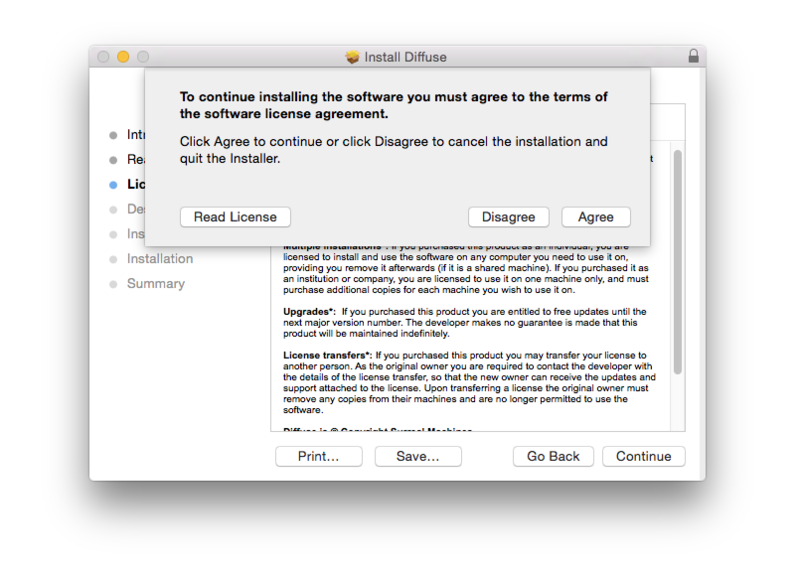
5. Read through the Licence Agreement > click 'Continue' then 'Agree'.

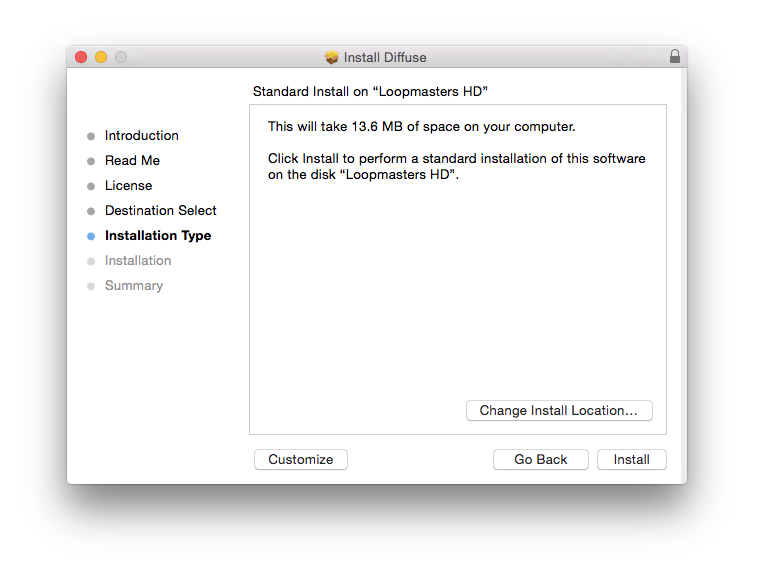
6. Review the installation and click 'Install'.

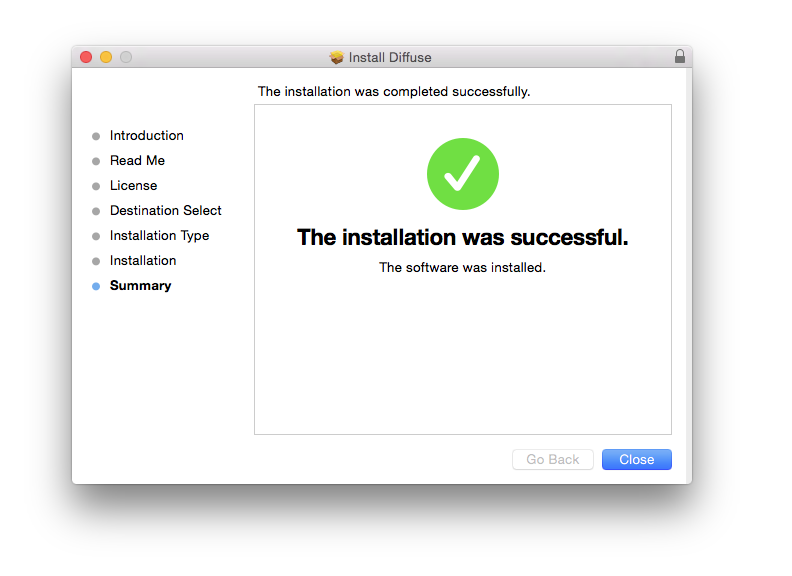
7. The installation has successfully completed > click 'Close'.

8. Open/Restart your DAW and load an instance of the newly installed software.
Note: Rescan your DAW's plugin list if the software fails to appear.
9. The first time you load the software, an authorisation screen will appear with instructions. You will need to copy the serial number from your User Account, which appears as shown below:
START|Your Name|your@email.com|XXXX-XXXX-XXXX-XXXX|END
Note: You must copy the entire serial as it appears in your email, including the words START and END.
10. After the serial number has been copied, click on the plugin authorisation screen.

The Software is now Ready for Use!