


 Log In

Free gifts available with your purchase
Maserati HMX
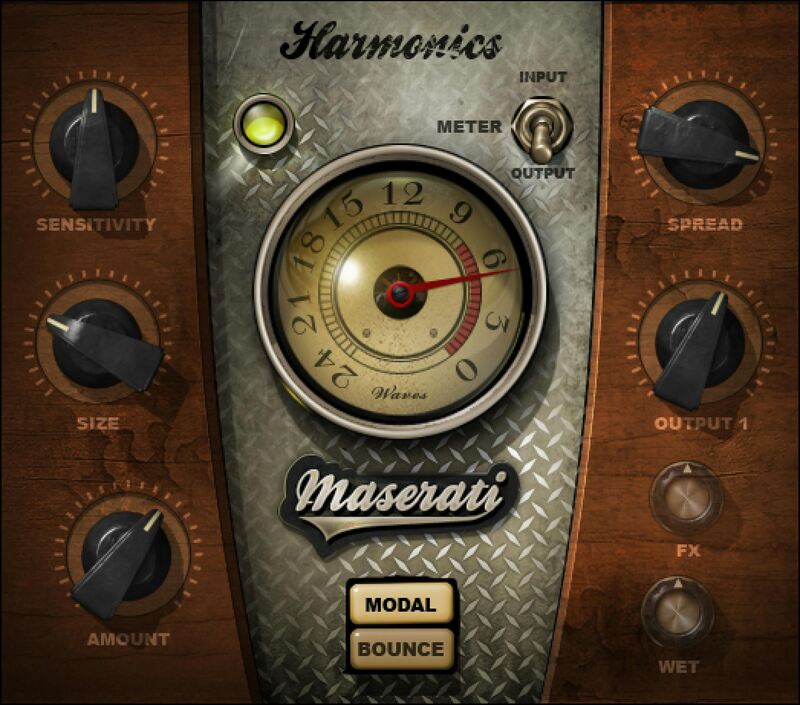
Enhance the Ambience and Texture of Keyboard Parts
HMX from Tony Maserati (Beyoncé, Jason Mraz, David Bowie) brings new textures, ambience, and imaging to keyboard instruments—from acoustic piano to polysynths. Those same qualities can also augment other sound sources, like drums.
MODAL mode widens instruments and emphasizes harmonics and attacks, while BOUNCE mode creates energy and movement by combining reverb and delay. Both bring new life to keyboards.
“MODAL will make your piano wide, with just the right amount of chorus effect, to give it life and some magic on a vocal demo. BOUNCE will add a bit of reverb and delay, to create energy and movement for a sensitive ballad or live-ness to a funky full-band setting.”—Tony Maserati
Features
- Inspired effects, created in close collaboration with Tony Maserati
- Choose from Modal’s ethereal ambiances, or Bounce’s liveliness
- Enrich keyboards in mixes with a fuller, more open sound
- MODAL enhances upper harmonics, with spread and reverb
- BOUNCE’s delay control builds trails that give a sense of space
- Set Bounce delay manually, or sync to tempo
System Requirements
Mac
- macOS Monterey 12, Ventura 13, Sonoma 14, Sequoia 15
- VST / AU / AAX
PC
- Windows 10+
- VST / AAX














