Buy Type A, get a free gift with purchase:
Vintage Enhancer
Type A is a plugin inspired by the famous Dolby® A Trick technique. The original unit was designed to be a noise reduction system for tape recording (encode stage) and playback (decode stage).
Type A emulates the encode stage, which was often misused as an enhancer, dynamically increasing the top end of a signal without introducing artefacts or altering the harmonic content. The results are similar to a dynamic EQ which adds presence and air to any track in a natural way.
Additional Features
You can show/hide the drop-down panel by clicking on the arrow icon in the bottom left corner of the interface.
You’ll get access to:
- Volume for each band
- Compressor Attack and Release
- Noise volume
- VU-Meter source selector

How Does it Work?
To limit the amount of noise generated by tape recording, early noise reduction systems used what’s called a multi-band compander (compressor/expander). The unit dynamically emphasises the high frequencies during the encoding stage (recording to tape), so that during the decoding stage (playback from tape) the signal is attenuated, along with the typical tape noise. Type A emulates the encode stage only.
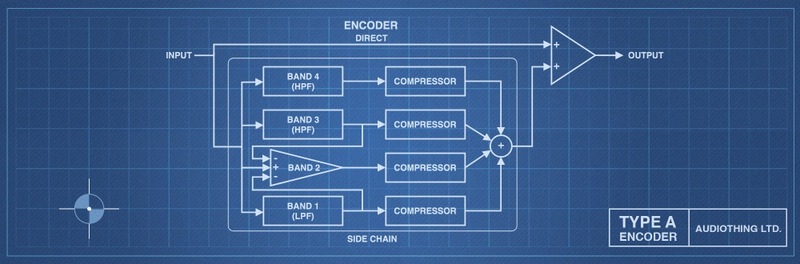
The input signal is split into 4 bands (with the highest bands overlapping), dynamically compressed and then summed back with the dry signal. The amount of compression on each band is inversely proportional to the volume of the band. Quieter sounds get brighter while louder sounds remain almost unchanged.
This adds brightness and air without generating any new harmonic content or distortion, resulting in a more pleasant and natural enhancer compared to a typical exciter.
Noise Reduction or Enhancer?
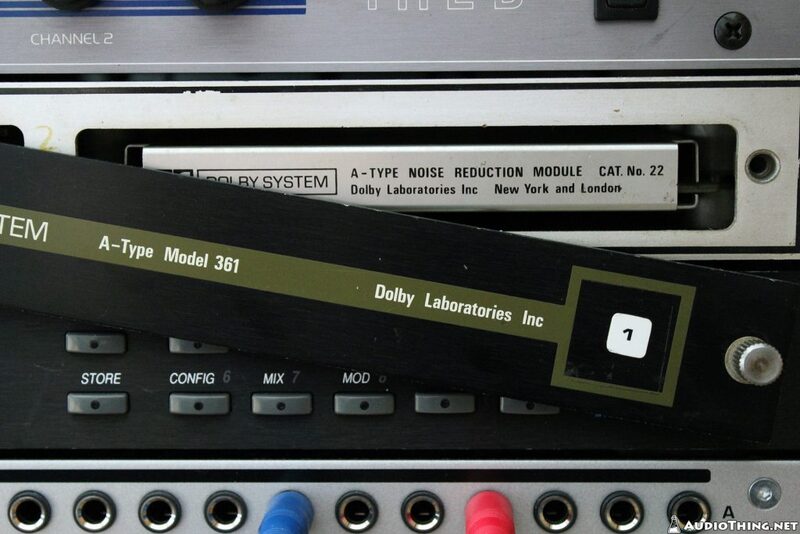
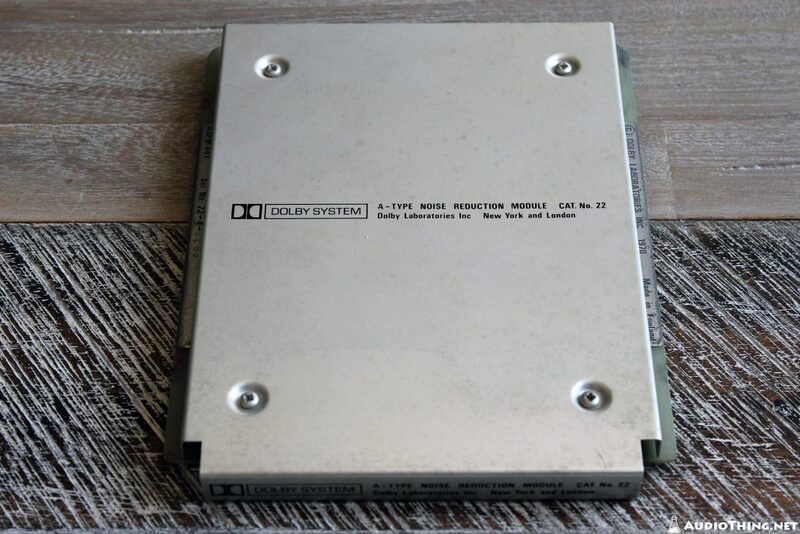
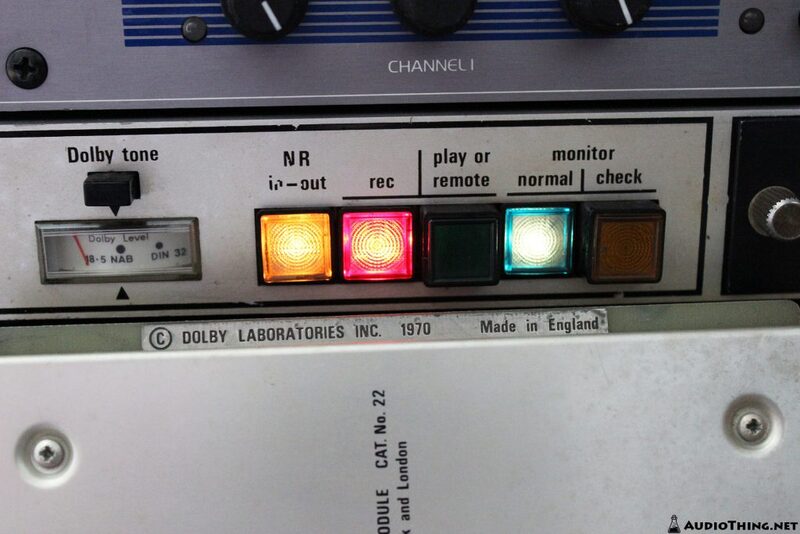
Introduced in 1966 with the Dolby A301 first, and then in 1970 with the Dolby 361 (with the CAT 22 card, in photos), the A-Type noise reduction was quickly misused and modded by engineers to enhance their recordings by using the encoding stage only. The most common mod consists of disabling the two lower bands so that only the high-frequency portion of the signal is compressed, giving even more air to vocals. This technique was labelled with many names like the Vocal Trick, Stretch Mod, Vocal Stressor, and even the “John Lennon mod”.
Features
- Vintage Enhancer
- Multi-band Compressor with 4 Bands
- Adjustable Unit Noise
- Oversample up to 16x
- Resizable Window
- Preset system with randomizer
- Light and Dark UI mode
System Requirements
Windows
- Windows 7-11
- 2GHz CPU, 4 GB RAM
- VST2, VST3, AAX, CLAP (64-bit)
Mac
- macOS 10.13 – macOS 15
- Apple Silicon (M chips) Native (Universal 2 Binary)
- 2GHz CPU, 4 GB RAM
- VST2, VST3, AU, AAX, CLAP (64-bit)
- Universal 2 Binary
Linux
- Ubuntu 20.04 LTS
- 2GHz CPU, 4 GB RAM
- VST2, VST3, CLAP (64-bit)
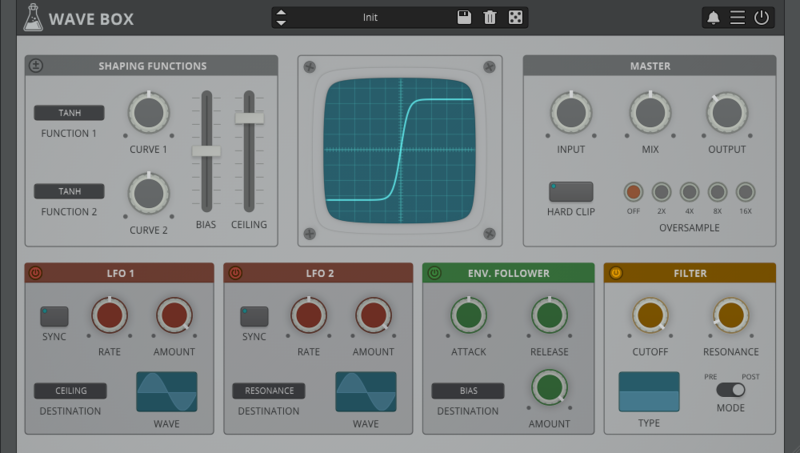
Note: Wave Box is used as the example.
Windows
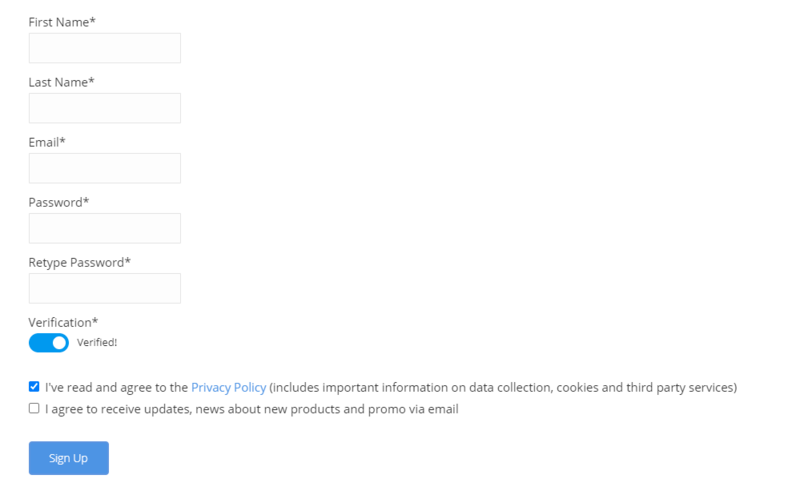
1. Visit the AudioThing Account Signup Page and enter your personal details to set up an account. Click the Verification and "I've read and agree to the Privacy Policy" > Click Sign Up.
Note: If you already have an existing AudioThing account, Login here and skip to step 3 of the installation process.

2. A confirmation email will now be sent to your registered email > click the link within the email to activate your account and Login here.
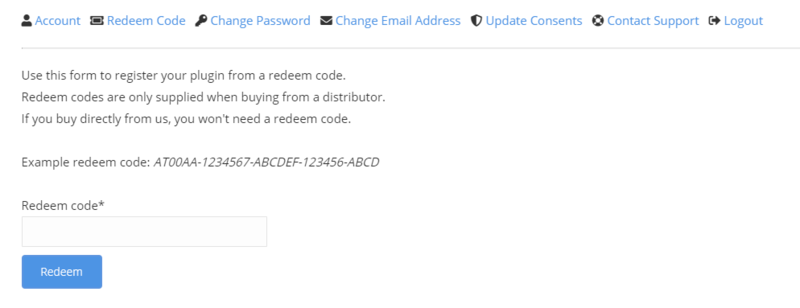
3. Once logged into your account, visit the Redeem Page and enter Redeem Code from your Plugin Boutique User Account into the box > Click 'Redeem'.

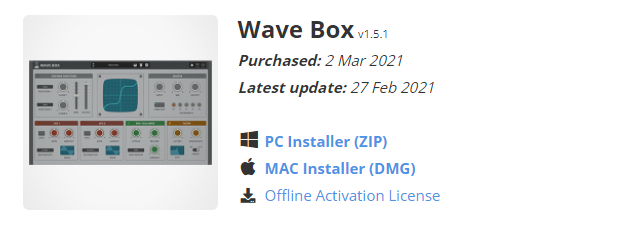
4. Download the PC installer and the Offline Activation License.
Note: Save the Offline Activation License to a memorable location on your computer for activating the software.

5. Double-click the downloaded .zip folder to extract its contents.
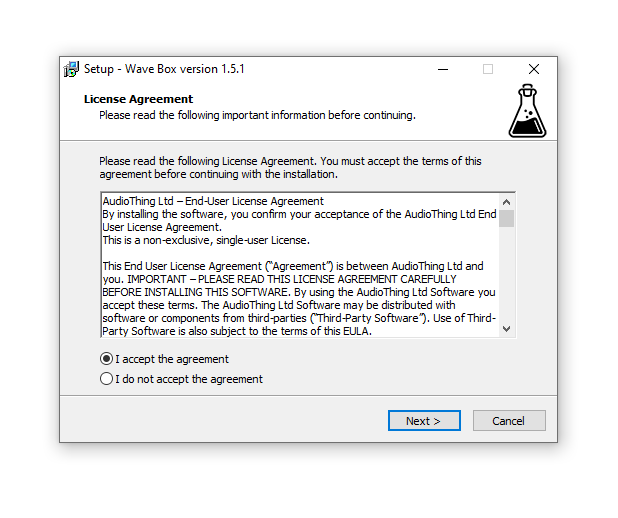
6. Double-click the extracted .exe file > click 'I accept the agreement and click 'Next'.

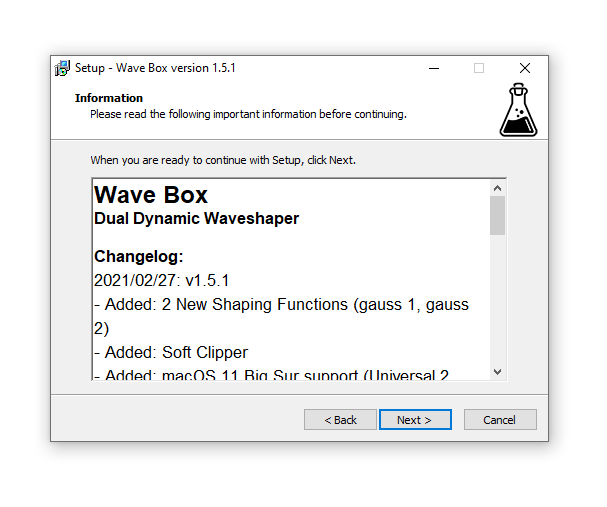
7. Click 'Next'.

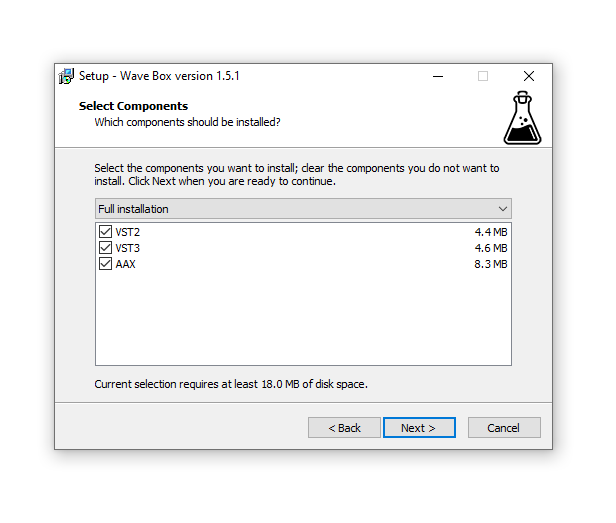
8. Select the components that you wish to install > Click ‘Next’.

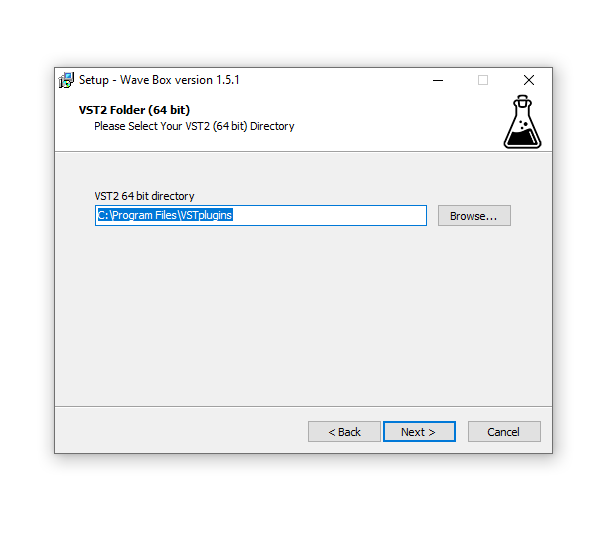
9. Click ‘Next’.

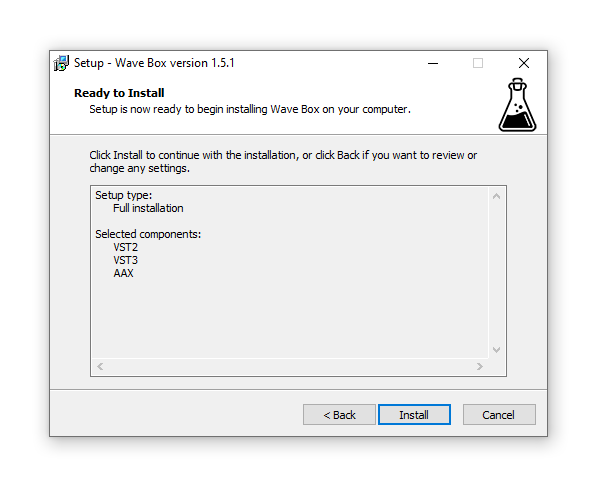
10. Click 'Install'.

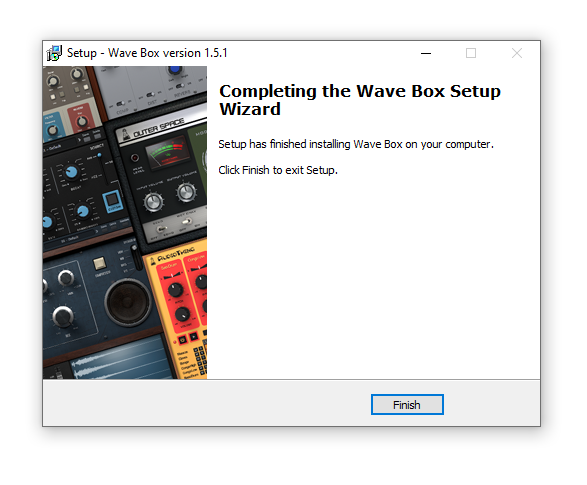
11. Click ‘Finish’.

Offline Activation
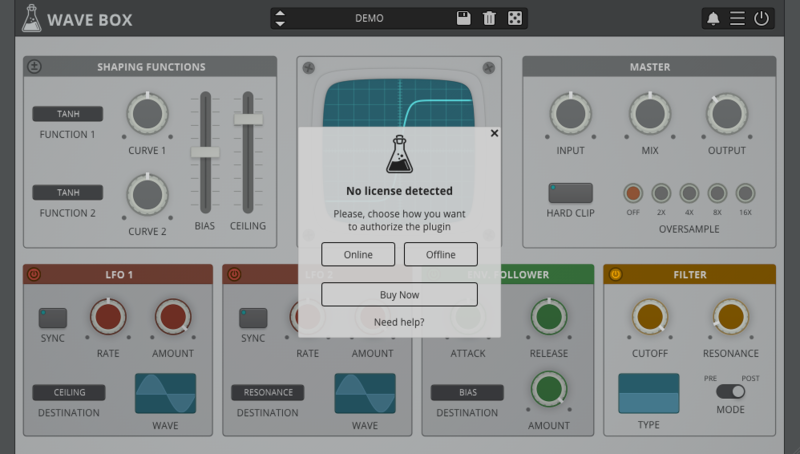
1. Open Wave Box inside of your DAW > Click 'Offline'.

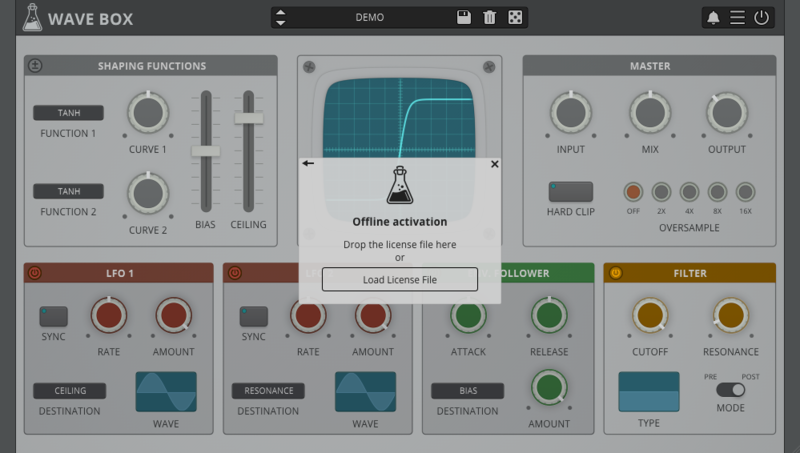
2. Click 'Load Licence File' and navigate to your Offline Activation License.

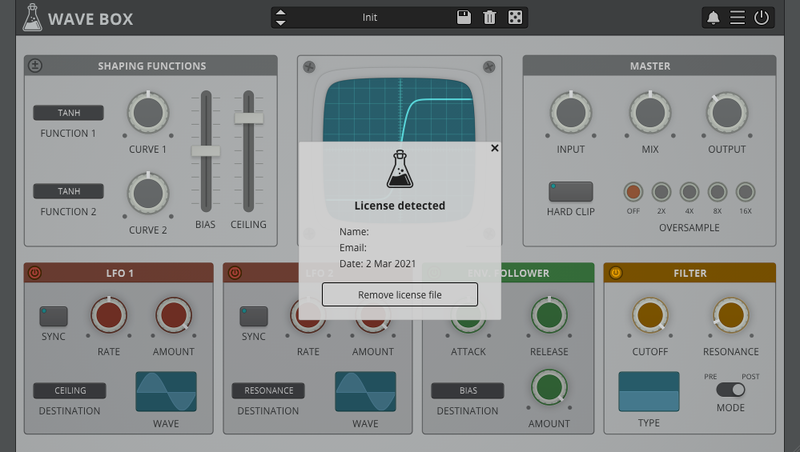
3. Click the X to close the box.

The software is now activated and ready to use inside your DAW!

Online Activation
1. Open Wave Box inside of your DAW > Click 'Online'.

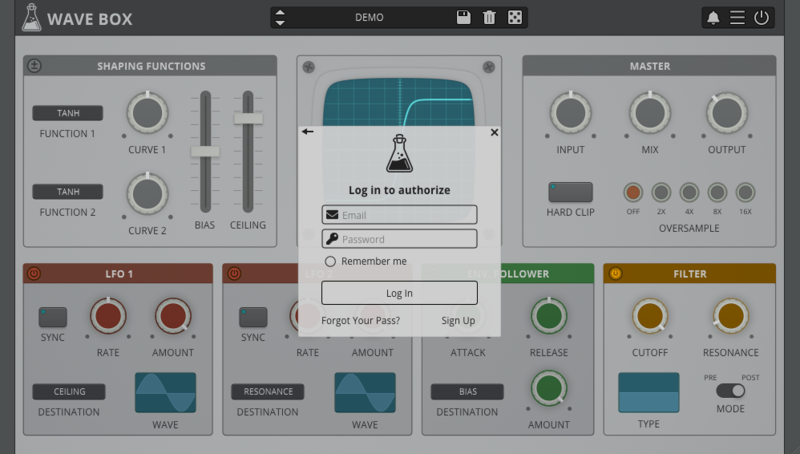
2. Enter your AudioThing email and password > Click 'Log In'.

3. Click the X to close the box.

The software is now activated and ready to use inside your DAW!

Mac
1. Visit the AudioThing Account Signup Page and enter your personal details to set up an account. Click the Verification and "I've read and agree to the Privacy Policy" > Click Sign Up.
Note: If you already have an existing AudioThing account, Login here and skip to step 3 of the installation process.

2. A confirmation email will now be sent to your registered email > click the link within the email to activate your account and Login here.
3. Once logged into your account, visit the Redeem Page and enter Redeem Code from your Plugin Boutique User Account into the box > Click 'Redeem'.

4. Download the MAC installer and the Offline Activation License.
Note: Save the Offline Activation License to a memorable location on your computer for activating the software.

5. Double-click the downloaded .dmg folder to extract its contents > Double-click the .pkg file to run the installer
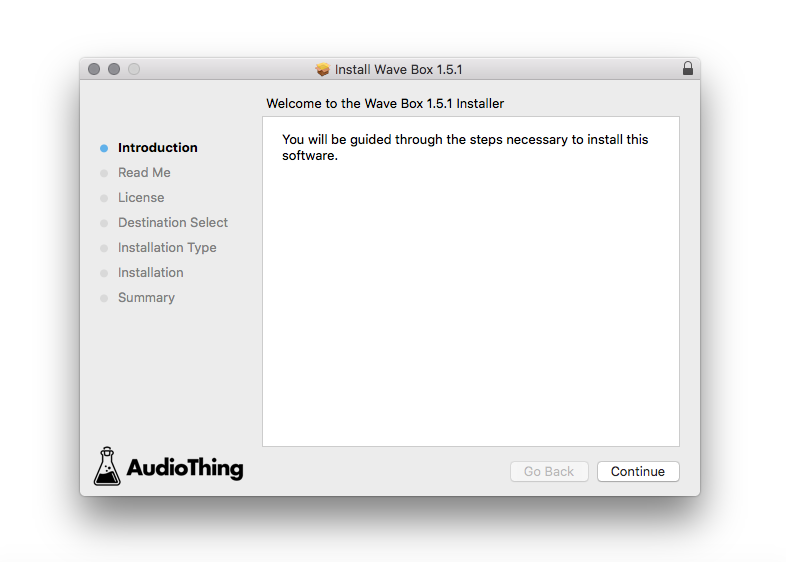
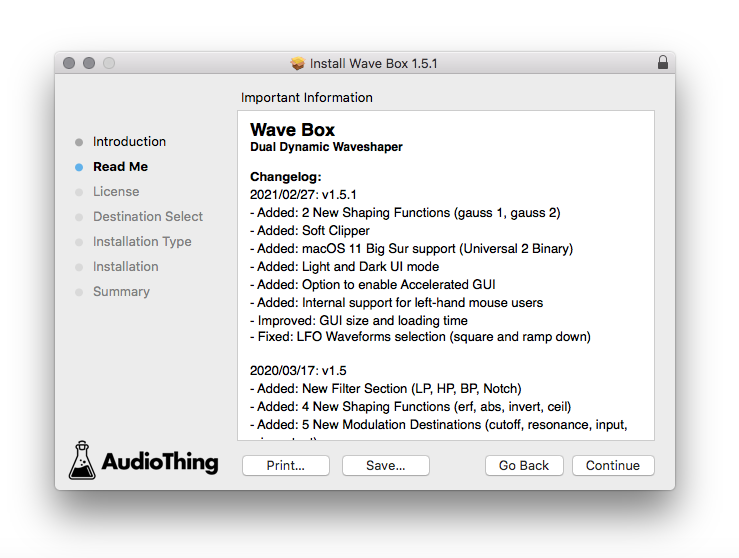
6. Click 'Continue'.

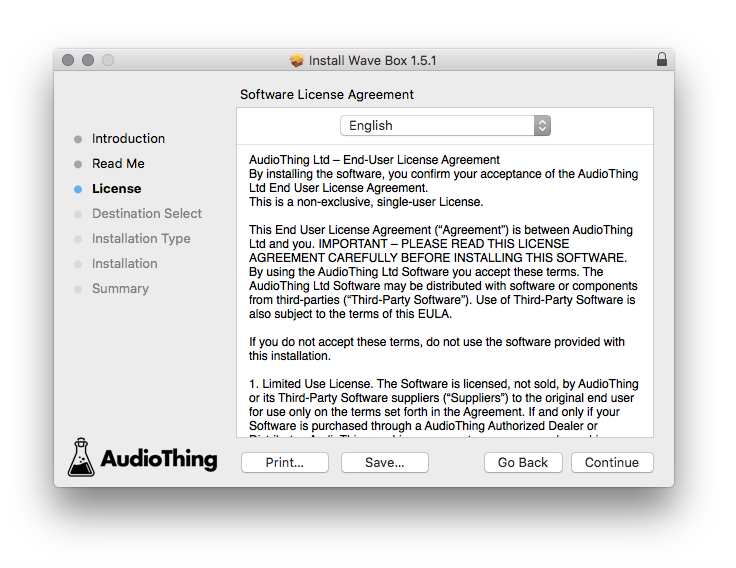
7. Click ‘Continue’.

8. Click 'Continue'.

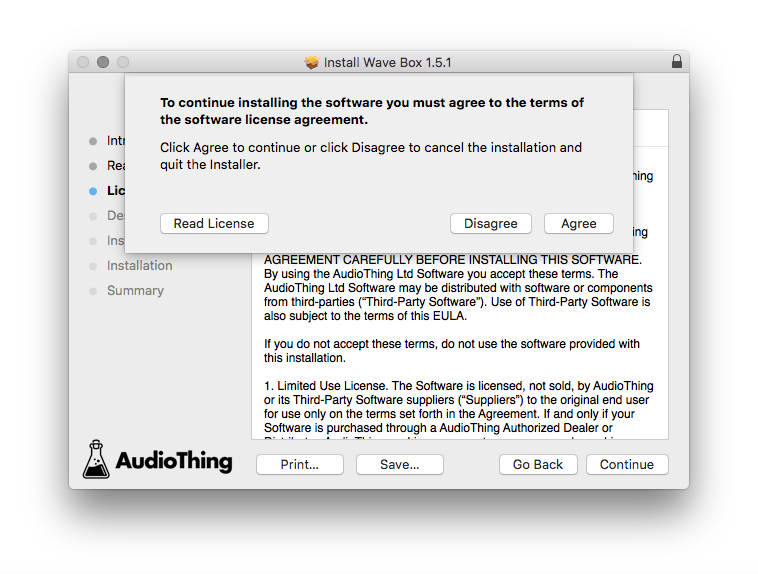
9. Click ‘Agree’.

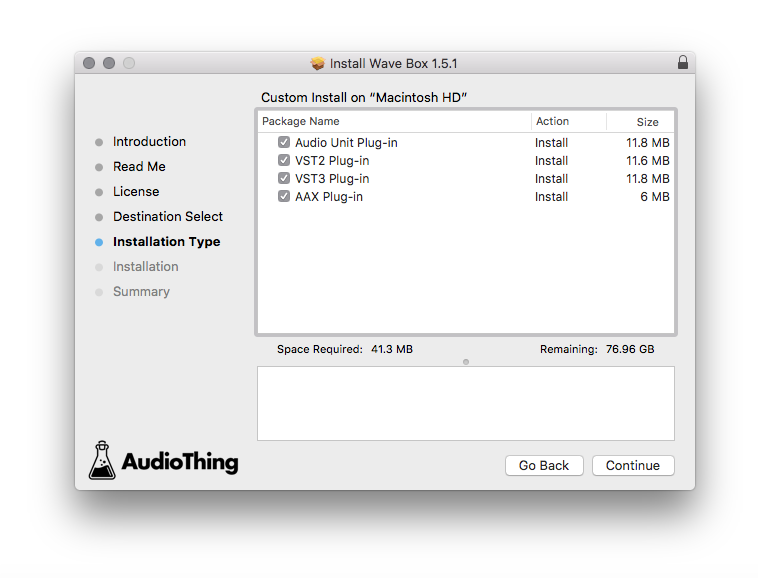
10. Select the components you would like to install > Click 'Continue'.

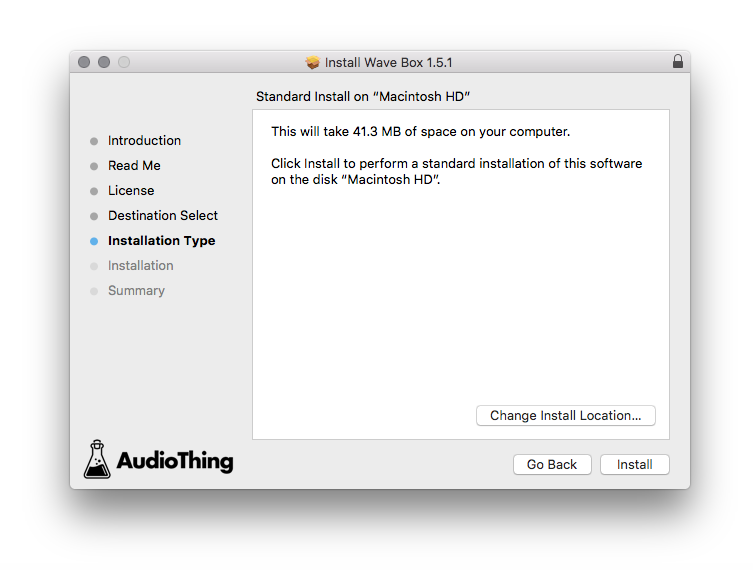
11. Click ‘Install’.

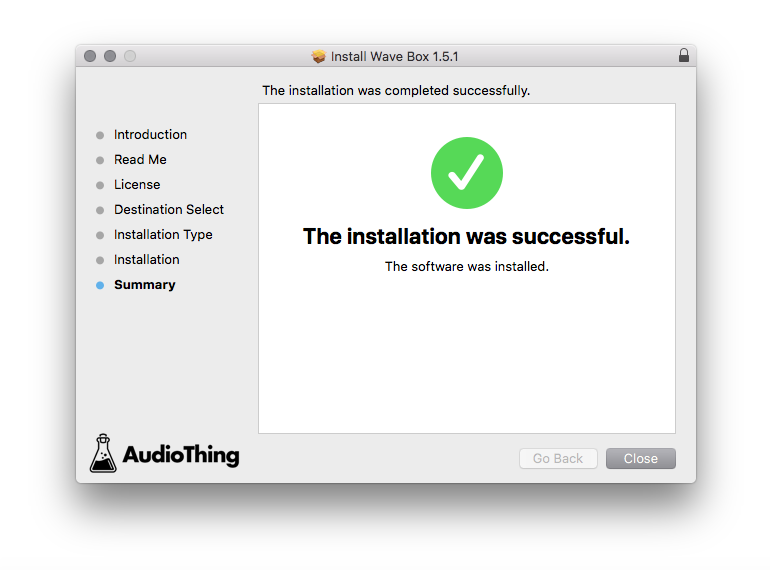
12. Click 'Close'.

Offline Activation
1. Open Wave Box inside of your DAW > Click 'Offline'.

2. Click 'Load Licence File' and navigate to your Offline Activation License.

3. Click the X to close the box.

The software is now activated and ready to use inside your DAW!

Online Activation
1. Open Wave Box inside of your DAW > Click 'Online'.

2. Enter your AudioThing email and password > Click 'Log In'.

3. Click the X to close the box.

The software is now activated and ready to use inside your DAW!