


 Log In

Free gifts available with your purchase
Reel To Reel
Reels is a tape emulation plugin with a built-in echo section and tape-stop effect.
Based on an old Japanese portable tape recorder with a very distinct Lo-Fi analogue sound, Reels emulates all the imperfections of consumer reel-to-reel recorders.
AudioThing has modelled three different 1/4” tape frequency responses and saturations, along with all the analogue imperfections of tape recording/playback.
Reels will add a very rough retro analogue sound to your mixes. If you are looking for a Hi-Fi mastering tape emulation, this is not the plugin for you!
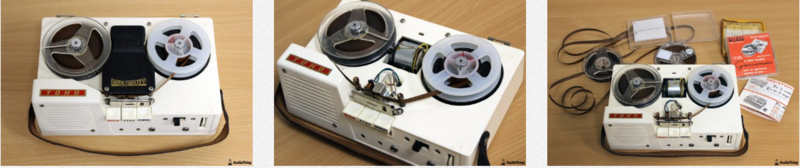
Portable Tape Recorder
Reels is based on a vintage Japanese reel to reel, ironically marked as High Fidelity, found in a distressed state at a local flea market. Most of these consumer tape recorders, also due to their age, produce has a very rough Lo-Fi analogue sound.
During recording or playback, the motor noise somehow bleeds in, along with the usual tape hiss, limiting the actual bandwidth available on the tape.
Reels recreates all the imperfection of consumer reel-to-reel vintage recorders, including:
- Harshness - Harmonic distortion with loss of clarity (mid-range)
- WOW / Flutter - Pitch instabilities due to recording and playback issues
- Ducking - Random volume loss due to tape or rec/play head imperfections
- Crosstalk - The leak between the left and right channels in a stereo signal
- Hiss - High-frequency noise caused by the magnetic particles in the tape
- Motor - Mid-frequency noise caused by the reels motor
Tape Start and Stop
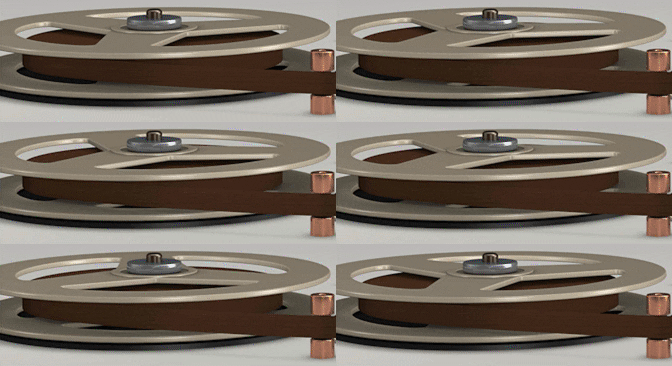
When you press stop on a reel-to-reel player, the tape doesn’t stop immediately. Instead, it gradually slows down creating a pitch down and fade-out effect.
The same thing happens in reverse, if you hit play, the tape gradually speeds up creating a pitch up and fade in effect.
You can replicate this effect with Reels, and you can also change the speed of the start/stop effect.
Tape Modeling
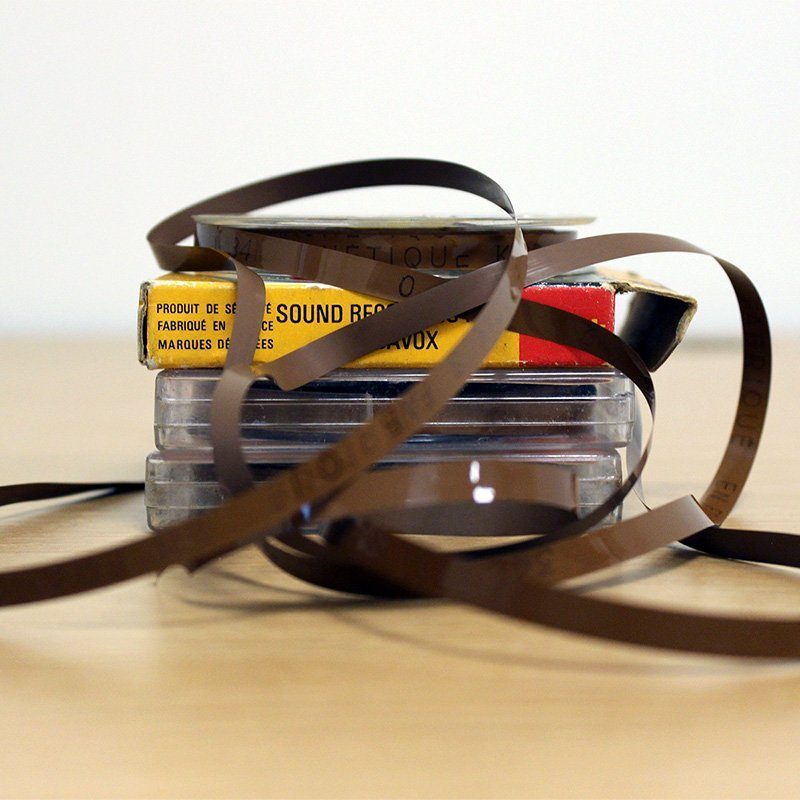
AudioThing has modelled three different tape types, from ruined to NOS (new old stock) state.
The tape types are named after the country of origin: JP (Japan), IT (Italy), FR (France).
- JP - Used tape but with an overall better frequency response
- IT - New old stock but with a limited frequency response
- FR - Overused and badly stored, very bad state
Each tape will affect the sound in different ways, especially at higher feedback settings when using the Echo section.
WOW / Flutter, Ducking and other parameters will also change according to the selected tape, creating different amounts of pitch and volume changes.
Features
- Vintage Tape Emulation
- Tape Start and Tape Stop Effect
- 3 Tape types
- Echo Section
- Speaker and Mic Emulation
- Hiss and Motor noise with Envelope
- 50 Presets
- Resizable Window
- Preset system with randomizer
Windows
- Windows 7-11
- 2GHz CPU, 4 GB RAM
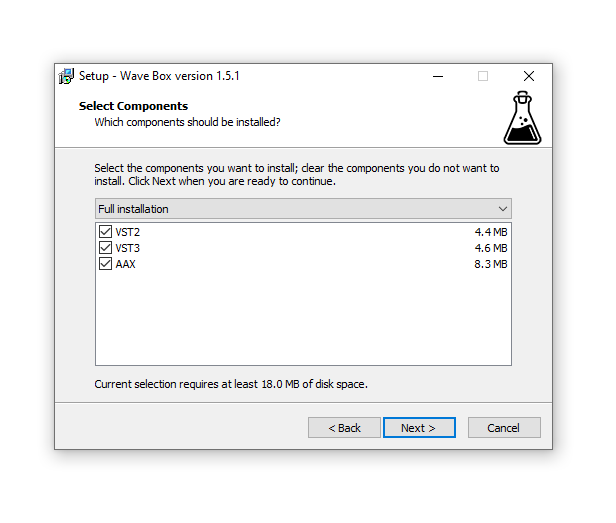
- VST2, VST3, AAX, CLAP (64-bit)
Mac
- OS X 10.13 – macOS 14
- Apple Silicon (M chips) Native (Universal 2 Binary)
- 2GHz CPU, 4 GB RAM
- VST2, VST3, AU, AAX, CLAP (64-bit)
- Universal 2 Binary

Reviews Summary
While it aims to provide a helpful overview, it may not capture every perspective or detail. We encourage you to read individual reviews to make an informed decision.
Users praise this solid tape emulation plugin for adding warmth, character, instability, and a unique dusty vibe to audio. While noted as not necessarily an everyday go-to for standard tracks, it is highly appreciated for lo-fi aesthetics, versatile flavor options, and convincing tape effects.


