/ Saturation / PUNISH Lite
Heavyocity

PUNISH Lite

4.3 (3911 Reviews)
$24.50 $49.00

50% off until Dec 12

Main Image
Main Image
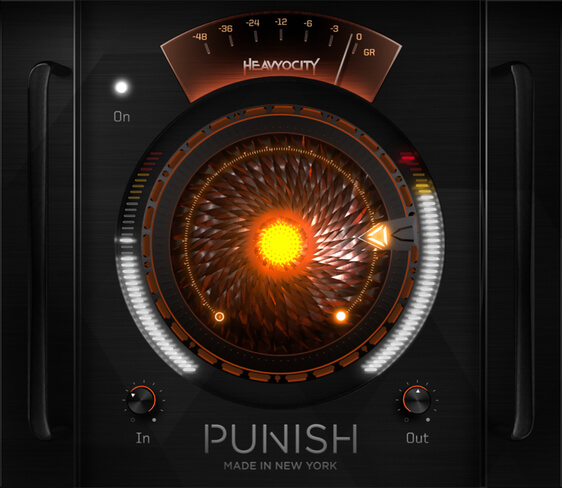
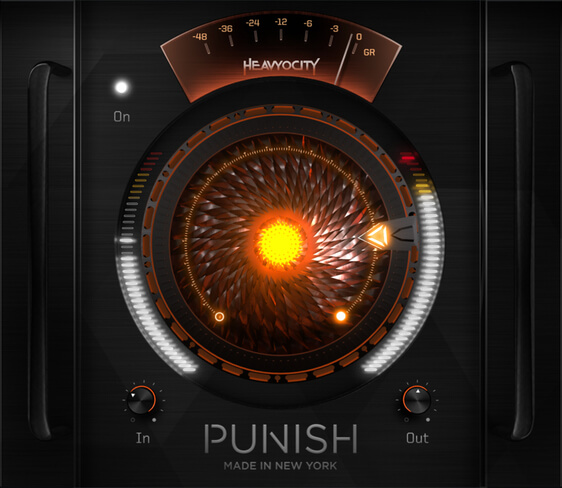
Heavyocity Punish Lite - Main GUI
Buy Now
Product information

No Good Mix Goes Un-PUNISHed

After nearly a decade of devastation, the purest form of Heavyocity's iconic effect is now available as a standalone fx plugin. Introducing PUNISH Lite. Pulled straight from Heavyocity's award-winning line of virtual instruments, PUNISH Lite runs the gamut of drive and saturation, pushing your sources from subtle heat to full-on fire. Featuring a studio's worth of analogue punch packed into a single, central knob, PUNISH Lite makes it easy to go from warmth and snap to total destruction.

System Requirements

Operating Systems:

  • Mac: OS X 10.14 (Mojave) or later (64-bit only) *Native M1 currently not supported
  • Windows 10 or later (64-bit only)

Available Plugin Formats:

  • AAX, VST, and Audio Units (AU) Formats

Please Note:

  • Internet connection is required to activate this software
Installation Instructions

Installation Instructions

Windows / PC

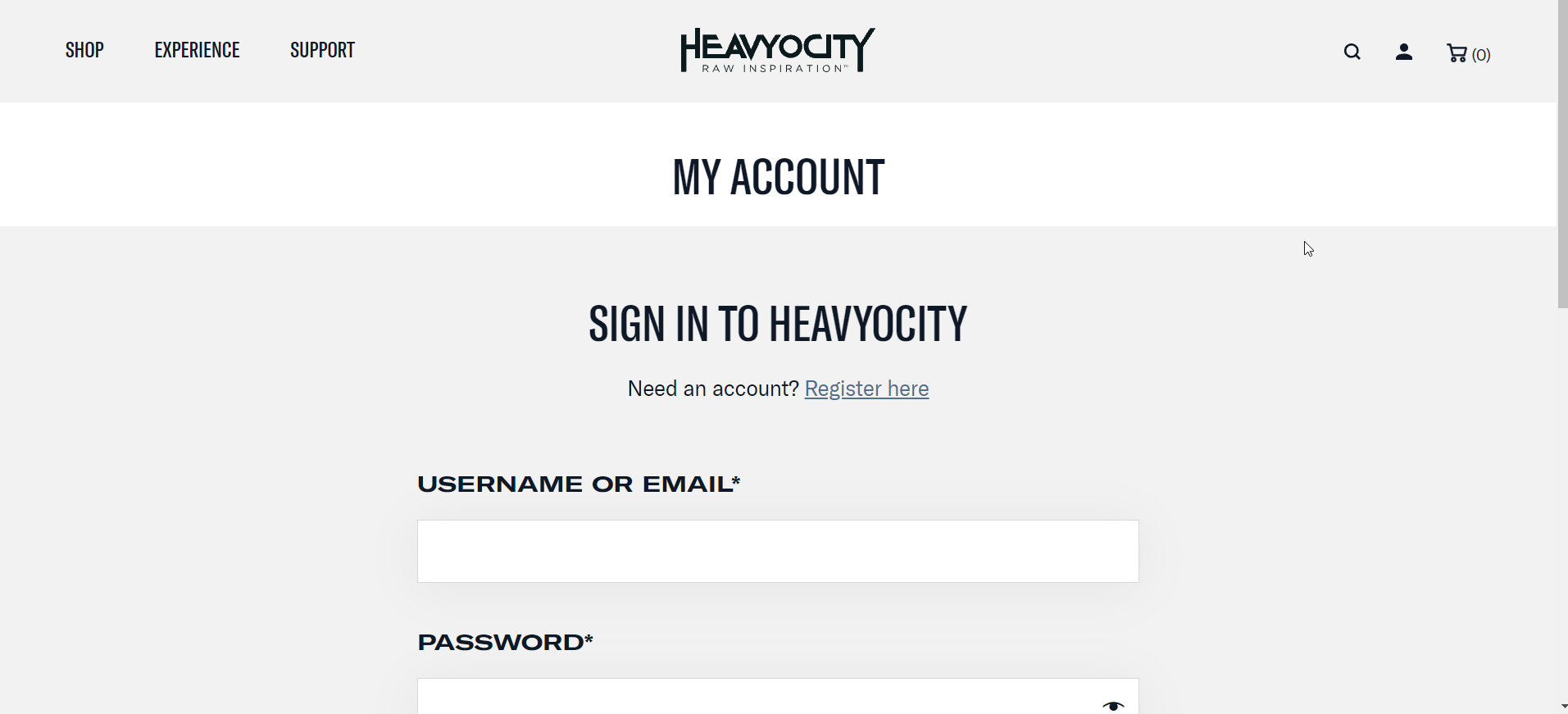
1. Thank you for purchasing PUNISH Lite > please log into your existing Heavyocity account, or create one at - https://www.heavyocity.com/my-account/

2. If need to register and sign up for a new account, enter a memorable User Name, Email and Password > Click 'Register here.'

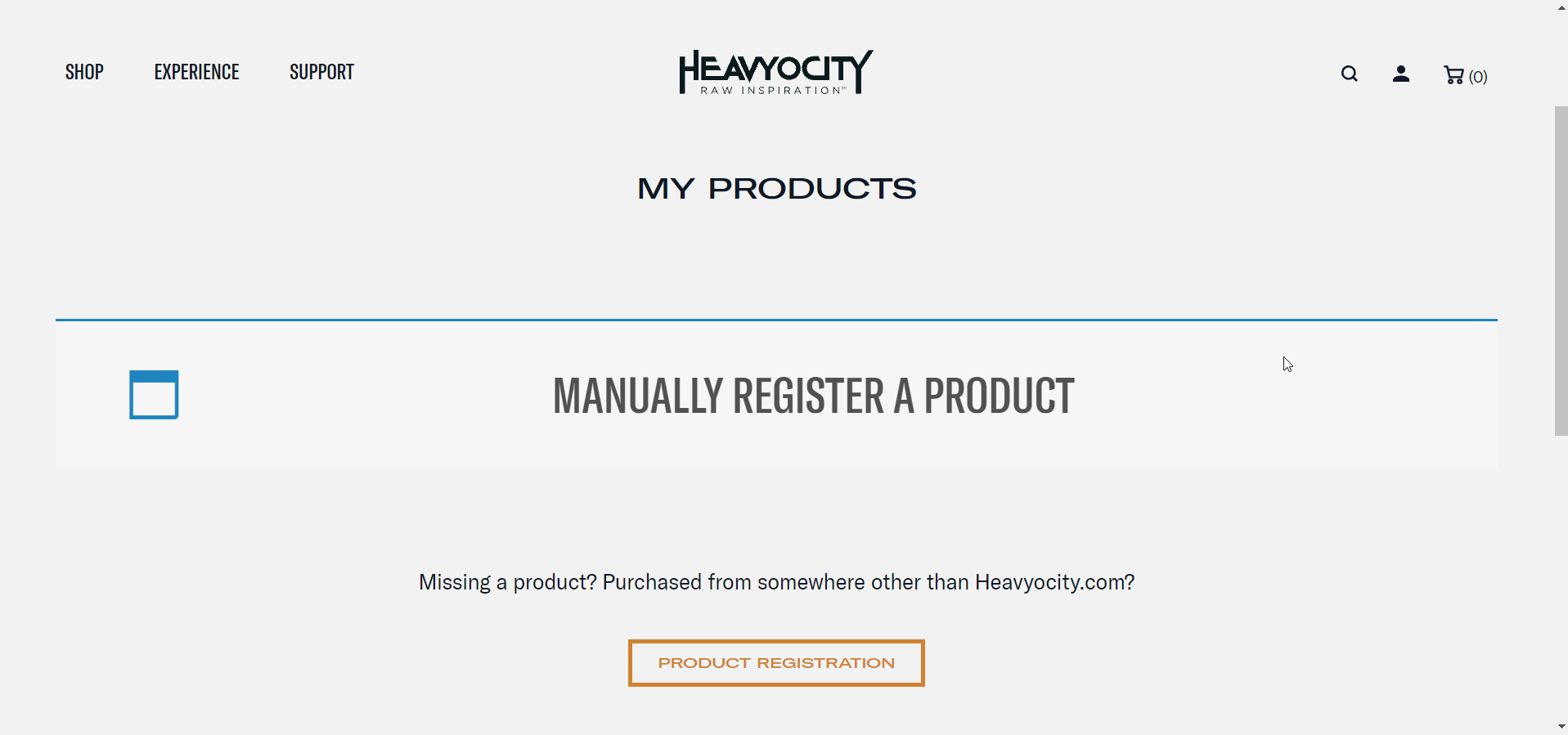
3. Once you're logged in to your Heavyocity account, head to the 'My Products' section and select 'Product Registration'

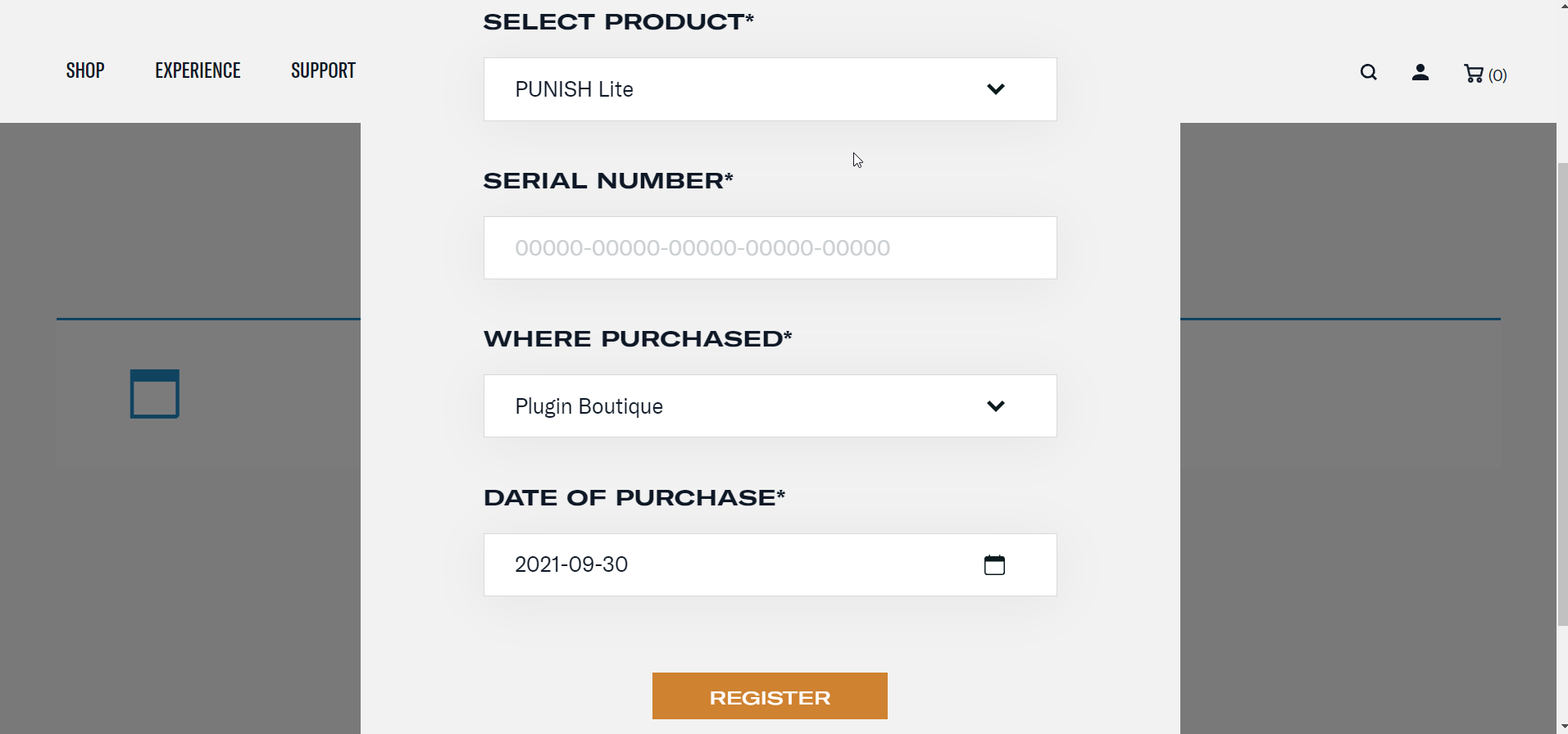
4. Select the Product 'PUNISH lite' from the Drop-Down list > enter your serial code along with 'Plugin Boutique' as the place of purchase and today's date > Click 'Register.'

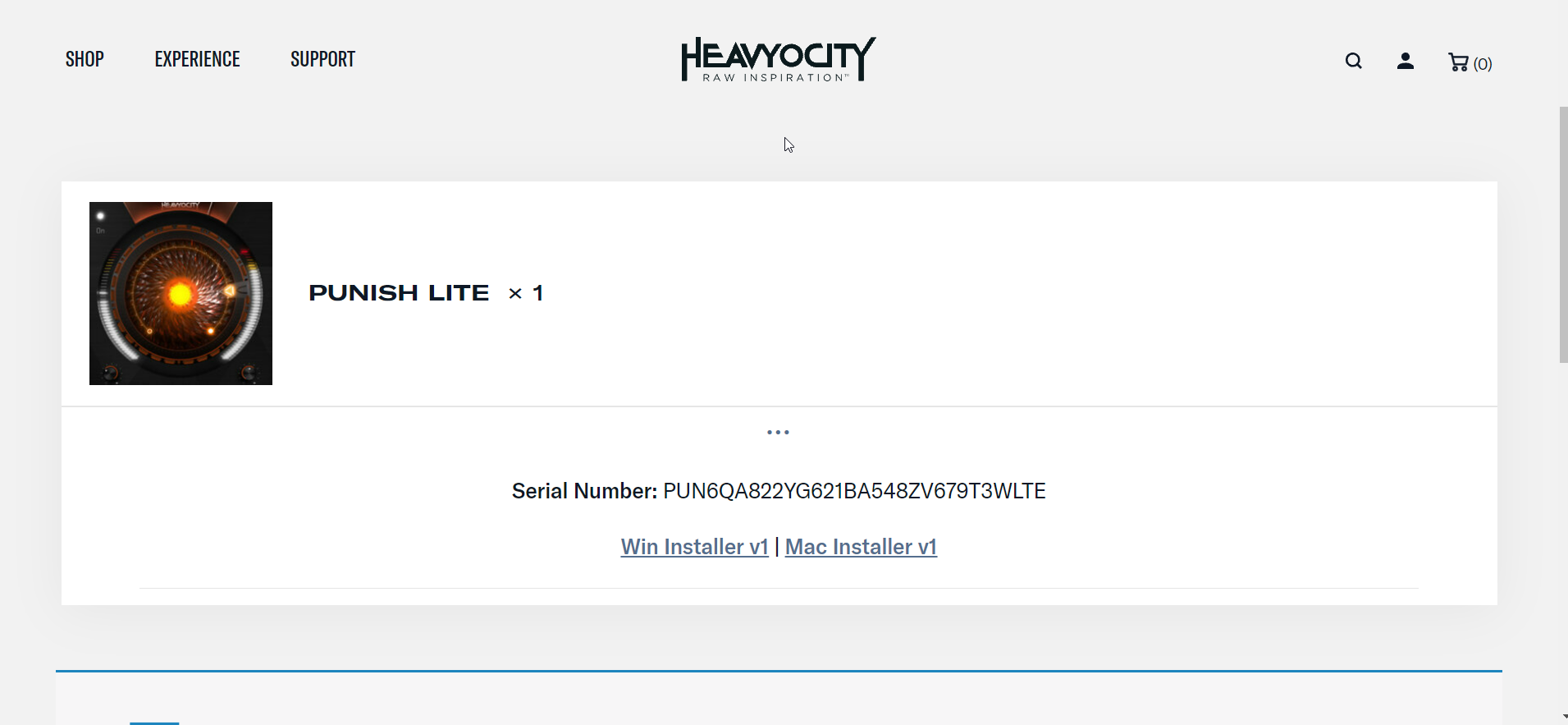
5. PUNISH is now Registered > Select and Download your preferred PC ('win') Installer.

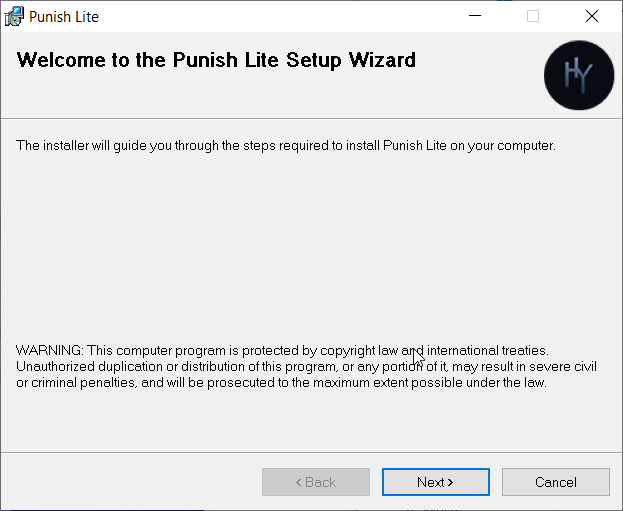
6. Once the compressed installer folder has finished downloading, Unzip it and Select (Double-Click) the .exe file to being the installation process > Click 'Next.'

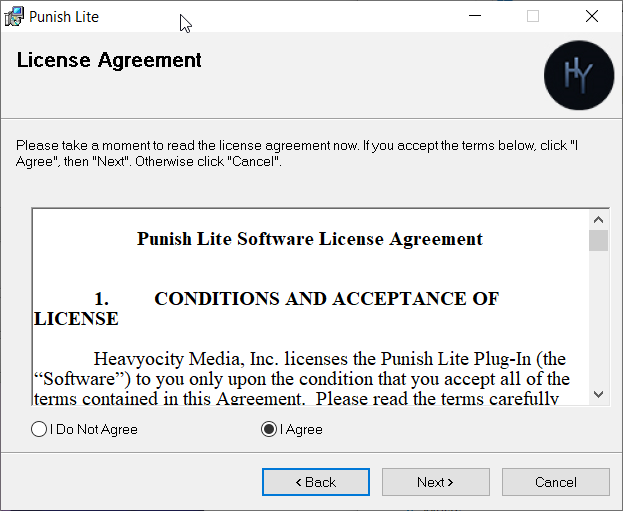
7. Read the License Agreement, make sure 'I Agree' is selected then click 'Next.'

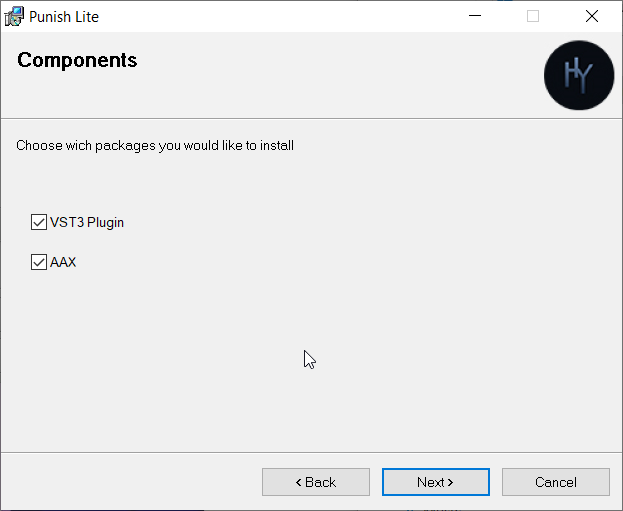
8. Select the software format(s) that you wish to install in correspondence with your DAW host's accepted Plugin format(s) > Click 'Next.'

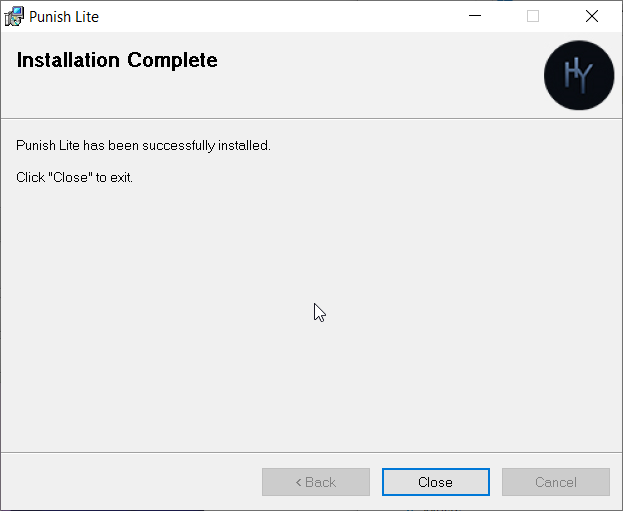
9. Installation is now complete > Click 'Close' to exit setup. 

10.  Restart your DAW > PUNISH Lite is now ready for use! You may need to Rescan your DAW Plugin List if PUNISH Lite fails to show within your DAW's Audio FX software list.

Mac OS X

1. Thank you for purchasing PUNISH Lite > please log into your existing Heavyocity account, or create one at - https://www.heavyocity.com/my-account/

2. If need to register and sign up for a new account, enter a memorable User Name, Email and Password > Click 'Register here.'

3. Once you're logged in to your Heavyocity account, head to the 'My Products' section and select 'Product Registration'

4. Select the Product 'PUNISH Lite' from the Drop-Down list > enter your serial code along with 'Plugin Boutique' as the place of purchase and today's date > Click 'Register.'

5. PUNISH Lite is now Registered > Select and Download your preferred Mac Installer.

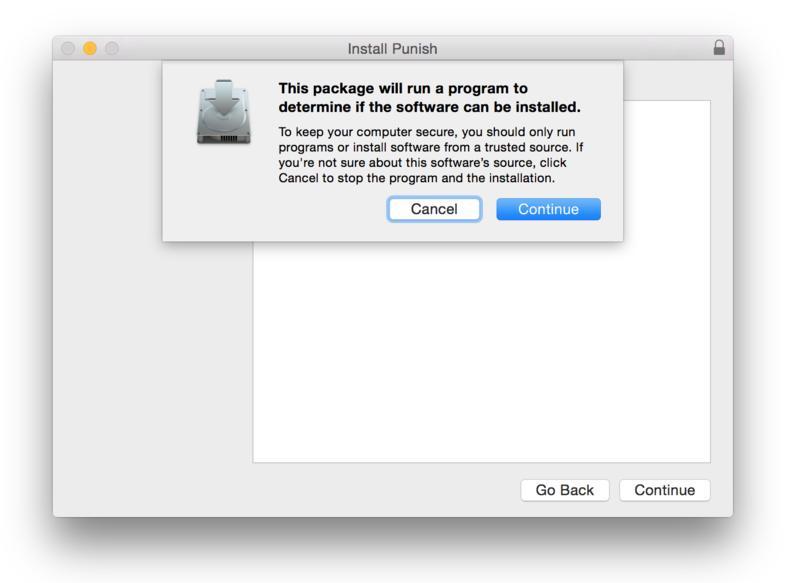
6. Once the compressed installer folder has finished downloading, Unzip it and Select (Double-Click) the .pkg file to being the installation process > Click 'Run.'

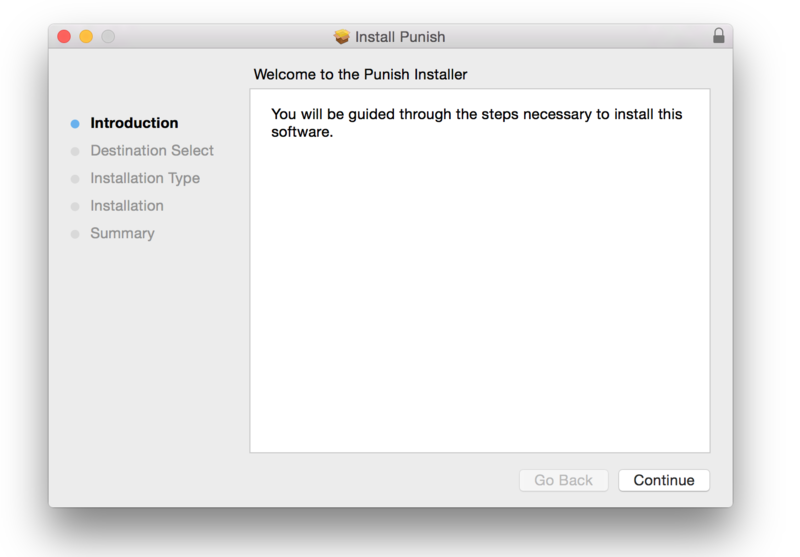
7. Click 'Continue.’

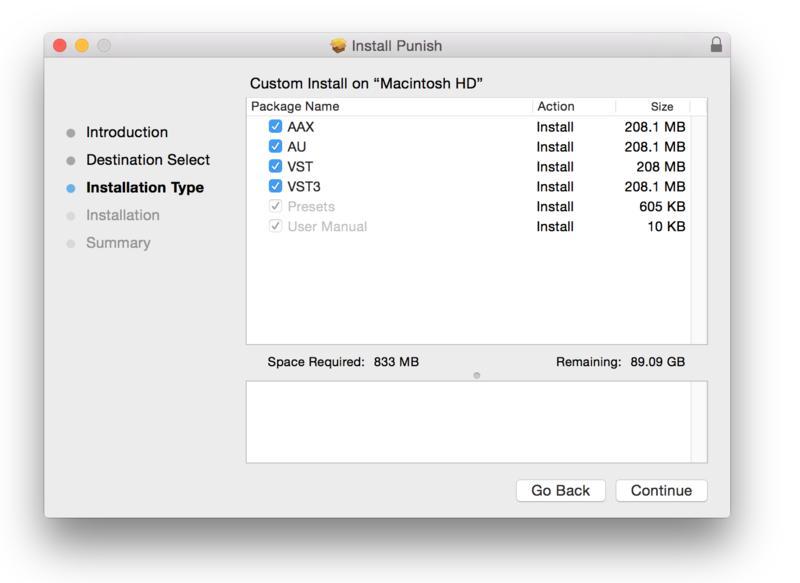
8. Select the software formats that you wish to install (in correspondence with your DAW host's accepted Plugin formats) > Click 'Continue.'

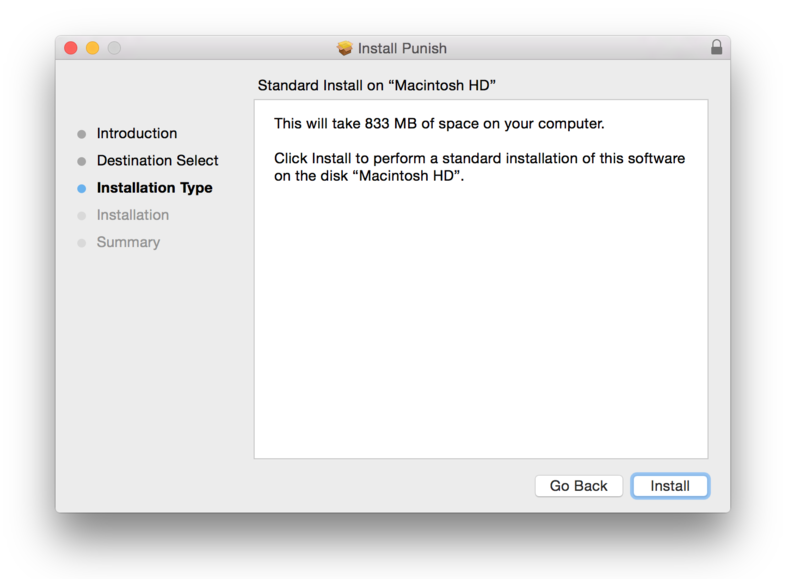
9. Check to ensure that you have the required computer memory to install PUNISH Lite.

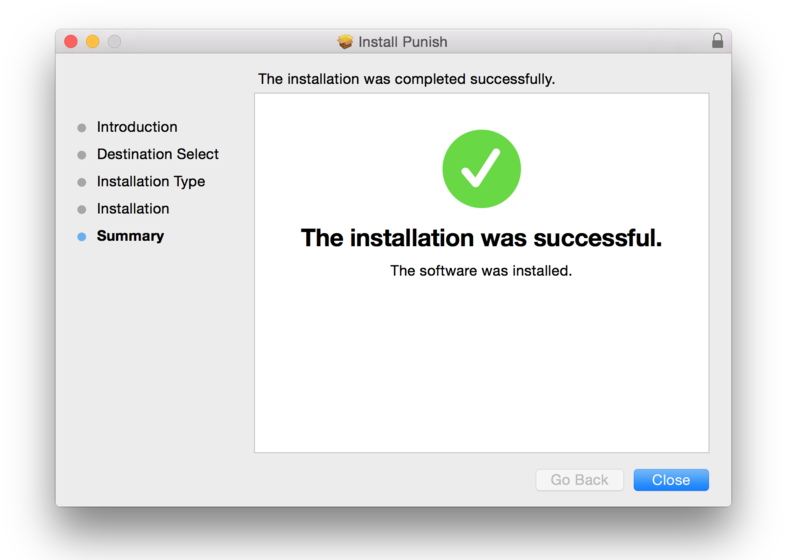
10. The installation has successfully completed > Click 'Close.'

11.  Restart your DAW > PUNISH Lite is now ready for use! You may need to Rescan your DAW Plugin List if PUNISH Lite fails to show within your DAW's Audio FX software list.

Plugin Boutique Rewards

Discover the most rewarding loyalty programme among all plugin retailers.

  • Free Loopmasters Samplepacks
  • Discounts on products and courses
  • Extra Virtual Cash claimed immediately at checkout
Find out more

Follow us:

X (Twitter) Facebook YouTube Instagram
Logo Logo

Plugin Boutique Limited, Part of the Beatport Group LLC.

Copyright © 2011-2025 Plugin Boutique. All rights reserved