Log In

Free gifts available with your purchase
Important Note: This is an educationally discounted version of Density and is available for full-time students or faculty at an educational institution only. Once purchased please send your order number and proof of educational status to support@pluginboutique.com. The full version of Density is also available.

Density is an audio effect plugin that creates various layers of sounds based on the input. With great results in stereo and fantastic ones in immersive, this plugin allows artists to create incredible sounding ensembles based on a solo input and get incredible spatialization.
A Voice Turns into Choirs and a Violin into String Ensembles
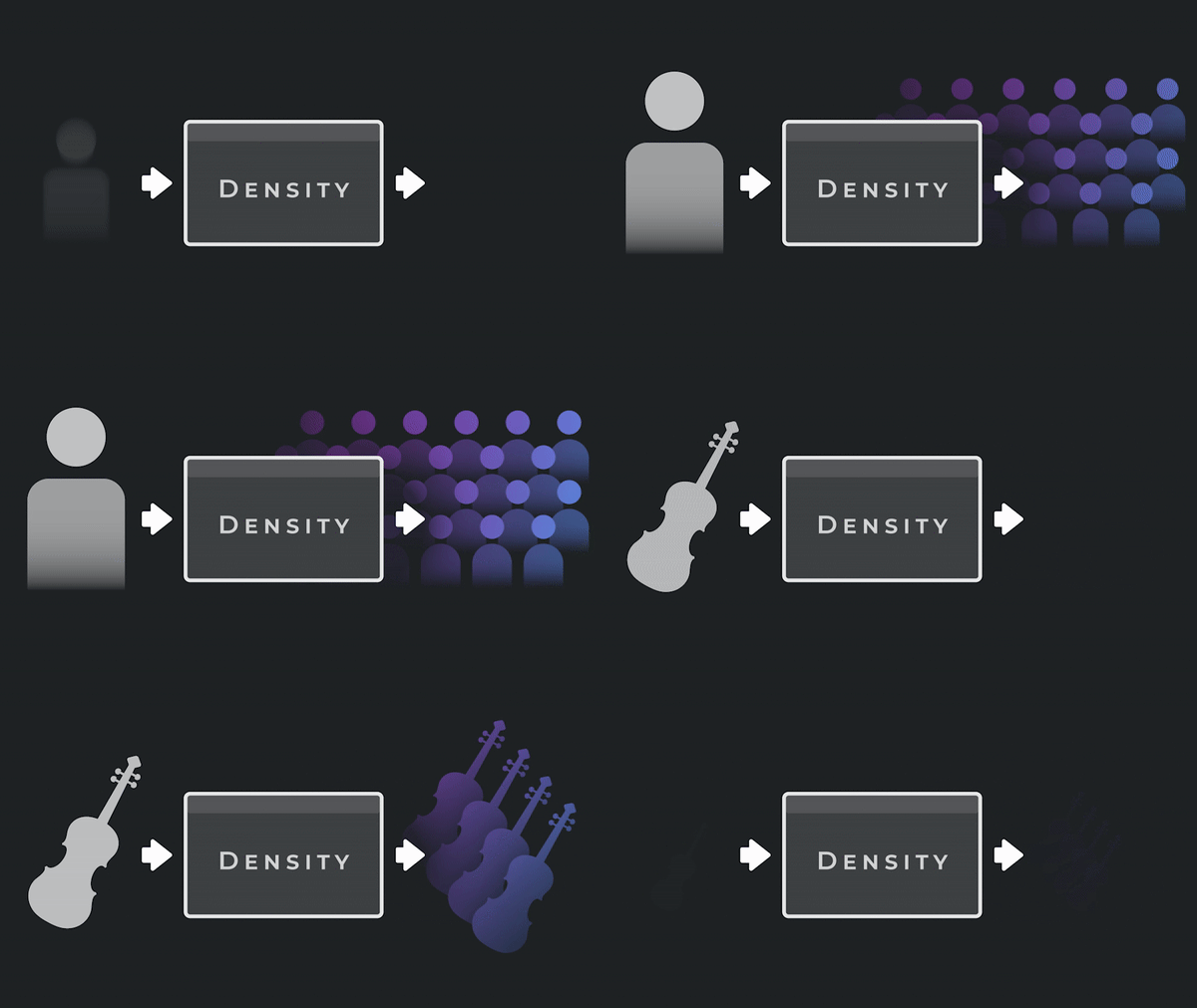
Density creates various layers of sounds based on a single track. Using granular technology, It’s now incredibly easy to increase the density of sounds on your tracks, with beautiful results.
From music to sound design, from stereo to Dolby Atmos, Density is a plugin that you definitely want in your toolset.
Features
Basic Mode
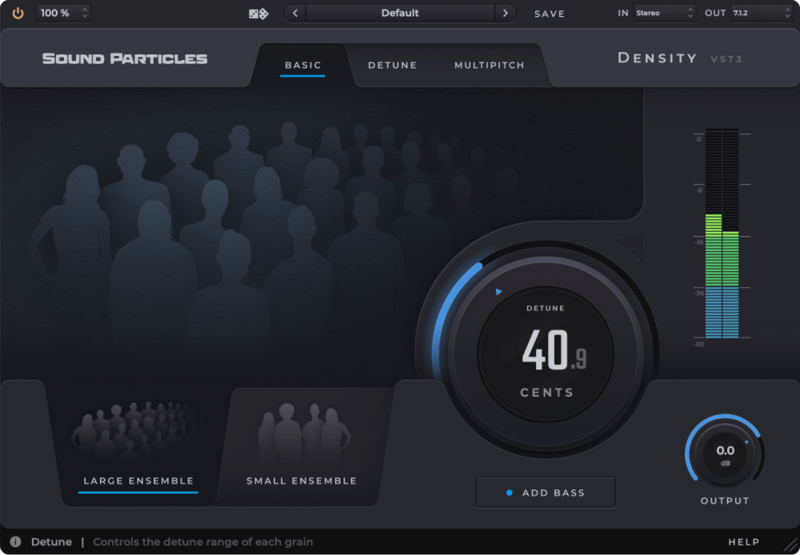
This mode allows you to use the plugin quickly, without needing any additional experience, with incredible results. With just a few controls, you can create small or large ensembles from a single sound.
Detune Mode
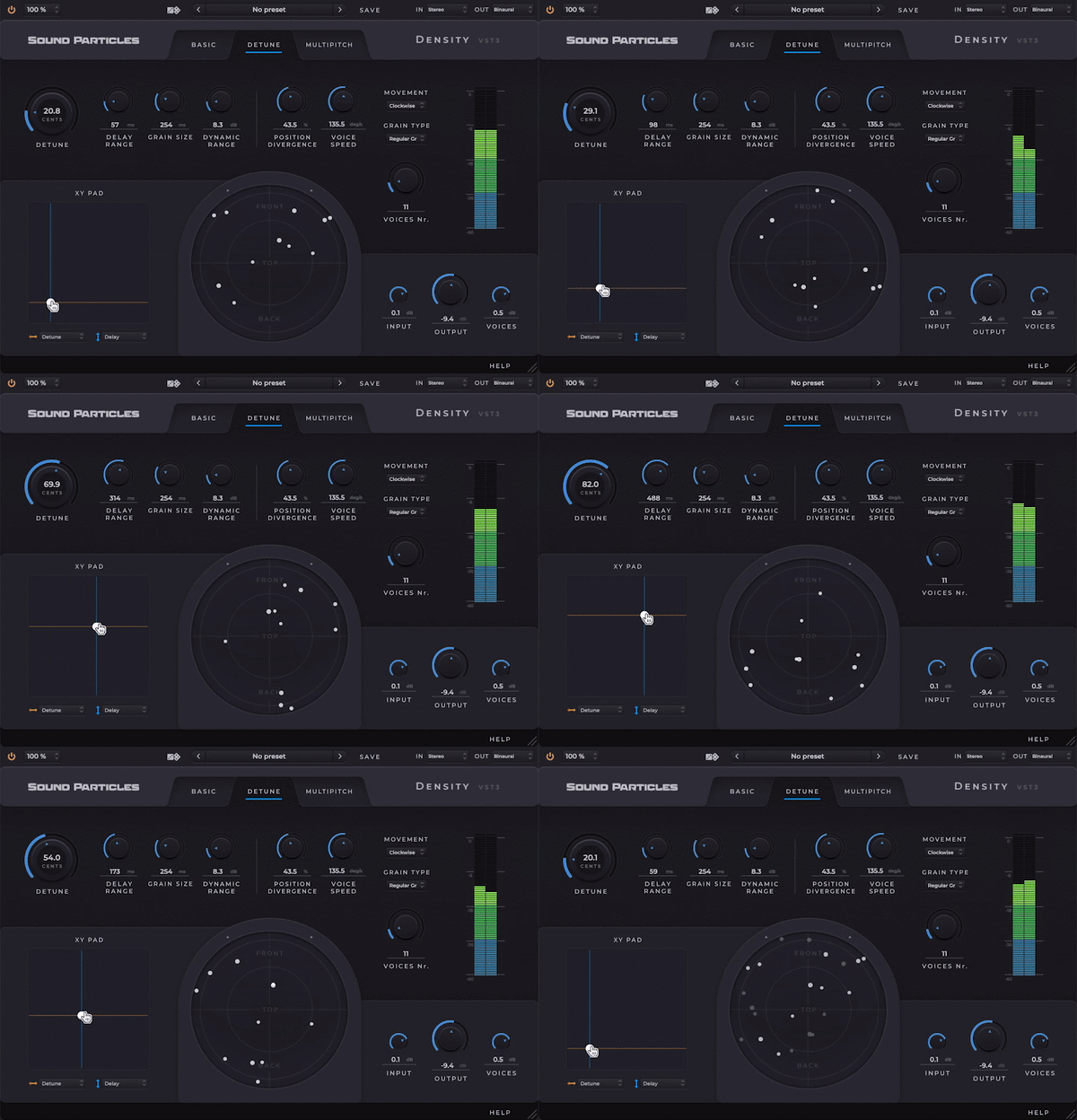
This mode is perfect to create the feeling of various layers. The Detune Mode has more advanced controls that allow you to fine-tune some parameters related to the generation of grains and the movement of the voices.
Pitch Mode
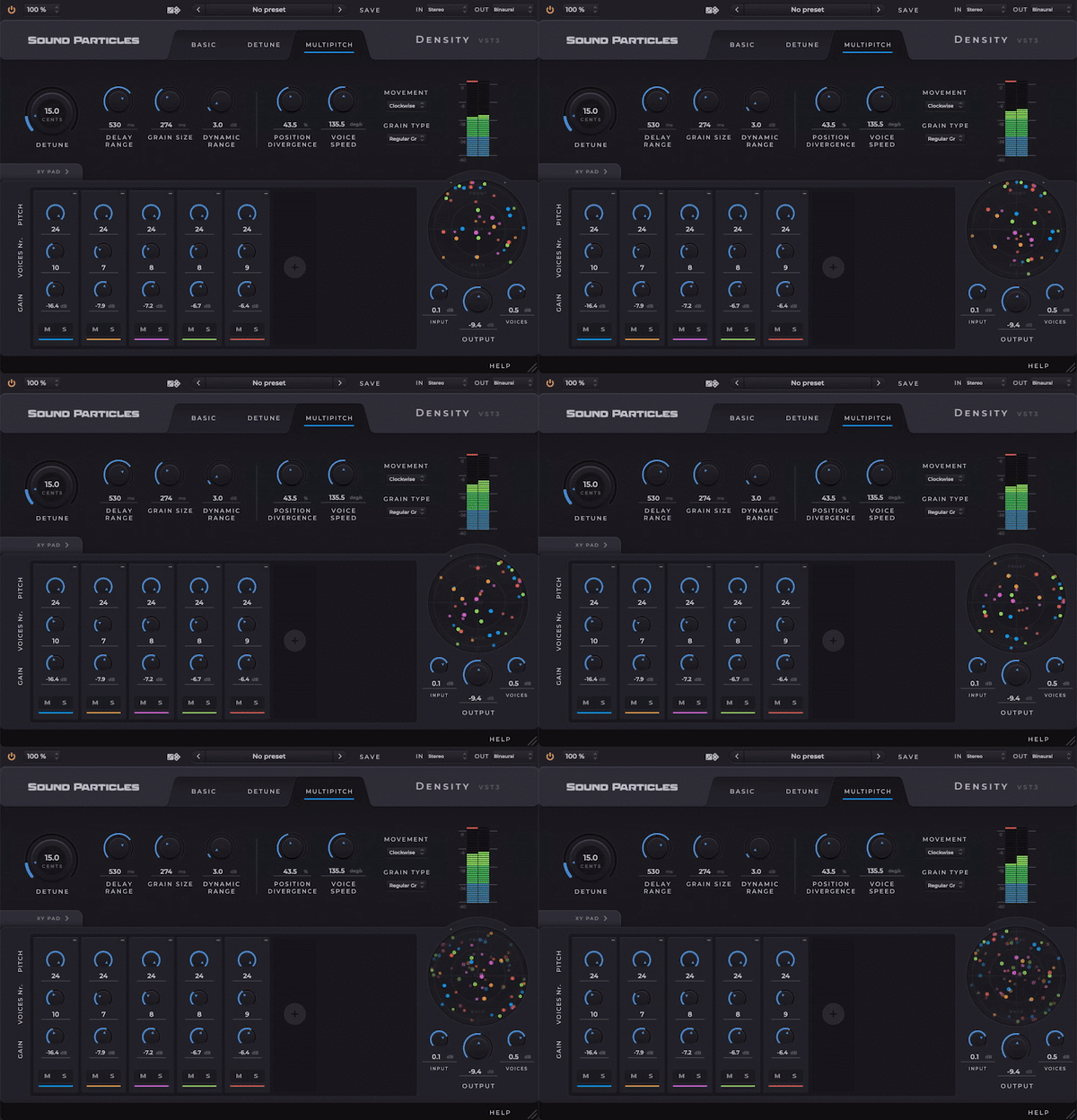
This mode creates multiple groups of voices with individual controls for pitch, number of voices, and gain, allowing harmonization like a choir - and giving you the most realistic - and most creative results.
Additional Features
- XY Pad - Control two parameters at the same time with the mouse, to give you the best way to express yourself
- All Formats - Take advantage of creating in all the following formats: stereo, 5.1, 7.1, Ambisonics, binaural, Dolby Atmos, ...
- Movement - Make grains move to bring more life to your sounds by choosing it's movement patterns
- Top View - A circular visual representation of your layers in a 3D space
- Layering - Separate control of input and generated voices allow you to easily automate the gain of the generated voices to control your music performance
- Randomization - Use presets or our randomization tool to explore multiple out-of-the-box results in a fast way
System Requirements
Mac
- macOS 10.13 High Sierra or later (Intel / M1 Apple Silicon supported) (64-bit only)
- CPU - 2-core or higher (4-core or higher recommended)
- RAM - 4 GB or higher (8 GB or higher recommended)
- 200 MB Disk Space required
- Plugin Formats - AAX Native, AU, AUv3 and VST3
Windows
- Windows 10 or later (64-bit only)
- CPU - 2-core or higher (4-core or higher recommended)
- RAM - 4 GB or higher (8 GB or higher recommended)
- 200 MB Disk Space required
- Plugin Formats - AAX Native and VST3