Log In

Free gifts available with your purchase
The next generation of tools for Dolby Atmos productions
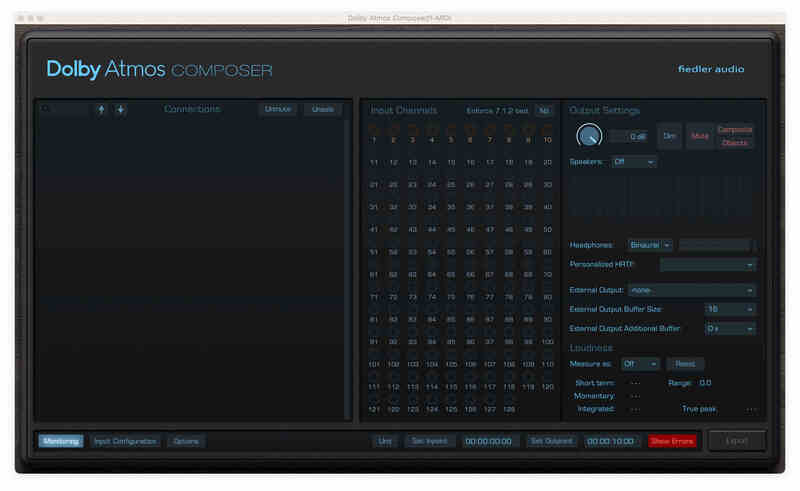
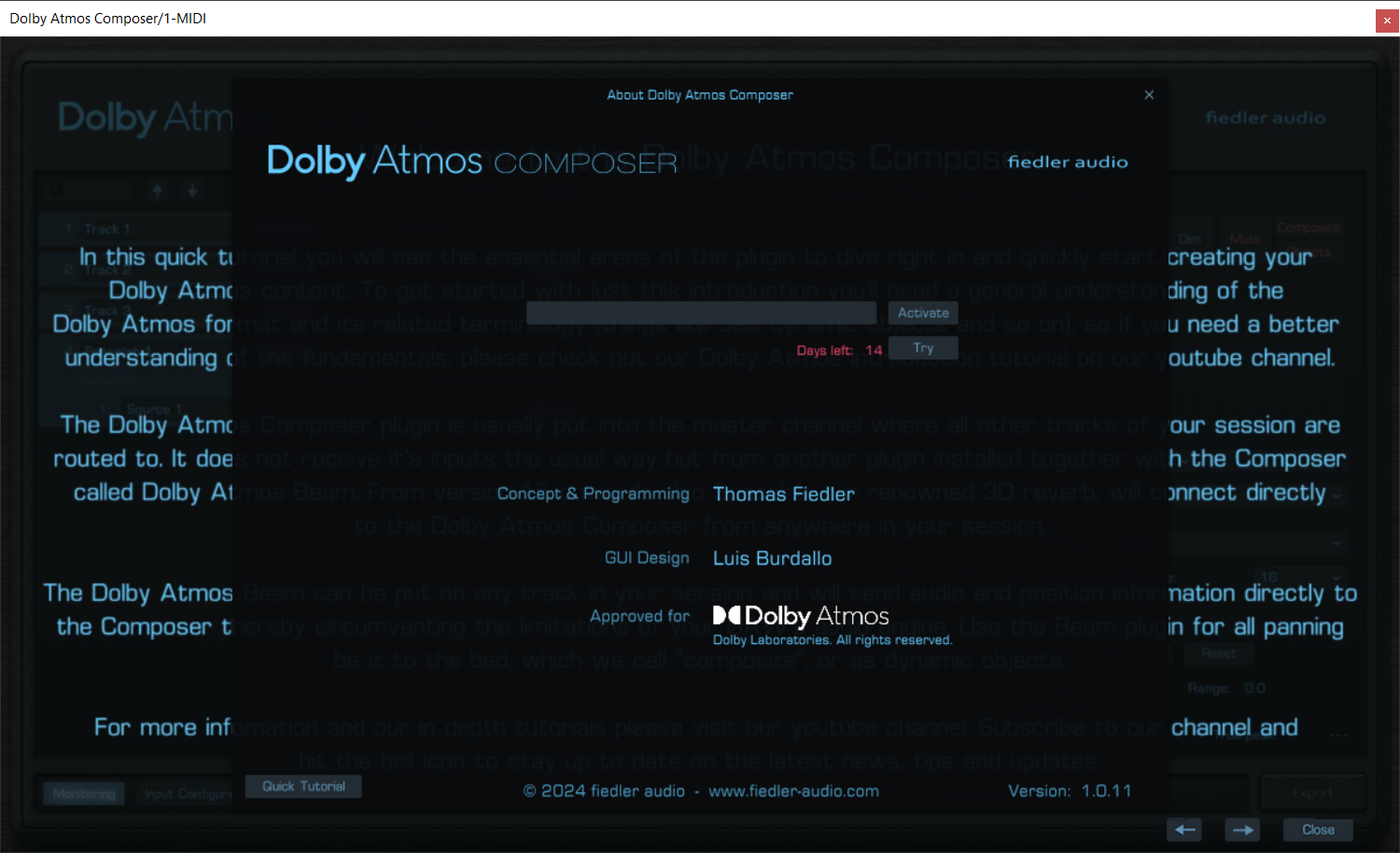
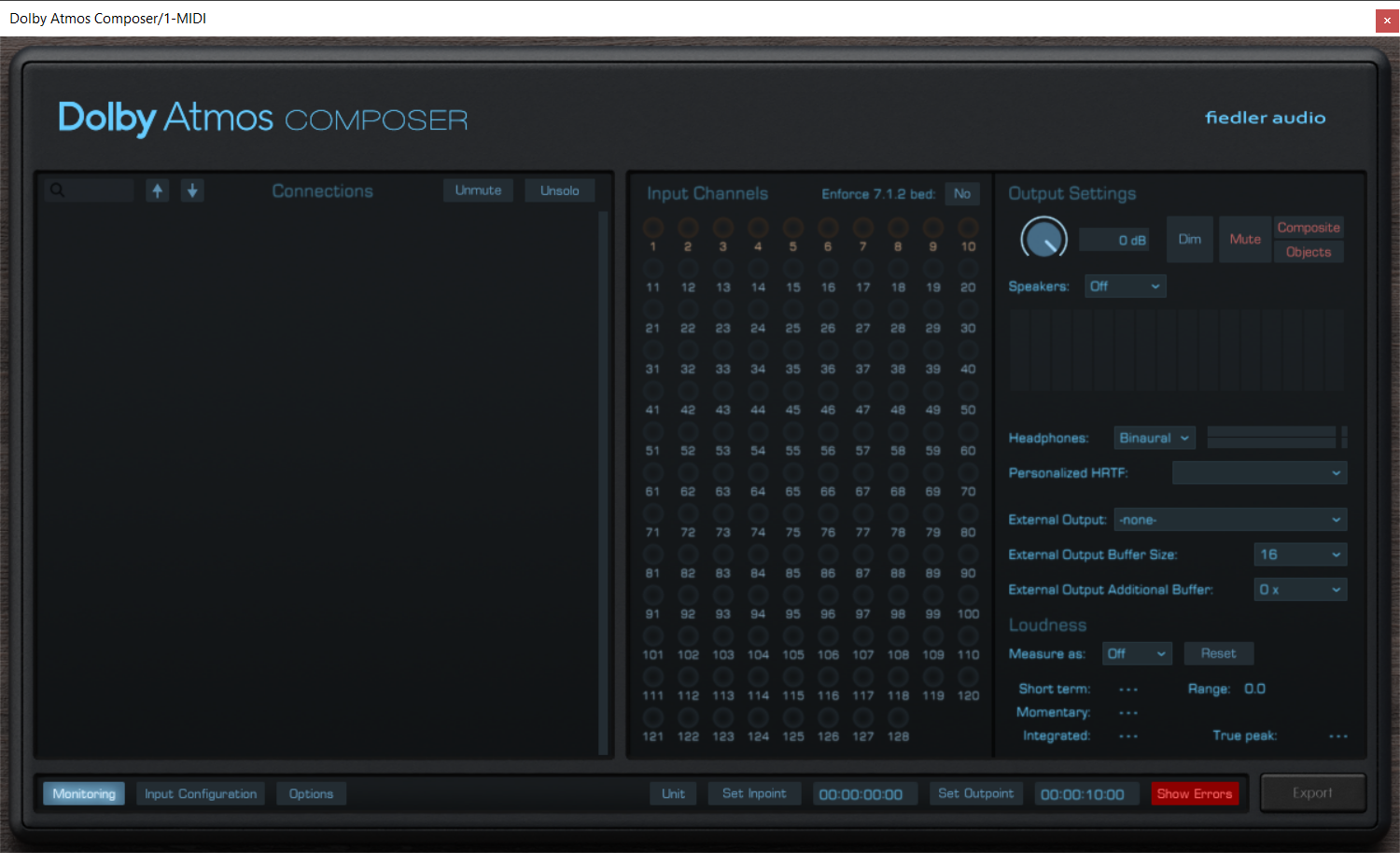
Produce Dolby Atmos content on any DAW now! Approved by Dolby Labs, the Dolby Atmos Composer annihilates all the unnecessary burden of manual setup for your Atmos workflow as well as the need to use a DAW capable of immersive audio production.
The Dolby Atmos Composer comes with a versatile panning plugin called Dolby Atmos Beam. Easily automate complex movements and circumvent your DAW's limitations.
Fully integrating with world class 3D reverb
From version 1.5 onwards the renowned 3D reverb Spacelab directly connects to the Dolby Atmos Composer bringing world class immersive reverberation to your Dolby Atmos mix with just one simple click. No complex routing or anything. And that on your favourite DAW.
Advanced mixing workflows
With the Dolby Atmos Composer workflow you can bring all the features of your DAW, your favourite plugins, be it effects or instruments, into your Dolby Atmos mix. You can record new tracks while already mixing for Dolby Atmos, something which is impossible when using certain standard Dolby Atmos workflows especially on Pro Tools.
Publish on all major platforms
Export your work as ADM/BWF for direct distribution to platforms such as Apple Music, Amazon Music, Tidal and Netflix. The Dolby Atmos Composer comes with all the bells and whistle for professional Dolby Atmos productions.
Features
- Produce Dolby Atmos content on any DAW, even if the DAW is not capable of multichannel audio
- Monitor on multichannel speakers from any DAW directly from the Dolby Atmos Composer plugin
- Up to 9.1.6 for monitoring
- Use personalized HRTF for binaural monitoring
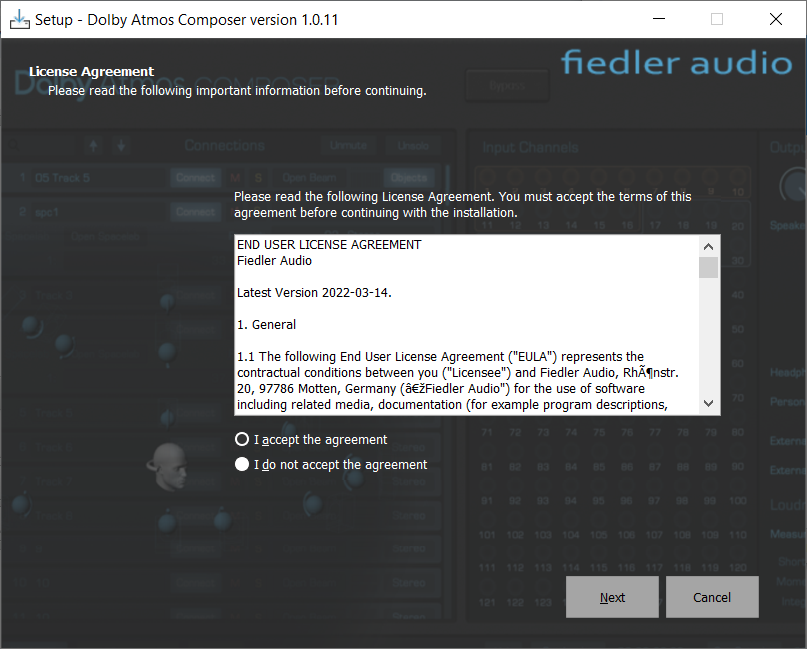
- Easy setup without the need of manual routing configuration, no external app required
- Connects to Dolby Atmos Beam and Spacelab (from version 1.5 onwards)
- Export Dolby Atmos ADM/BWF for distributing to all major platforms
- Simultaneous export of speaker and headphone outputs of the renderer
- Import ADM/BWF files for playback, corrections and re-export
System Requirements
Mac
- macOS 10.14 - 14.x
- VST3, AAX, AU
- Min. 2 GHz processor, x64 with at least SSE3 support or Apple Silicon
- 4 GB RAM
- Display Resolution: min. 1440 x 900 px, At least OpenGL 3.3, Sample Rates: 48 kHz, 96 kHz
- 1 GB hard drive space
Windows
- Windows 7-11
- VST3, AAX
- Min. 2 GHz processor, x64 with at least SSE3 support
- 4 GB RAM
- Display Resolution: min. 1440 x 900 px, At least OpenGL 3.3, Sample Rates: 48 kHz, 96 kHz
- 1 GB hard drive space

David Merkl
Producer/Engineer (Yello, London Symphony Orchestra, Herbert Grönemeyer, Die Fantastischen Vier)
"Dolby Atmos Composer allows me to work cross-platform very easily and enables instant mixing in immersive audio. The integration into existing workflows is terrific and takes sound creation to a new level."

Hans-Martin Buff
Recording Engineer (Prince, Scorpions, Peter Gabriel)
"Dolby Atmos offers the canvas for today's cutting-edge creativity, but too many creatives have trouble combining the ways of Atmos with their personal workflow. The Dolby Atmos Composer takes care of that. It allows me to create music for Atmos in a way I want in any music program I want, even in programs that currently only offer stereo. From plug-and-play to next-level deep sea exploration of Atmos’ possibilities. I’m in."