


 Log In

Free gifts available with your purchase
Product information

Tectonic is a multi-band toneshaping channel strip. Combining equalization, imaging, and dynamics processing, Tectonic is a complete sonic toolkit for anything from subtle sweetening to total tonal transformation.
Features
- 4 bands of upward / downward compression
- Boosting a band applies upward + downward compression
- Cutting a band applies only downward compression
- -12 dB to 12 dB trim gain per band
- Selectable transition frequency between each set of adjacent bands
- Per band Mute, Solo, and processing Bypass
- Mid / Side panner per band, allowing independent stereo narrowing and widening of each frequency range
- Master mix, input gain, and output gain
- Six style selections to adjust the feel and intensity of the dynamics processing
- Custom preset system with 65 factory presets illustrating Tectonic’s wide range of toneshaping abilities
System Requirements
- Windows 10 or later – VST3 and AAX at 64-bit
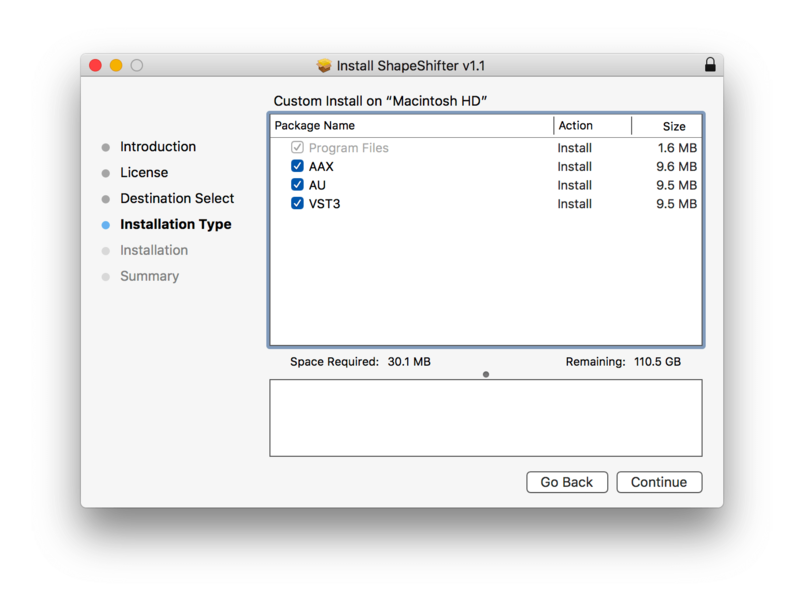
- macOS 10.12 Sierra through macOS 13 Ventura – Intel or Apple Silicon – AU, VST3, and AAX at 64-bit
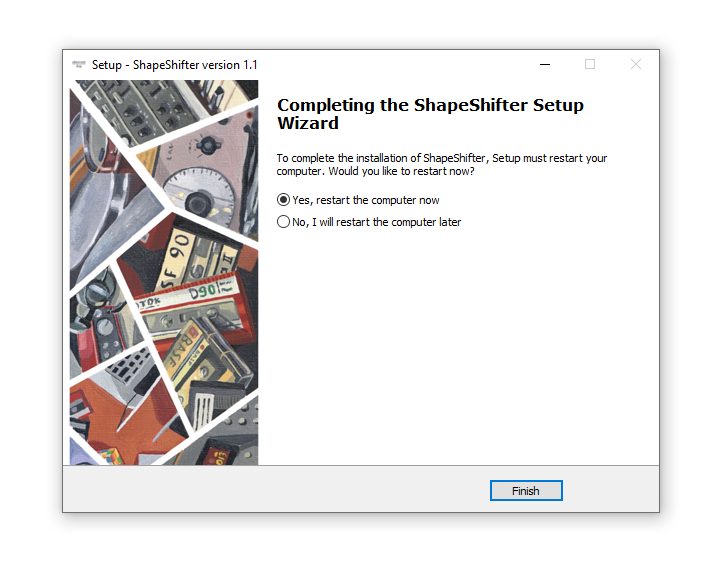
- Restart your digital audio workstation before loading in the plugin to a project. On macOS, you may need to restart your computer for new plugins to appear in some hosts
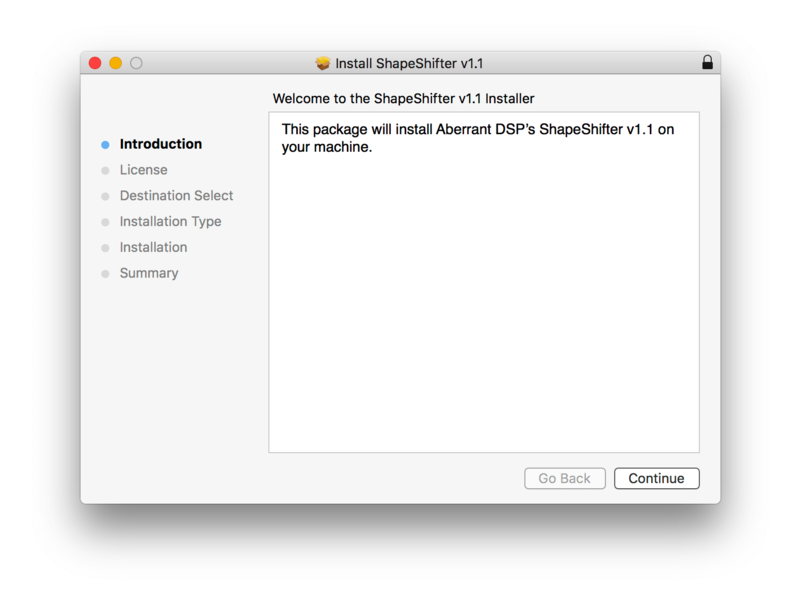
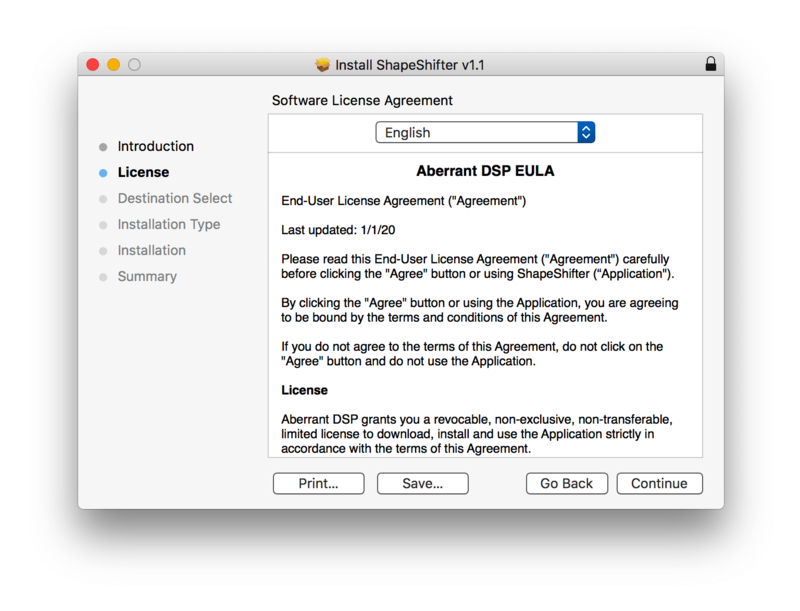
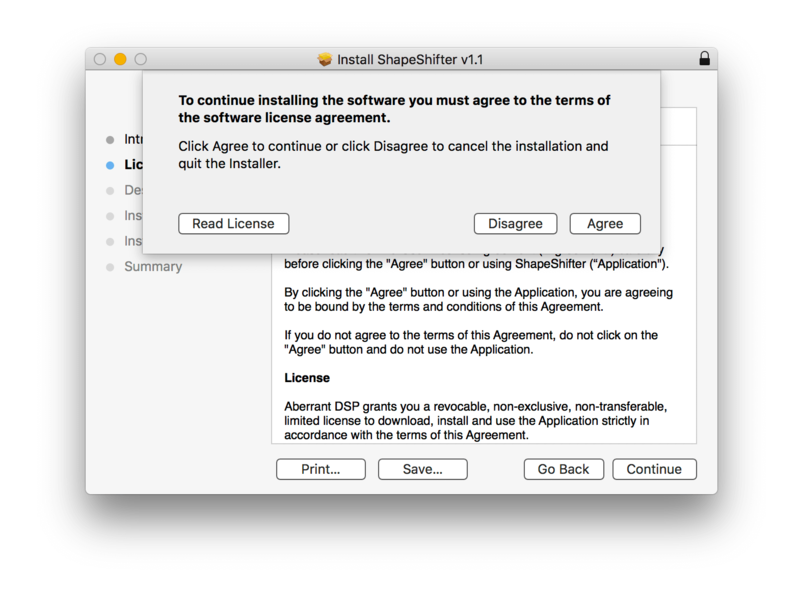
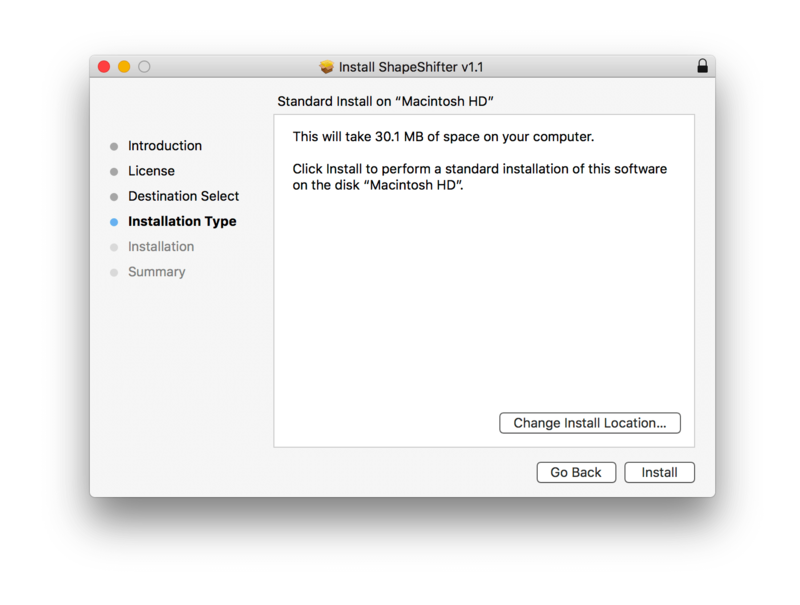
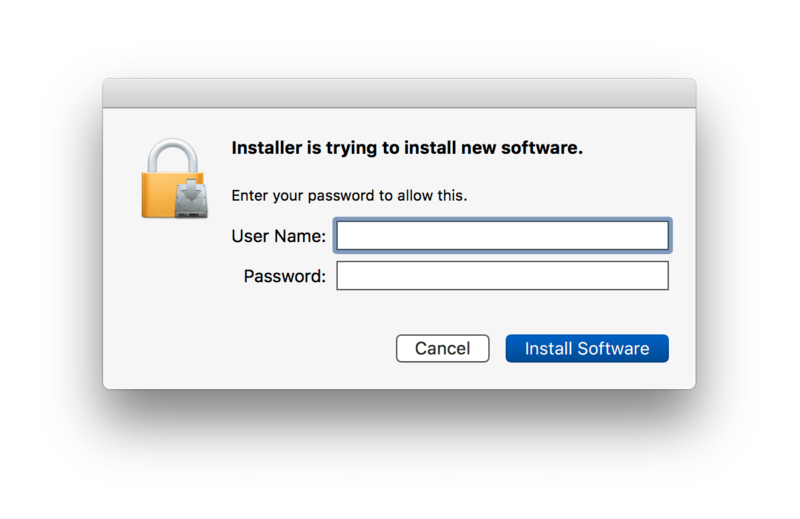
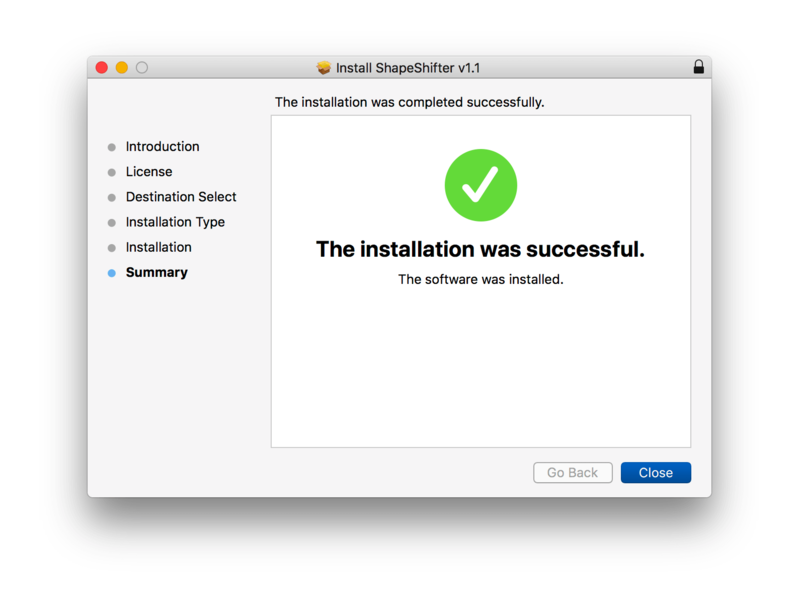
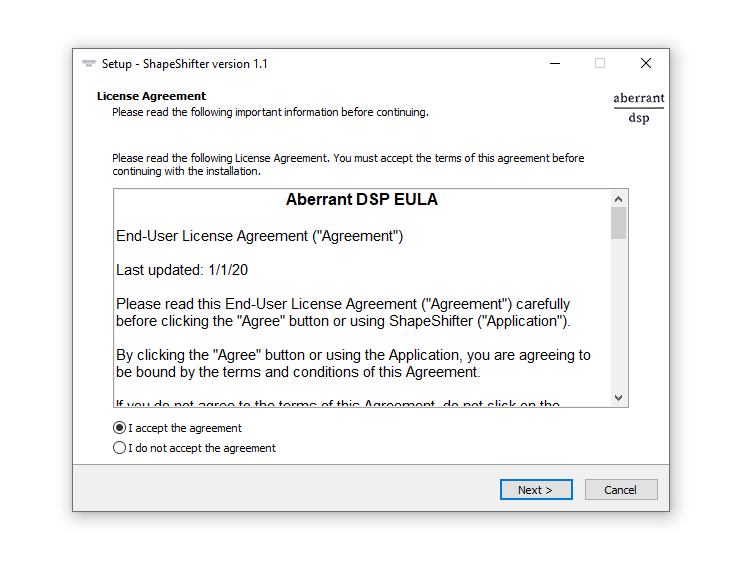
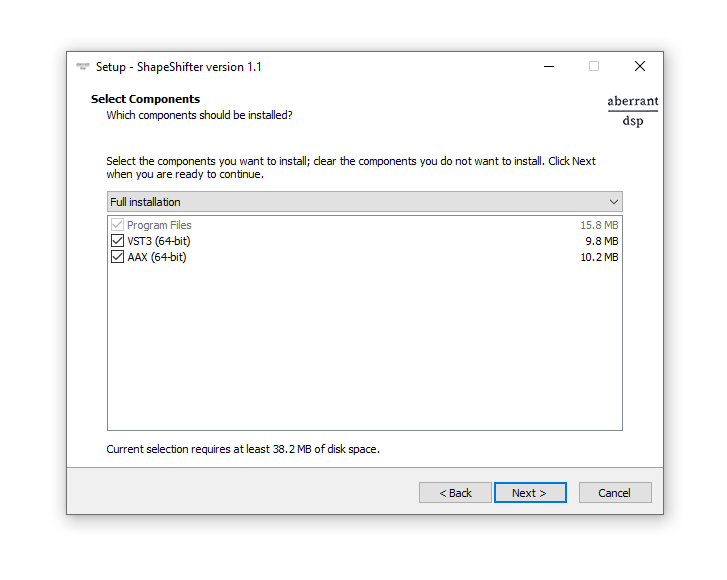
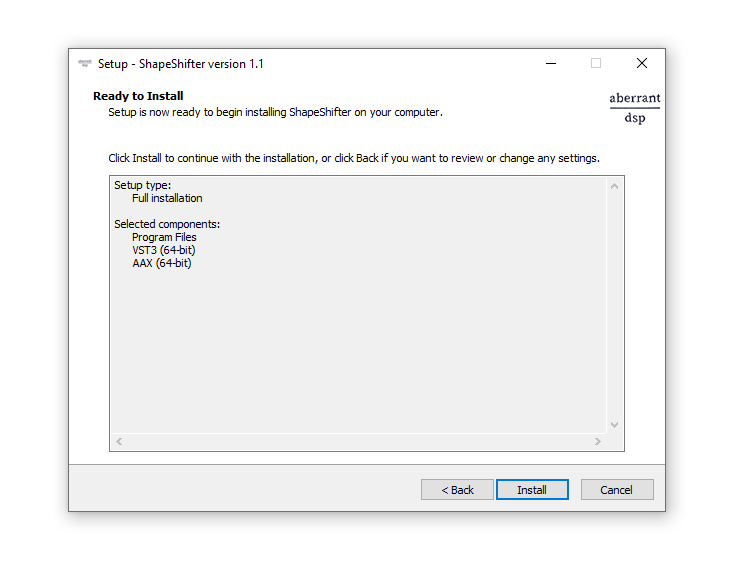
Installation Instructions

Customer Reviews
(2)
Bundle & Save
ShapeShifter + Tectonic Bundle
$36.00
Aberrant DSP Complete Bundle
$120.00


