/ Multi-Effect / Ear Candy
Singomakers

Ear Candy

4.8 (20 Reviews)
$48.00 $120.00

60% off until Dec 31

Ear Candy Main Image
Ear Candy - Youtube Demo gallery thumbnail
Buy Now
Product information

Singomakers are proud to introduce the "Ear Candy" plugin - a multi-effect plugin with the ability to rearrange modules and 100 integrated presets.

Ear Candy is an effects powerhouse. Elevate your tracks with rich reverbs, immersive delays, precise EQ, dynamic compressors, mesmerising phasers, flangers, powerful Distortions, and gritty bitcrushers. 

Explore 100 inspiring presets. Unlock endless sonic possibilities and creativity with Ear Candy by Singomakers.

System Requirements

macOS

  • macOS 10.12 or newer
  • Intel i3 CPU or better (64bit)
  • AppleSilicon M1 or newer

Windows 

  • Windows 10 
  • Intel/AMD CPU (64bit)
Testimonials

Paraframe

"Really great new plugin! Allows you to transform the sound of any boring synthesizer into truly modern timbres and gives you great inspiration for experimentation"

Aiwaska

"A very high-quality plugin with a cool set of effects that align with all the current music trends and even go beyond. I recommend it to everyone."

Slatin

"This Singomakers plugin has proven to be a valuable addition to my toolkit. It efficiently generates creative effects, which I’ve found particularly handy when experimenting with loops or crafting dynamic drum fills in my productions."
Installation Instructions

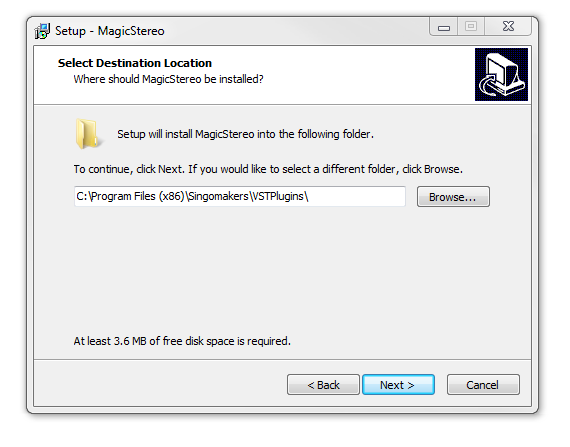
Note: Magic Stereo is used as the example.

Mac

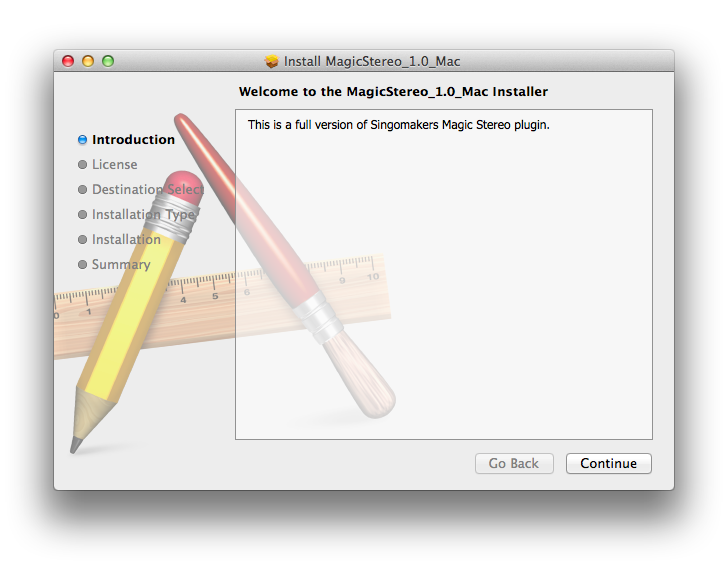
1. Download the .zip folder from your User Account and double-click it to open and reveal the installer file.

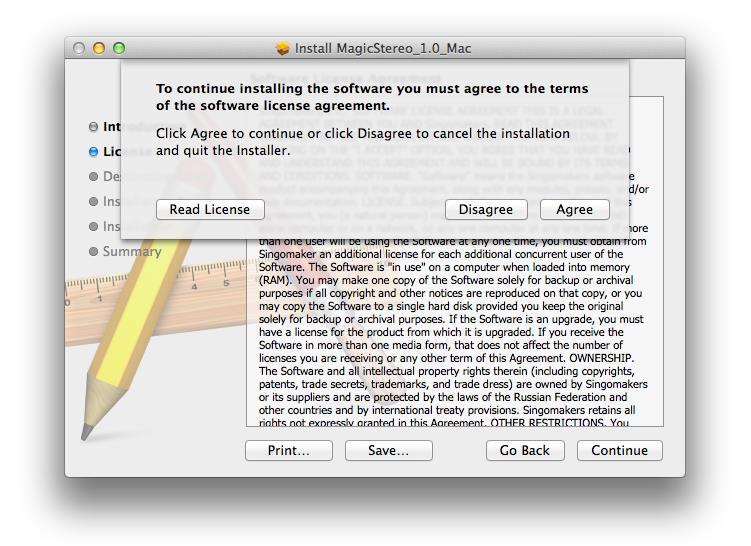
2. Double-click the extracted software file to begin the installation process > click ‘Continue’.

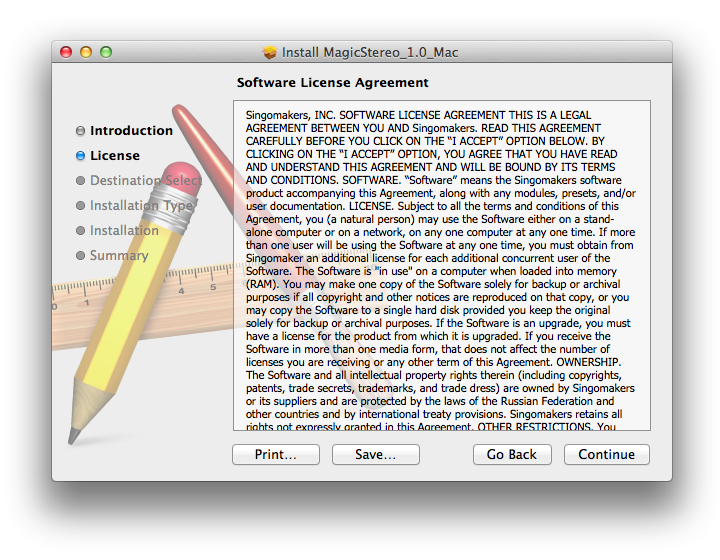
3. Read the Software License Agreement > click ‘Continue’.

4. Click ‘Agree’.

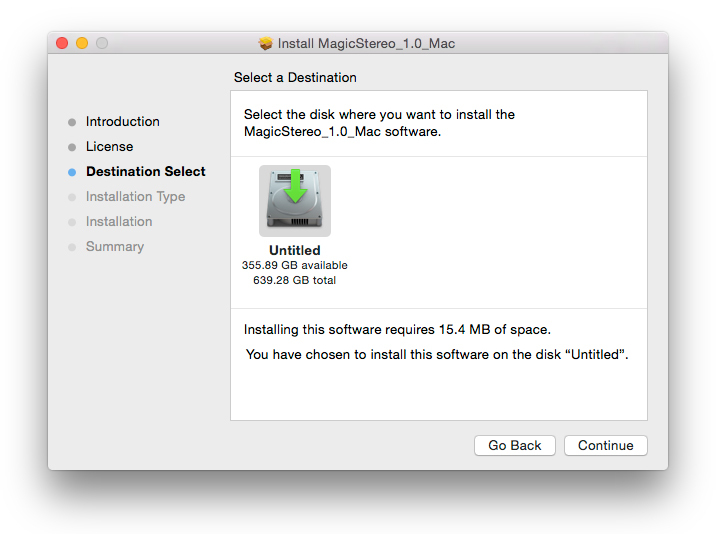
5. Review the installation and click ‘Install’.

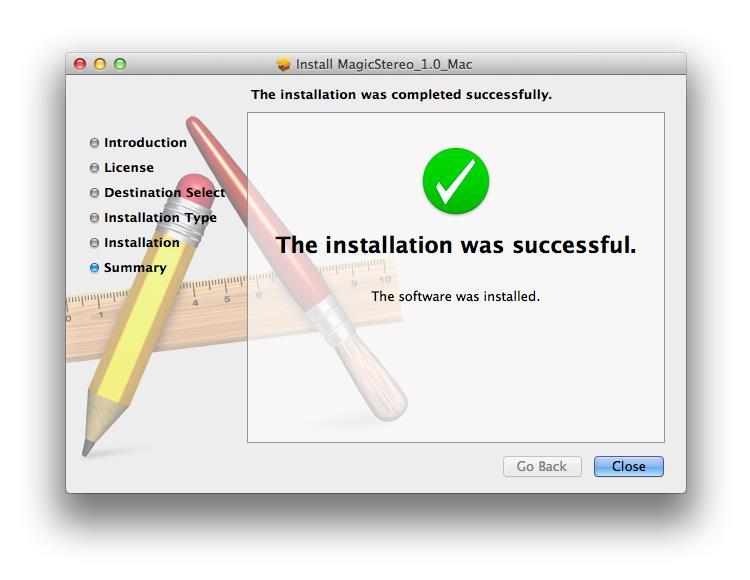
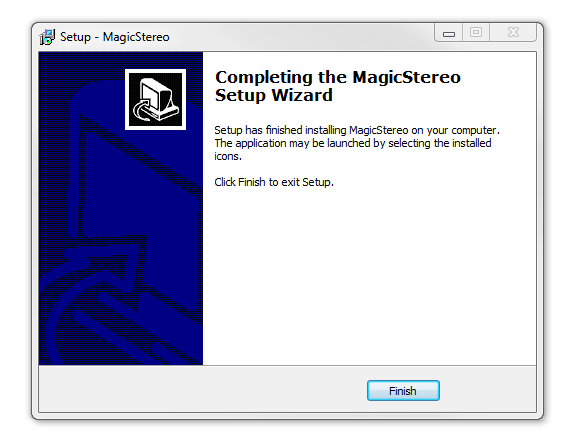
6. The installation of your software has successfully completed > click ‘Close’.

7. Locate and open the software within your DAW.

Note: Restart your DAW, and rescan the plug-in selection to show the new installation (in the event it fails to appear).

The Software is now Ready for Use Within Your DAW!

Windows

1. Download the .zip folder from your User Account and double-click it to open and reveal the installer files.

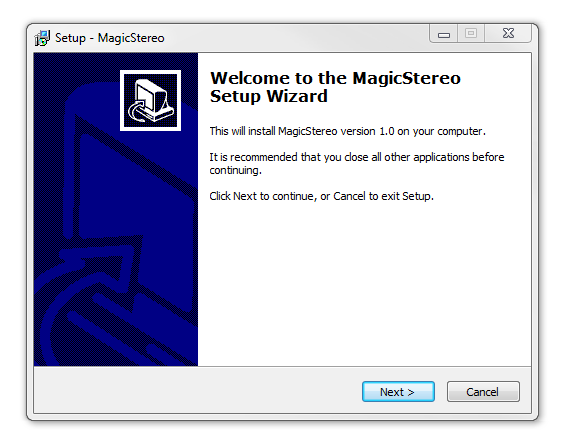
2. Double-click the relevant extracted .exe (32 or 64-bit) file to begin the installation process > click ‘Next’.

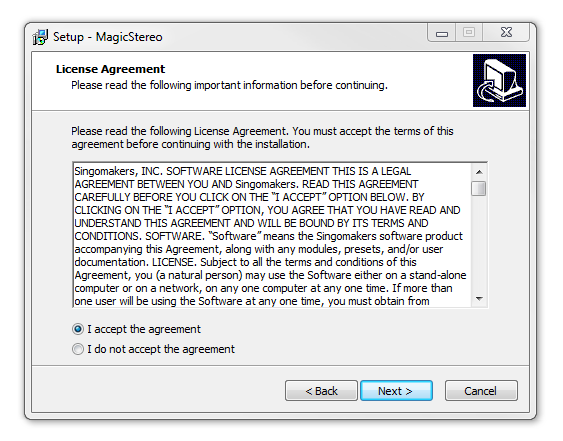
3. Read through the license agreement and click ‘I accept the agreement’ > click ‘Next’. 

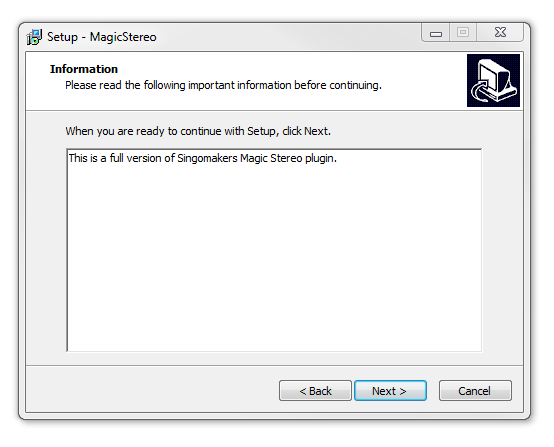
4. Read through the information > click ‘Next’.

64-Bit Installation:

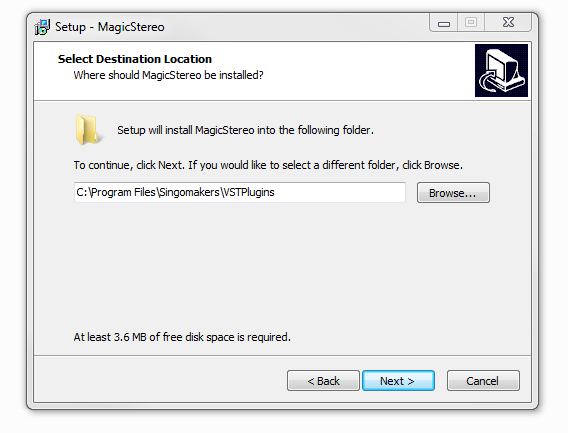
  • Choose and confirm the plug-in (64-Bit VST) directory in which to save your software to > click ‘Next’.

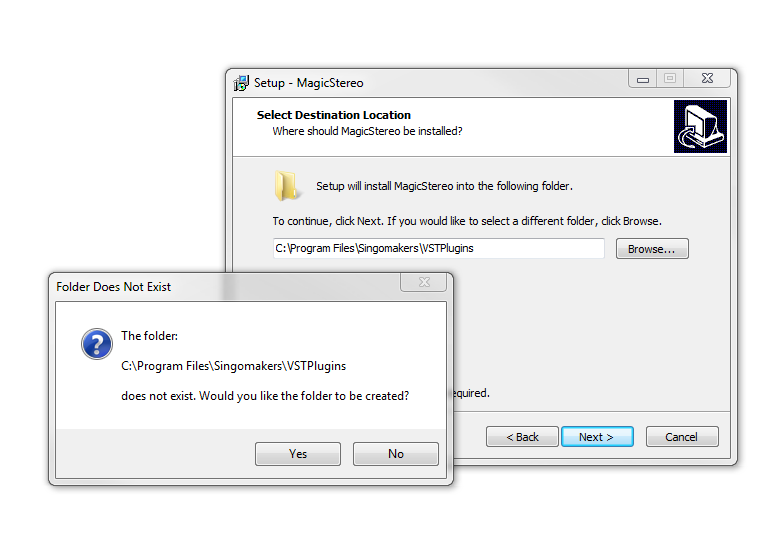
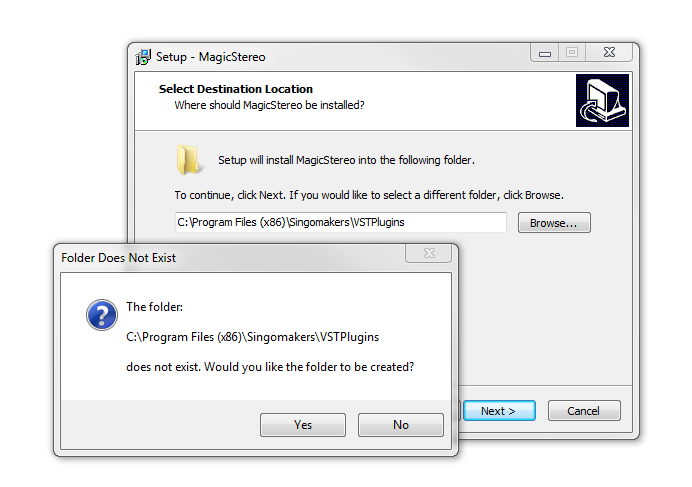
  • Select ‘Yes’ if prompted with the window below.

32-Bit Installation:

  • Choose and confirm the plug-in (32-Bit VST) directory in which to save your software to > click ‘Next’.

  • Select ‘Yes’ if prompted with the window below.

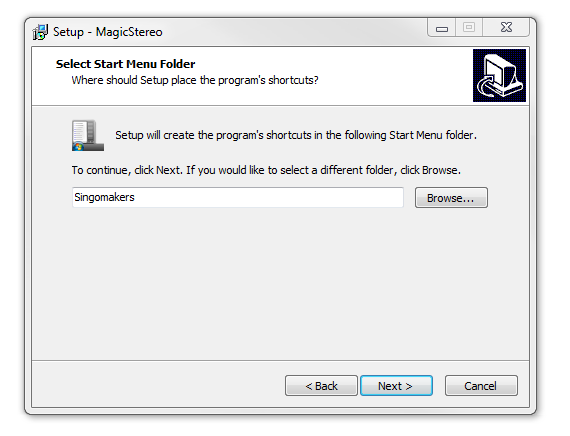
5. Create/select a folder in which to setup a shortcut path for your new installation.

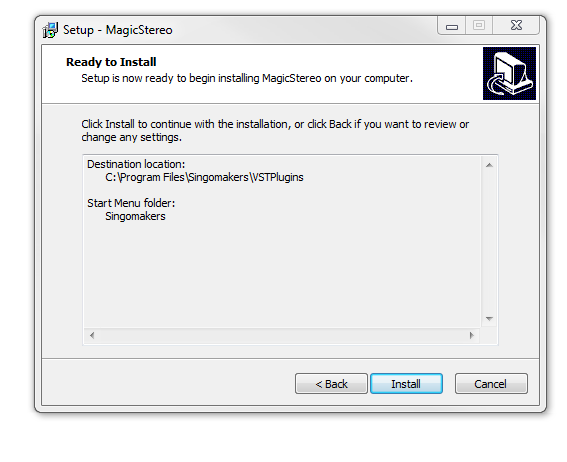
6. Review the installation and click ‘Install’.

7. The installation of the software has successfully completed > click ‘Finish’.

8. Locate and open the software within your DAW.

Note: Restart your DAW, and rescan the plug-in selection to show the new installation (in the event it fails to appear).

The Software is now Ready for Use Within Your DAW!

Plugin Boutique Rewards

Discover the most rewarding loyalty programme among all plugin retailers.

  • Free Loopmasters Samplepacks
  • Discounts on products and courses
  • Extra Virtual Cash claimed immediately at checkout
Find out more

Follow us:

X (Twitter) Facebook YouTube Instagram
Logo Logo

Plugin Boutique Limited, Part of the Beatport Group LLC.

Copyright © 2011-2025 Plugin Boutique. All rights reserved