Log In
_plugin_boutique.jpg)
Free gifts available with your purchase

One Note, Endless Grooves
Groove Shaper : Your one-of-a-kind creative sequencer for instant, inspired rhythms! Effortlessly craft Hi-Hats, Basslines, Short String Motifs and more with just a single note. Break free from creative blocks and super-charge your music production today.
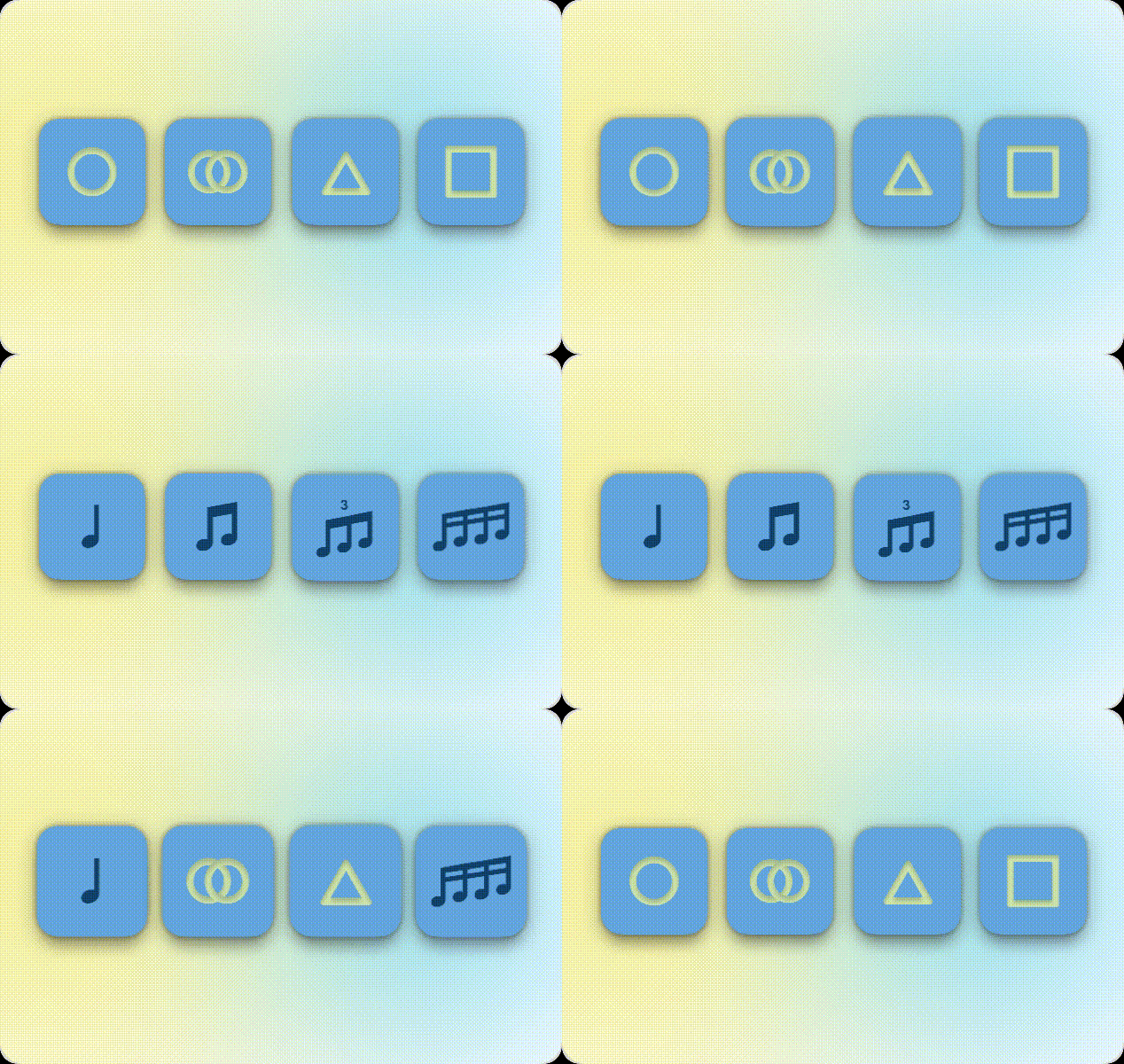
Rhythm through Shapes
Enjoy a fun new approach to music creation! Use shapes to effortlessly generate groovy rhythms, allowing your creativity to flow freely like never before.
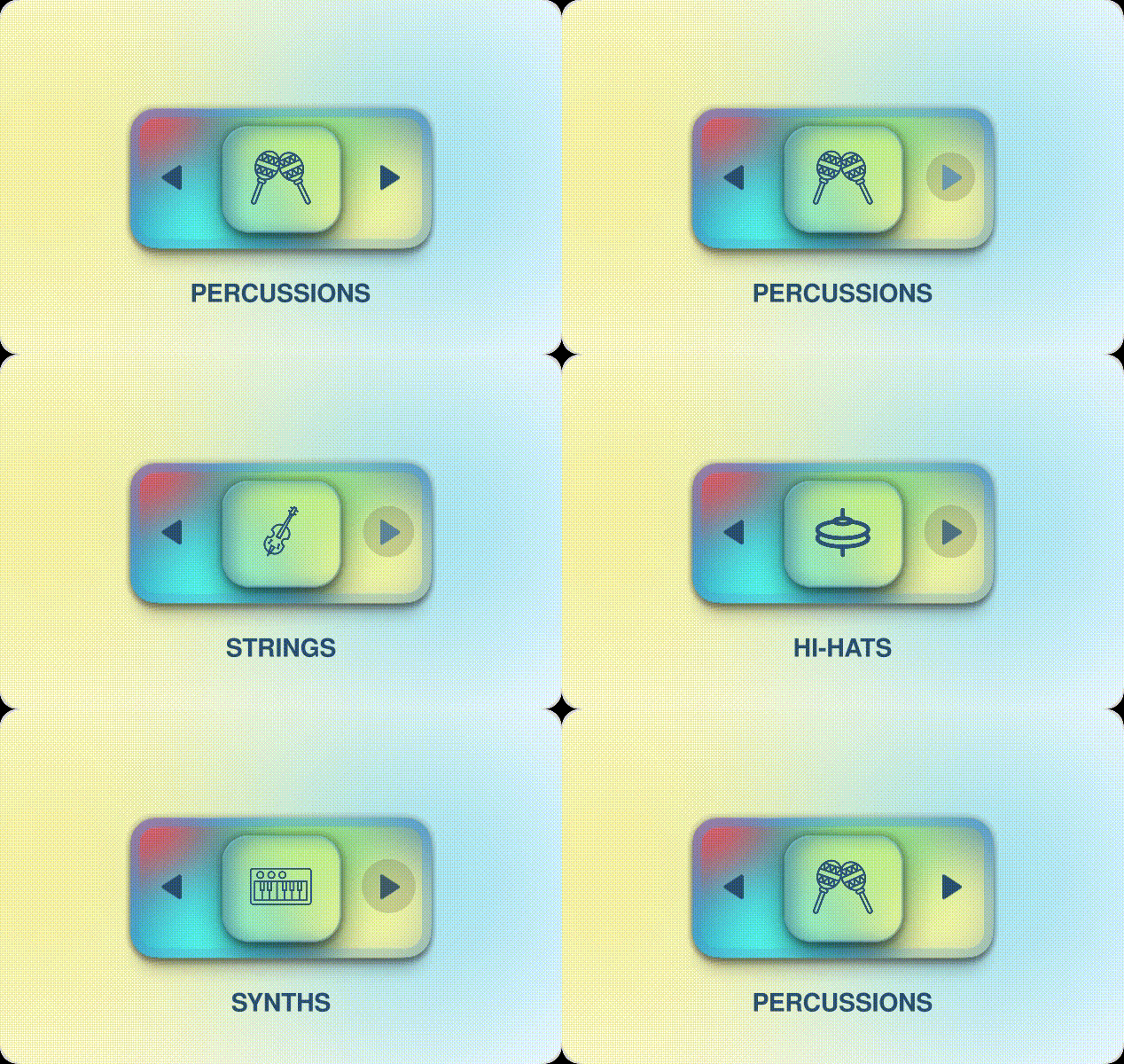
Intelligent Magic Dice
Generate captivating hi-hats, groovy bass-lines, harmonious chords, and enchanting ostinato strings effortlessly. Let the dice roll and spark instant inspiration!

Re-invent your Synths
Use our state-of-the-art sampler engine or host your favourite synths/samplers with Groove Shaper! Unlock fresh ways to use your existing plugins by giving them a magical musical upgrade.
System Requirements
Mac
- OS X 10.15 and above, macOS Venture compatible (64-bit only)
- AU / VST / VST3
- Ableton Live 9 and above, Logic Pro X - AU (Instrument & MIDI FX), Cubase, FL Studio, Studio One, Reaper, Bitwig Studio
Windows
- Windows 10 (64-bit only)
- VST / VST3
- Ableton Live 9 and above, Logic Pro X - AU (Instrument & MIDI FX), Cubase, FL Studio, Studio One, Reaper, Bitwig Studio
Important note: When accessing this software via a Rent to Own plan or the Beatport Studio membership, it's installed and run through the Beatport Access portal. An internet connection is required every 30 days to validate your license.