Buy VAST - Impulse Engine, get a free gift with purchase:
Introducing VAST, an all-new creative convolution reverb plugin. This expressive designer tool redefines audio manipulation, allowing you to transport your sound to completely new and impossible spaces. With a wide selection of intuitive controls, this diverse palette of innovative reverbs, unique rhythmic echoes, and unconventional effects, VAST is a true playground for creative experimentation.
At the heart of VAST is a flexible Impulse Engine chock full of creative controls and unexpected effects. Dive into a diverse array of banks featuring over 200 impulse responses, or personalize your experience by importing your own audio files as IRs. Reconstruct your sound with limitless artistic expression by intuitively combining an array of modules (convolution, gate, compression, EQ, delay, and dry/wet) to transport your source to entirely new sonic realms. To streamline your creative process, VAST also includes over 200 meticulously crafted presets, providing a quick start to your sonic exploration.
System Requirements
Mac
- MacOS 10.15.7 or later
- AAX, VST3, and AU (64-bit only)
PC
- Windows 10 or later
- AAX and VST3 (64-bit only)
Supported Host Applications
- Pro Tools 2020+, Live 10+, Cubase 12+, Logic Pro X, DP10+, Cakewalk, Bitwig
Please note: Fury is used as the example.
Mac
Registration
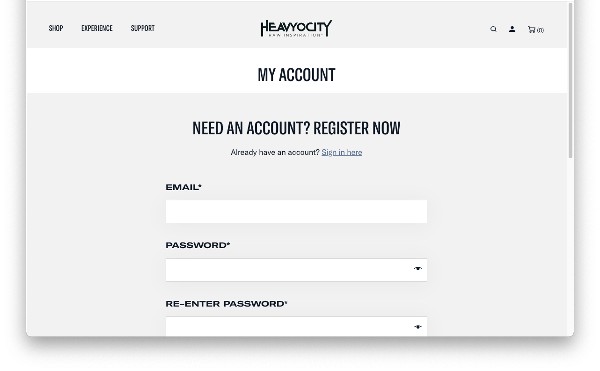
1. Visit the Heavyocity website and fill out the account registration form > Click 'Register'.

Heavyocity Portal Installation & Product Registration
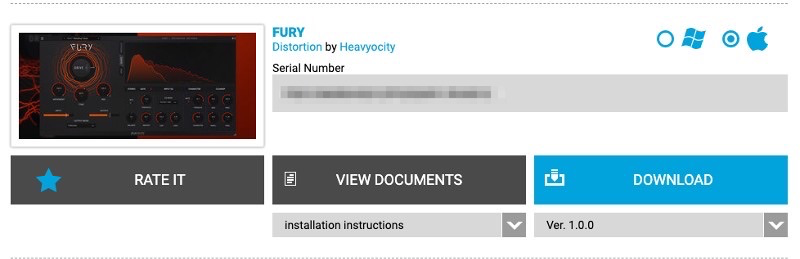
1. Download the Heavyocity Product Portal Installer from within your Plugin Boutique User Account.

2. Double-click the .pkg file to begin the installation > Click 'Continue'.

3. Click 'Continue'.

4. Click 'Agree'.

5. Click 'Install'.

6. Enter your computer Username and Password > Click 'Install Software'.

7. Click 'Close'.

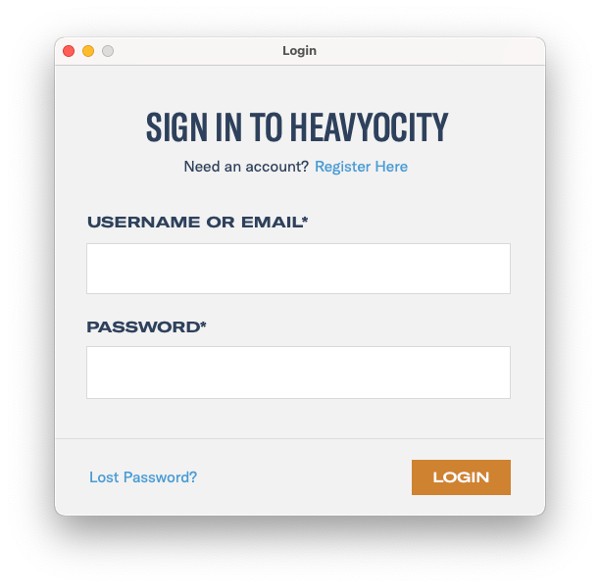
8. Open the Heavyocity Portal and enter your Heavyocity-registered Username (Email Address) and Password > Click 'Login'.

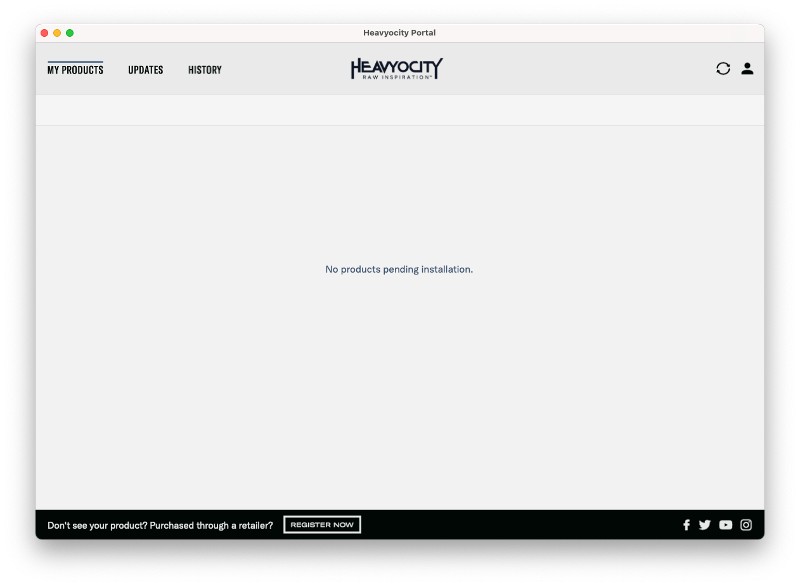
9. Click 'Register Now' located at the bottom of the Product Portal.

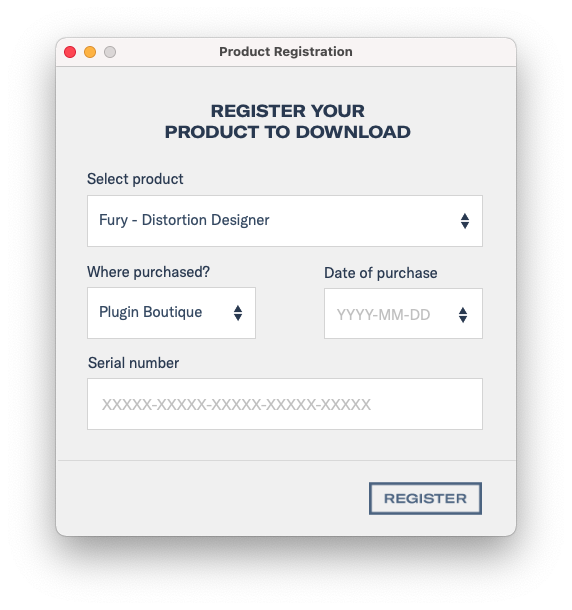
10. Complete the form and enter the serial number found in your Plugin Boutique User Account > Click 'Register'.

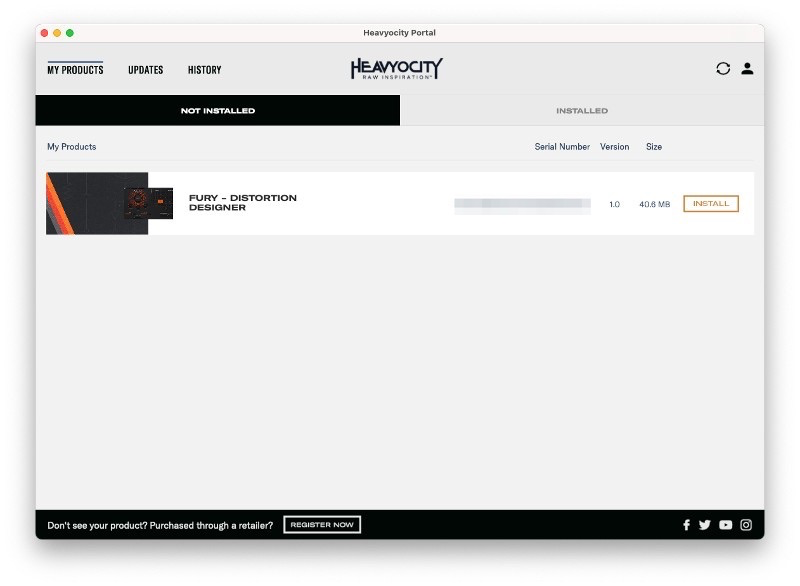
11. Click 'Install' on the far right of the portal.

Fury Installation
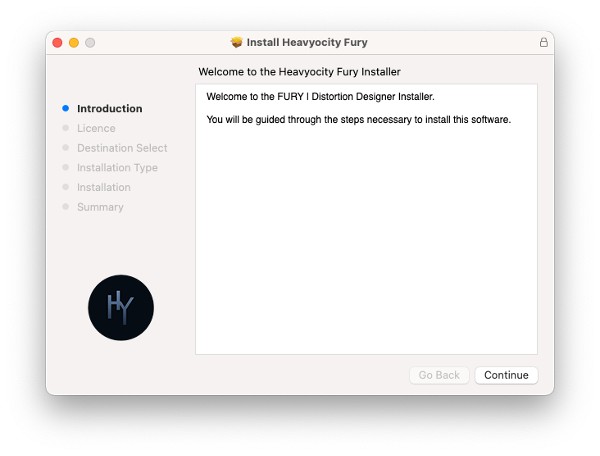
1. After clicking 'Install' the Fury Installer will appear. Click 'Continue'.

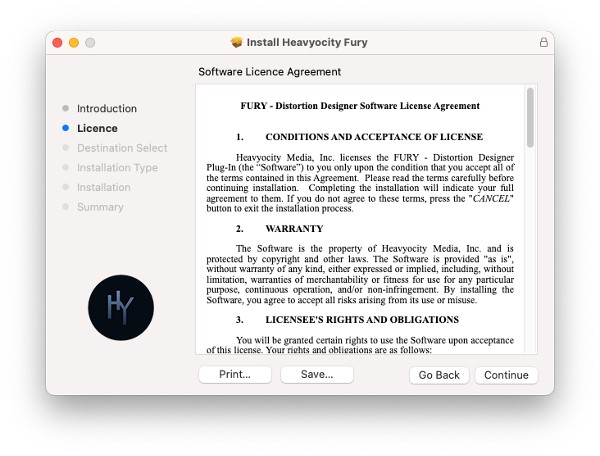
2. Click 'Continue'.

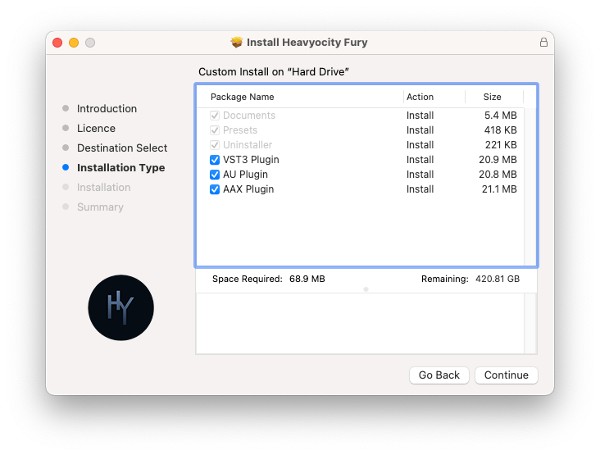
3. Click 'Continue'.

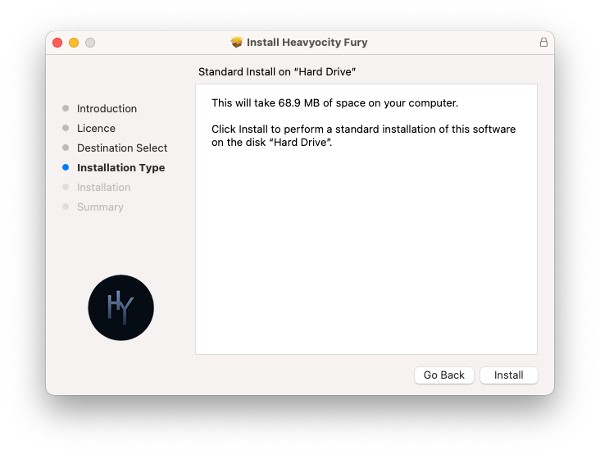
4. Click 'Install'.

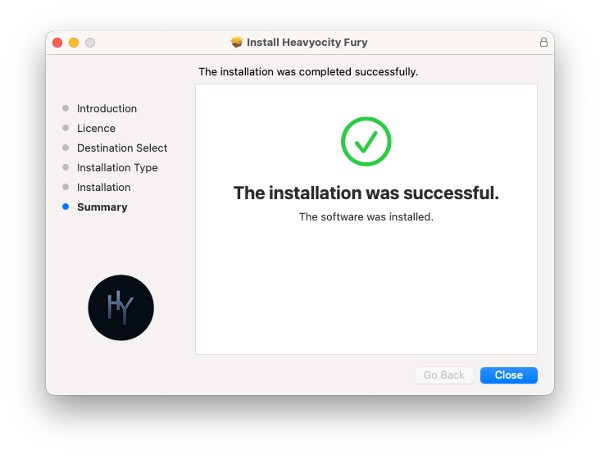
5. Click 'Close' once the installation has been completed.

Activation
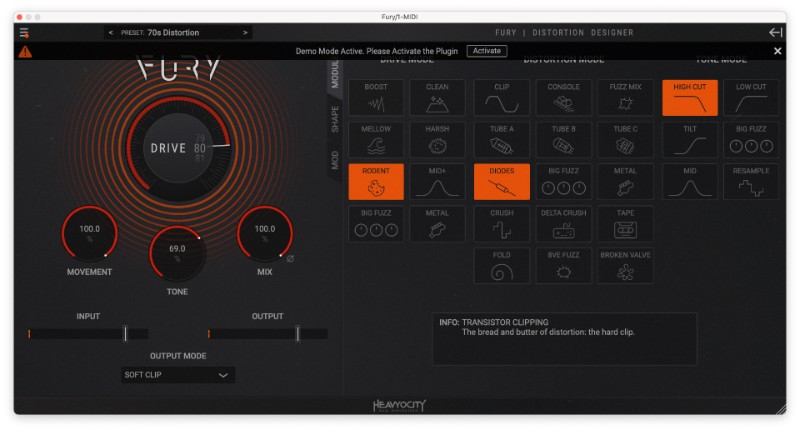
1. Open your DAW and select Fury from your plugin section. Once loaded select 'Activate'.

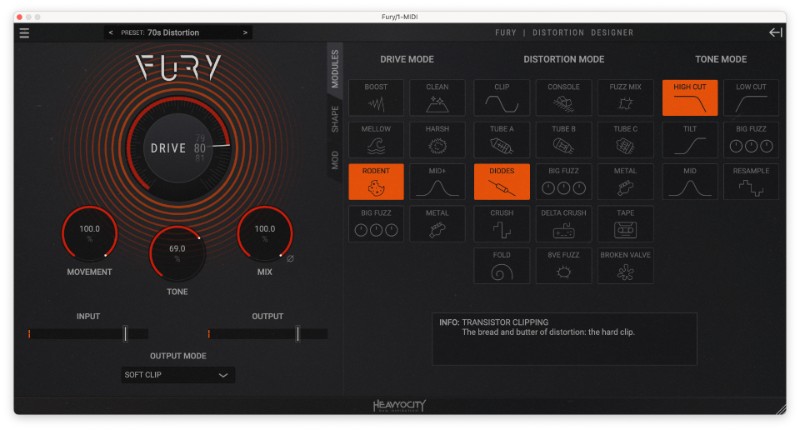
FURY is now activated and ready to use!

Windows
Registration
1. Visit the Heavyocity website and fill out the account registration form > Click 'Register'.

Heavyocity Portal Installation & Product Registration
1. Download the Heavyocity Product Portal Installer from within your Plugin Boutique User Account.

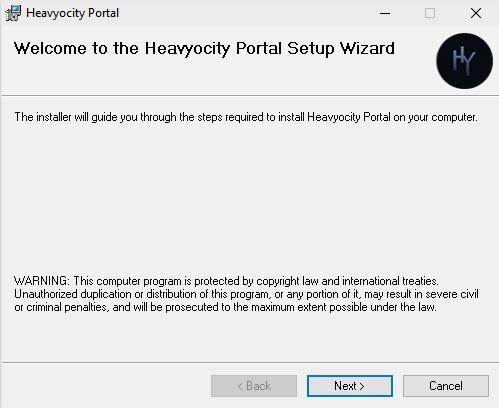
2. Double-click the .msi to begin the installation > Click 'Next >'.

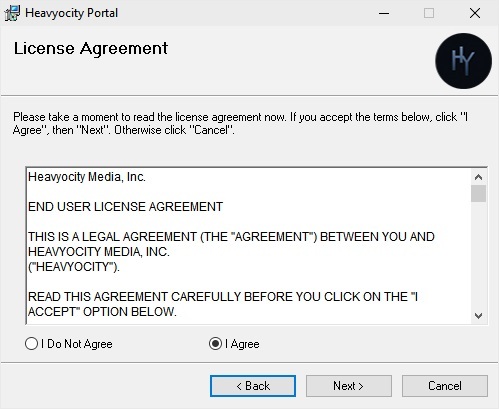
3. Read the license agreement > Select 'I agree' > Click 'Next >'.

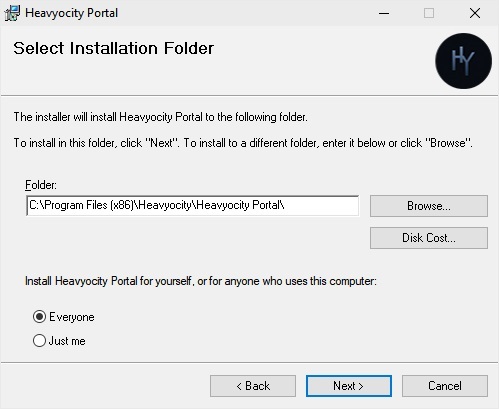
4. Click 'Next >'.

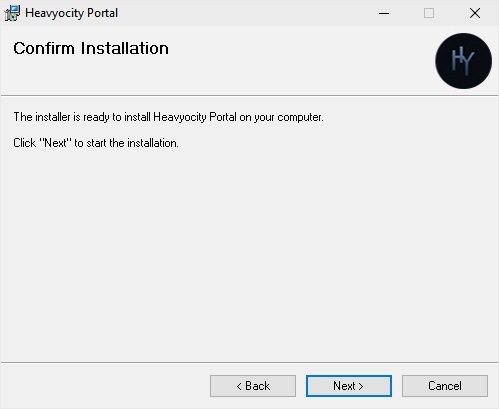
5. Click 'Next >'.

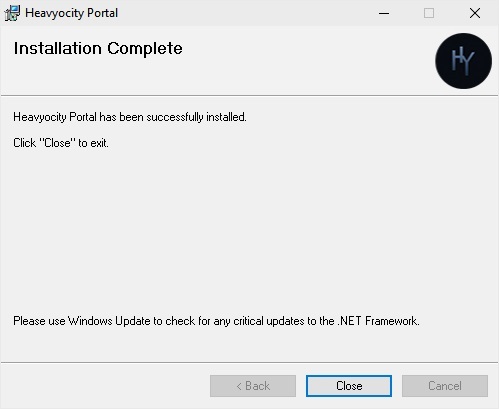
6. The Heavyocity Portal is now installed > Click 'Close'.

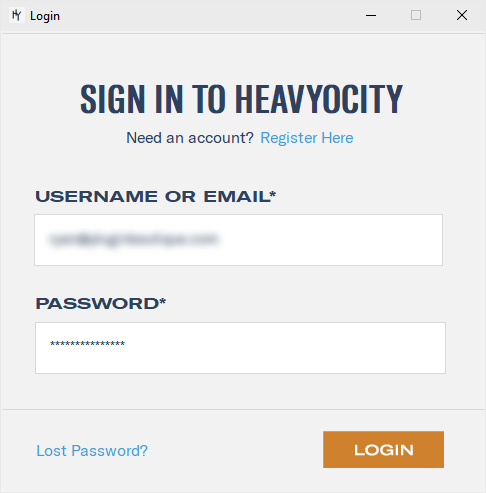
7. Open the Heavyocity Portal >Enter your details > Click LOGIN.

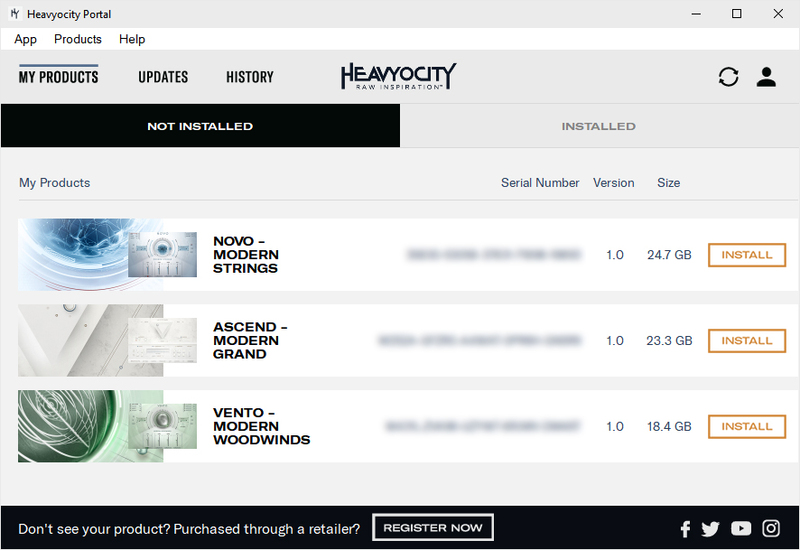
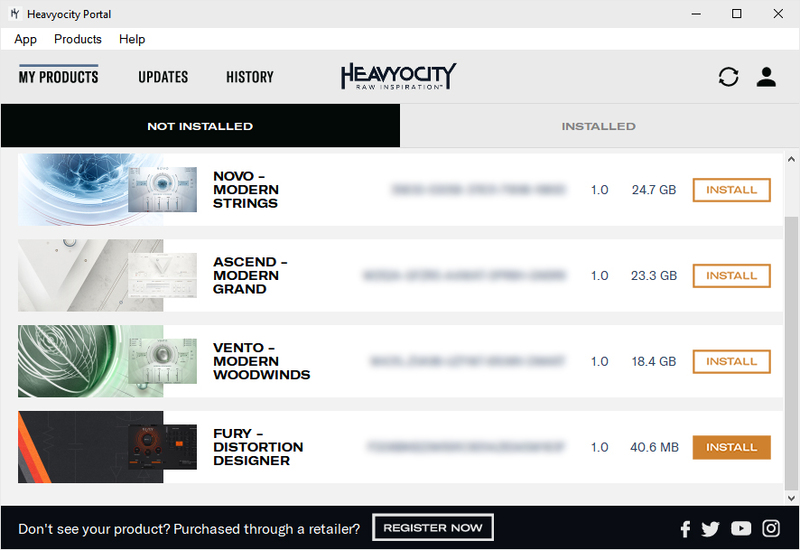
8. Click 'REGISTER NOW' at the bottom of the window.

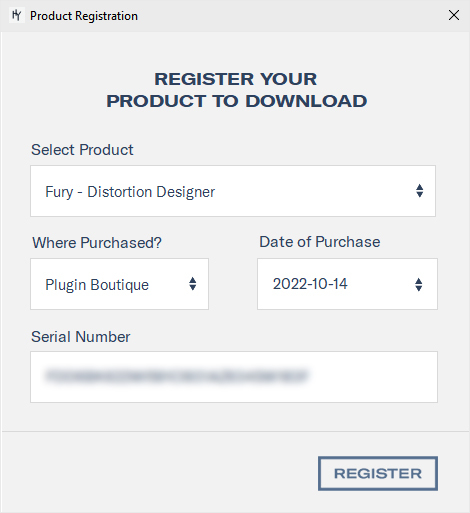
9. Complete the form and enter the serial number found in your Plugin Boutique User Account > Click 'Register'.

10. Click the INSTALL button.

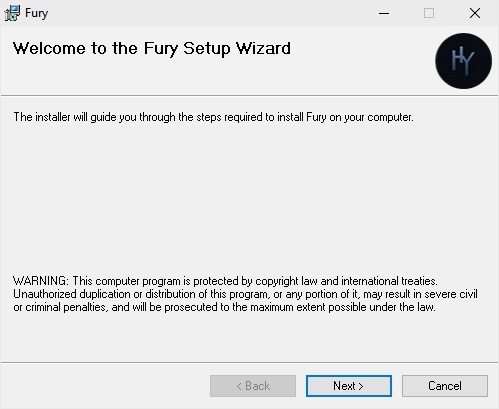
11. The Setup Wizard will now pop up > Click 'Next >'.

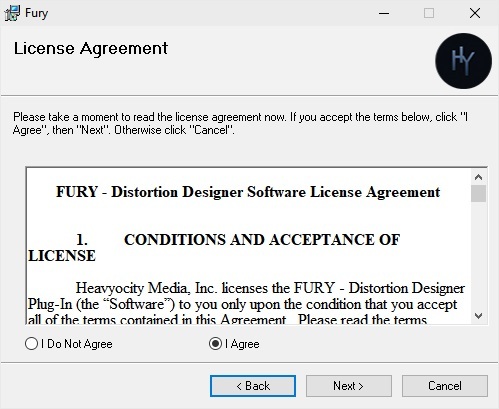
12. Read the license agreement > Select 'I agree' > Click 'Next >'.

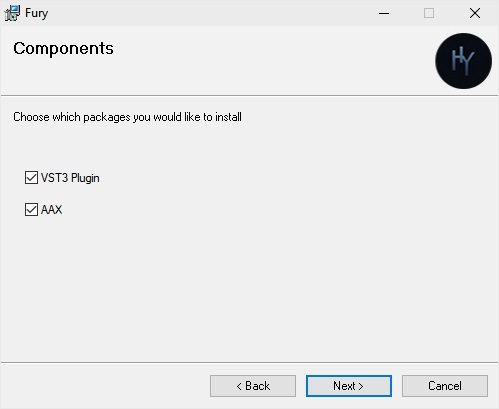
13. Click 'Next >'.

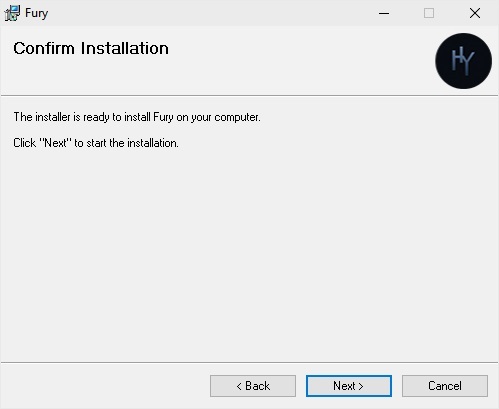
14. Click 'Next >'.

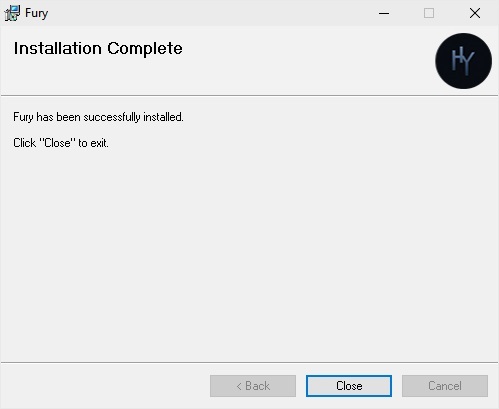
15. The installation is complete > Click 'Close'.

Activation
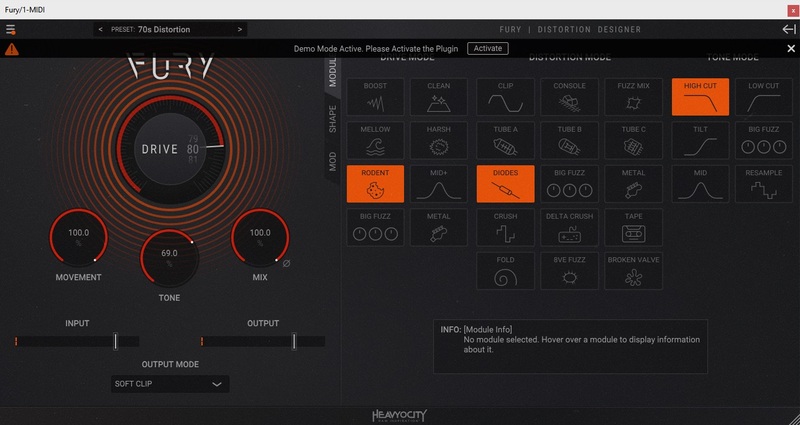
1. Open FURY in your DAW > Click Activate.

2.Sign into your Heavyocity account again.

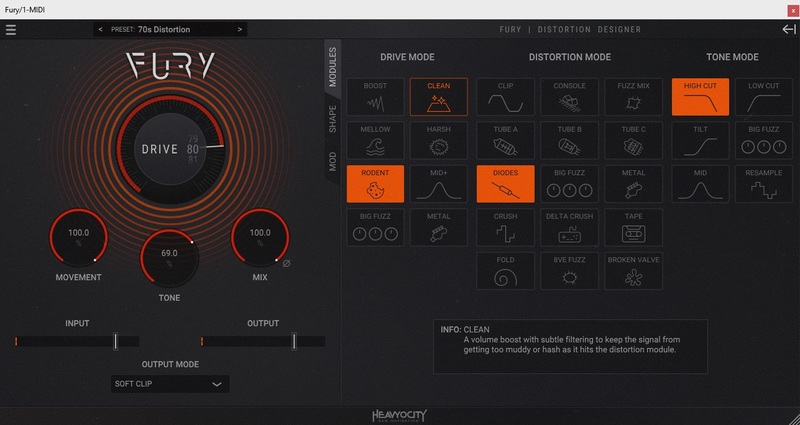
FURY is now activated and ready to use!