


 Log In

Free gifts available with your purchase
Product information
Eddie Kramer Guitar Channel
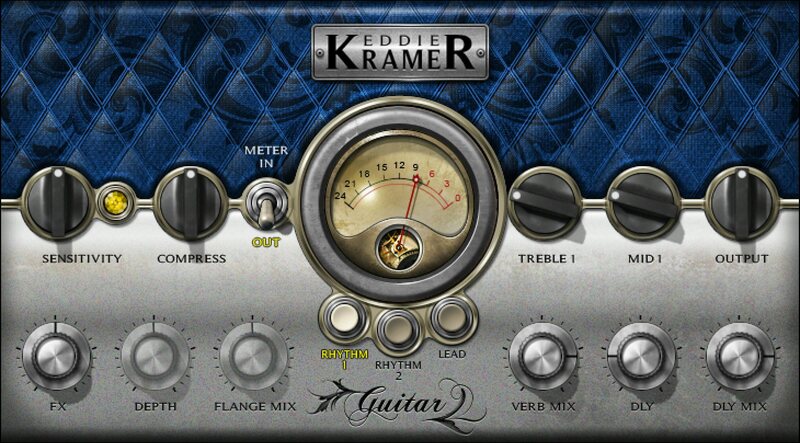
Lead & Rhythm Guitar Tones from the Man Who Produced Jimi Hendrix and Jimmy Page
Eddie Kramer produced and engineered the revered guitar tones of Led Zeppelin, Hendrix, Keith Richards and The Rolling Stones, Kiss, Johnny Winter and many more.
Now you can instantly access 3 of his favorite rock guitar settings—two for rhythm, one for lead. Under the hood, the plugin is packed with Kramer’s expertise; all you need to do is select one of the three starting points, then slightly tweak the desired amounts of compression, treble & midrange, as well as delay, reverb and flange – and dial in that classic guitar sound fast.
Features
- 2 superb rhythm guitar settings help guitars pop in the mix
- Full, defined, organic lead tone that isn’t crushed by fuzz
- Spice up parts with delay, reverb, and Kramer’s signature flanging
- Treble and midrange controls for tailoring tone
- Choose your aggression, from lots of compression to none
- Go from scratch tracks to final mix—quickly and easily
System Requirements
Mac
- macOS Monterey 12, Ventura 13, Sonoma 14, Sequoia 15
- VST / AU / AAX
PC
- Windows 10+
- VST / AAX
Installation Instructions














