


 Log In

Free gifts available with your purchase
Product information
Scheps Parallel Particles
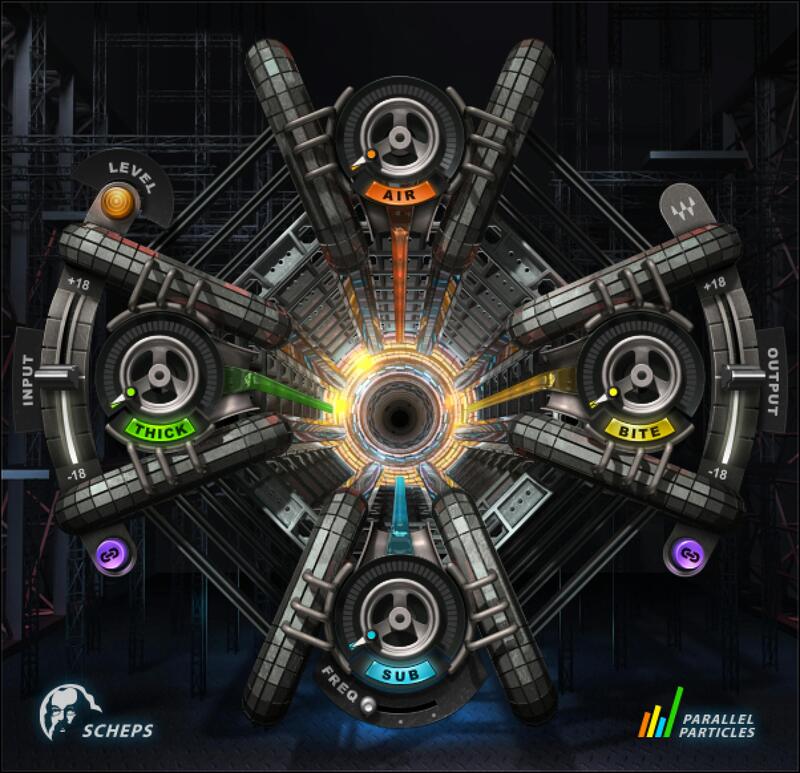
Andrew Scheps’ Parallel Processing Chains Packed Into 4 Simple Controls
Grammy®-winning mix engineer Andrew Scheps has honed his art mixing artists as diverse as Adele, Jay Z, Red Hot Chili Peppers and Metallica. Now you can access his signature parallel processing chains for deeper low end, sweeter highs, fuller body, and high-energy intensity—all packed into 4 simple controls: Sub, Air, Thick, and Bite.
Tweak your music’s attitude, energy, and emotion—in seconds. With Scheps Parallel Particles, you can skip complex processes, and focus quickly on energy and feel.
Features
- 4 simple controls to add thickness, bite, air, or sub-bass
- Designed with Grammy®-winning producer/engineer Andrew Scheps
- Add energy to vocals, synth lines, pianos and guitars with Bite
- Create deeper bass lines and fuller kicks with Sub
- Add brightness, sheen and sparkle with Air
- Add full body to guitars, vocals, snares & more with Thickness
- Ideal for individual tracks, buses, and final masters
- Based on Andrew Scheps’ go-to parallel processing chains
System Requirements
Mac
- macOS Monterey 12, Ventura 13, Sonoma 14, Sequoia 15
- VST / AU / AAX
PC
- Windows 10+
- VST / AAX
Installation Instructions














