


 Log In

Free gifts available with your purchase
Break the Rules. Hack Your Sound.
CHEat code is a multi-effects processor reimagined. Sixteen meticulously crafted modules designed for radical sound transformation and an accelerated workflow. Stack them. Re-route them. Developed with the legendary Che Pope. It’s your new unfair advantage.
Stop the routine. Start creating.
Key Capabilities
- 16 Unique Effects Engines: Explore beyond the ordinary. Granular synthesis, warped delays, rich modulation, rhythmic slicing, and textural processing – each module offers a distinct sonic signature.
- Fluid Routing: Connect modules in series for evolving chains or run them in parallel for complex layers. Unlike traditional FX plugins where you choose between serial or parallel routing, ours lets you explore everything in between. When the knob is centered, for example, it’s exactly halfway between series and parallel — blending both paths dynamically.
- Performance Widgets: Momentary effect throws. Touch-sensitive automation returns. Capture the spontaneity of live performance within your DAW.
- Advanced Macros: Simplify complexity. Four standard macros plus a powerful three-state morphing control bridge the gap between intricate sound design and intuitive performance. Control and automate them with the mobile app.
The Modules
- Reverb: Design space. From subtle ambience to vast washes.
- Reverser: Manipulate time. Instant halftime, backward melodies, rhythmic glitches.
- Spin: Animate the stereo field. Frequency-focused panning with asynchronous movement.
- Chorus: Add dimension. Eight distinct algorithms for thickening and widening.
- Flanger: Shape tone. Target highs for shimmer, mids for warmth.
- Bubble Grain: Textural granular delay. Unique character.
- Grain Delay: Complex granular echoes. Four engines, crossfading textures.
- Fractal Delay: Deep rhythmic complexity. 14 delay taps across 3 stages.
- Detune: Introduce imperfection. Subtle drift to unstable pitch.
- Viber: Split-frequency pitch bending. Target highs or lows.
- Slicer: Create rhythmic patterns. Precise cuts and stutters.
- Shufflers: Real-time beat surgery. A 3-band engine for slicing and rearranging audio on the fly.
- Sequence Delay: Program rhythmic echoes. Step-sequence delay time, filter, pan, and amp.
- Shaper: Digital texture. Control the artifacts.
- Down Sampler: Classic sample rate reduction. Dial in digital grit.
Crafted With Che Pope
It began with an email, years ago. Che Pope – then President of G.O.O.D. Music – reaching out about beats whilst working on a soon-to-be number one album.
What started as disbelief on the part of the BEATSURFING team evolved into a long-standing exchange of ideas and guidance.
Che’s creative fingerprint is woven through iconic music. From Lauryn Hill’s landmark The Miseducation of Lauryn Hill, to pivotal work with Dr. Dre, Eminem, Busta Rhymes, A$AP Rocky, The Weeknd, and many more.
Now, a new chapter begins.
Legendary insight meets forward-thinking design. CHEat code embodies a shared philosophy: empower creators with tools that bypass limitations. Tools that are immediate, impactful, and inspire you to break sonic ground.
Skip the process. Keep the magic.
System Requirements
macOS
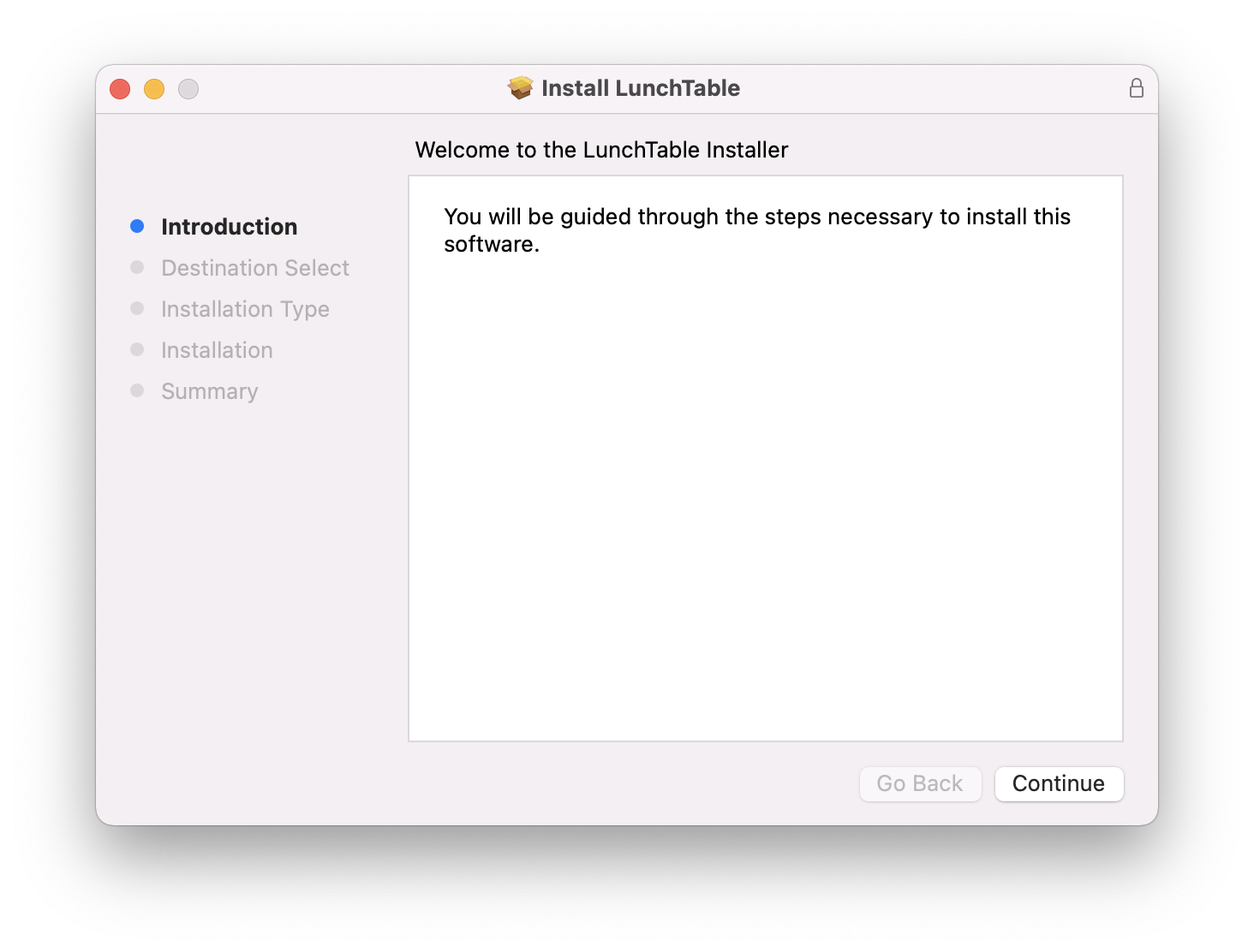
- macOS 10.13 High Sierra or later
- Intel or Apple Silicon processor
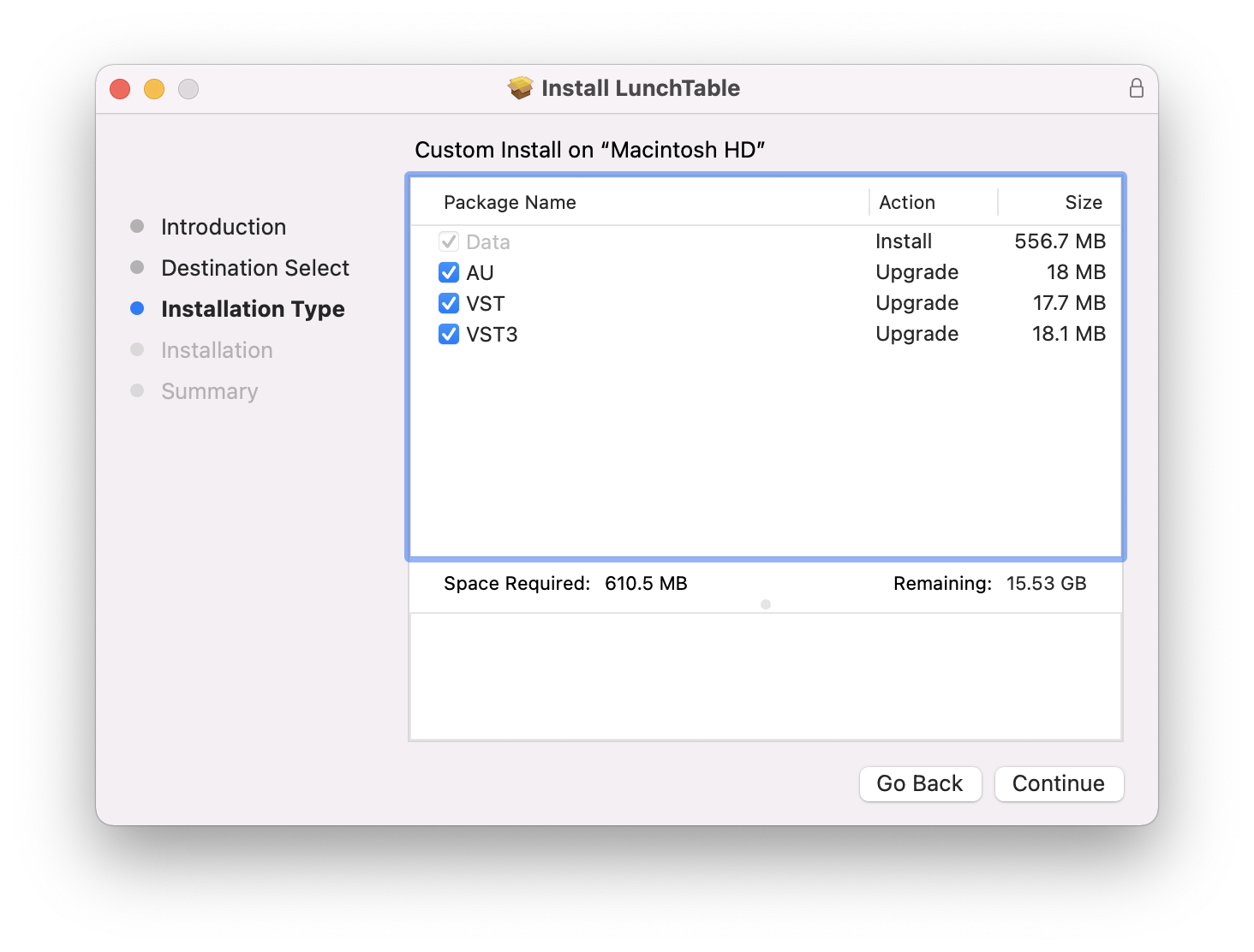
- A DAW that supports instrument plugins in one of these formats: AU, VST, VST3, AAX
- At least 330MB free disk space
Windows
- Windows 10 or later
- 2GHz Pentium IV processor or equivalent
- Host application supporting VST, VST3, AAX (32/64-bit where applicable)
- At least 246MB free disk space
Formats: AU, VST, VST3, AAX

Reviews Summary
While it aims to provide a helpful overview, it may not capture every perspective or detail. We encourage you to read individual reviews to make an informed decision.
Users highly praise this plugin for its exceptional sound quality and deep, complex capabilities in sound design and multi-layered sound manipulation. While it has a learning curve and its glitch-focused presets do not fully showcase its true potential, taking the time to study the manual and customize settings yields highly rewarding and creative results.


