


 Log In

Free gifts available with your purchase
Smear is a tool for spectral morphism.
Smear takes all of the good processors Lese have made, expands upon them, and allows for extensive layering & spectral mixing using their signature Factor Band system (like in Sweep and Strum). Smear is made for spectral painting.
With a large collection of different processors available; from subtle frequency shapers to aggressive spectral destroyers, every band becomes its own creative playground. Add modulation on top of this and let your sound breathe, evolve, and transform in ways you’ve never heard before.
SPECTRAL EFFECTS
Traditional audio effects operate in the time domain. They process the audio signal as it flows through time, sample by sample. When you apply an EQ, compressor, or distortion in the conventional way, these effects act on the entire signal at once, treating all frequencies as a unified whole in each moment.
Spectral processing takes a totally different approach. By converting the audio into the frequency domain (usually by using an FFT), the signal is decomposed into its constituent frequencies at a given moment. This reveals the sound’s “spectral content”, a snapshot of which frequencies are present and at what amplitudes. Creating what’s essentially a two-dimensional map of frequencies over time.
With Smear, you can take these snapshots, process them, and turn them back into sound, allowing for a wide range of new possibilities.
Features
- Factor Band System: Instead of processing the effects uniformly, as in processing them in the whole spectrum, you can specify which areas of the spectrum you want given effects to be with Smear’s “spectral mixing” system, available in each effect slot, using factor band controls.
- Some effects can swap between spectral mixing, and using the Factor Bands to control other frequency specific aspects of the processing (such as adjusting the delay time of every section of the spectrum in our delay processor).
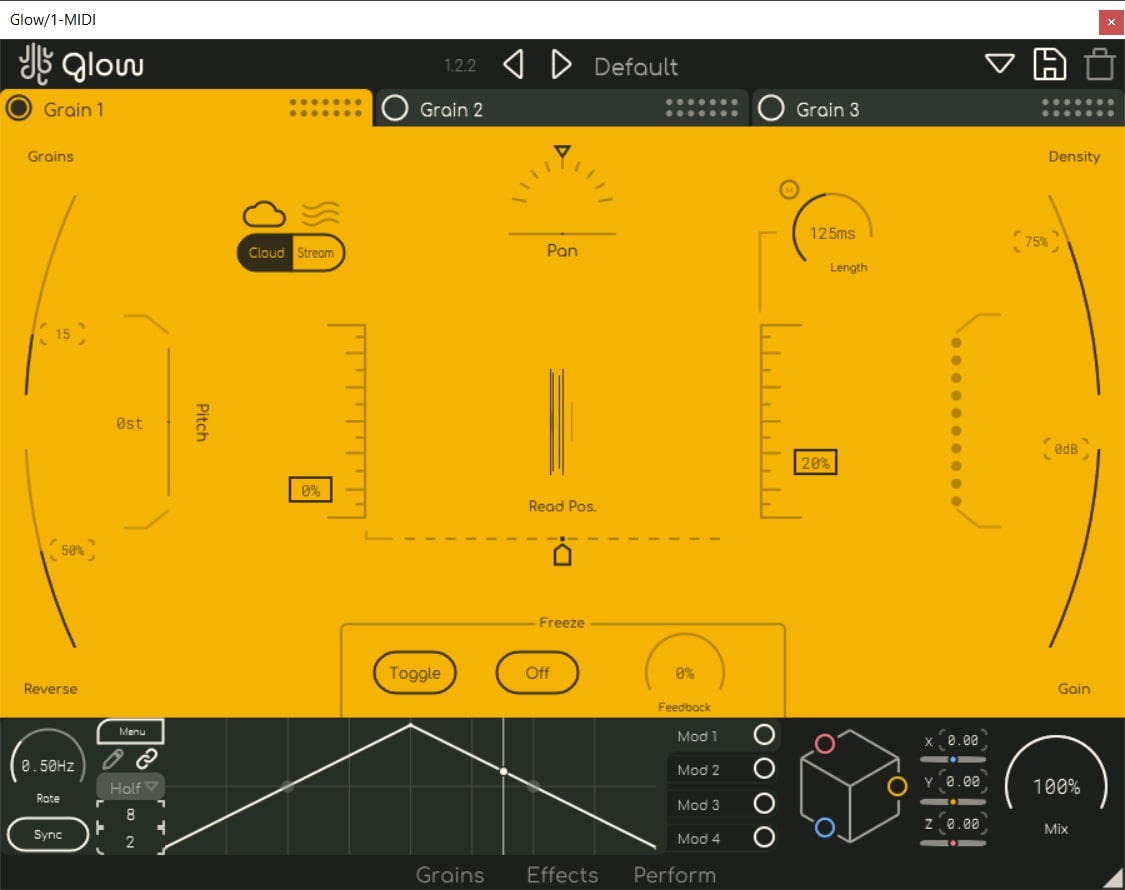
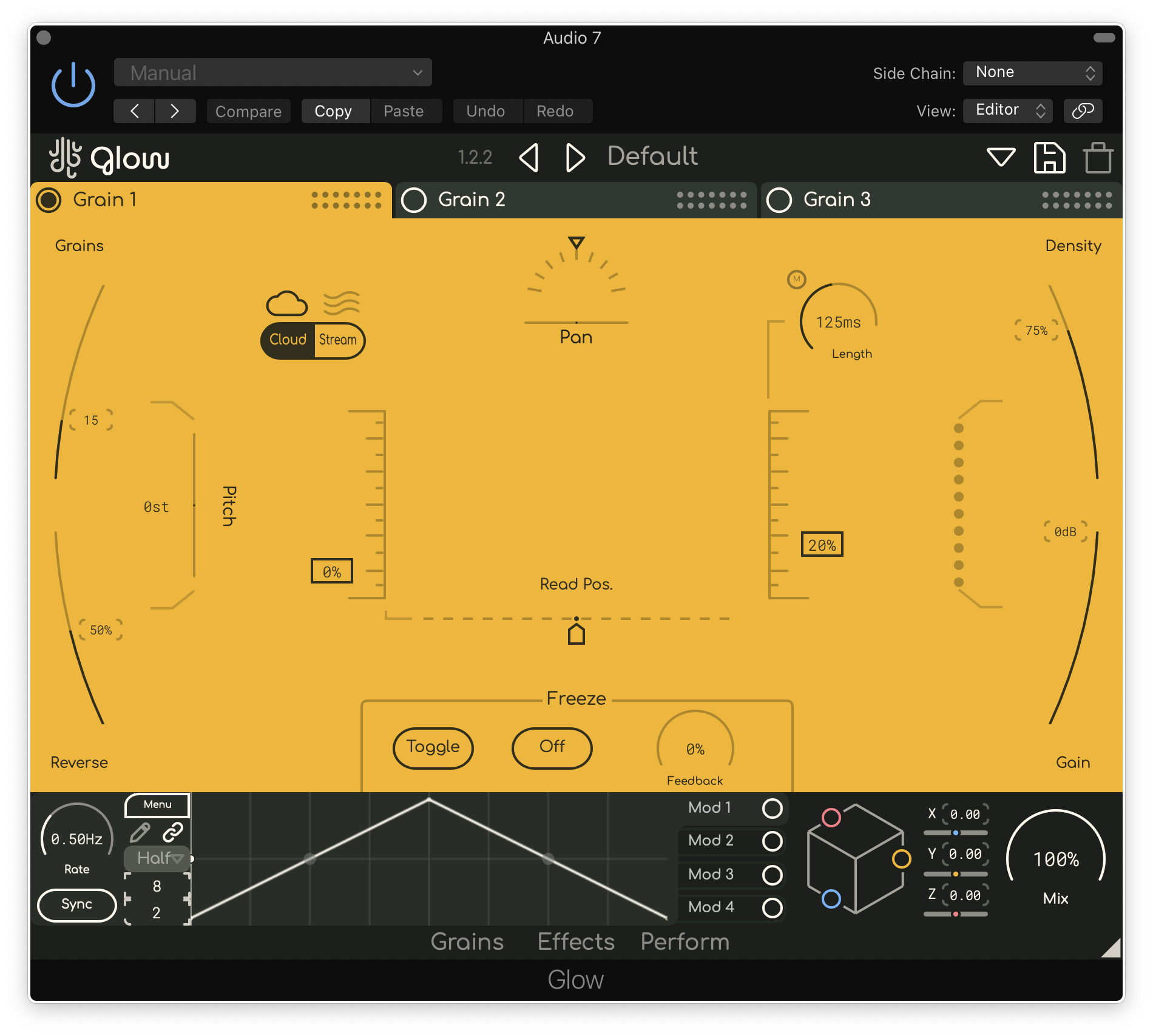
- Modulate Me: Smear features a modulation system, similar to the one in Glow (with improvements!). Offering up to four modulators which can be optionally synchronized to the DAW’s BPM & retriggered by the DAW’s playback state.
- Windows: Supports VST3 & AAX
- MacOS: Supports VST3, AU & AAX (Intel and ARM)
- This plugin requires OpenGL
Reviews Summary
While it aims to provide a helpful overview, it may not capture every perspective or detail. We encourage you to read individual reviews to make an informed decision.
Users praise Lese's Smear as a deep, unique, and powerful spectral multi-effects plugin, highlighting its ability to create atmospheric, grainy, and resonant textures ideal for ambient, IDM, and creative sound design. While celebrated for its rich variety of algorithms and innovative spectral processing, a desire for more included presets was noted as a minor drawback.


