Buy InShaper, get a free gift with purchase:
Shape. Fold. Distort. Modulate. Inspire. inShaper makes creative distortions flexible, intuitive, and precise by shaping and folding waveforms in expressive ways. Whether you’re producing music, designing sound effects, or working on your mixes, it fits seamlessly into your workflow — giving you creative control without extra complexity.
Features
- Single vs. Dual Mode — Shape and fold your signal, from subtle saturation to aggressive distortion, with a wide range of distortion characters;
- Full Control — Precisely control drive, gain, modifier, oversampling, and bias;
- Link Drive to Gain — Keep gain levels consistent while playing with drive;
- LFO Modulation — Explore multiple LFO waveforms and modifiers to modulate drive, bias, gain or the modifier;
- Channel Offset — Apply different LFO offsets to each speaker;
- Multichannel Support — Support for all major output formats, from mono and stereo to immersive formats.
Operating System
- Mac OSX 10.15 or higher (Intel and native Apple Silicon Macs supported)
- Windows 10 or higher
Minimum Requirements
- CPU - 2-core or higher
- RAM - 4 GB or higher
- Disk Space 600 MB
Recommended Requirements
- CPU - 4-core or higher
- RAM - 8 GB or higher
- Disk Space - 600 MB
Formats
- AAX Native
- AU
- AUv3
- VST
- VST3
Note: Pro Tools 64-bit compatible (PT11 and above) required for AAX
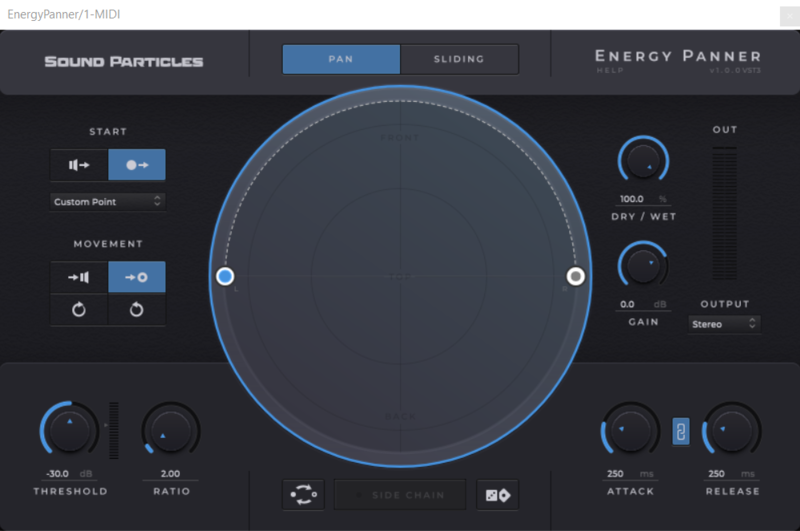
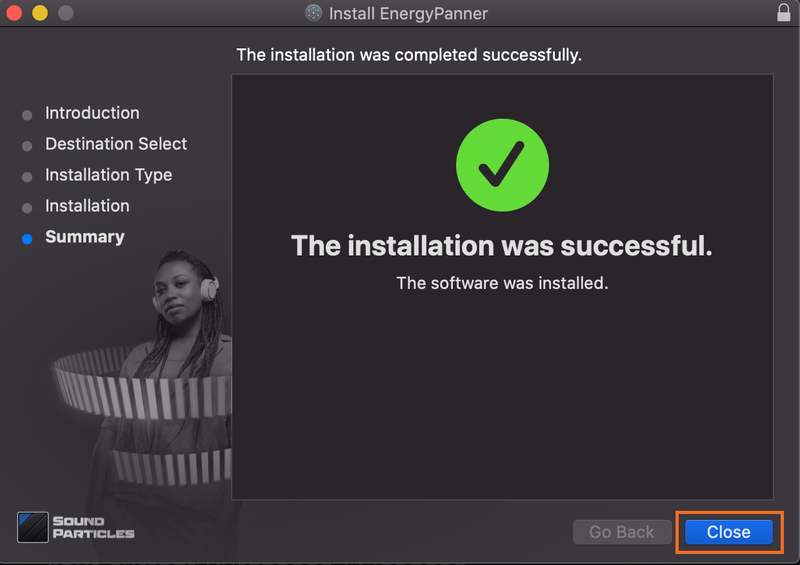
Important note: Energy Panner is used as an example as the installation process is the same for all Sound Particles products.
Windows
Registration
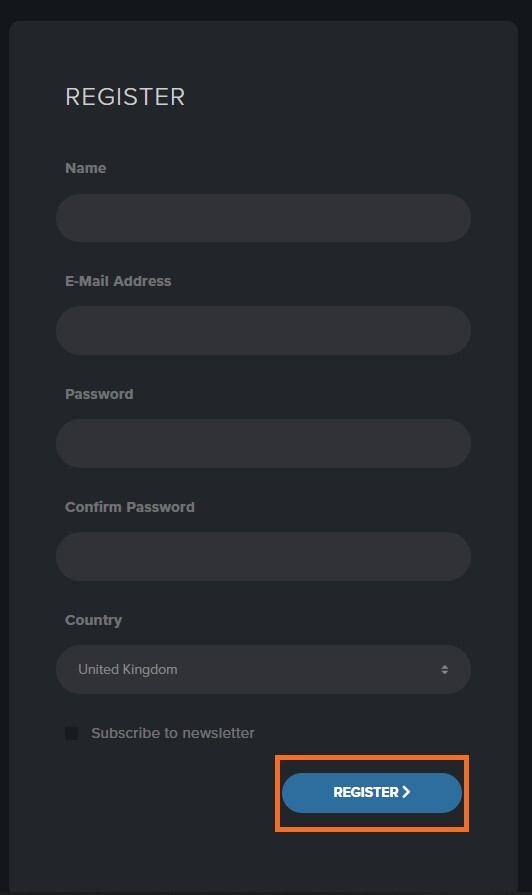
1. Go to https://soundparticles.com/register > Enter your Name, Email Address, Password and Country > click 'REGISTER'.

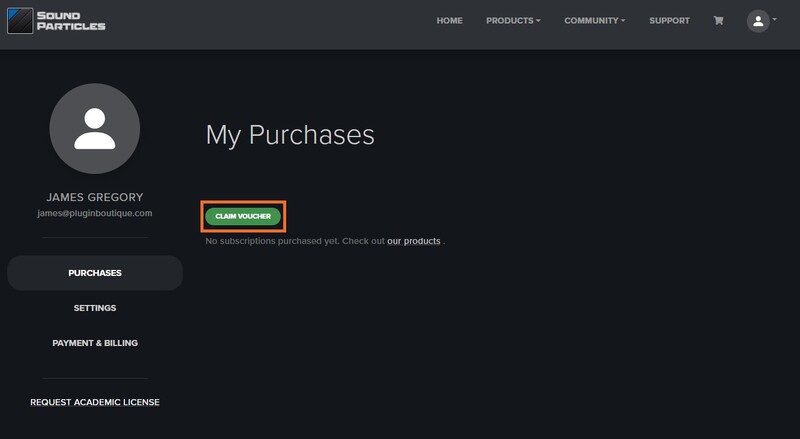
2. Click 'CLAIM VOUCHER'.

3. Enter your voucher code, found in the serial number section of your Plugin Boutique Account > click 'CLAIM'.

Installation
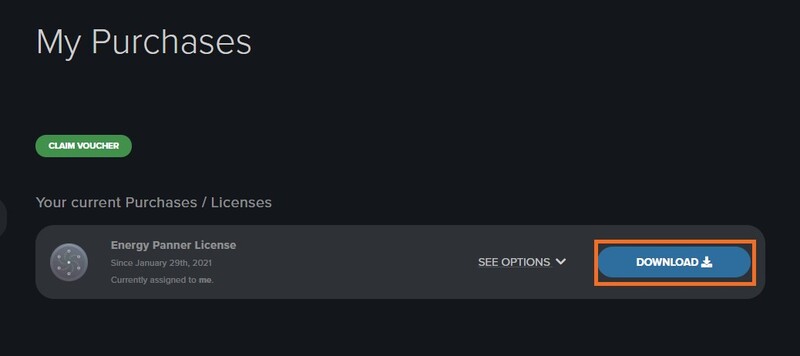
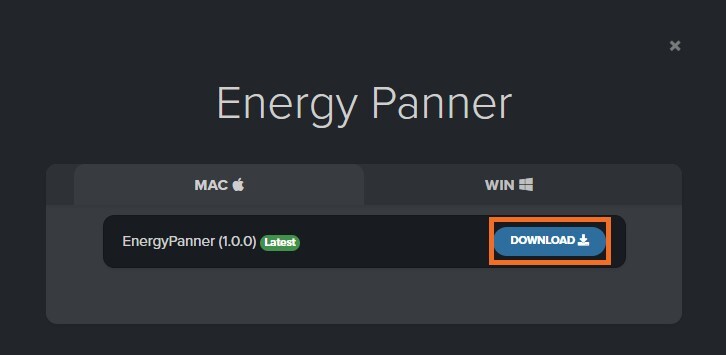
1. Click 'DOWNLOAD'.

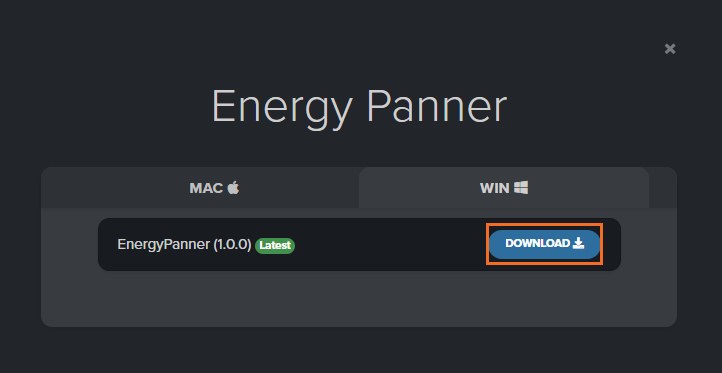
2. Select the version of the product you wish to install > click 'DOWNLOAD'.

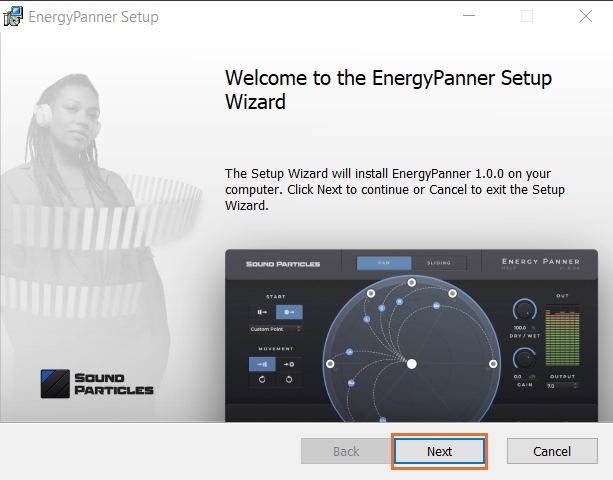
3. Open the downloaded .zip folder and click > the .msi file. To begin the installation process > Click 'Next'.

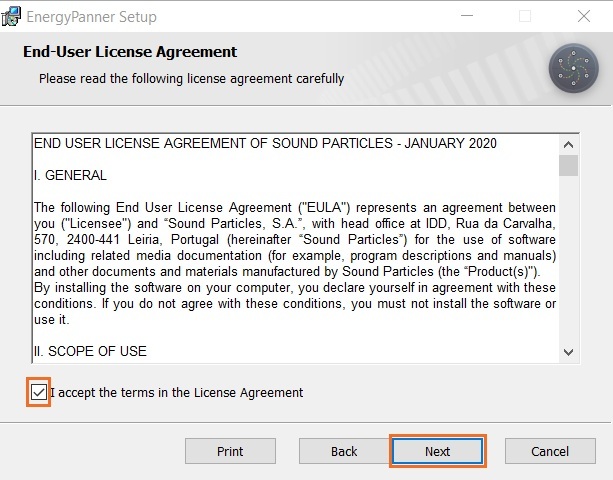
4. Select 'I accept the terms in the License Agreement' > Click 'Next'.

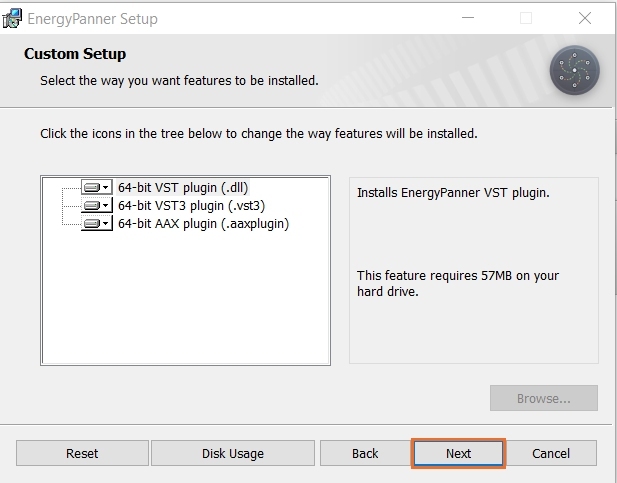
5. Choose the plugin formats you would like to be installed > Click 'Next'.

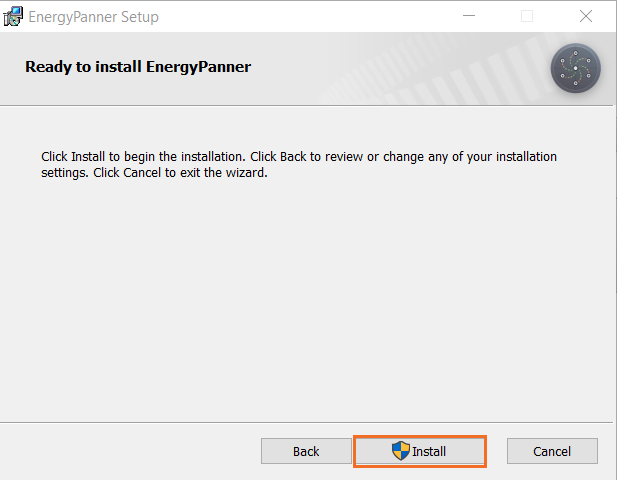
6. Click 'Install' > click 'Allow' to begin the installation process.

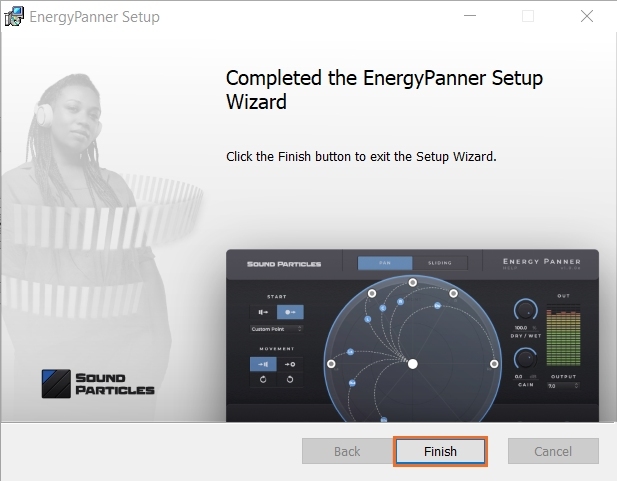
7. Click 'Finish'.

Your software is now activated and ready to use.

Mac
Registration
1. Go to https://soundparticles.com/register > Enter your Name, Email Address, Password and Country > click 'REGISTER'.

2. Click 'CLAIM VOUCHER'.

3. Enter your voucher code, found in the serial number section of your Plugin Boutique Account > click 'CLAIM'.

Installation
1. Click 'DOWNLOAD'.

2. Select the version of the product you wish to install > click 'DOWNLOAD'.

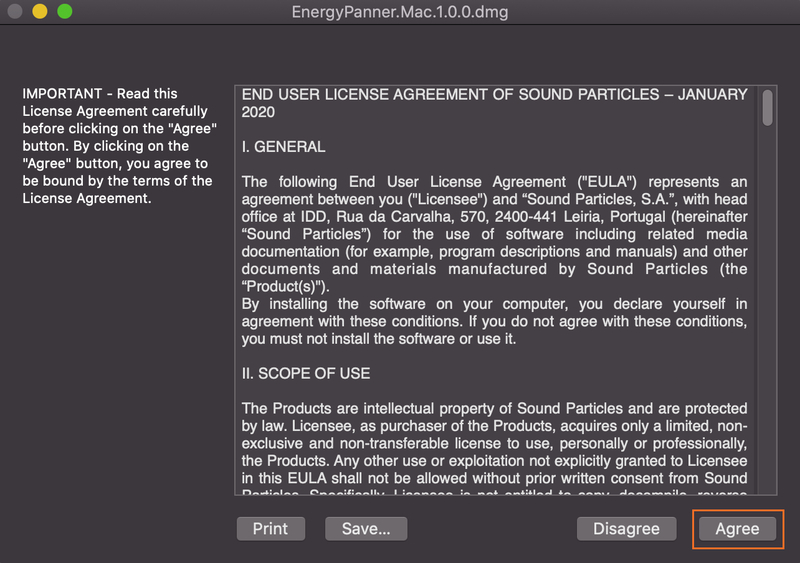
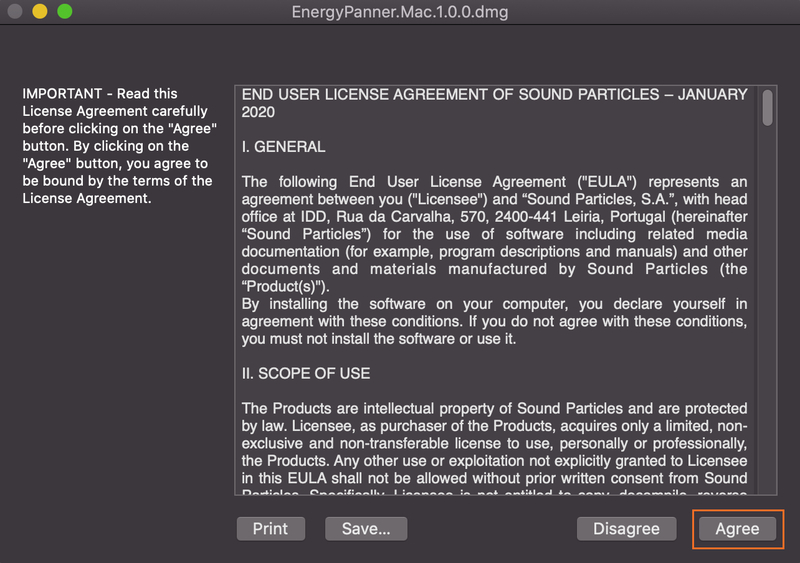
3. Open the downloaded .dmg file > click 'Agree' on the User Agreement to begin the installation process.

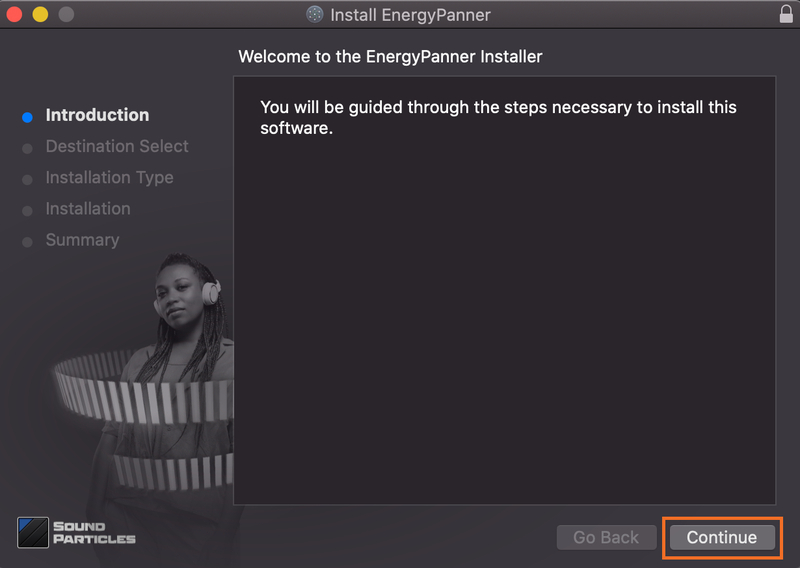
4. Select 'Install'.

5. Click 'Continue'.

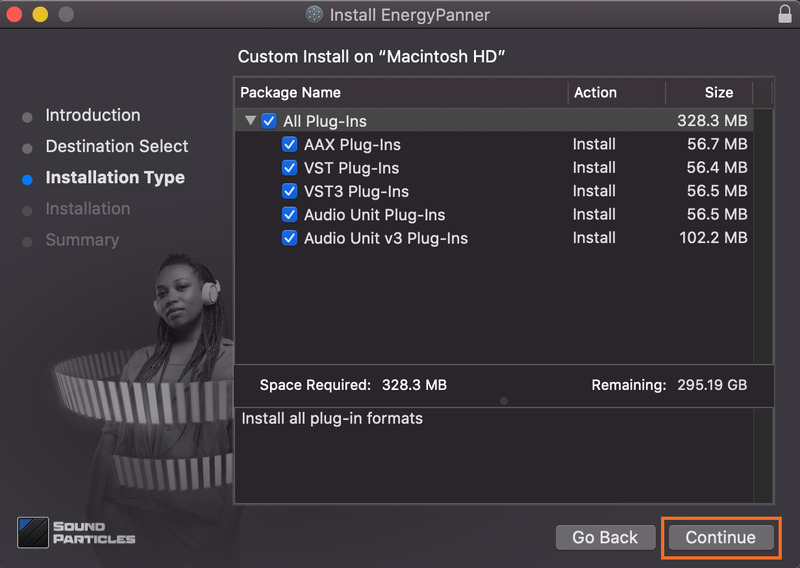
6. Choose the plugin formats you would like to be installed > click 'Continue'.

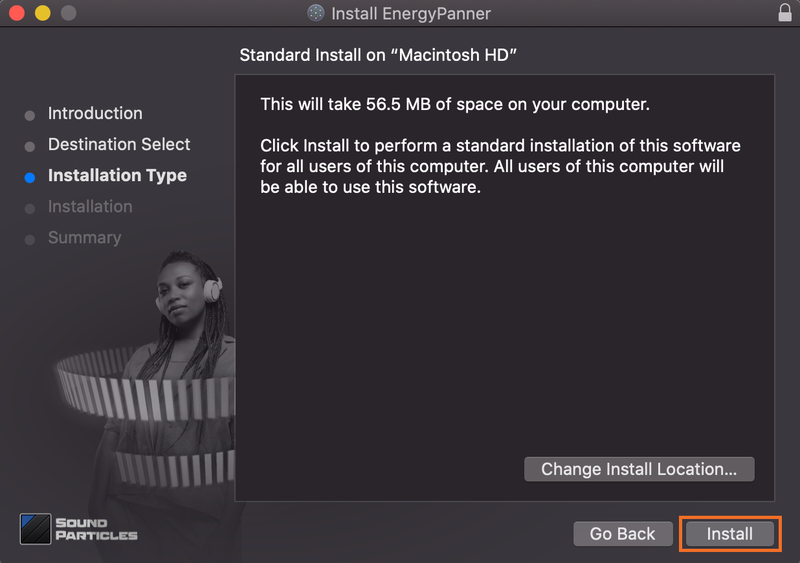
7. Choose your preferred 'Install Location' > click 'Install'

8. Once the software is installed > click 'Close'.

Your software is now activated and ready to use.