Log In

Free gifts available with your purchase
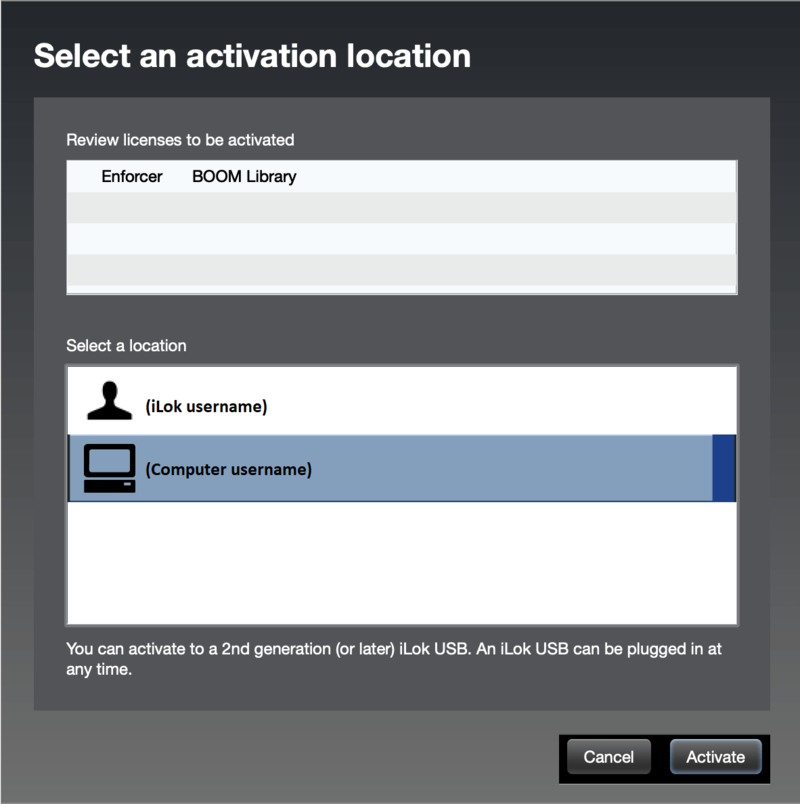
Important note: A FREE account at ilok.com is required (a physical USB iLok is not required)
Awe Your Audience with Risers, Build-Ups, Drops and More
Risers, build-ups, breaks, downlifters, swells, sweeps, falls – it has never been so easy to hype your audience with a beat drop. Forget samples, just turn the knob or let LIFTFX even do that for you, automatically, in beat sync at the length you need it to be.
Rise to the Emotional Center of Music and Sound
Build-ups and risers are core parts of modern music and trailer productions. They are essential as they catch you and generate unstoppable tension over time, crawling upwards from the stomach to the chest, culminating in an irrepressible peak that can move a whole stadium of people. LIFTFX will help you achieve just that.
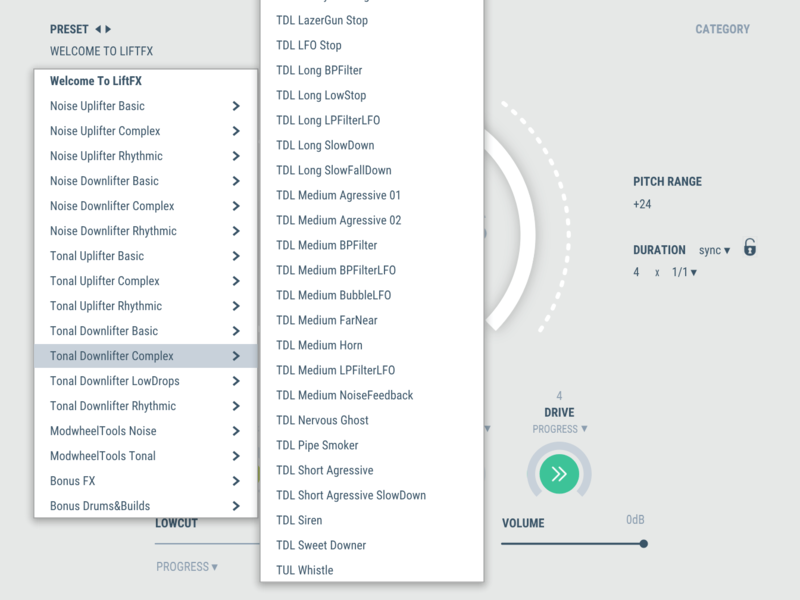
275 Unique Presets to Get You Started
Full Control: Any Direction, Duration or Tempo
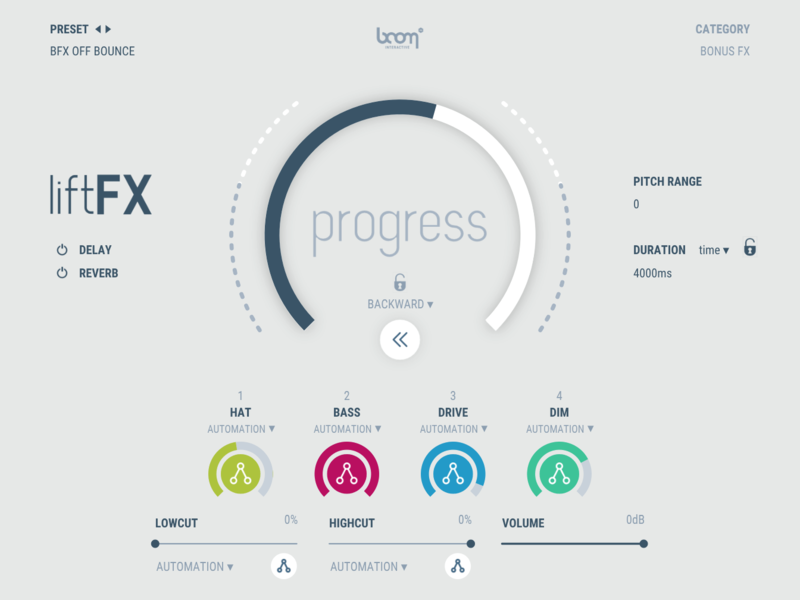
Manipulate Parameters with Automation and Mod-Wheel
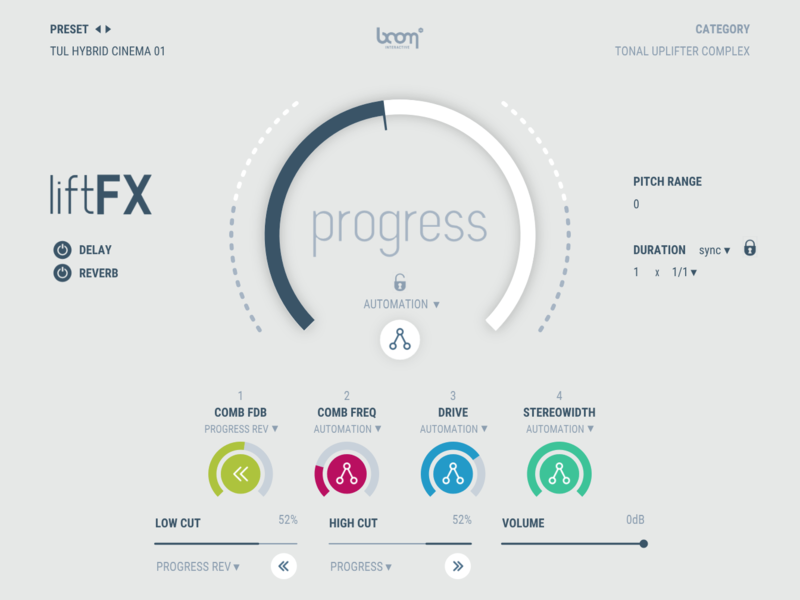
Playable, Clean and Easy to Learn
Ready, Set, Liftoff
Instantly Awesome
Feel the power of LIFTFX at the first keystroke. Instead of spending hours on designing custom risers, allow LIFTFX to kickstart you right to the fun part:
Playing and hearing firsthand the effect LIFTFX’s bold sound achieves while building, dropping, breaking or wildly flailing along to your track.
Boom Plugins has set the table – it’s up to you to polish the diamond and let your creativity bring the final picture together. Time to make some noise!
Why Not Samples?
Dragging samples into your project might seem easy at first, but your mileage will vary drastically. Now you have to worry about syncing them to your track, tune them (which at best isn’t very fun and generally leaves hideous artefacts) as well as agonizing over the fact that their individual components can’t be altered – other than adding destructive effects on top.
LIFTFX relies on real-time synthesis to generate impressive sonic builds on the fly. Each of the above aspects is freely alterable with no more than a few clicks – all while remaining sharp, crystal-clear and flexible over insane lengths.
Turbine Technology
LIFTFX is built on the synthesis engine of Boom's award-winning TURBINE plugin.
While TURBINE emulates turbojet sounds with unparalleled precision and authenticity, LIFTFX takes the original concept further and pours all the experience and synthesis technology gathered since then into musical FX.
Like TURBINE, LIFTFX doesn’t like to be limited to just one category. Take it for an experimental spin, abuse it and see what pops up. As Boom keeps re-discovering their own plugins months down the line, we’re excited to see what you can come up with.
Instant Satisfaction, In-Depth Control
LIFTFX is a completely new way to create stunning transitions and effects in the simplest and most convenient way, perfect for a beat drop.
Playable in Real-Time
- LIFTFX works as a generator plug-in or virtual instrument.
- Hit any key and let the effect develop automatically or use your mod wheel to control it live.
Stacked with Unique Presets
LIFTFX comes with a 275-strong package of inspired presets:
- Risers & Downlifters - Both tonal and noise-based and everything in between.
- Bass Drops
- Rhythmic and Percussive Builds
- Basic and More Complex Designs
- Bonus FX
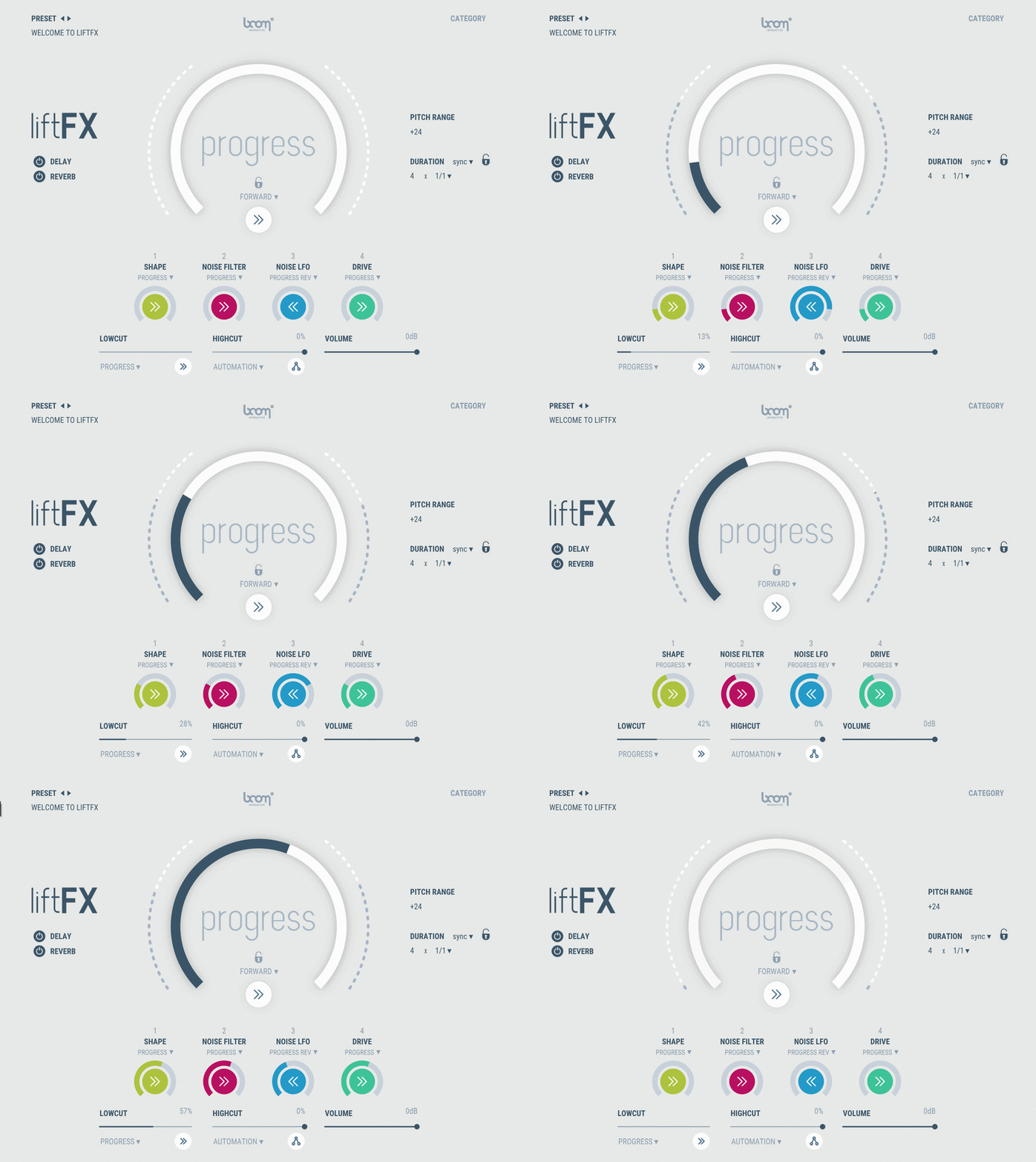
Instant Visual Feedback
- The intuitive interface gives you an instant idea of what’s happening.
- Don’t be fooled by its one-trick-pony appearance!
- Each of the four macros is automatable independently and lets you steer the complex processes happening under the hood.
Any Time, Tempo and Tonal Range
- Quickly adapt your sound to any track or sequence you so desire.
- While LIFTFX starts out in perfect sync to your DAW, really any pitch, duration or tempo is possible.
- Using timelock to the right, you can try out different presets while keeping the same length.
Features
- Playable in real-time with instant auditive and visual feedback
- Any length, tempo, pitch range and root note possible
- Tempo sync or time (s) duration
- Control key parameters independently or automatically (+ reversed)
- Automation and modwheel (cc1) support for each parameter
- 275 nifty presets included
- Optional time lock and control lock to try different presets with current setting
- High cut and low cut filters, reverb and delay
- Lightweight plug-in, as it relies on synthesis
Use Cases
- Build your beat drop with captivating uplifters, downlifters, drops, rhythmic, percussive builds and more effects out of the box
- Any electronic genre such as EDM, Trap, Dubstep, Pop, Hip Hop, Drum’n’Bass, House, Techno, and more
- Cinematic and experimental sound design
- Beef up your synthesizers with tonal layers or harmonic overtones to achieve a fat, rich sound
System Requirements
Mac
- macOS 10.13 and later (64-bit only)
- 8 GB RAM, M1 Apple Silicon or Intel® Core™ i5
- OpenGL 2.1 capable GPU
- VST2, VST3, AU, AAX
Windows
- Windows 8 and later (64-bit only)
- 8 GB Ram, Intel® Core™ i5
- OpenGL 2.1 capable GPU
- VST2, VST3, AAX
Important Notes:
- A FREE account at ilok.com is required (a physical USB iLok is not required)
- LIFTFX requires an audio host software. It does not work as a standalone application.
DAW Compatibility
LIFTFX works with the most common audio host software apps that support VST 2.4 and VST 3, AU or AAX plugins:
- Logic Pro
- Pro Tools (11+)
- Cubase
- Nuendo
- Ableton Live
- Reaper