


 Log In
.jpg)
Free gifts available with your purchase

Infinite is a unique multi-effect plugin from the powerhouse label Toolroom Records, that speeds up and improves your workflow with killer pre-designed transitional EFX and delays.
No longer is it necessary to load up and balance a multitude of plugins to create these EFX; Infinite does it all.
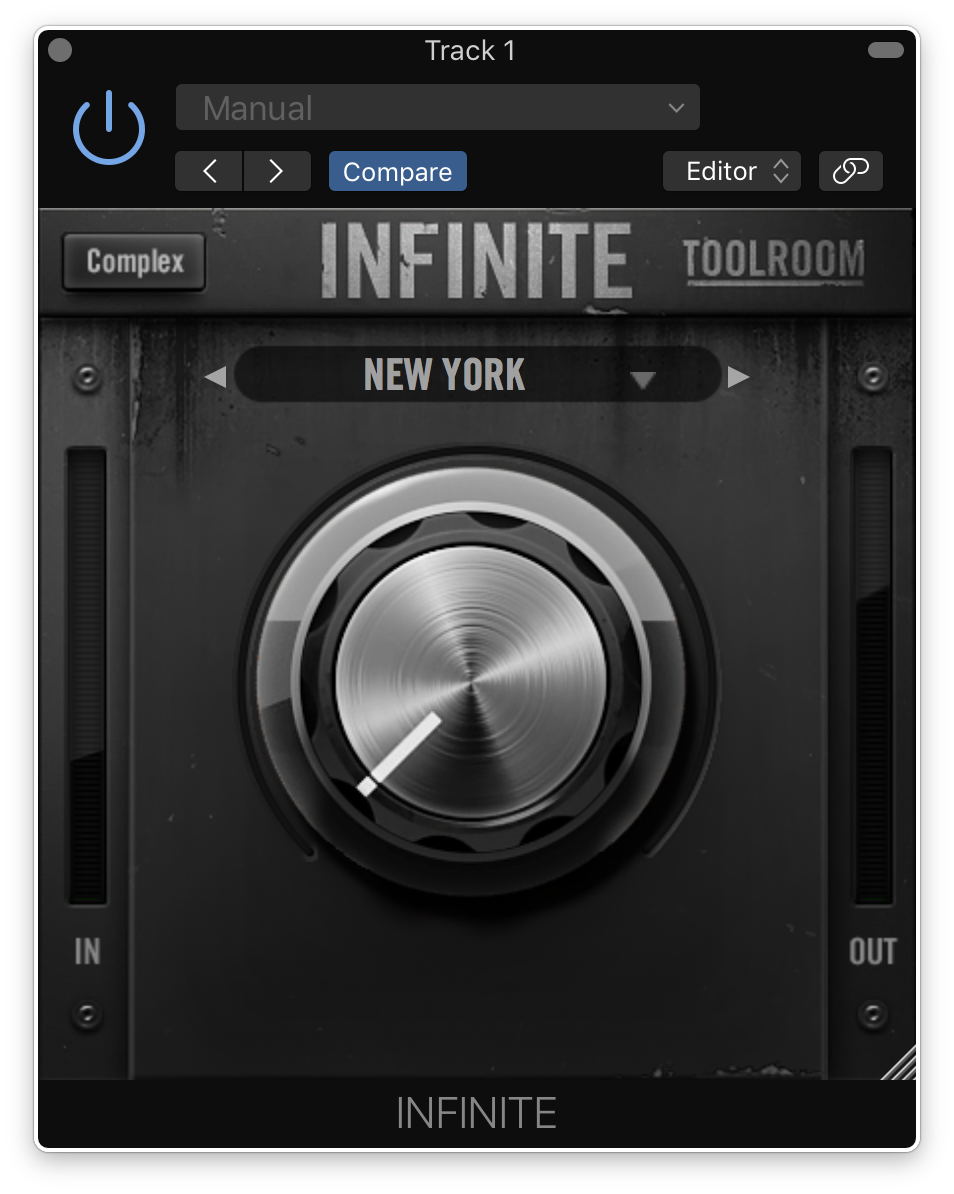
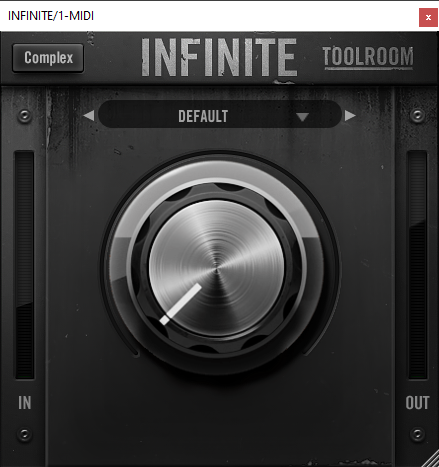
Flick between the simple, one-knob mode loaded with hand-crafted presets, or dive into the complex, technical side and craft your own EFX.
Designed by Mark Knight and James Reynolds, this one-of-a-kind plugin will help you create world-class moments in your music.
Simple Side
One Knob. Huge impact.
Save yourself hours of laboriously tweaking individual parameters over and over again, balancing reverbs, delays, saturation, white noise, filtering, width and other modulations.
Instead, simply dial up your favourite preset, turn the dial, and hear the immediate, dramatic impact on your transitions.
All of the presets are creative, practical, and actually usable. Why? Because Toolroom Records went through some of Toolroom's most anthemic releases and recreated the best breakdowns and build-ups.

Complex Side
Want to dive in deeper? Flick the plugin over into complex mode, and get truly creative.
Toolroom Records know there are other plugins out there which speed up your workflow with transitions - but inherently they lock the producer out of the process, meaning you effectively sound like everybody else.
And this is why the plugin is called Infinite. Tweak the different parameters at a granular, detailed level, using the plugin’s powerful macro system. Attune the 8 world-class effects algorithms to craft your own unique sound.
You can then save your effect chain, so it can then be recalled and quickly used on the one-knob simple interface. Infinite looks deceivingly simple, but there’s a lot going on under the hood.
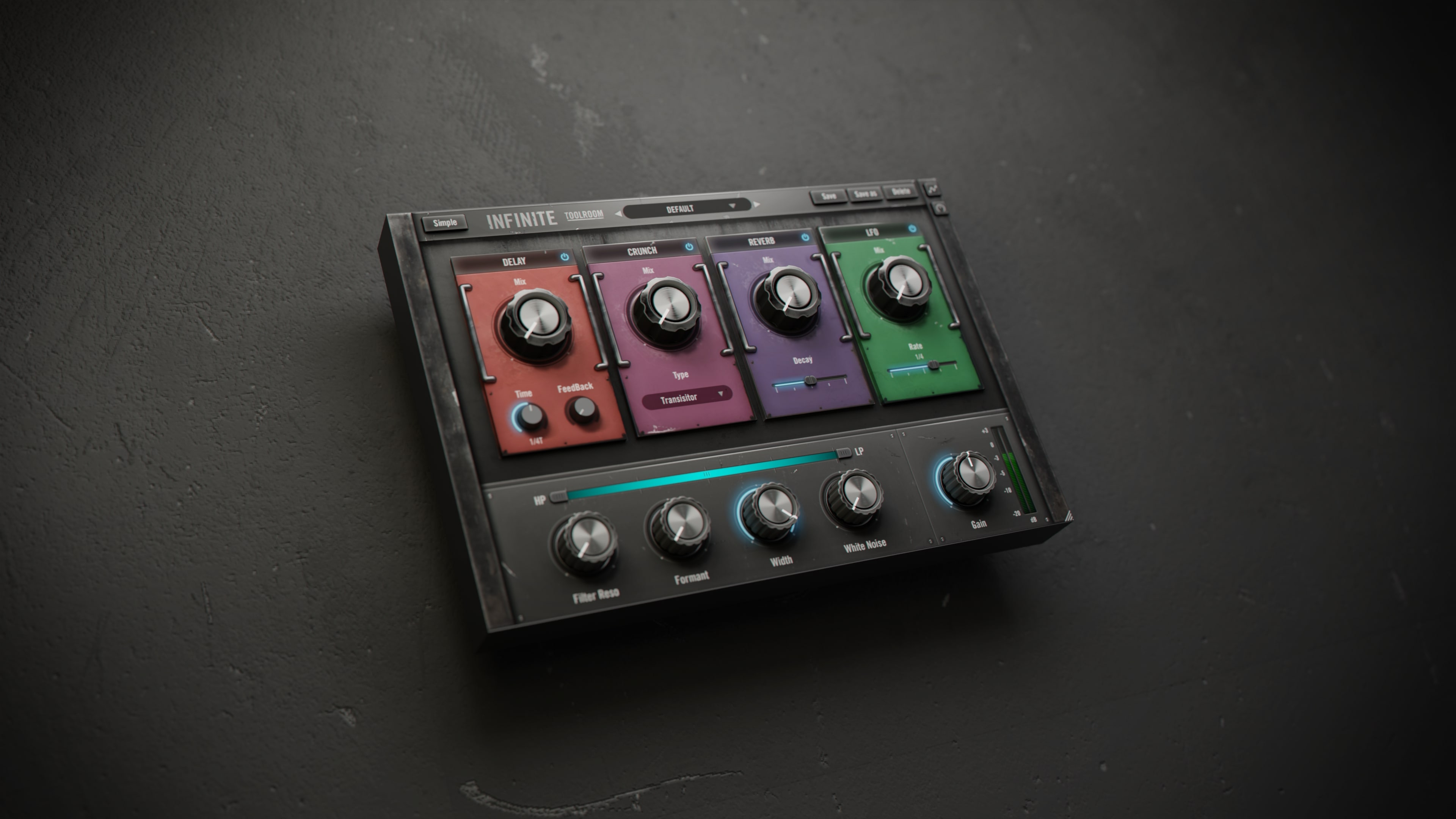
Delay
Create your own repeating patterns that loop on and on. The digital delay offers infinite rhythmic possibilities, allowing you to set your own speed.
Crunch
Add colour to your tracks using the different saturation circuits, which are expertly modelled to allow you to add flavour and character to your most interesting moments.
LFO
Add movement and modulation to your track using the LFO.
Reverb
The reverb unit is modelled on a ‘hall’ and will allow you to space out and diffuse your transitions. The reverb can be made as transparent or as colourful as you like.
White Noise
Increase the tension using the white noise knob to hype up the crowd and deliver a satisfying pay off.
Filter
Utilise a -24dB/Oct hi-pass and low-pass filter section to make space in anticipation of the drop.
Formant
Add drama to your build-ups using the formant filter.
Width
Create dimensional EFX using the width parameter.
Features
- High-end, professional sound quality, developed by a world-class record label
- Dive in and tweak your patches using Infinite’s powerful macro functionality
- Either use Infinite’s native automation capabilities or individually automate each parameter within your DAW
- Over 40 presets hand-designed by Mark Knight and industry-leading producers
- Up to 14 separate assignable parameters
- 9 bespoke modulation and production effects
- Granular and in-depth control over each individual effect
- Ultra-precise filtering and resonance controls
- Assign different effect parameters to a single macro and tweak their relationships with ease
System Requirements
Mac
- macOS 10.9 or later (Intel / M1 Apple Silicon supported) (64-bit only)
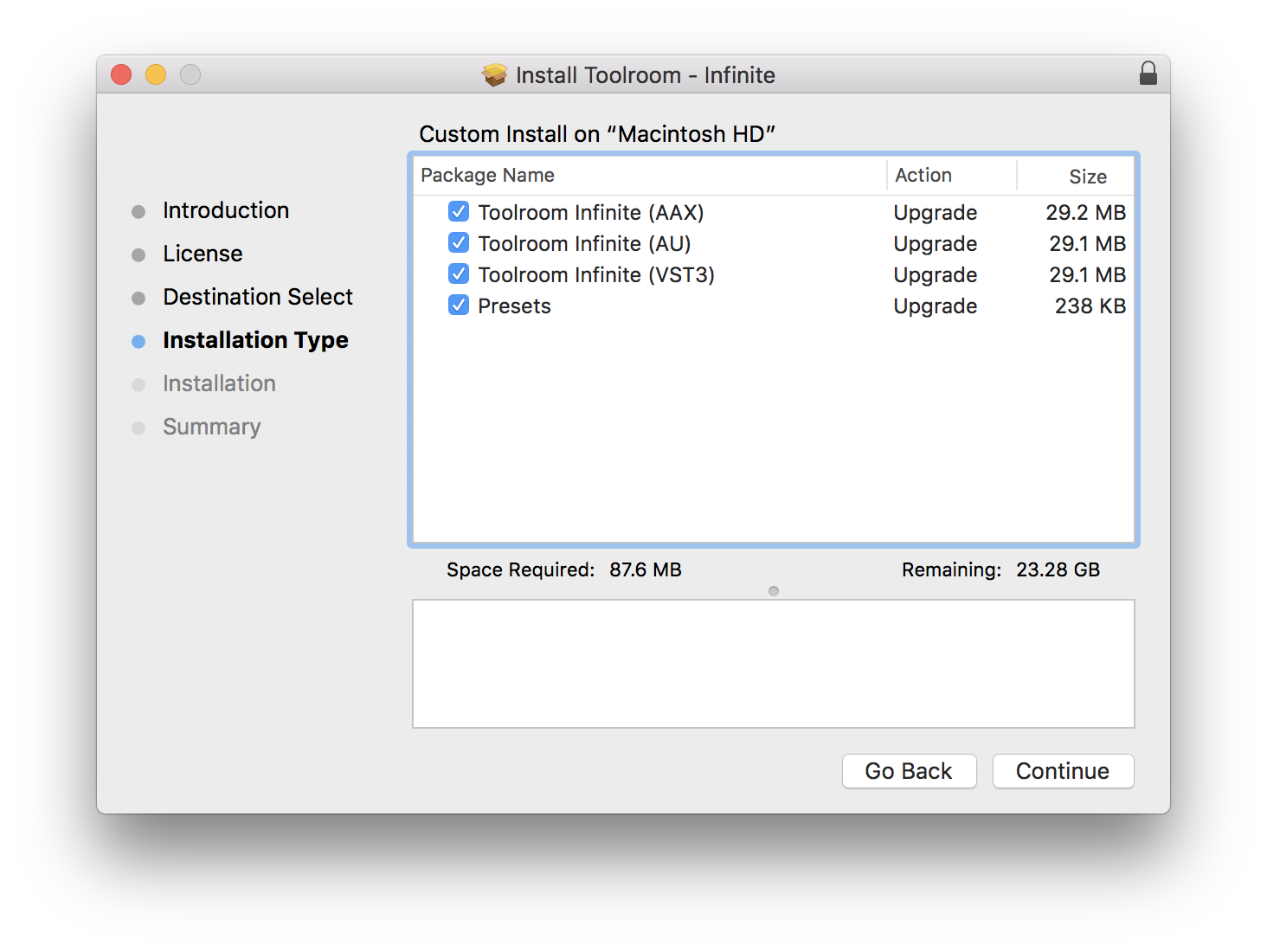
- VST3, AU, AAX
Windows
- Windows 7 - Windows 10 (32 / 64-bit)
- VST3, AAX
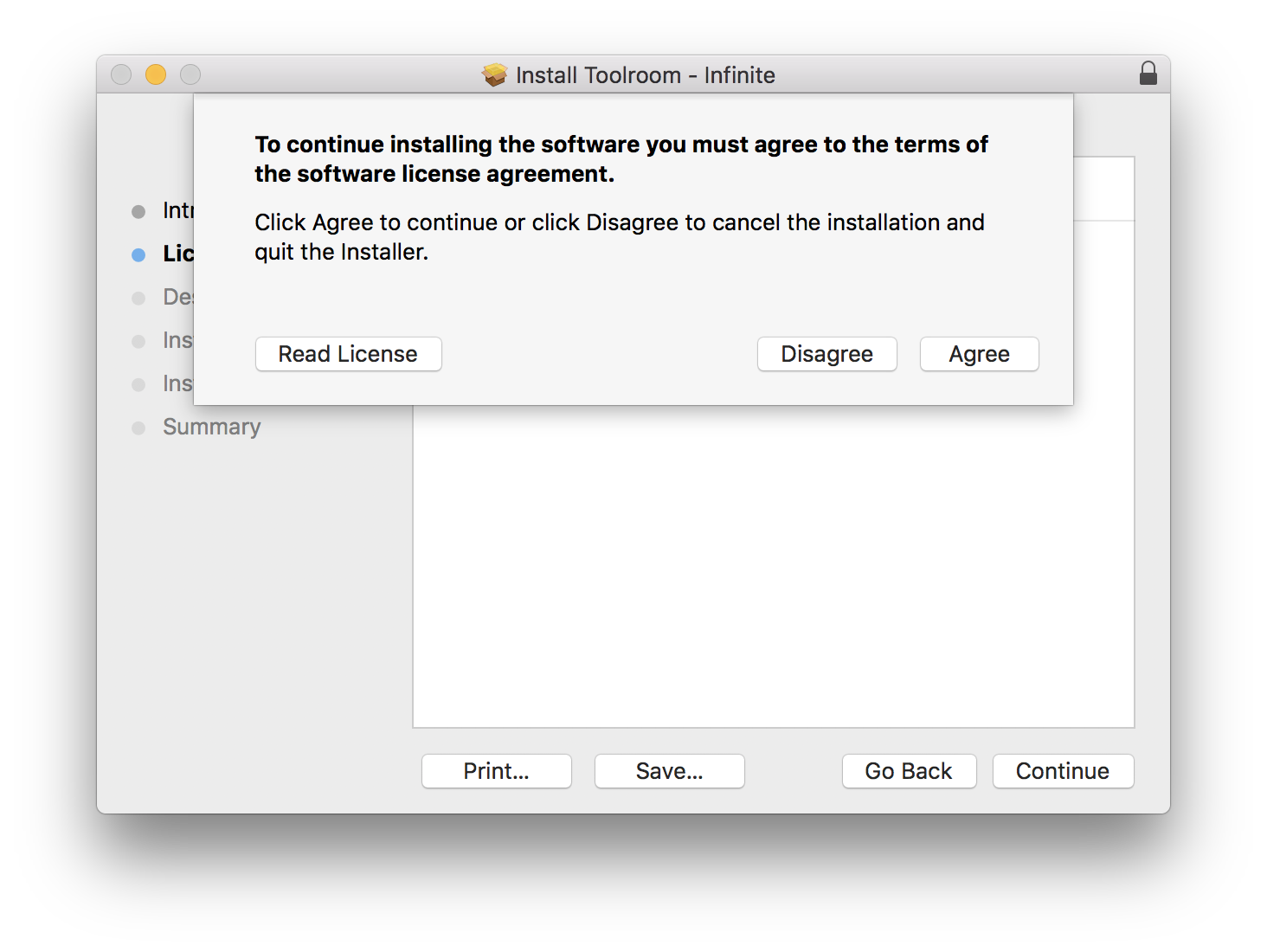
Please Note: An internet connection is required (during the installation only)
Awards

D. Ramirez
DJ
"It’s a transitional EFX plugin on steroids! It’s genius, I’m already using it on every production."
Ben Remember
Artist
"Where the magic lies is being able to go under the hood and get bespoke with your EFX. Can’t recommend enough."
Eli Brown
Artist
"I love this plugin. I’m definitely going to be using it in future productions."




Reviews Summary
While it aims to provide a helpful overview, it may not capture every perspective or detail. We encourage you to read individual reviews to make an informed decision.
Customers highly praise this plugin as an exceptional tool for creating transitions and build-ups, highlighting its creative versatility. Users love the combination of a fun one-knob workflow with deep controls for adding dynamic energy without stacking multiple FX plugins. Although it can be slightly CPU-heavy, it runs smoothly on modern PCs and is considered a great value, especially when purchased on sale.


