/ Multi-Effect / Zafiro
Product information

Exploiting your Creativity

Play with your Ideas and Find the Sound You're Looking For

LFO
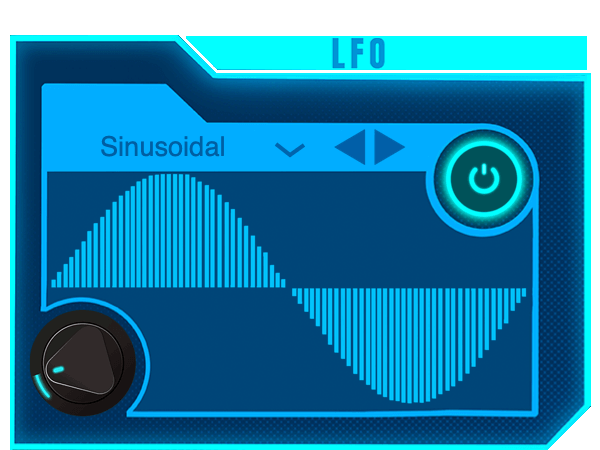
LFO allows you to oscillate between 0 and 10 Hz as well as offering classic square, sawtooth, triangle and sinusoidal waveforms. Zafiro also incorporates 2 original waveforms that allow you to explore even more and develop your ideas.

Oversampling

Avoid Aliasing with just one click. Improve the quality of your effects.

Distortion
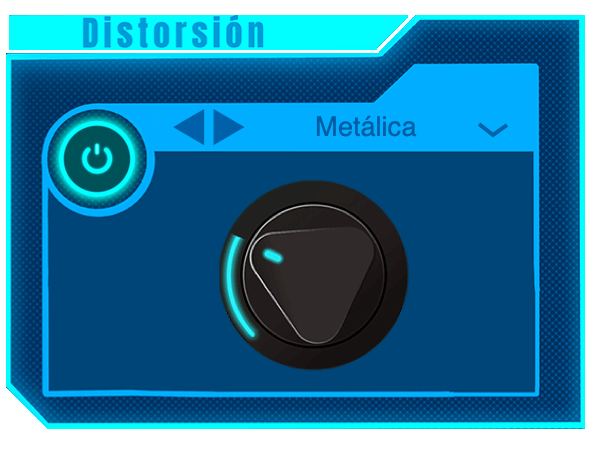
Explore new types of distortions with Zafiro: multiband distortion, amplitude distortion, overdrive and a bit crusher. Functions with a range for all tastes, from soft alterations to more intense distortions. Your creativity will have a whole world of possibilities.

System Requirements

Mac

  • macOS 10.10 or later (Intel / M1 Apple Silicon supported) (64-bit only)
  • AU / VST3 / VST / AAX
  • 4 GB RAM required (8 GB recommended)
  • 2.5 GHz CPU (Intel, AMD or M1 Apple Silicon)
  • 30 MB Free Disk Space

Windows

  • Windows 7 or later (64-bit only)
  • VST3 / VST / AAX
  • 4 GB RAM required (8 GB recommended)
  • 2.5 GHz CPU (Intel or AMD)
  • 30 MB Free Disk Space

Please Note: Zafiro is not supported on 32-bit platforms.

Testimonials

Karina Rivero López

"The Rayado is another roll. I loved it, I think it's my favourite part of the whole plug-in and I definitely found it pretty innovative."

Georgios Melimopoulos

"I like the way Zafiro distortion can colour an instrument."

David 'Kenji' Calderon Miyamoto

"The LFO was my favourite effect, it transforms the sound in unexpected ways."

Installation Instructions

Note: Esmeralda has been used as an example.

Mac

1. Download the .zip folder from your Plugin Boutique User Account > Double-click it to open and extract the installer file > Right-click the correct .pkg installer file corresponding to your Intel OR Apple M1 System > Click 'Open'.

2. If you are shown this message, click 'Open'.

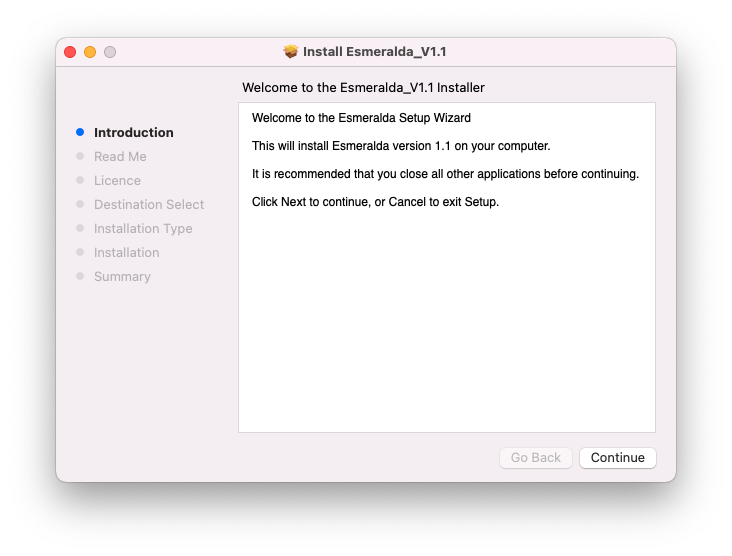
3. Click 'Continue'.

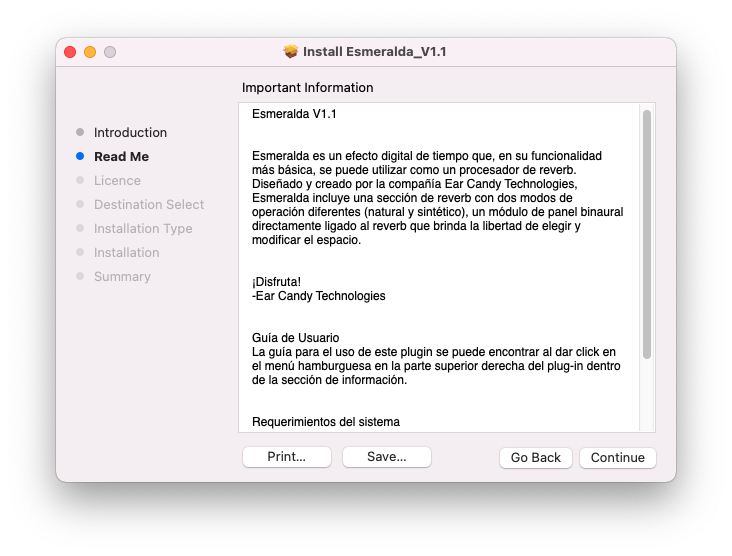
4. Click 'Continue'.

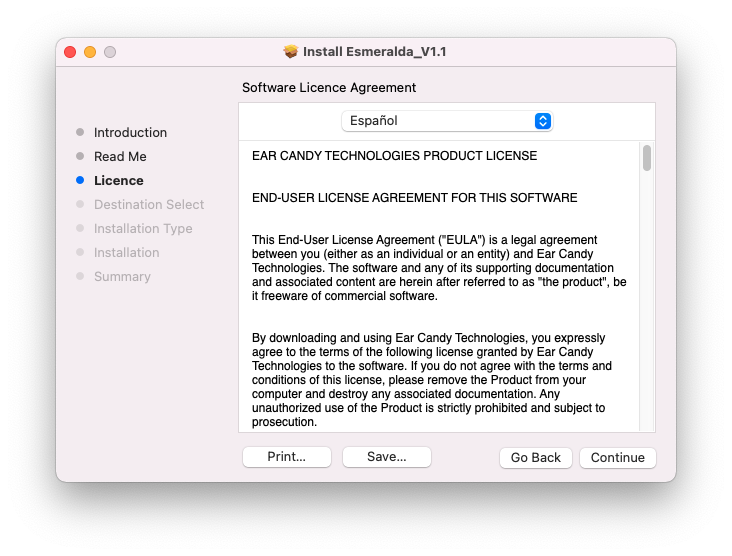
5. Click 'Continue' > Accept the license agreement.

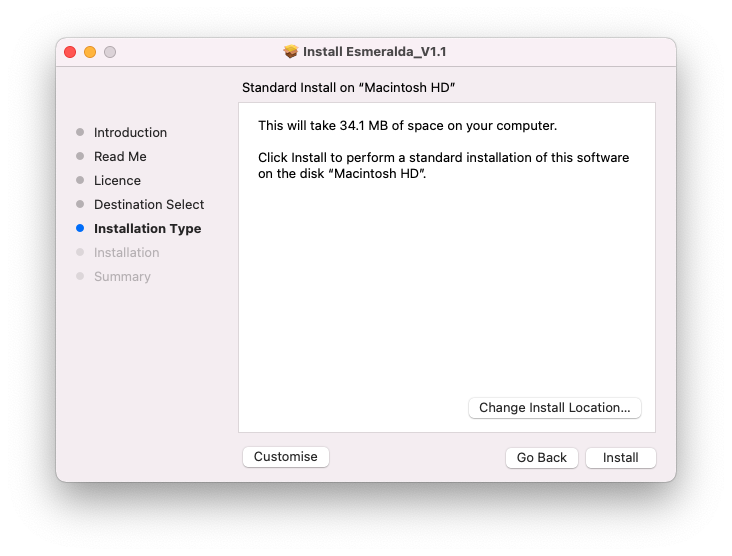
6. Click 'Install'.

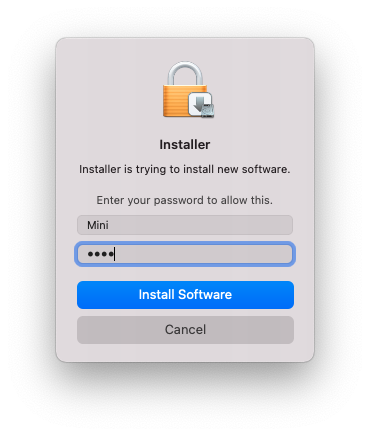
7. Enter your system password > Click 'Install Software'.

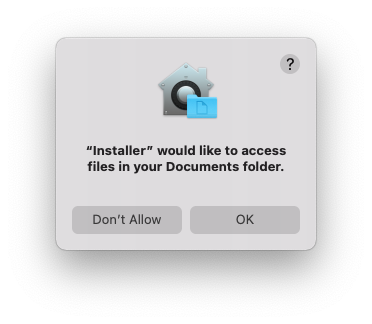
8. Click 'OK'.

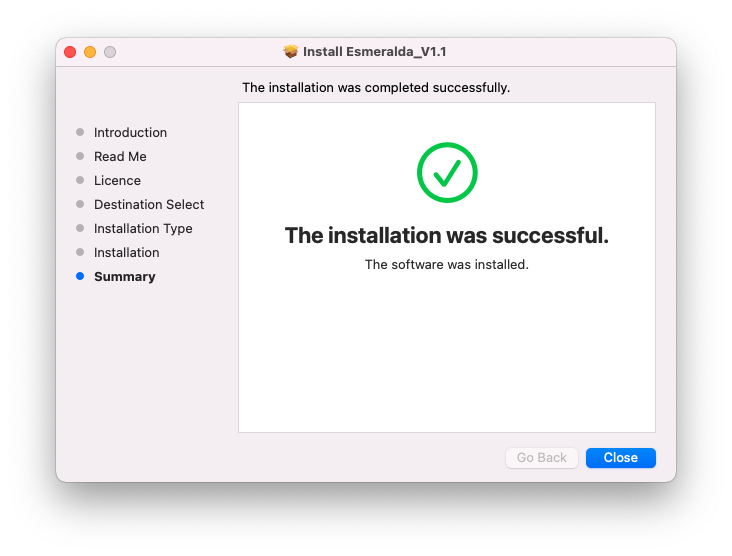
9. Click 'Close'.

10. Launch your DAW > Insert Esmeralda on a new audio track.

Esmeralda is now installed and ready to use.

Windows

1. Download the .zip folder from your Plugin Boutique User Account > Double-click it to open and extract the installer file > Launch the .exe installer file.

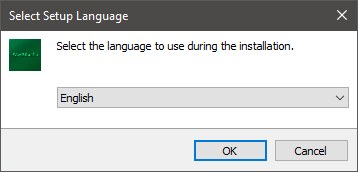
2. Select your setup language > Click 'OK'.

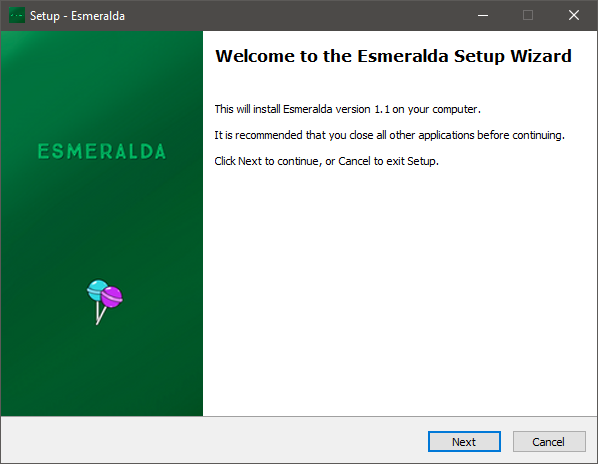
3. Click 'Next'.

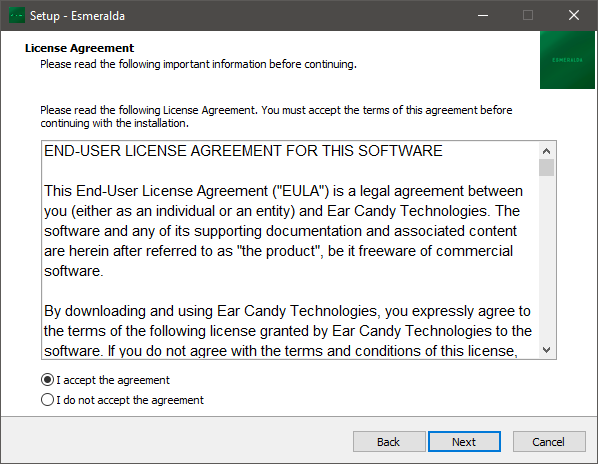
4. Select 'I accept the agreement' > Click 'Next'.

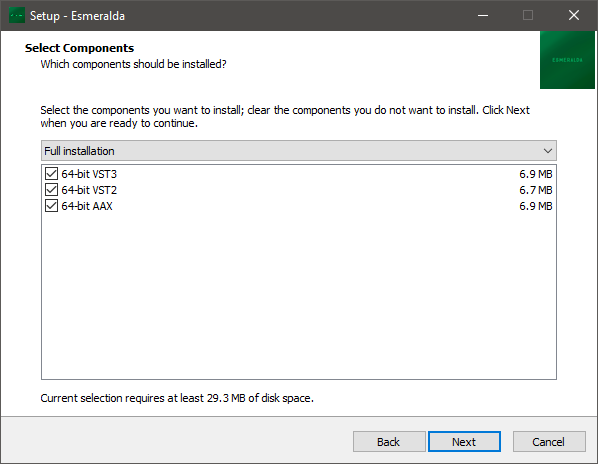
5. Select components for installation > Click 'Next'.

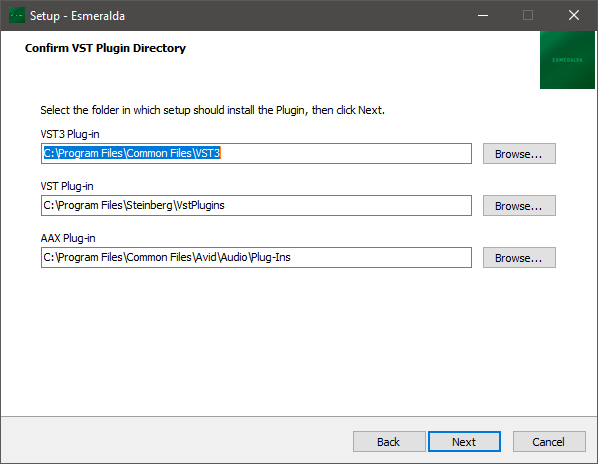
6. Confirm the correct directory for installation > Click 'Next'.

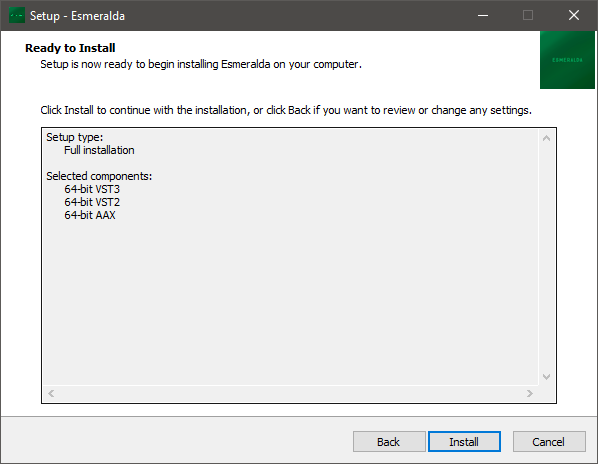
7. Click 'Install'.

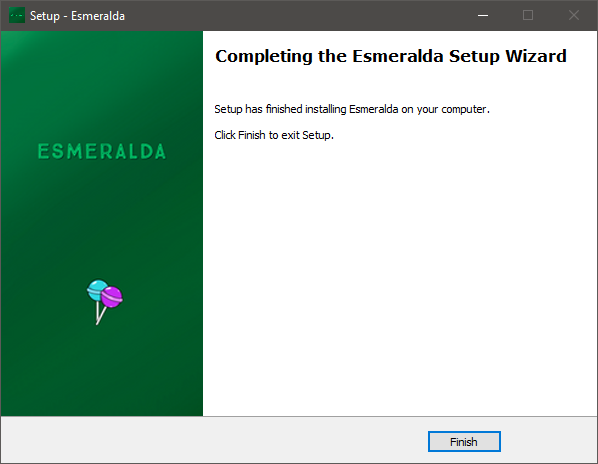
8. Click 'Finish'.

9. Launch your DAW > Insert Esmeralda on a new audio track.

Esmeralda is now installed and ready to use.

Plugin Boutique Rewards

Discover the most rewarding loyalty programme among all plugin retailers.

  • Free Loopmasters Samplepacks
  • Discounts on products and courses
  • Extra Virtual Cash claimed immediately at checkout
Find out more

Follow us:

X (Twitter) Facebook YouTube Instagram
Logo Logo

Plugin Boutique Limited, Part of the Beatport Group LLC.

Copyright © 2011-2025 Plugin Boutique. All rights reserved