/ Multi-Effect / TAL-DAC
TAL

TAL-DAC

4.9 (15 Reviews)
$29.00
TAL-DAC
TAL-DAC
Buy Now
Product information

TAL-DAC brings back the character and sound of the 80's samplers and Lo-Fi devices in one effect plugin. You can use it for subtle sound changes but also extreme effects.

It adds character and grit to your drum, synth, or sampled sounds. The plugin also offers a saturation stage on the input and one in the DAC section.

Features

  • Recording stage with input volume control and soft clipper (adds odd harmonics)
  • Variable recording sample rate (500 Hz - 48000 Hz)
  • Variable recording bit-depth (4bit-16bit) with different algorithms (mu-law, mu-law delta, linear)
  • Reconstruction section with different reconstruction methods (hold, variable, linear, S1000/sinc)
  • Very steep reconstruction filters (optional)
  • AMP drive (add's even and odd harmonics to the signal)
  • A high- and low-shelf filter (12dB)
  • Optional 8x oversampling for non-linear components (AMP and input clipper)
  • Resizeable GUI
  • MTS, MPE supported
  • Supports MIDI Mapping

System Requirements

Mac

  • Mac OS X 10.9 or higher (64-bit only)
  • Universal Binary 2 with native Apple M1 support.
  • VST, VST3, Audio Unit, AAX

Windows

  • Windows 7 or higher (64-bit only)
  • VST, VST3, AAX

Please Note: AAX Format requires Pro Tools 10.3.6 or higher.

Installation Instructions
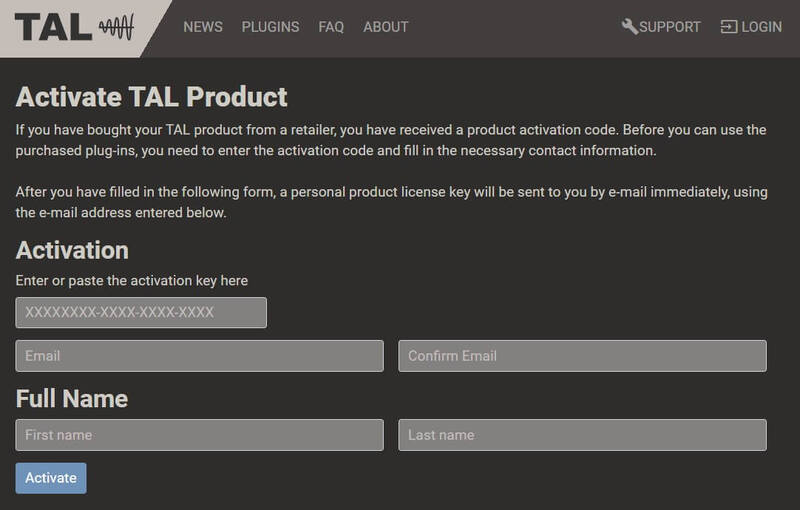
Registration

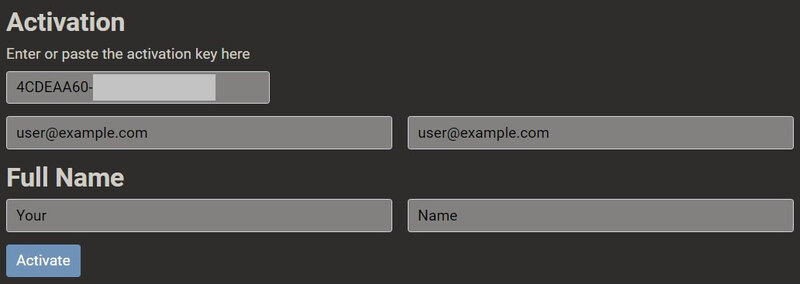
1. Click 'Download' in your Plugin Boutique account or go to https://tal-software.com/activate.

2. Enter the serial number/activation key and other details on the activation page > Click Activate.

3. Your activation code has now been registered.

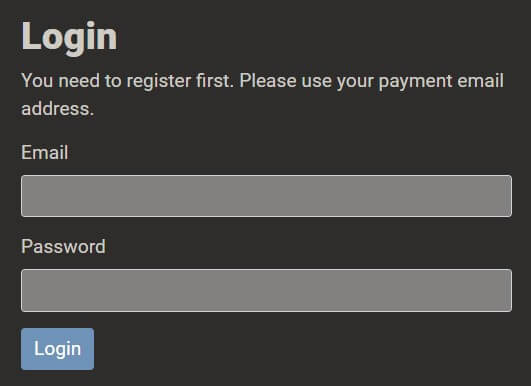
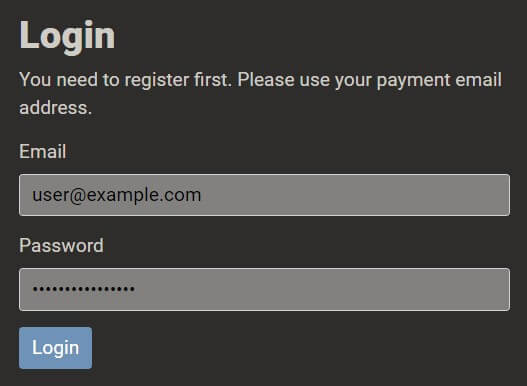
4. Copy the password that was sent to you via email > Go to https://tal-software.com/login.

5. Enter your email address > Paste the password you were given > Click 'Login'.

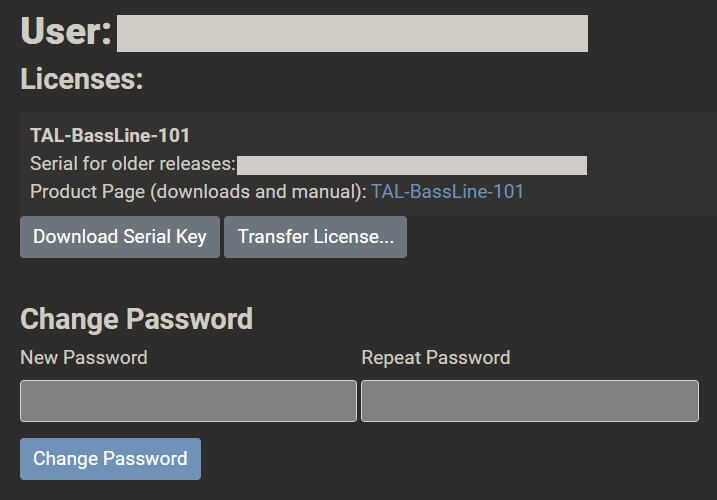
6. Click 'Download Serial Key'. You can change your TAL account password here.

Windows Installation

1. Click the blue hyperlink after 'Product Page (downloads and manual):' > Download the installer.

2. Open the zip folder you've just downloaded > Run the appropriate installer for your setup and if you're unable to use VST3/AAX in your DAW, please move the .dll file to your VST folder and rescan your plugins in your DAW/restart your computer.

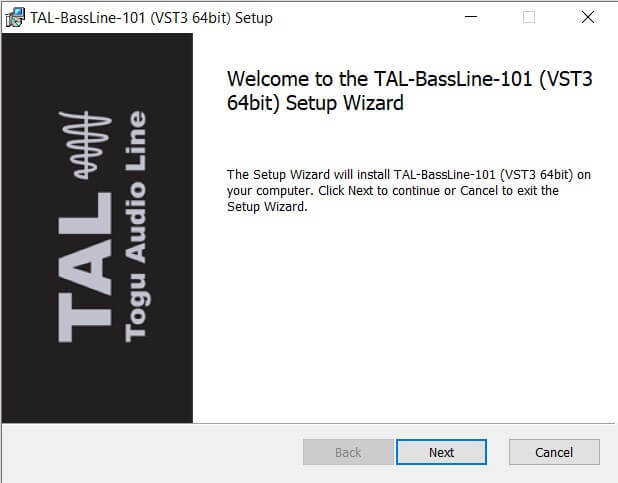
3. Click 'Next' to start the installation.

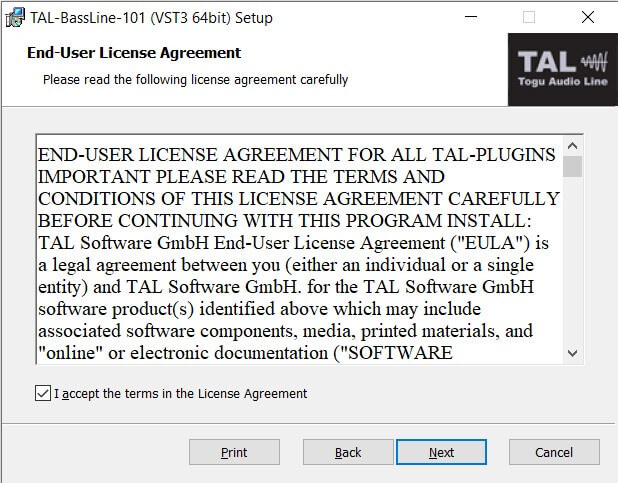
4. Read the End User License Agreement > Click 'Next'.

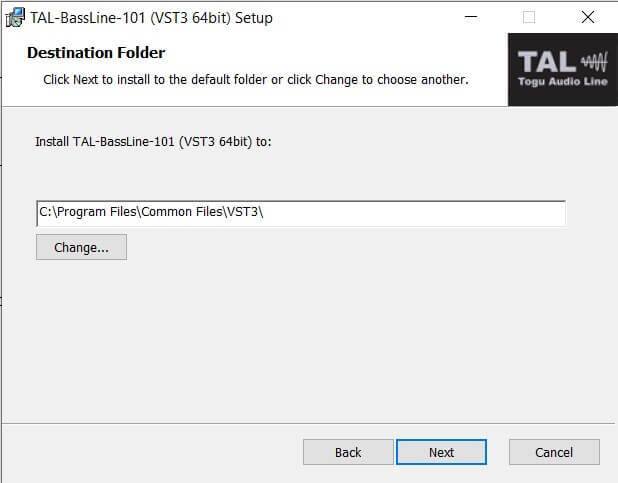
5. Click 'Next'.

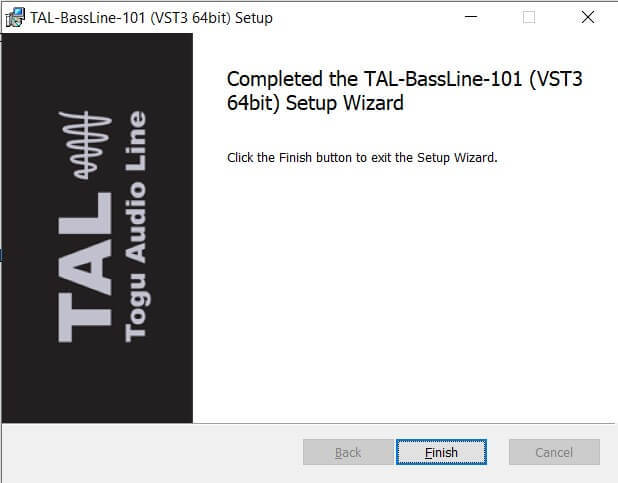
6. Click 'Finish' to complete the software installation.

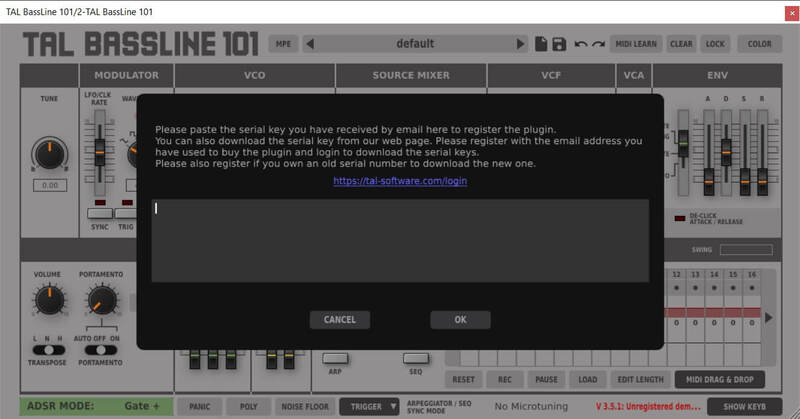
7. Your software is now installed > Open your DAW and load your new software > Copy and paste the serial key from the .txt file you downloaded earlier (available in the TAL User Area) > Click 'OK'.

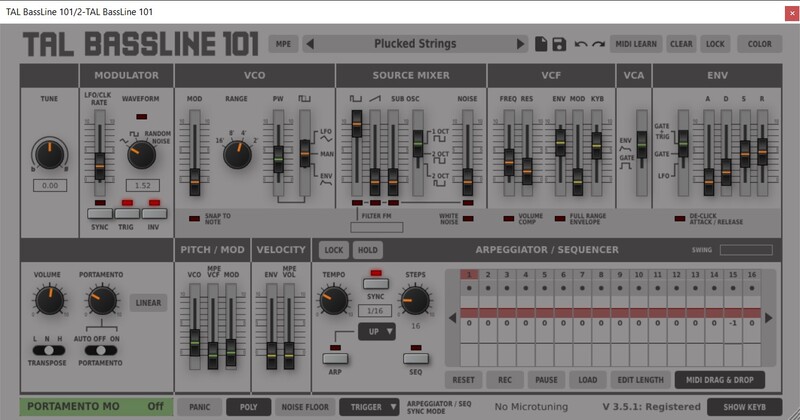
Your software is now activated and ready to use in your DAW.

macOS Installation

1. Click the blue hyperlink after 'Product Page (downloads and manual):' > Download the installer.

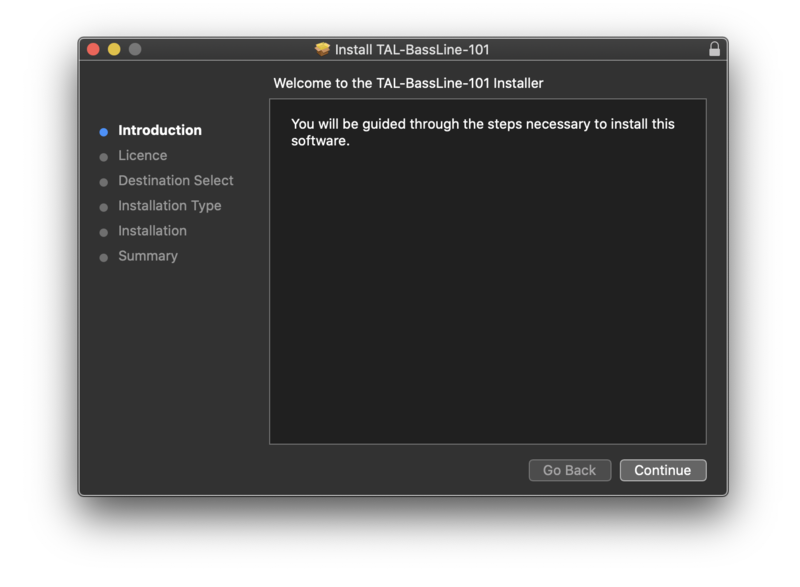
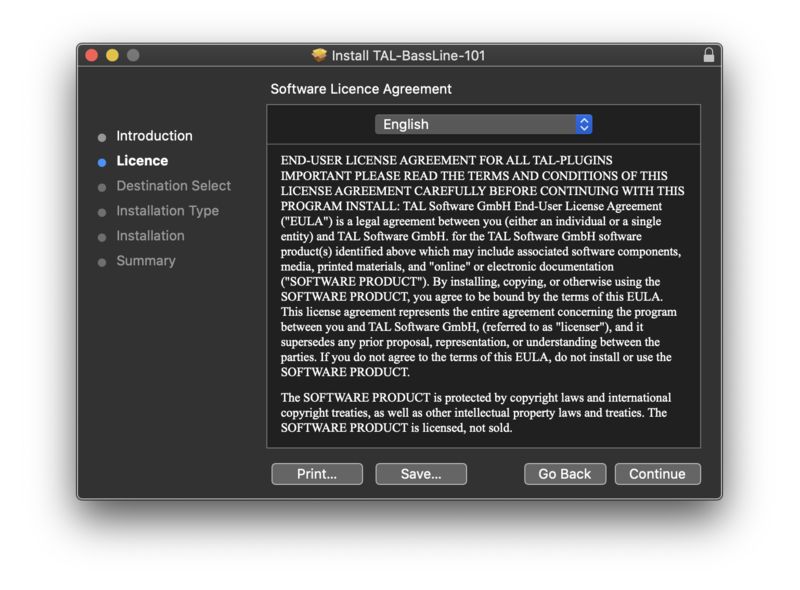
2. Open the .pkg folder you've just downloaded > Click 'Continue'.

3. Click 'Continue'.

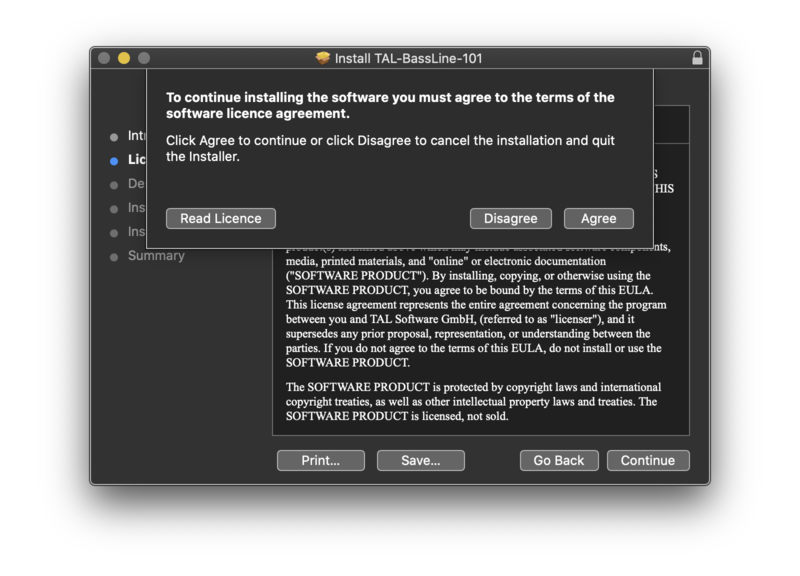
4. Click 'Agree'.

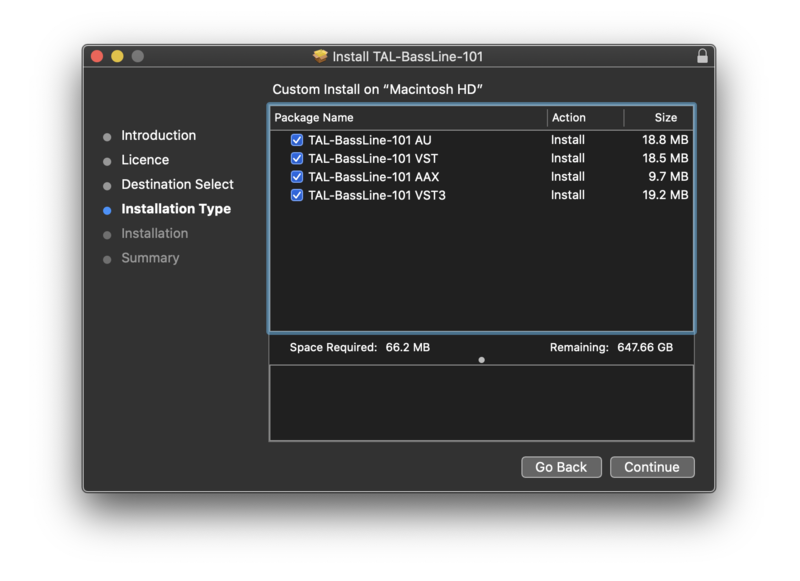
5. Click 'Continue'.

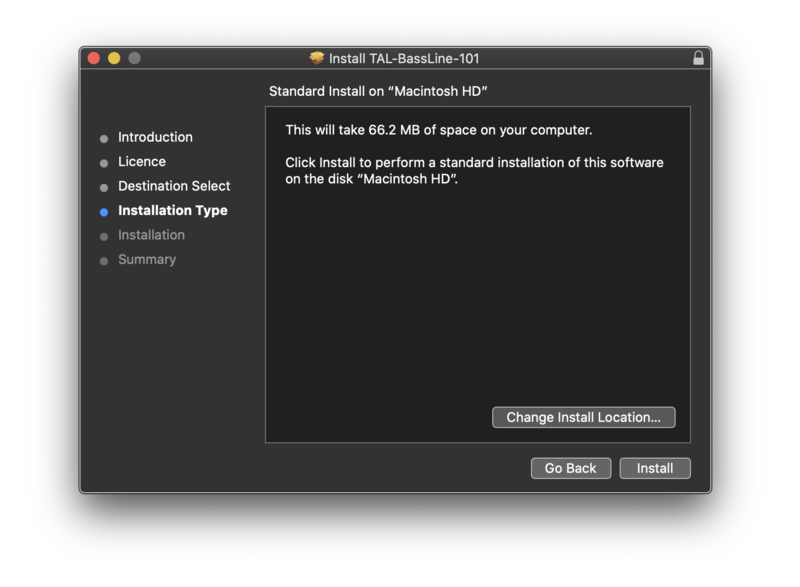
6. Click 'Install'.

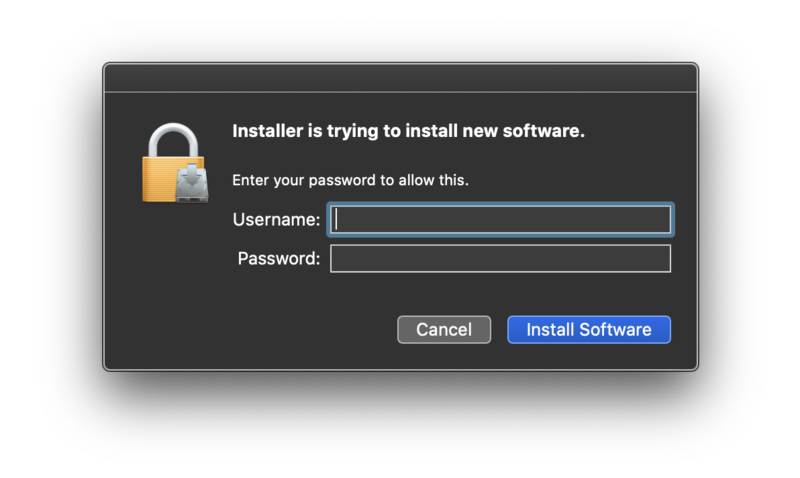
7. Enter your computer Username and Password > Click 'Install Software'.

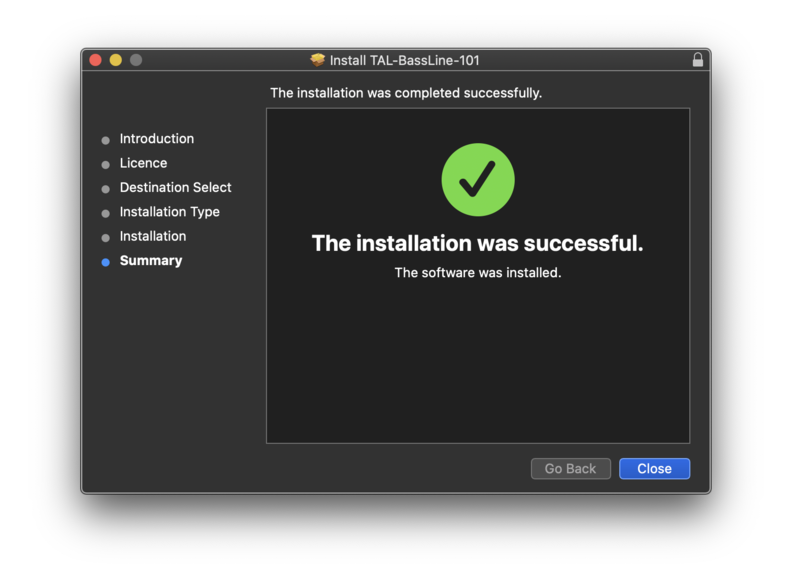
8. Click 'Close'.

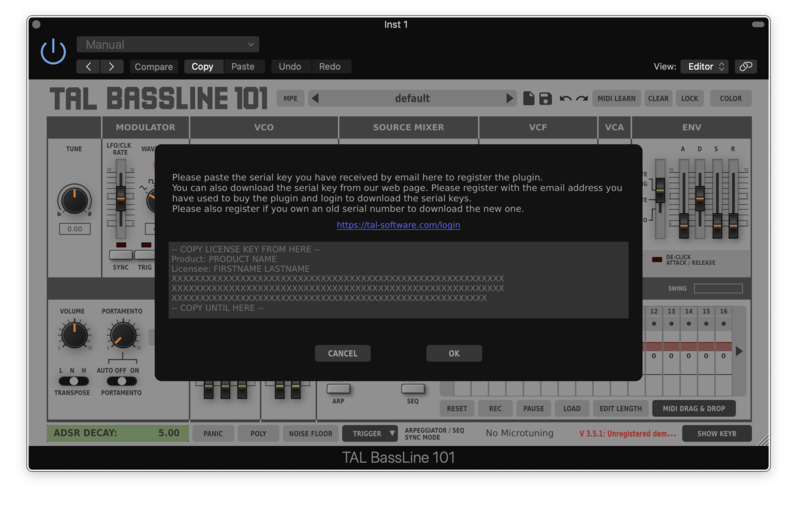
7. Your software is now installed > Open your DAW and load your new software > Copy and paste the serial key from the .txt file you downloaded earlier (available in the TAL User Area) > Click 'OK'.

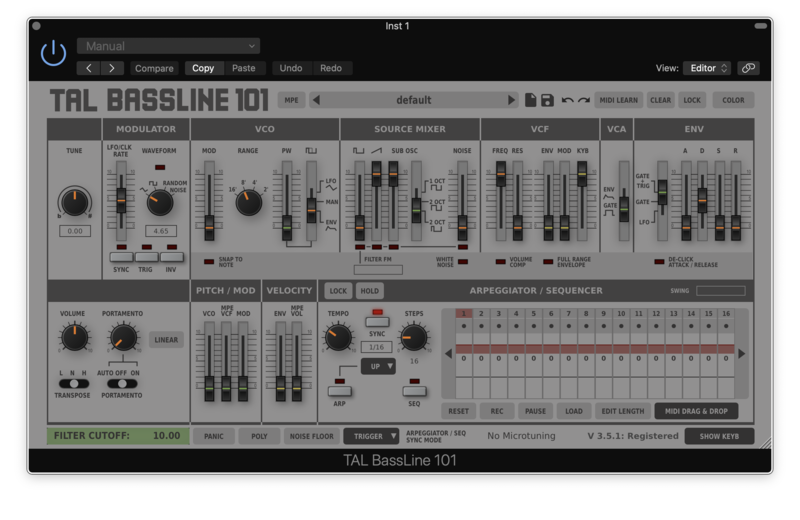
Your software is now activated and ready to use in your DAW.

Plugin Boutique Rewards

Discover the most rewarding loyalty programme among all plugin retailers.

  • Free Loopmasters Samplepacks
  • Discounts on products and courses
  • Extra Virtual Cash claimed immediately at checkout
Find out more

Follow us:

X (Twitter) Facebook YouTube Instagram
Logo Logo

Plugin Boutique Limited, Part of the Beatport Group LLC.

Copyright © 2011-2025 Plugin Boutique. All rights reserved