Buy POCKET DIMENSION, get a free gift with purchase:
The Time Hole
Doomed. An expedition to find the Lost Relic of Carcosa. It was said to bend our earthly dimension in unholy ways.
The Relic found Freakshow Industries first, presenting as an infernal contraption that would become their tragic undoing.
The device let them touch the maddening beyond and thus they were consumed into its crimson abyss...

Features
- Halo Sprayhead - Drown yourself in the unrealized potential of a better timeline.
- Vital Nutrients - Your bones are craving the dust of stars.
- Destroy Time - Conduct forbidden rites against the torrent of change.
- Helltube - Industry-leading four-quadrant worm modelling.

System Requirements
Mac
- macOS 10.11 or later (Intel / M1 Apple Silicon supported) (64-bit only)
- AAX, AU, VST, VST 3
Windows
- Windows 10 or later (64-bit only)
- AAX, VST, VST 3
DAW Compatibility:
- Pro Tools 11+
- Logic Pro X
- Ableton Live 9+
- Cubase 9+
- Studio One 3+
- Reaper 5+
- FL Studio 12+
*Even if you are using a DAW that isn't listed here it is possible that Freakshow Industries plugins will work for you.
Important Note: POCKET DIMENSION is 64-bit only and will not function on 32-bit systems.
Please Note: MISHBY has been used as an example.
Mac
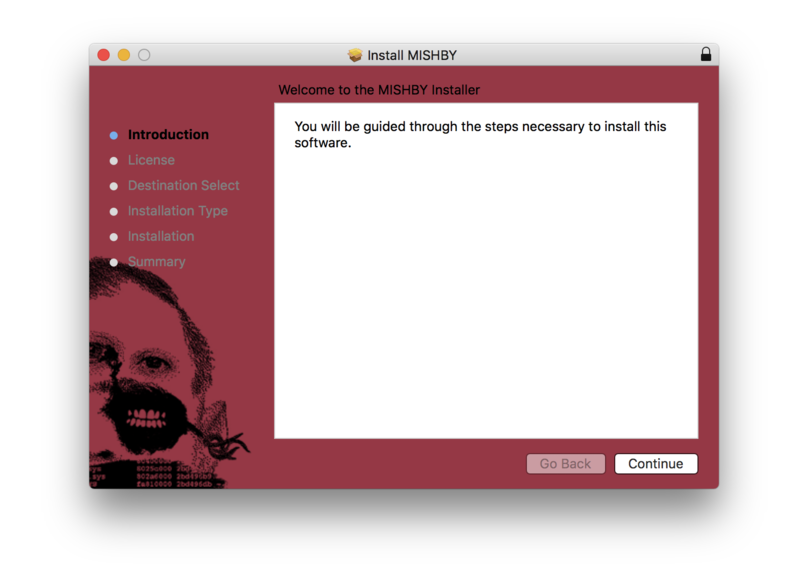
1. Download the .pkg file from within your Plugin Boutique User Account and open it to begin the installation > Click 'Continue'.

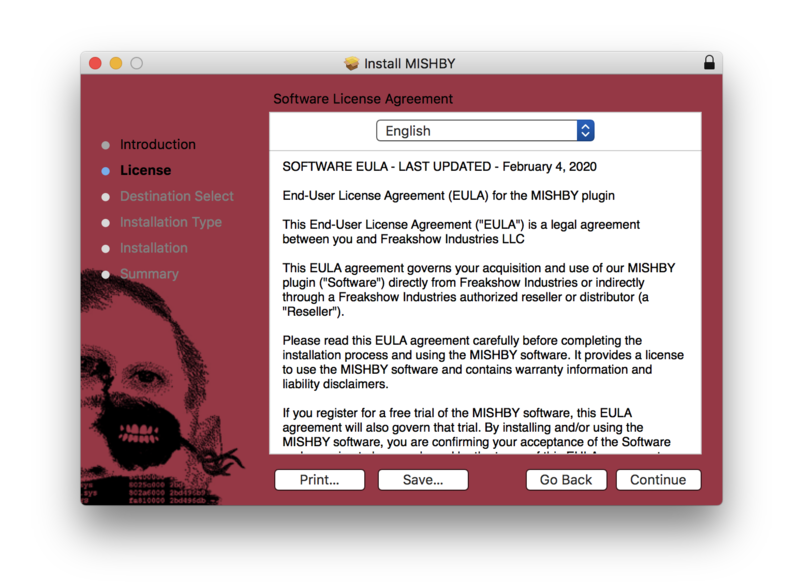
2. Click 'Continue'.

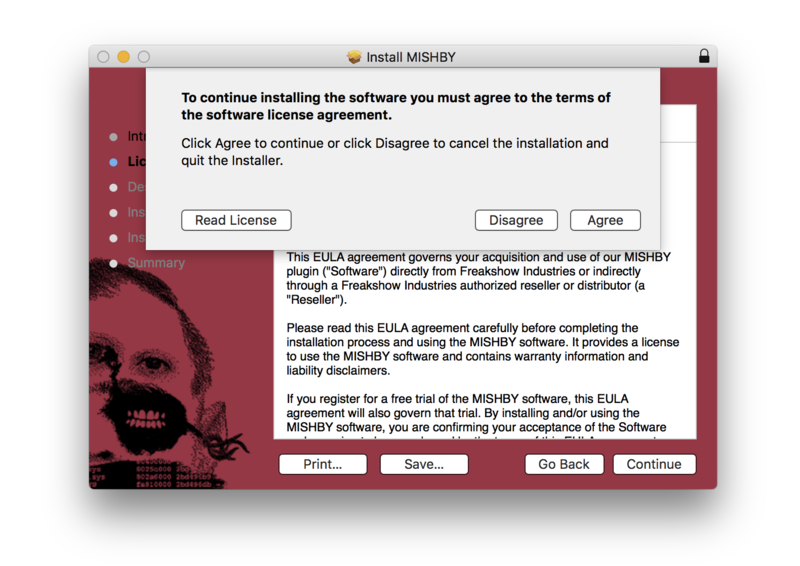
3. Click 'Agree'.

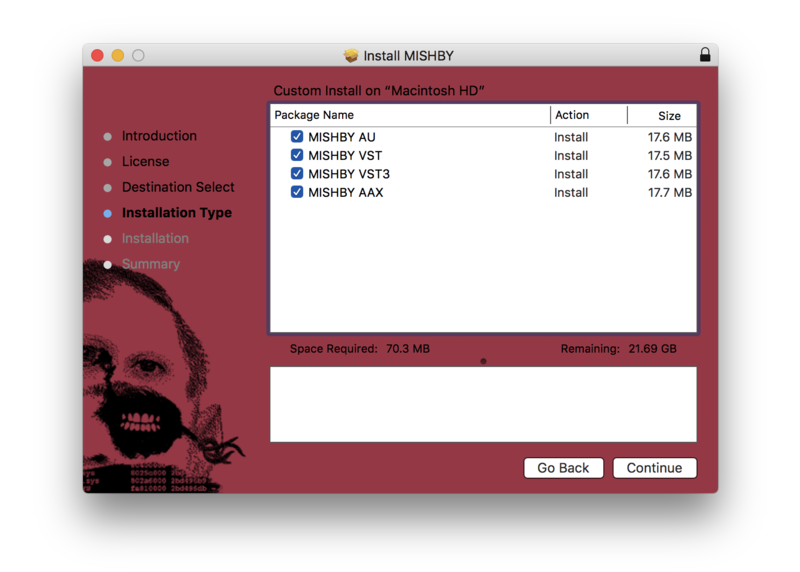
4. Click 'Continue'

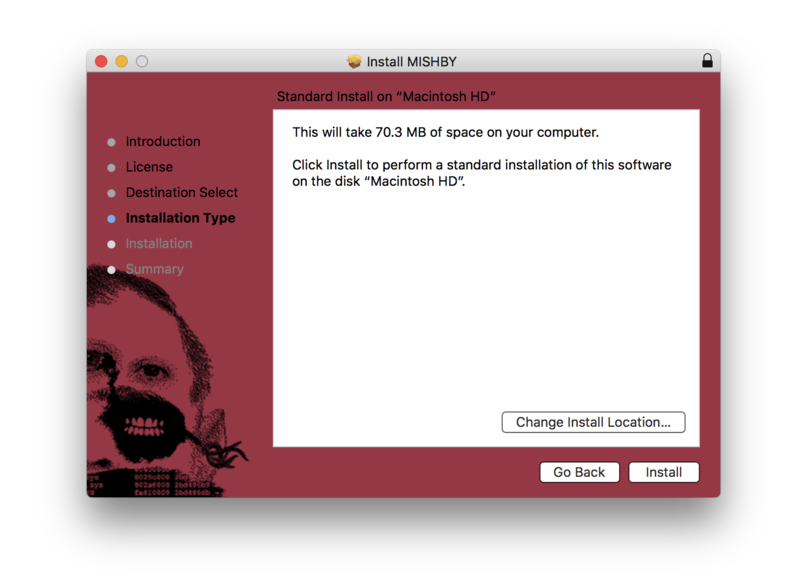
5. Click 'Install'.

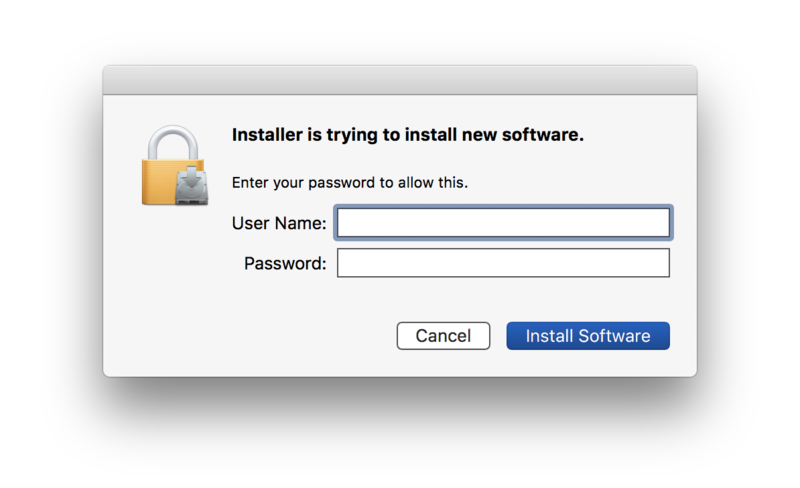
6. Enter your computer username and password > Click 'Install Software'.

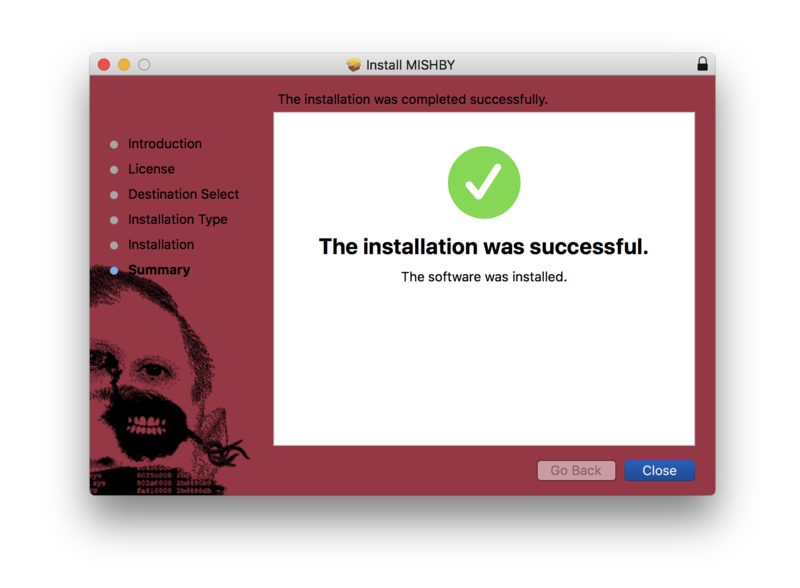
7. Click 'Close'.

Activation
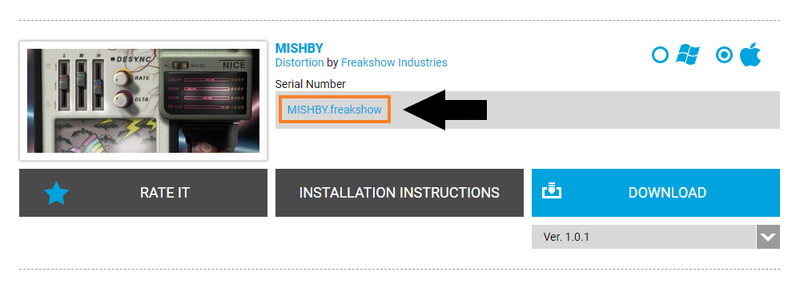
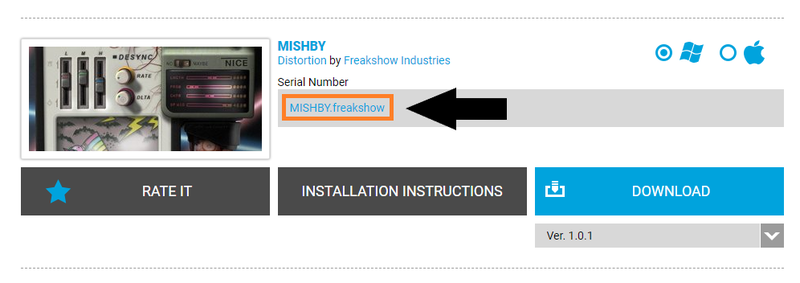
1. Download your plugin license from within your Plugin Boutique User Account by clicking the hyperlinked license file, located within the box labelled 'Serial Number'.

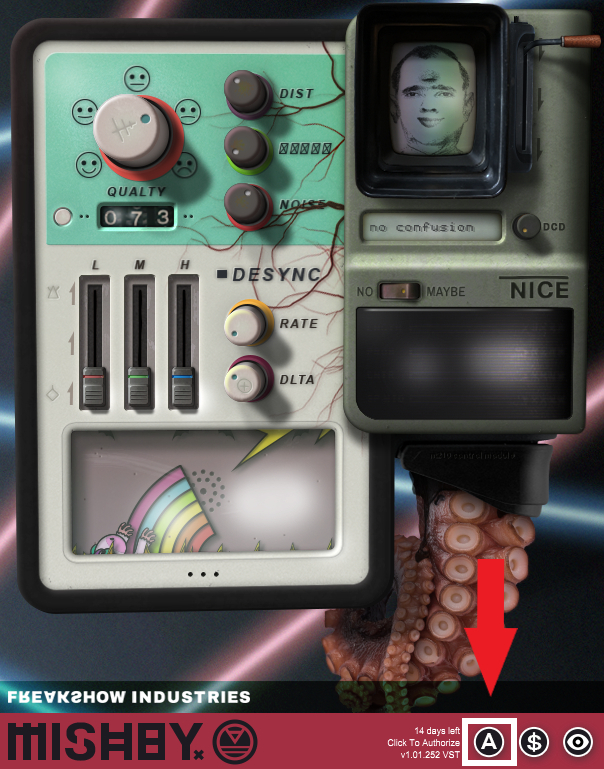
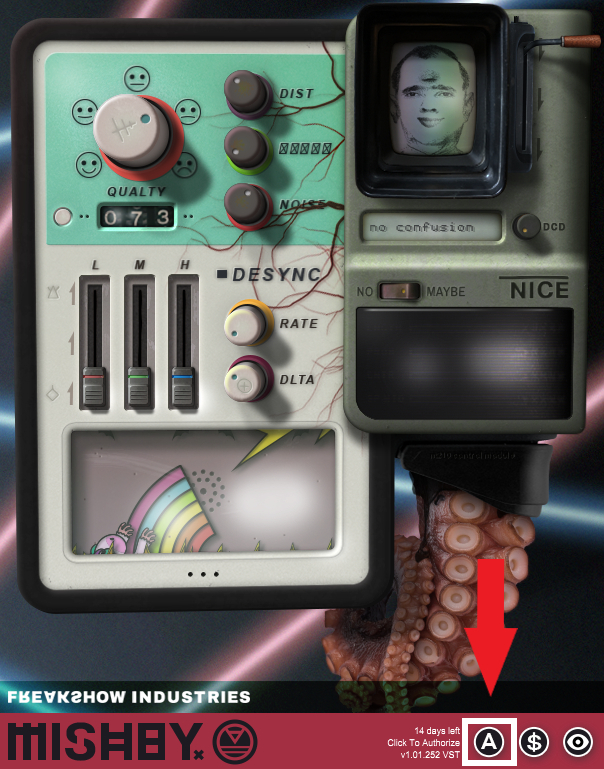
2. Open the plugin within your DAW > Click the 'A' icon at the bottom of the plugin window.

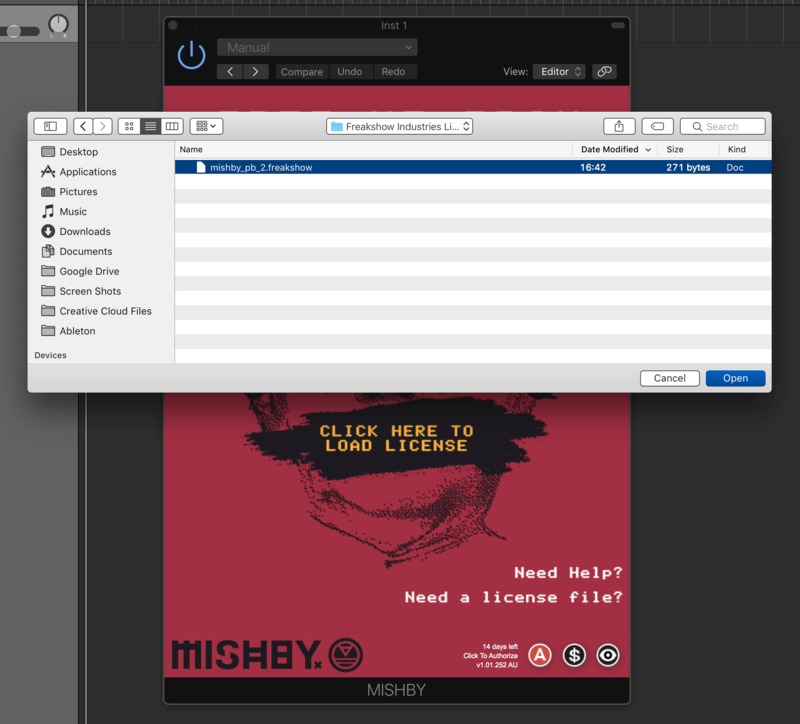
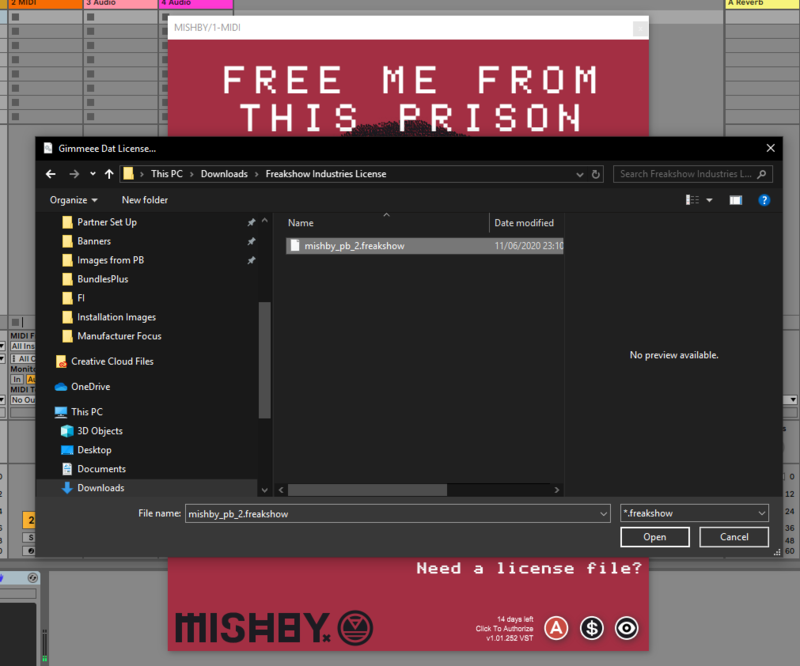
3. Click the button in the centre of the plugin window that reads 'CLICK HERE TO LOAD LICENSE'.

4. Locate your license file > Click 'Open'.

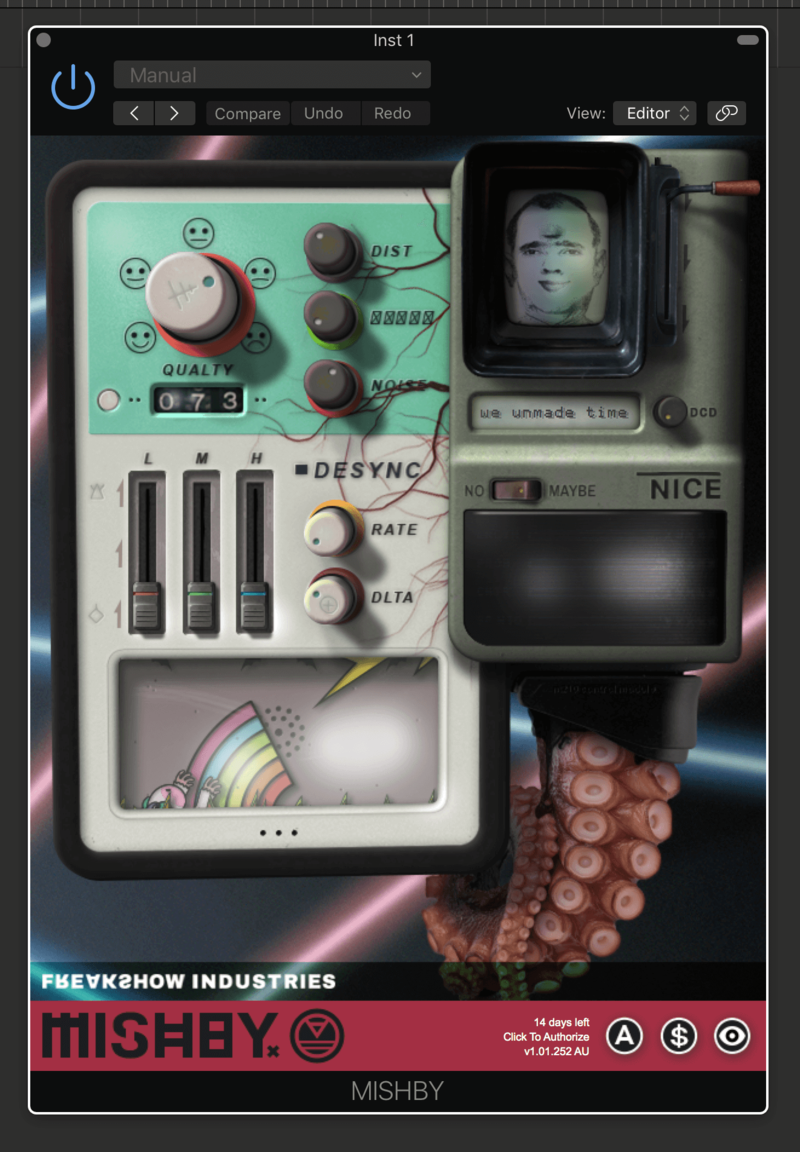
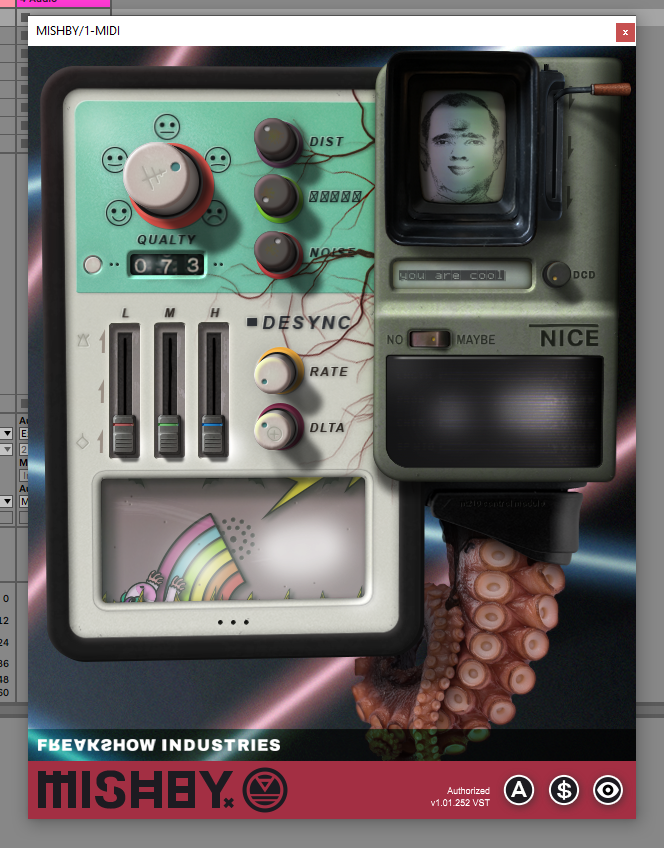
5. Click anywhere within the plugin.

Your software is now activated and ready to use within your DAW.

Windows
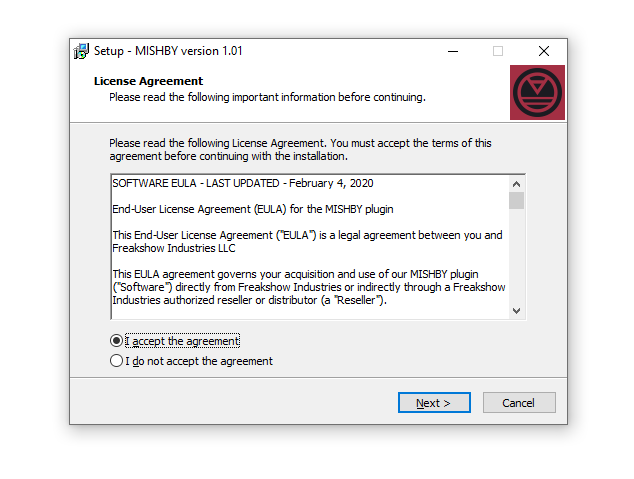
1. Download the .zip file from within your Plugin Boutique User Account and double-click it to extract the contents > Open the .exe file to begin the installation > Select 'I Accept the Agreement' and click 'Next'.

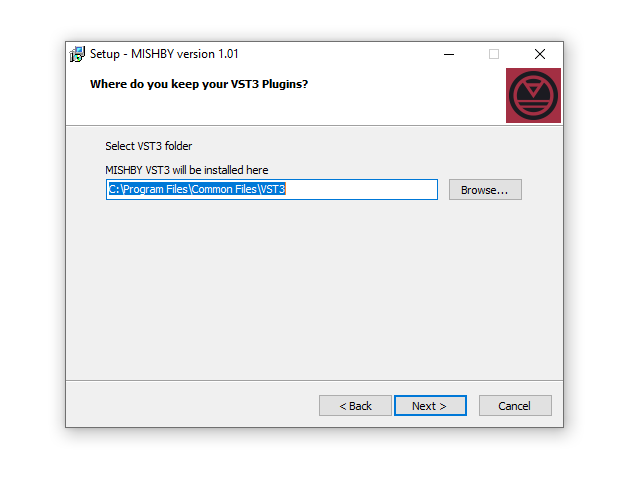
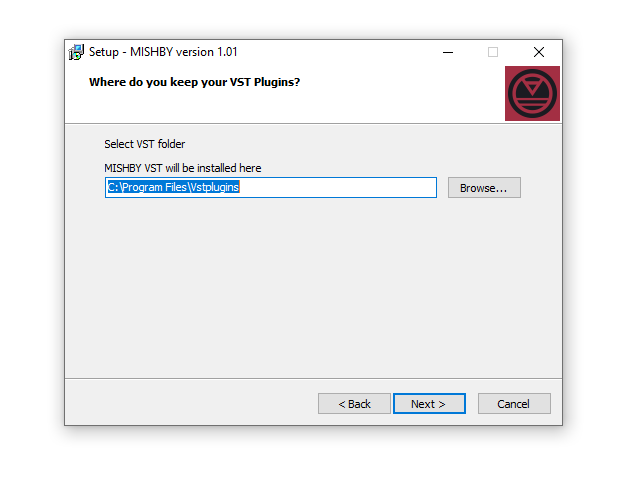
2. Click 'Next'.

3. Click 'Next'.

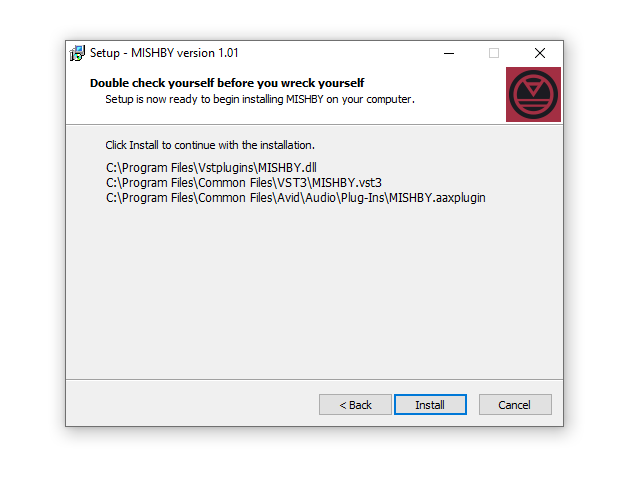
4. Click 'Install'.

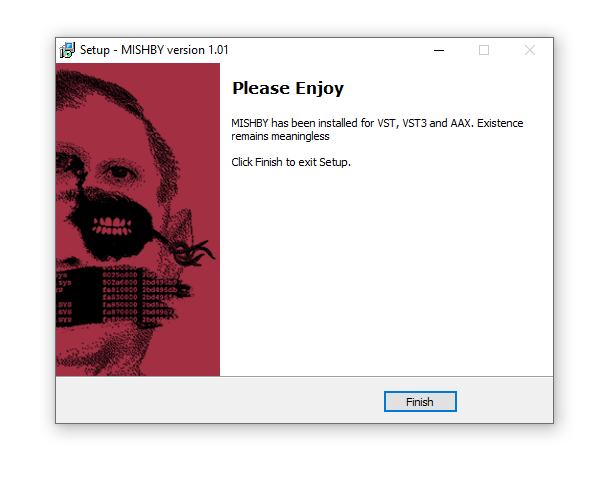
5. Click 'Finish'.

Activation
1. Download your plugin license from within your Plugin Boutique User Account by clicking the hyperlinked license file, located within the box labelled 'Serial Number'.

2. Open the plugin within your DAW > Click the 'A' icon at the bottom of the plugin window.

3. Click the button in the centre of the plugin window that reads 'CLICK HERE TO LOAD LICENSE'.

4. Locate your license file > Click 'Open'.

5. Click anywhere within the plugin.

Your software is now activated and ready to use within your DAW.