


 Log In

Free gifts available with your purchase
The Dynamic Noise Designer: Lo-Fi, Vinyl, Excitement, Ambience, Groove, Texture.
What is NoiseShaper?
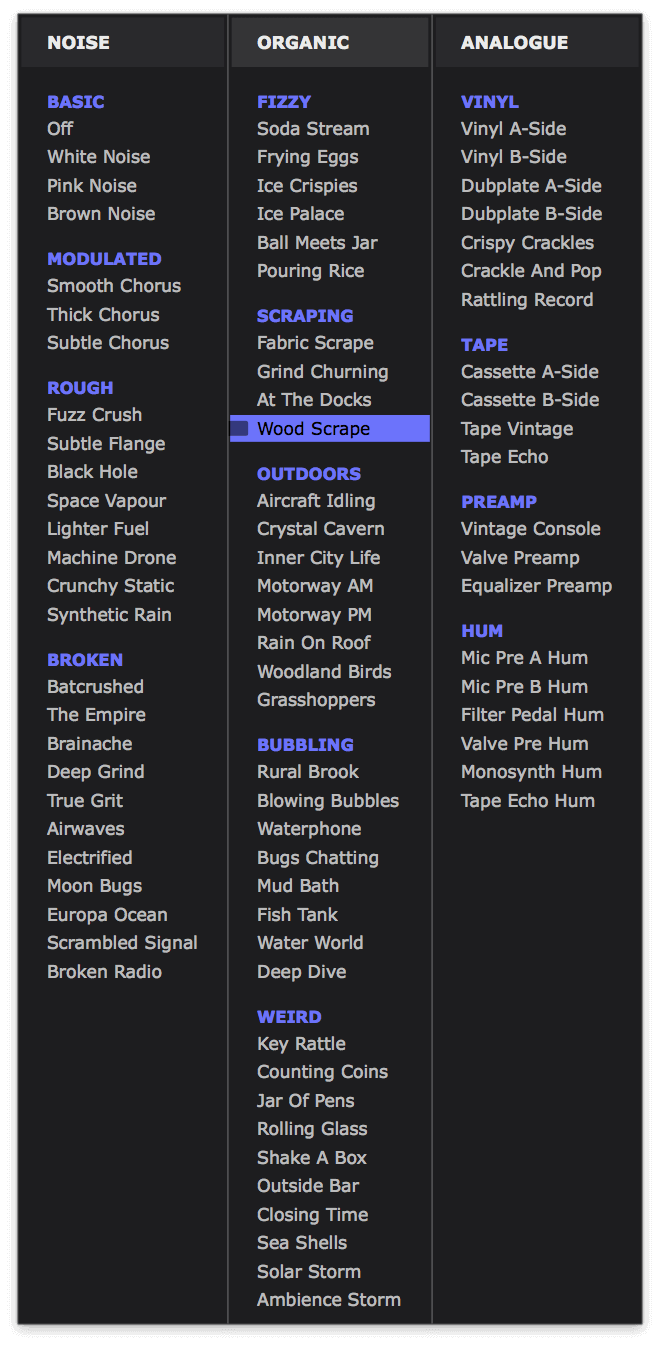
Imagine trap melodies crackling like vintage vinyl. EDM synths that fill the speakers with high-end electricity. Drums sizzling with classic console hiss. Pianos submerged in bubbling water. Cassette house grooves, retro gear hum, broken digital textures, organic field recordings… and so much more.
Explore an expansive world of noise with mix-ready noise sources by BT, Cyclick and InsideInfo. Layer them onto any sound in just one click – with built-in dynamic control, NoiseShaper reacts to your music, for noise that breathes with every beat.
Running inside Cableguys' ShaperBox 3 plugin, use NoiseShaper on its own or combine with other Shapers for elaborate, multilayered effects. Try it now — download the ShaperBox 3 demo to use NoiseShaper in your next track!
An Expansive World of Noise
Explore an exciting world of noise with a production-ready library crafted by BT, Cyclick and InsideInfo. Get classic synth noise, vinyl crackles, tape hiss, broken textures, organic recordings, and more.
Dynamic And Alive
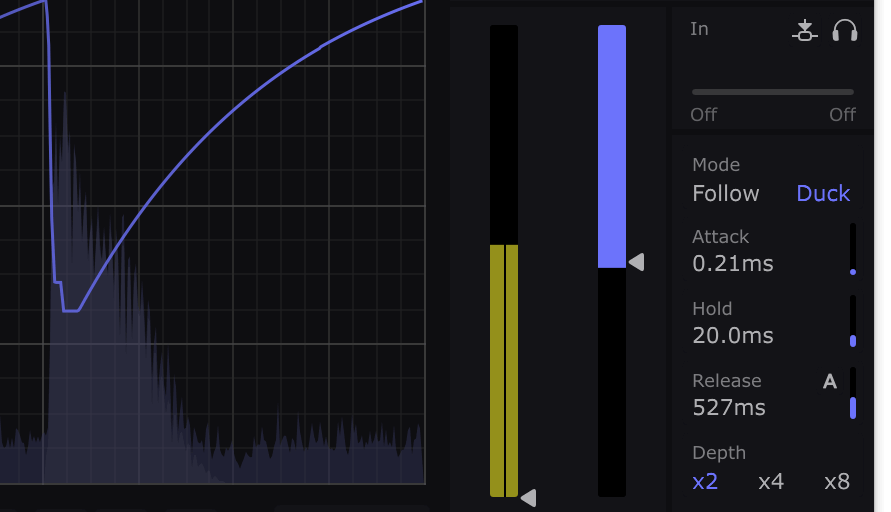
Forget boring static noise with no dynamics – in NoiseShaper, the noise breathes with every beat. Follow mode adds rhythmically synced sizzle. Duck mode fills the gaps with lo-fi textures.
Waveforms That You Design
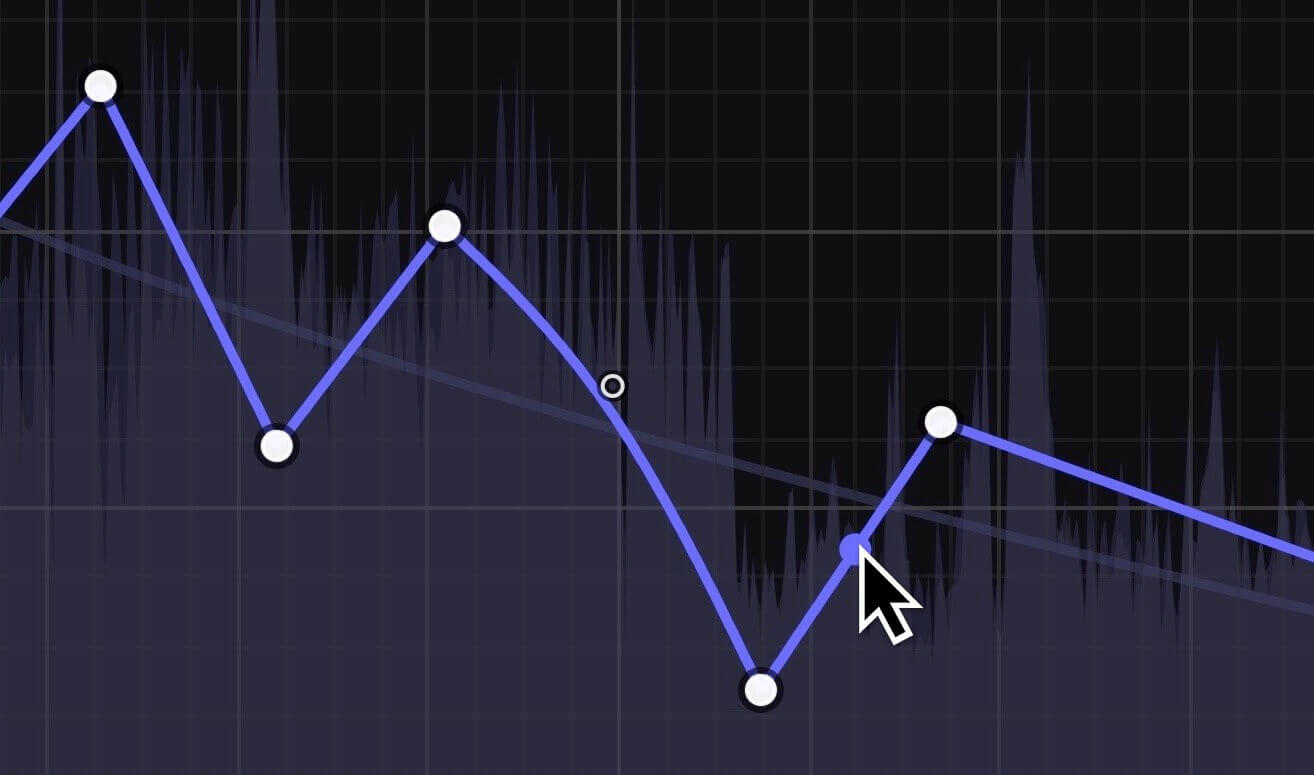
With Cableguys' easiest ever waveform drawing tools, it's easy to target specific mix elements – for instance, add noise to just the snare in a loop. You can even design your own rhythmic noise patterns.
Locks To The Beat
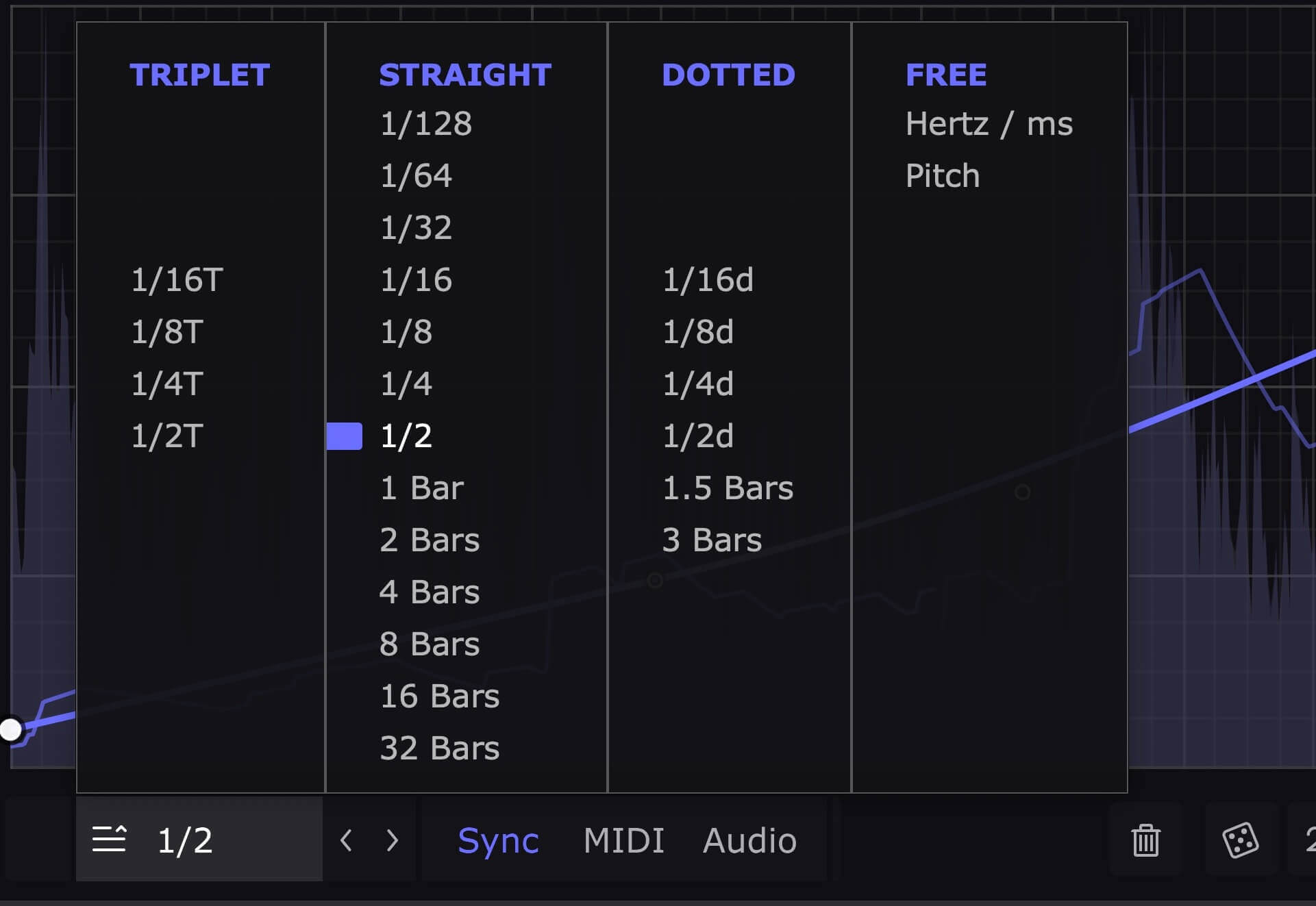
Sync your noise patterns to beats and bars so they're always locked to your track. Go from 1/4-note pumping noise to 8-bar risers and beyond, all with sample accuracy.
Follows Any Rhythm
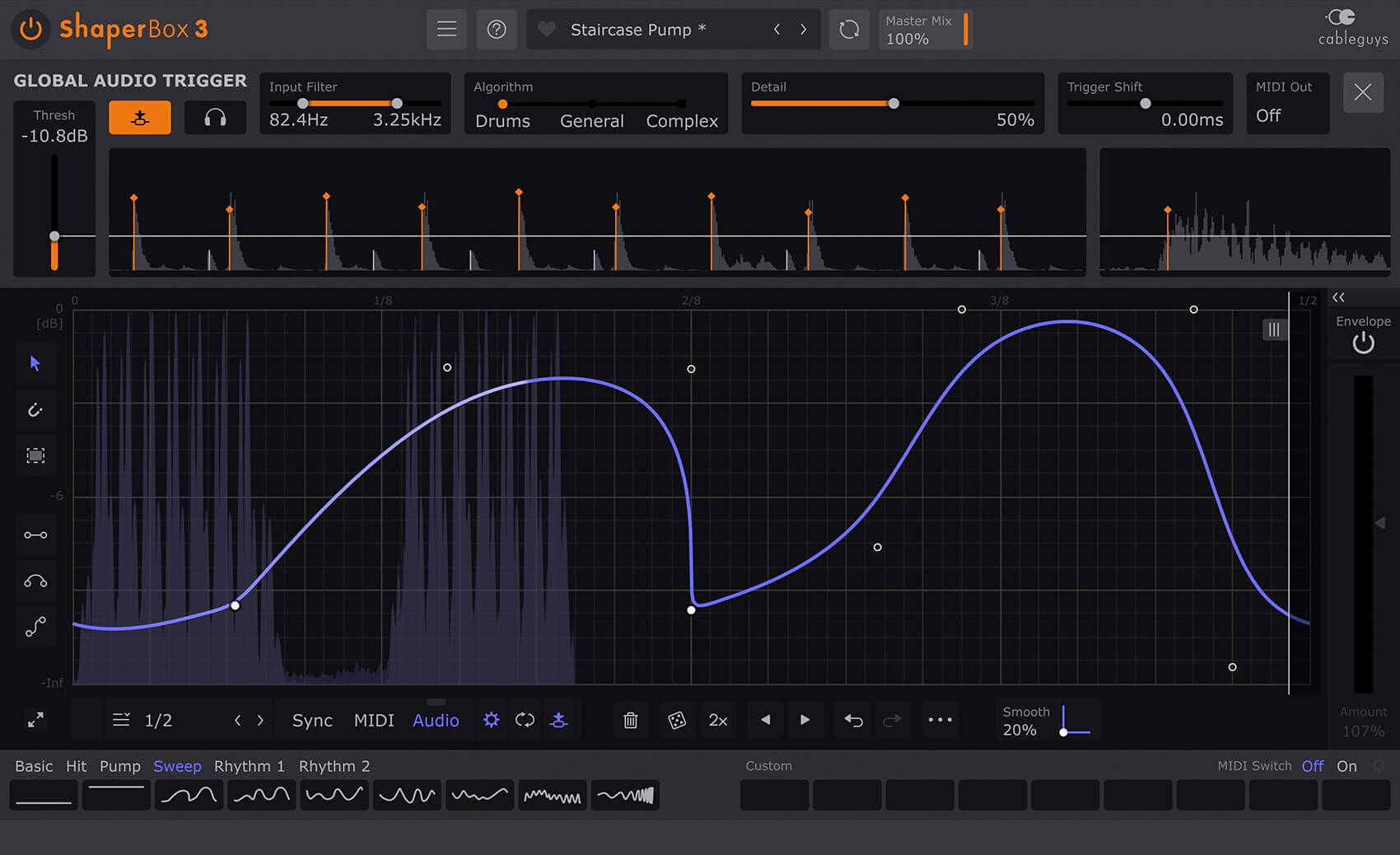
Trigger your noise patterns in any rhythm at all using MIDI. Or use powerful new audio triggering that tightly tracks the rhythm of drums, loops, instruments – even full mixes.
Features
- Trim, Mono and dual High/Low-Pass Filters to slot the noise into your mix
- Noise Only mode for sound design or separate mixing of noise elements
- New! Redesigned interface with larger editing areas
- Interface resizable from 75% to 200%
- Retina/HiDPI support for crisp, clear graphics
- Built-in help — hover over any control for description
- Wave Presets covering all common uses
- 9 slots to store Custom Waves, saved with the patch
- Switch User Waves via MIDI
- Dry/wet mix for each band
- New! Master Mix with improved algorithm, for artifact-free creative blends
- New! Smoothed Bypass for click-free switching to the dry signal
- Improved! New Adaptive Release algorithm for more analogue-like feel
- Solo bands for easy setup
- Smooth, accurate spectrum view
- Large, precise oscilloscope view with Magnitude mode and Freeze option
- Trigger Smoothing to reduce clicks when switching/triggering Waves
- Expandable LFO for detailed editing
- Set LFO loop length in beats and bars, or Hertz/ms
- LFO loop length from 1/128 to 32 bars, with sample-accurate sync
- Audio-rate modulation up to 5.24kHz for extreme sound design
- 2x/3x button — double or triple patterns with a click
- Flip/resize/move/randomize wave or selection
- Copy/paste waves between any Shapers
- Unlimited undo/redo for LFO wave edits
- Selection skewing, for easily increasing intensity over time
System Requirements
Mac
- Mac OS X 10.13 or later (64-bit only)
- Intel or Apple Silicon processor
- VST 2, VST 3, AU or AAX host DAW
Windows
- Windows 7, 8, 10 or 11 (64-bit only)
- VST 2, VST 3 or AAX host DAW


