


 Log In

Free gifts available with your purchase
Super Clear, Simply Powerful
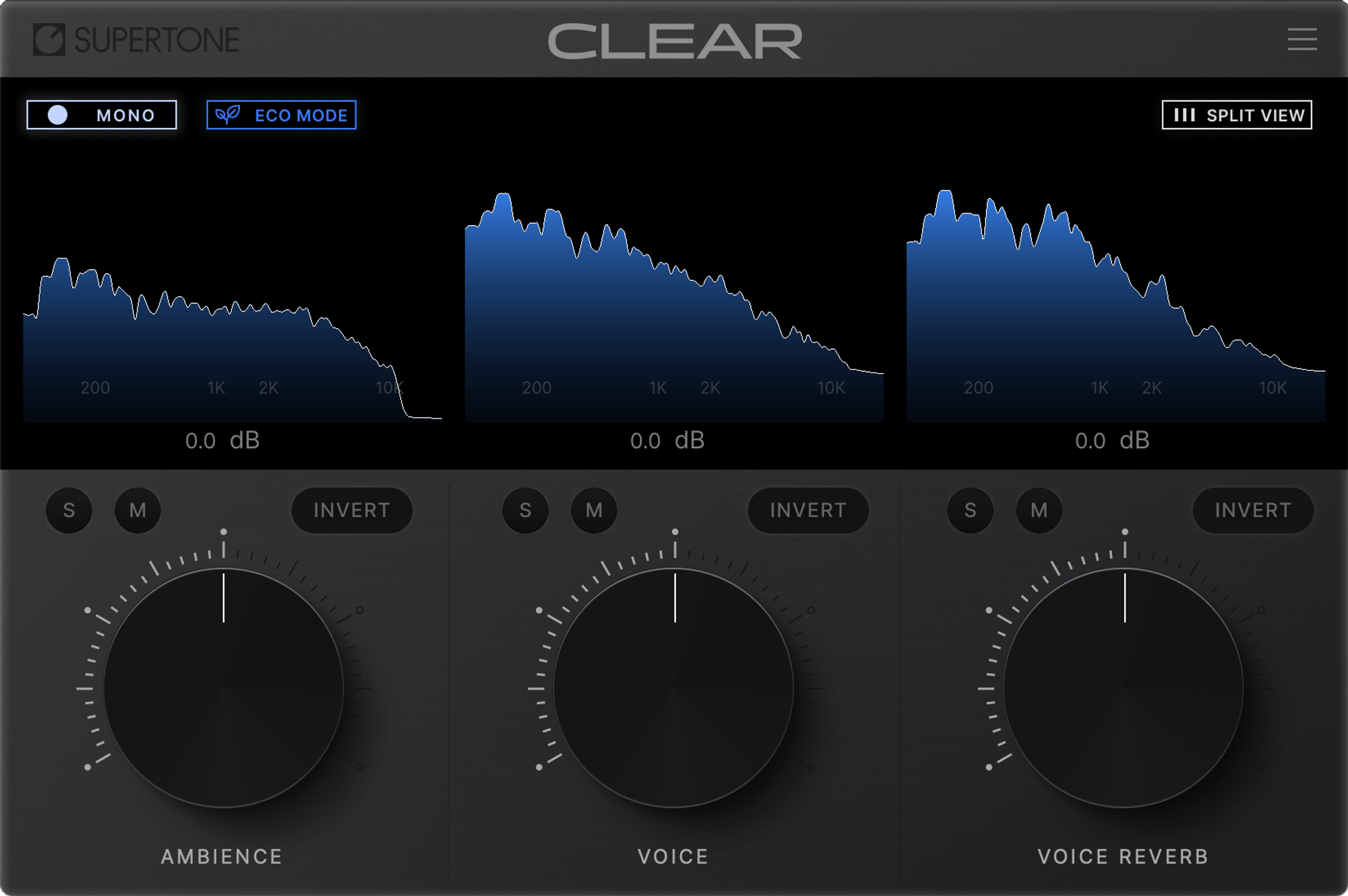
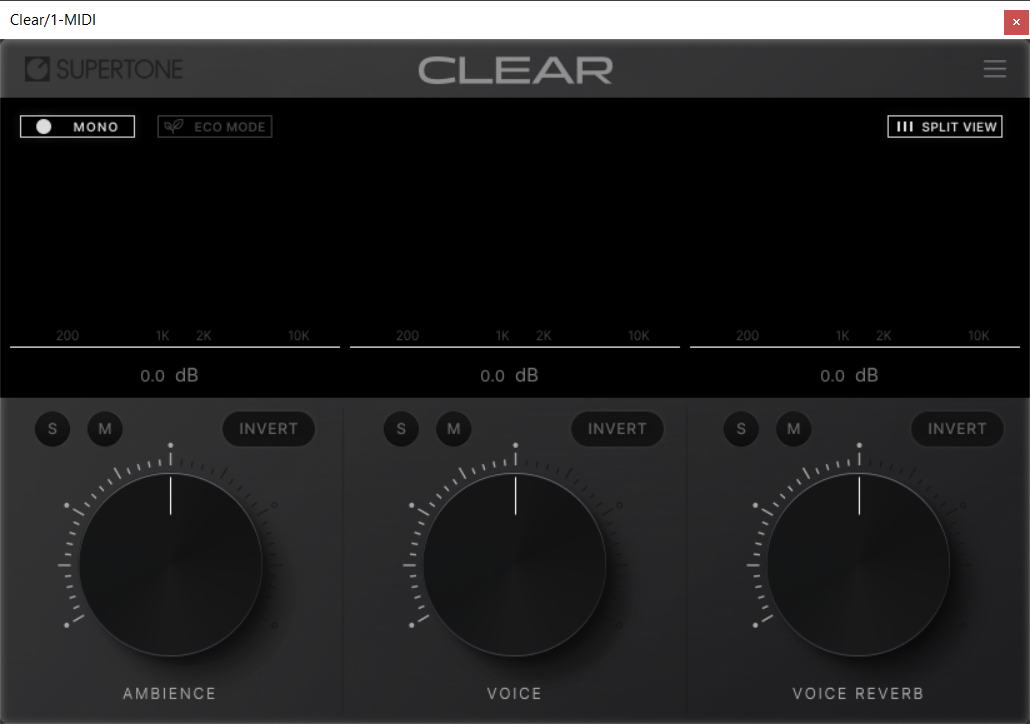
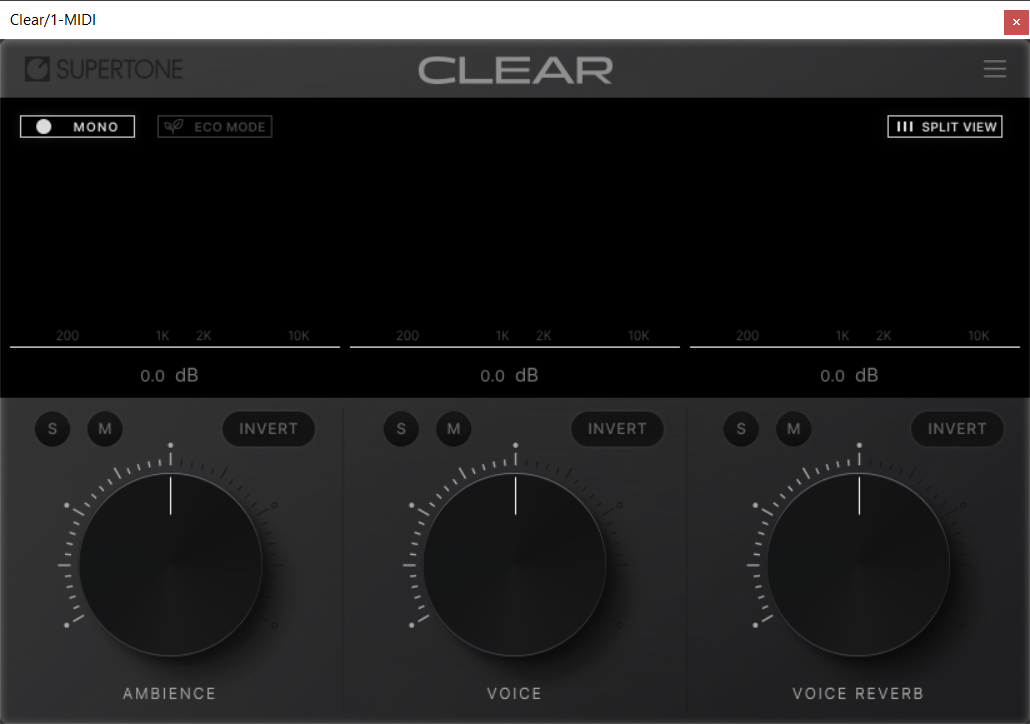
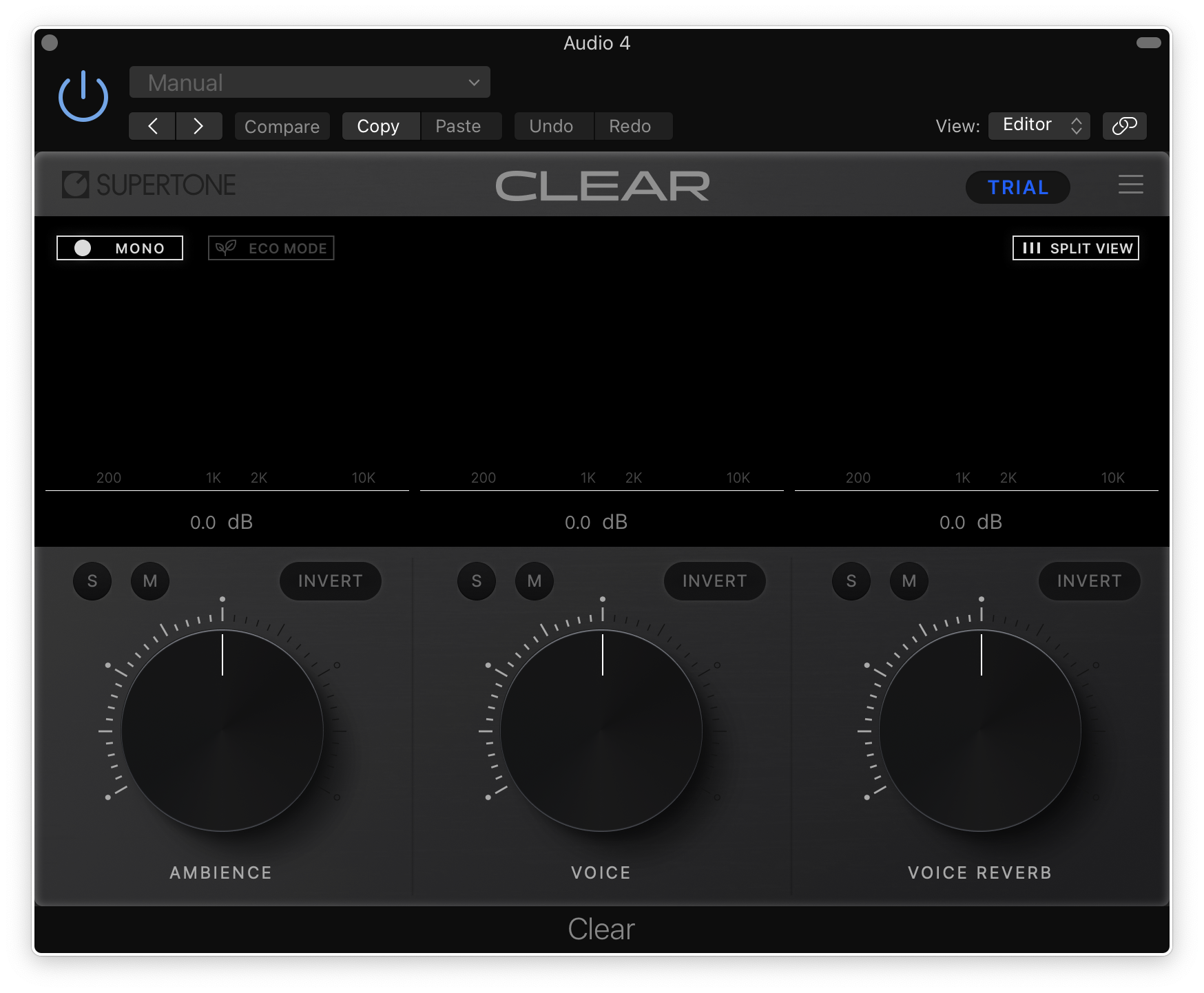
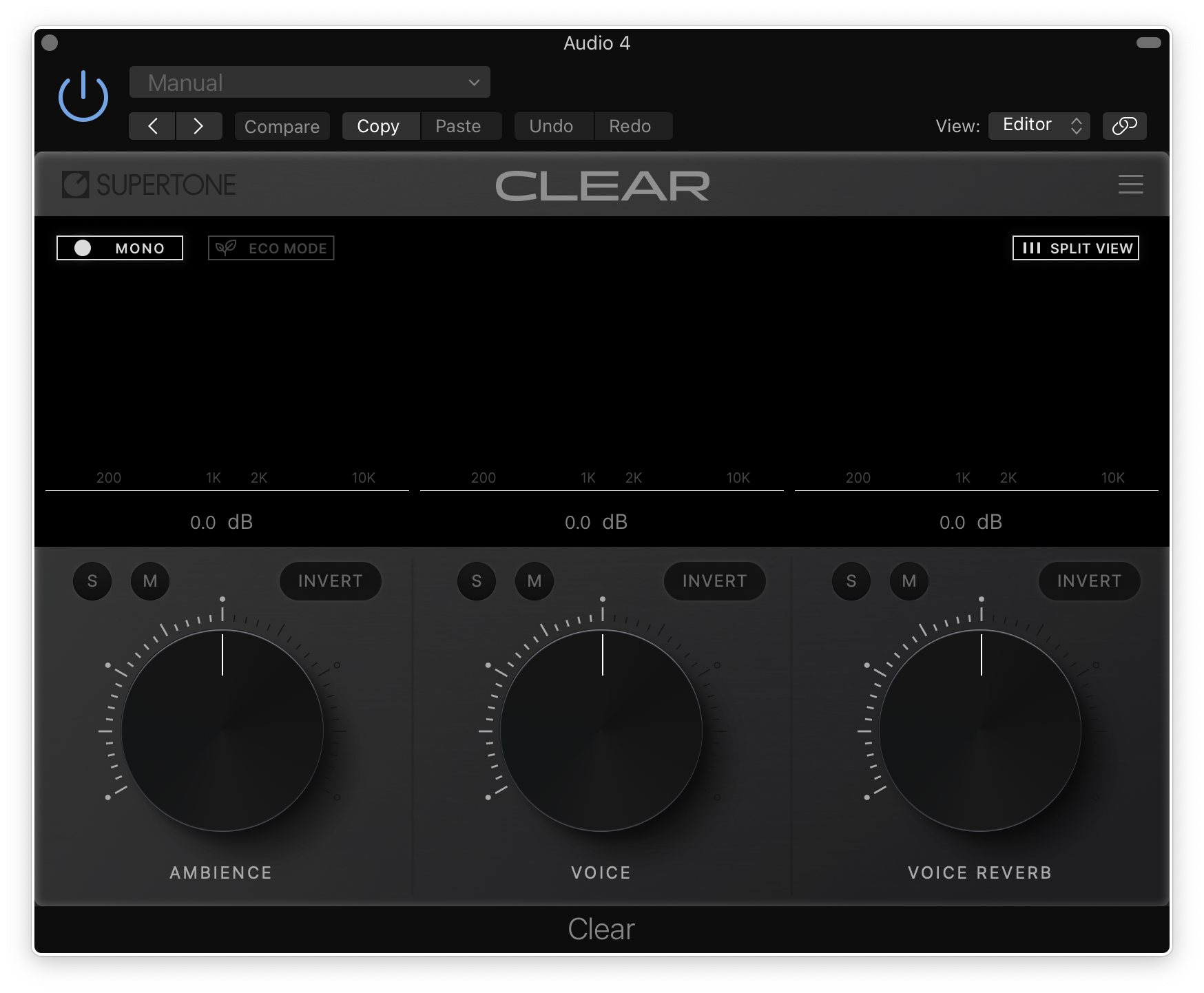
Supertone CLEAR is a de-noise and de-reverb voice separator audio plugin. Powered by cutting edge neural network models, CLEAR separates audio into three channels: ambience, voice, and voice reverb. The simple and intuitive three channel allows you to instantly take full control of the clarity of your voice. Powered by Supertone AI, CLEAR’s separation algorithm offers the highest performance, leaving minimal artifacts in the result.
Features
- Best-in-class De-Noise and De-Reverb performance
- Intuitive three-knob control
- Combined and split three-channel audio visualization
- Low CPU option for wider use
- Powerful channel controls for quick and accurate monitoring
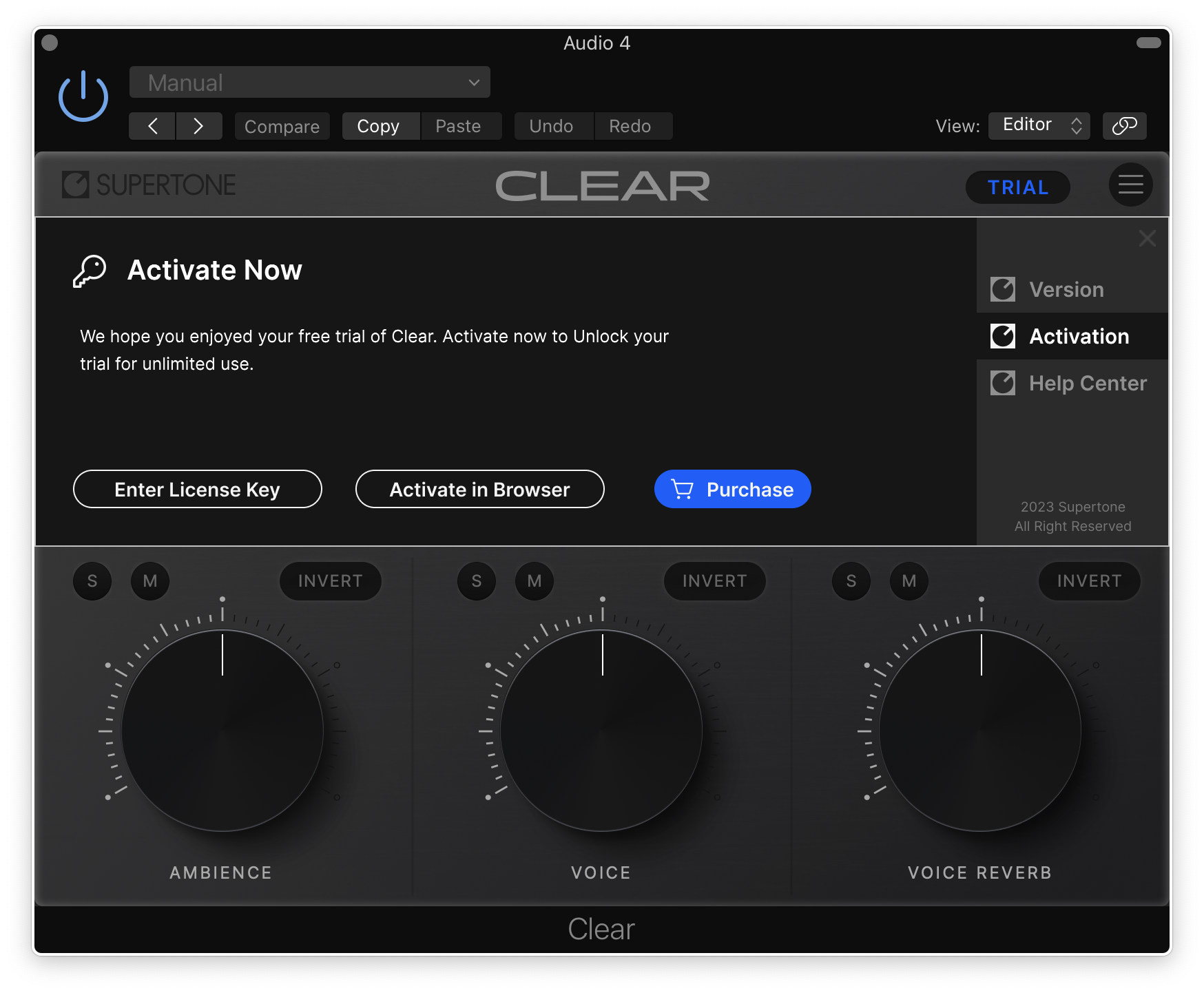
- Online & offline workflow
System Requirements
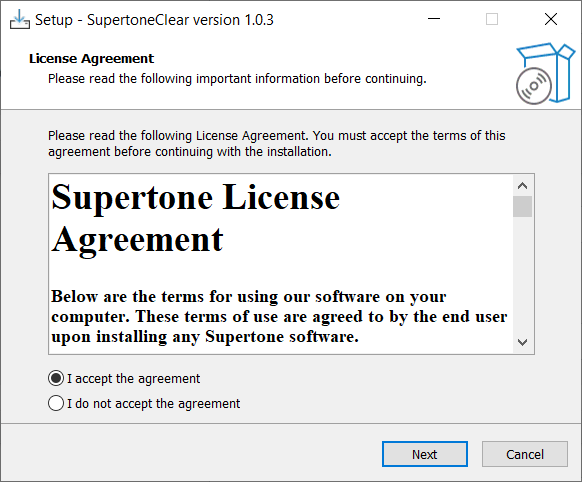
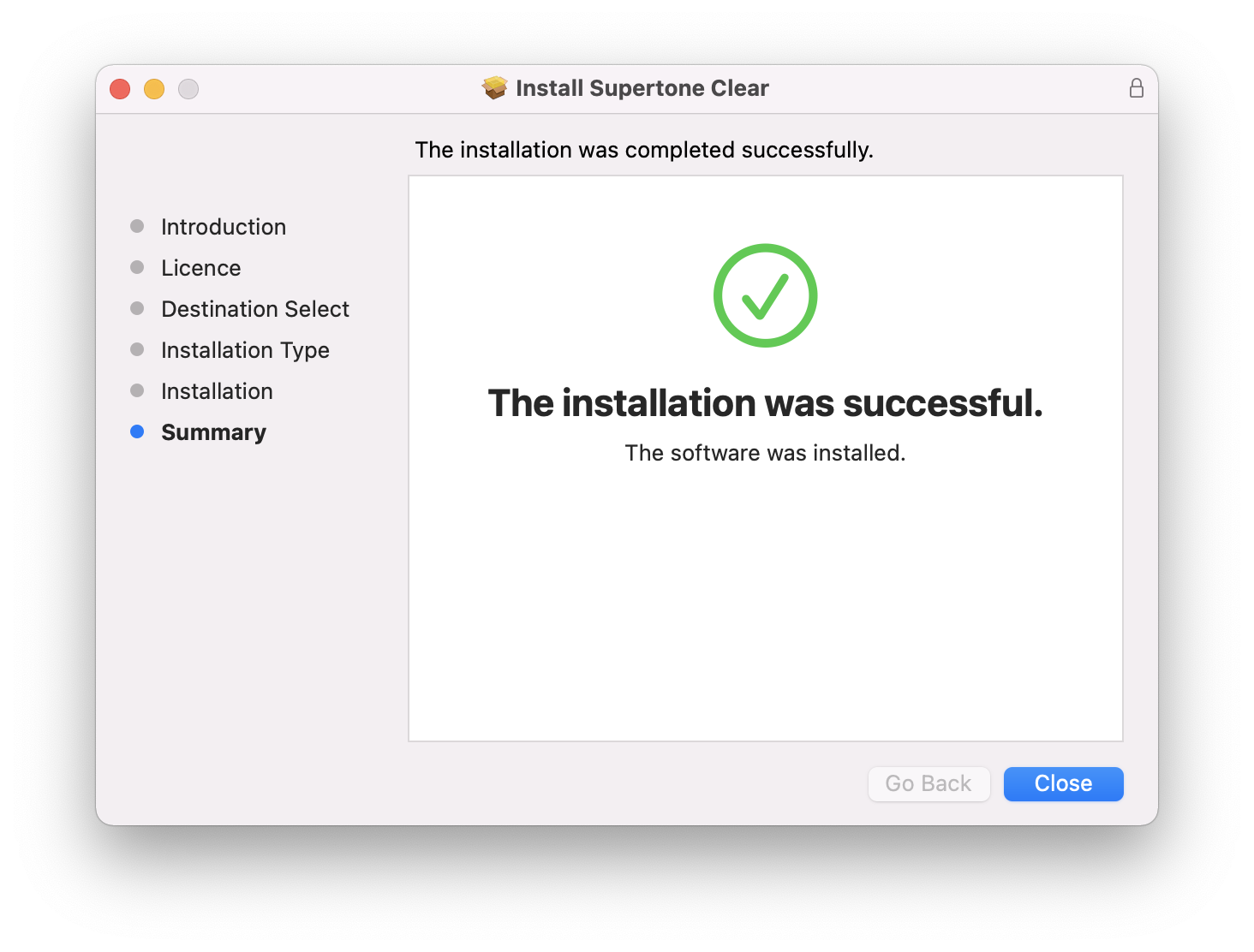
- macOS 10.13 and above (Native support for Apple Silicon)
- Windows 10 and above (64-bit only)
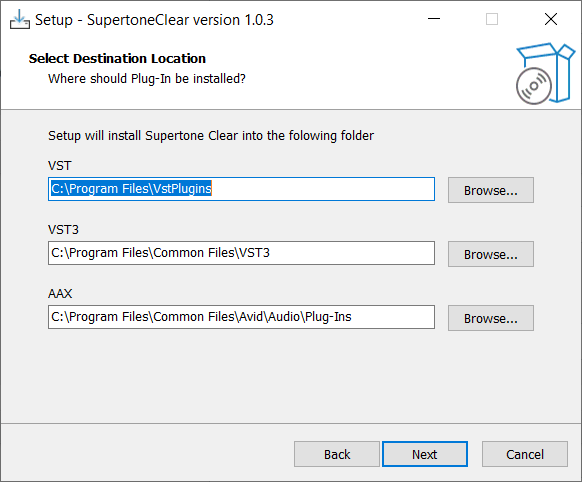
- AU, VST3, VST, and AAX
- Sample Rate and Buffer Size - 44100Hz, 48000Hz, and 96000Hz Supertone recommend using an I/O buffer size of 256 or higher.

Reviews Summary
While it aims to provide a helpful overview, it may not capture every perspective or detail. We encourage you to read individual reviews to make an informed decision.
Users highly recommend this audio plugin for cleaning up vocals, praising its ability to effectively remove background noise and reverb while preserving sound quality and tone without noticeable distortion. It is celebrated as an affordable, user-friendly alternative to pricier or subscription-based software like Waves plugins, making it ideal for quick voice denoising in projects like podcasts. While one reviewer noted it may lack the precision needed for advanced surgical editing, the overall consensus is that it delivers incredible value and performance.


