


 Log In

Free gifts available with your purchase
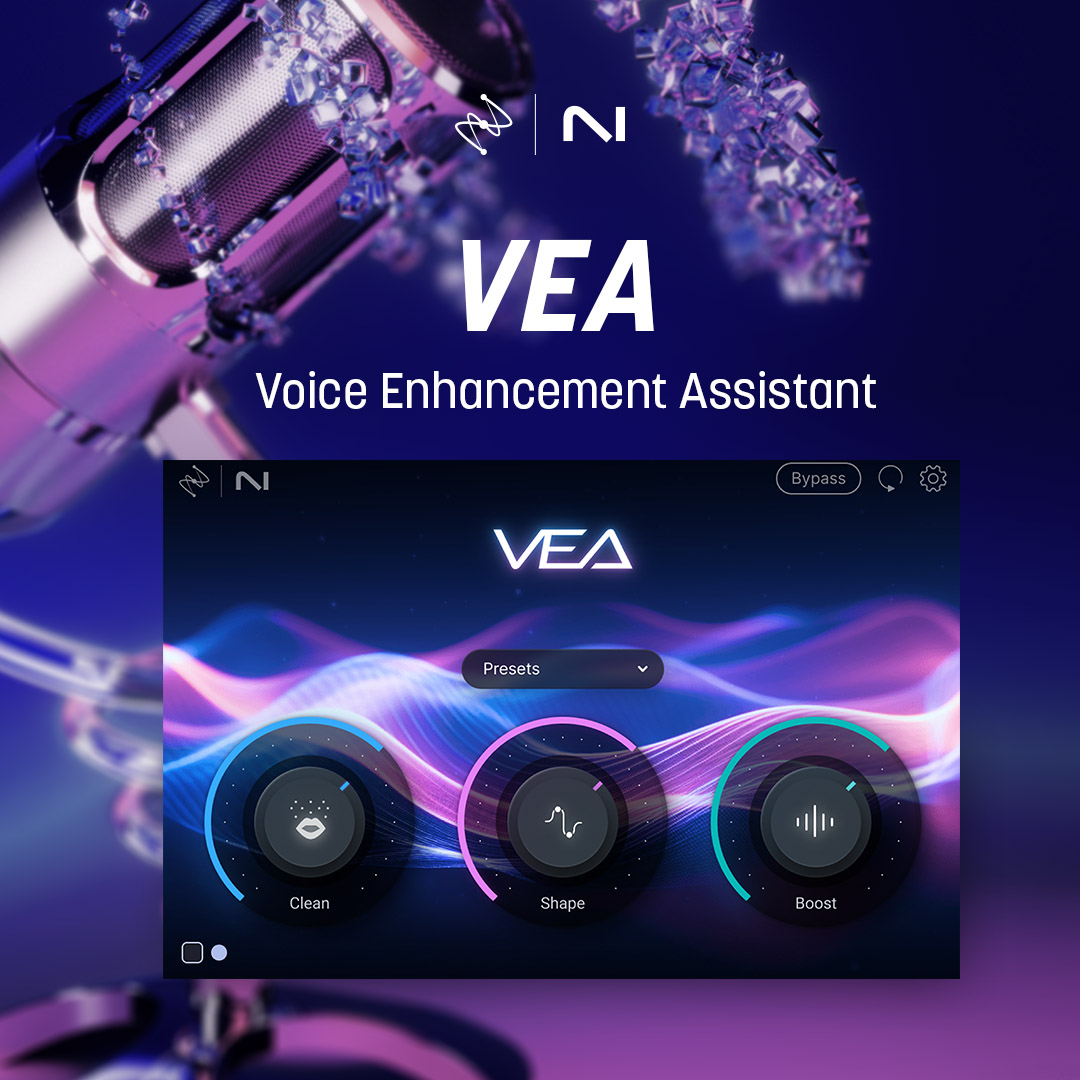
VEA is an AI audio enhancer that takes any voice recording and makes it more powerful, more polished, and more professional. This audio enhancer is perfect for podcasters and content creators of all skillsets, whether you’re a beginner or a seasoned pro. Built with industry-leading audio enhancement technology from RX, Ozone, and Nectar, VEA increases clarity, sets more consistent levels, and reduces background noise.
You don’t have to be an audio professional to achieve great-sounding voice recordings with VEA. Skip to the good bit with the help of AI that listens to your audio, creating suggested edits that instantly help you sound your best. Streamline your workflow through seamless integration with a host of audio recording and editing tools. With VEA’s easy-to-use interface, there’s no fiddling with complex controls. Plus, personalize your workspace and differentiate speakers with two distinct color palettes.
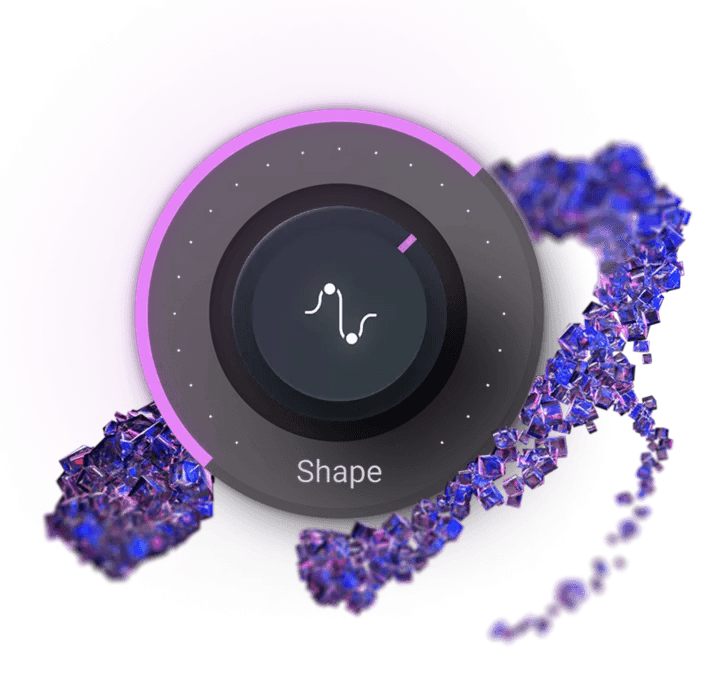
Shape - Polish your voice
VEA’s Shape control is tailored to your voice, instantly making you sound more polished and professional. No more playing with equalizers or surfing presets to improve your voice mixing. Whether you're narrating a video or hosting an interview on your own podcast, VEA ensures your voice sounds audience-ready in seconds.
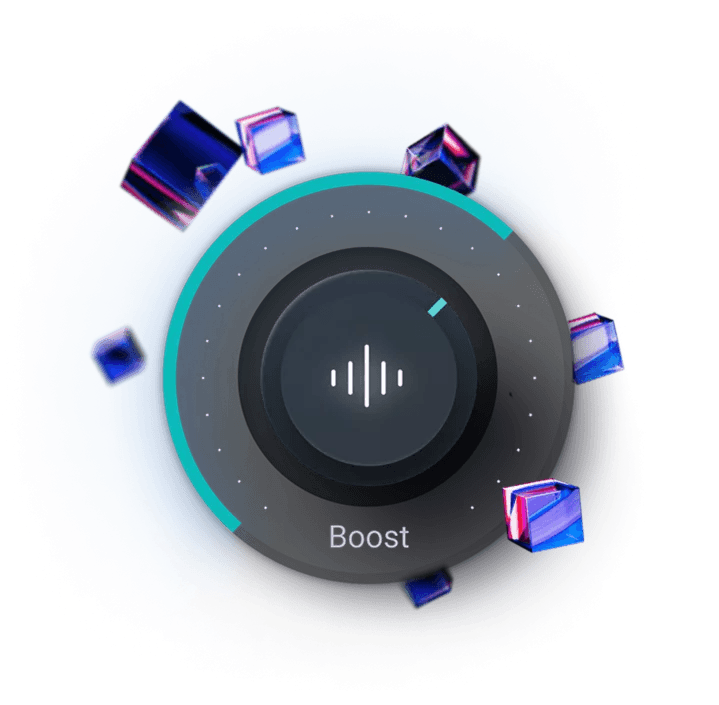
Boost - Be heard
Easily add presence and power to your voice with Boost. VEA takes the guesswork out of voice mixing. Don’t worry about understanding compression and limiting, just focus on sounding your best. For content producers, this means getting an even sound for your vlogs and tutorials to create a smoother and more engaging experience for your audience.
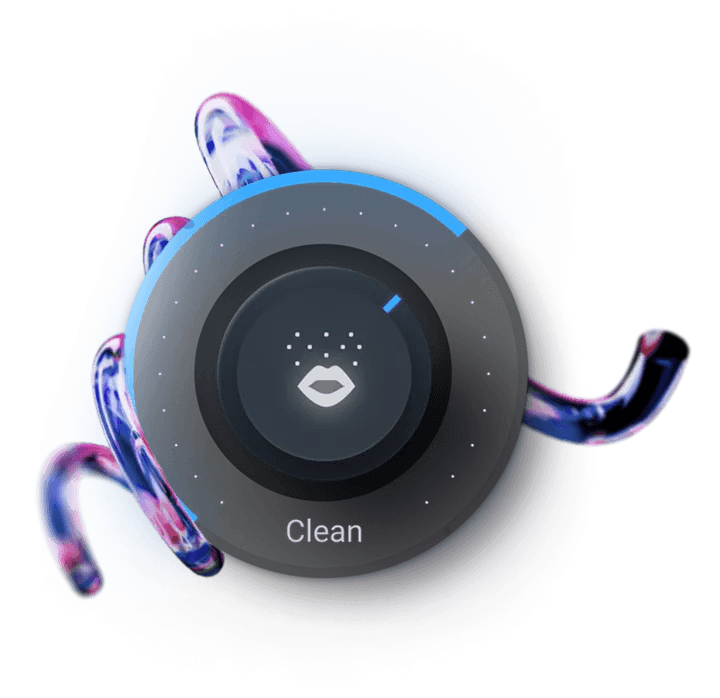
Clean - Turn down the noise
VEA features award-winning noise reduction software that trims noise while leaving your voice sounding great. The Clean feature helps de-noise your audio, reducing background sounds to ensure your voice recordings sound more professional. Recording a vlog under the AC? Taking a virtual interview with signal interference? It’s no problem with VEA.
Audiolens - Reference any voice
Match the sound of your favorite creator or podcast with intuitive Audiolens referencing as part of the Shape control. Just add your target audio from any source, and Audiolens will help you visualize, compare, and replicate.
System Requirements
Operating Systems:
- Mac: macOS Catalina (10.15.7) - macOS Ventura (13.5) (Apple silicon Macs supported natively)
- Windows: Windows 10 — Windows 11
Plugin Formats:
- AAX, AU, VST3 (All plugin formats are 64-bit only)
- Note: VST2 format is no longer supported.
Supported Hosts:
- Logic Pro 10.6.3 - 10.7.x, Pro Tools 2021 - 2022, Ableton Live 11, Cubase 11 - 12, Nuendo 12, Studio One 5, Reaper 6, FL Studio 20, Audition CC 2022, Premiere Pro CC 2022, DaVinci Resolve


