


 Log In

Free gifts available with your purchase
Product information
Vocal Bender
Transform Your Vocals in Real Time
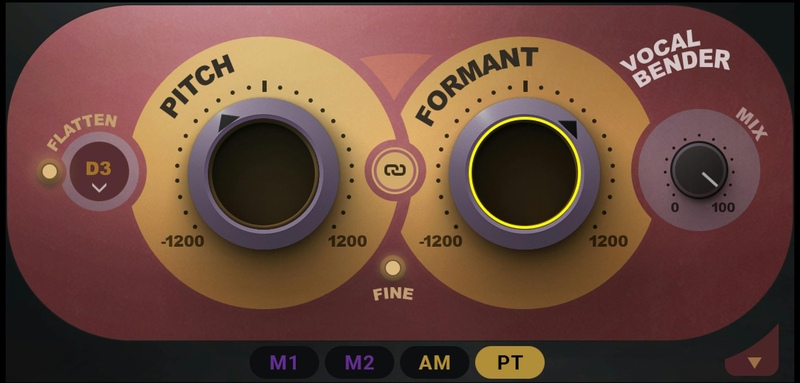
Bend your vocals in real time for the most popular sounds in hip hop, pop, R&B and electronic genres. With zero latency and two simple pitch and formant controls, Vocal Bender is the fastest, easiest, highest-quality way to record and produce hit-sounding vocal effects instantly.
Travis Scott-style deep-voiced adlibs. Billie Eilish-style vocal doubles. Frank Ocean’s pitch-shifted lead vocals. The high-pitched vocal topline you hear in every EDM drop. Vocal Bender will twist your vocals in real time, letting you hear how your pitch/formant-shifted vocals sound as you perform.
Features
- Real-time monophonic voice manipulation plugin
- Easy vocal pitch shifting and formant control
- Zero latency for studio recording and live performance
- Powerful modulation panel opens up new and exciting possibilities
- LFO, SEQ, Amplitude, and Pitch modulators for deeper effects
- Vibrato, pitch drops, sequenced pitching, and more
- ‘Flatten’ feature for robotic vocal effects
- Mix knob for blending harmonies and doubles on inserts
- Optimized for voice; manipulate other sources for sound design
- Dozens of presets for instant gratification
- Link control to link the Pitch and Formant knobs
- Mix control to blend the original vocal and the effect
System Requirements
Mac
- macOS Monterey 12, Ventura 13, Sonoma 14, Sequoia 15
- VST / AU / AAX
PC
- Windows 10+
- VST / AAX
Installation Instructions












Customer Reviews
(2)


