Log In

Free gifts available with your purchase
AI Assisted Vocal Perfection
Shape vocals fast with creative freedom using Cloudmax Breeze, the AI-powered vocal refiner that combines neural intelligence with vintage warmth. Transform raw recordings into polished, mix-ready tracks with just a few twists.
From natural enhancement to creative sound design, Breeze adapts to your vision while preserving the authentic character of every performance. Powered by the new AI model, Karanyi Neural
Vocal Intelligence
Hit Capture, and let Breeze’s neural engine set up your vocal chain. Capture analyzes your vocal’s mood, style, and tempo in seconds to intelligently dial in the perfect settings. From reverb character and EQ to saturation and dynamics – over 40 parameters automatically tune to enhance your unique vocal performance.
Intuitive AI Effects…
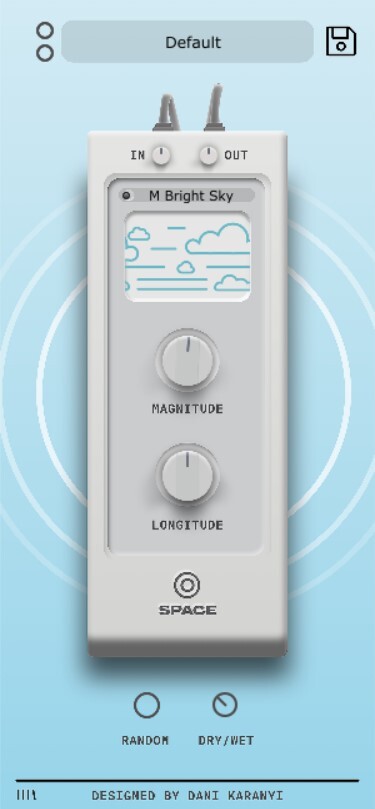
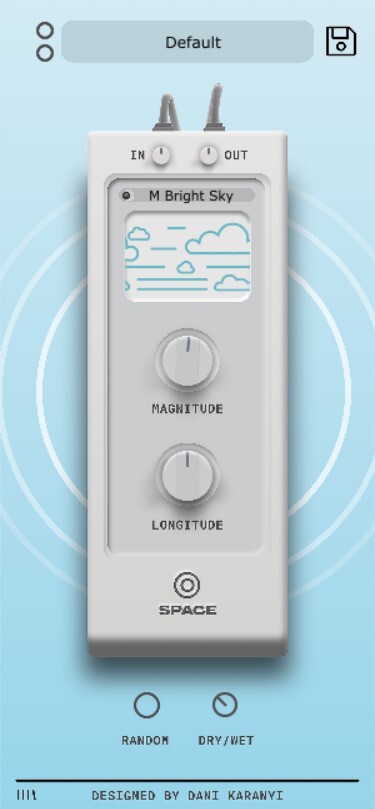
Cloudmax Breeze has four powerful effects built in: Space and Span craft your reverb’s character from intimate rooms to massive spaces. Crisp enhances vocals from subtle air to crystal brilliance. Heat’s neural engine adds warmth from gentle tube saturation to rich analog drive. Makeup smooths dynamics from light leveling to complete transformation.
…One Simple Control
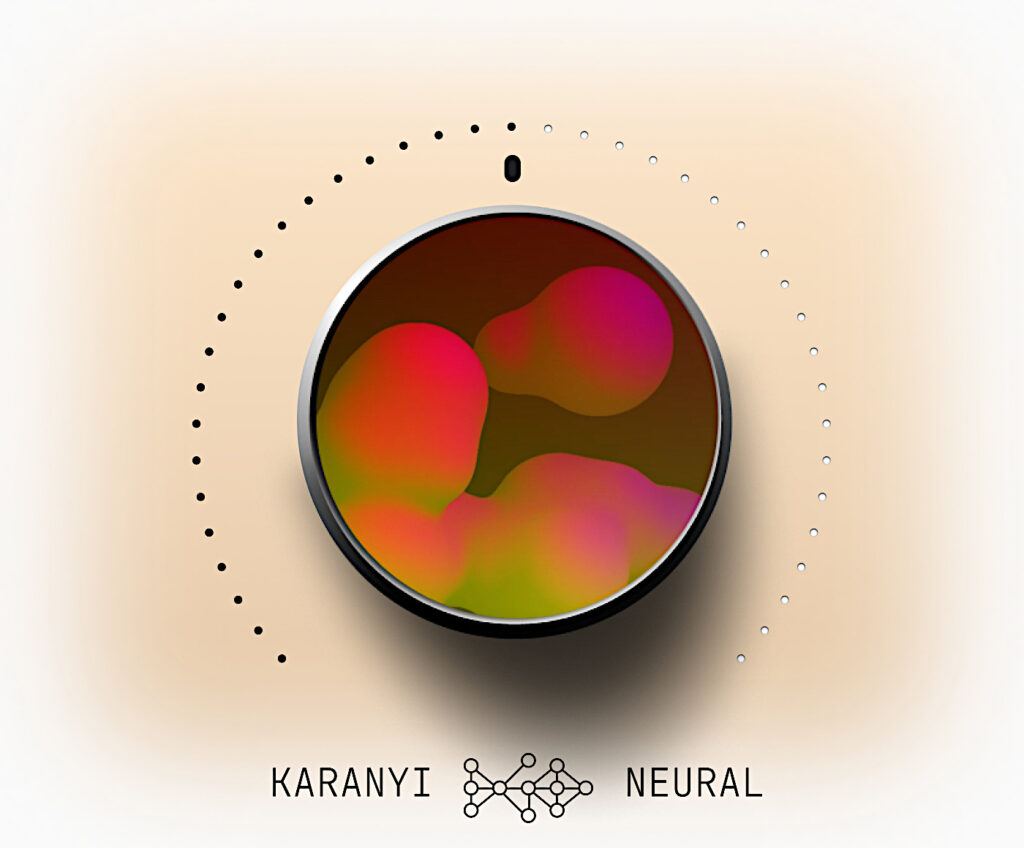
The central Breeze knob – powered by Karanyi Neural, Karanyi's latest assistive musical AI environment – lets you control all effects at once. Set how far each effect can go, then shape your sound with a single twist – from subtle polish to complete transformation. It’s that simple.
Perfect For All Vocals
- Pro Studios: Mix multiple vocalists quickly with consistent results – from soloists to choirs.
- Beat Makers: Get instant professional sound for demos and releases. Perfect for rap, trap, and modern pop.
- Singer-Songwriters: Natural enhancement that preserves acoustic authenticity, from intimate folk to powerful rock.
- Electronic & Cinematic: Create unique vocal textures for EDM, film scores, game music, and sound design.
Features
- Neural-powered vocal processing with intelligent one-knob control
- Instant Capture feature automatically adjusts over 40 parameters for perfect vocal enhancement
-
Four studio-grade effects:
- Space for reverb blend
- Makeup for glue compression
- Crisp EQ for high-frequency clarity
- Heat for analog-style saturation with on/off control
- Breeze macro knob for global effect control, from subtle polish to bold transformations
- Streamlined interface with intuitive, easy-to-learn design
- AI-assisted workflow powered by Karanyi Neural for professional-grade results in seconds
- Perfect for all vocals: pop, rap, EDM, cinematic, and beyond
- High Definition Version for even more detailed modeling – more CPU consumption
System Requirements
- Mac OS X 10.11 or higher is recommended
- Windows 8 or higher 4 GB of RAM, 8 GB is recommended
- AAX, AU, VST3
- 200 MB free disk space