Log In

Free gifts available with your purchase
Important note: Please be sure to check the system requirements for this plugin at the bottom of the page before making a purchase.
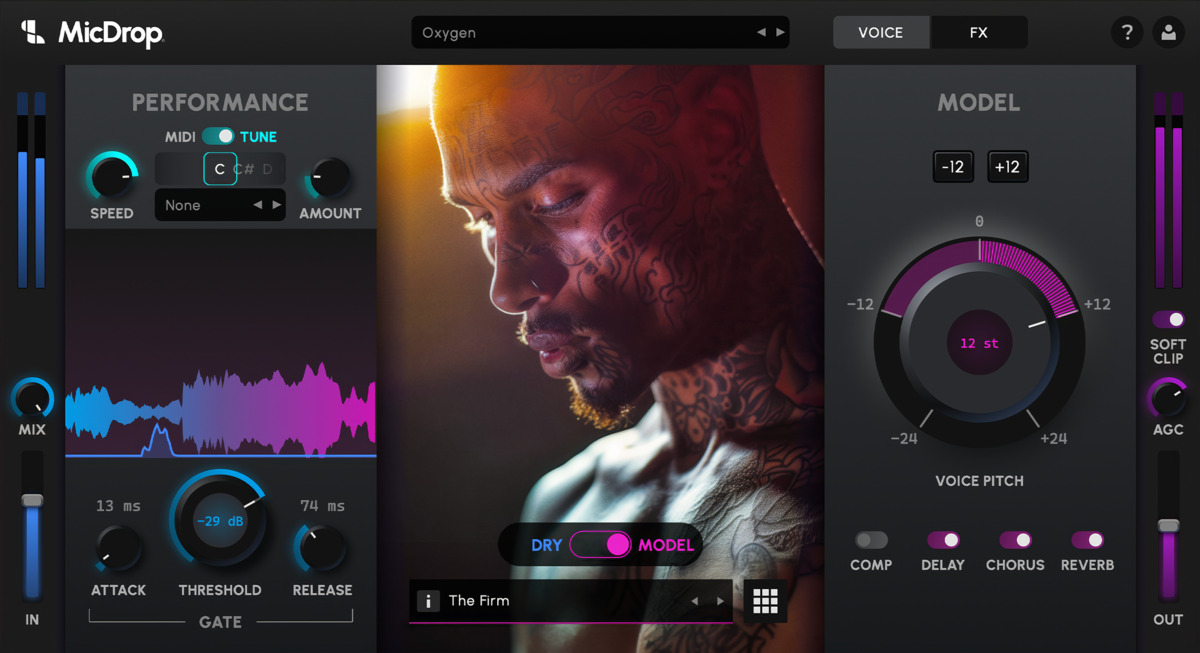
Real-Time Voice Transformation
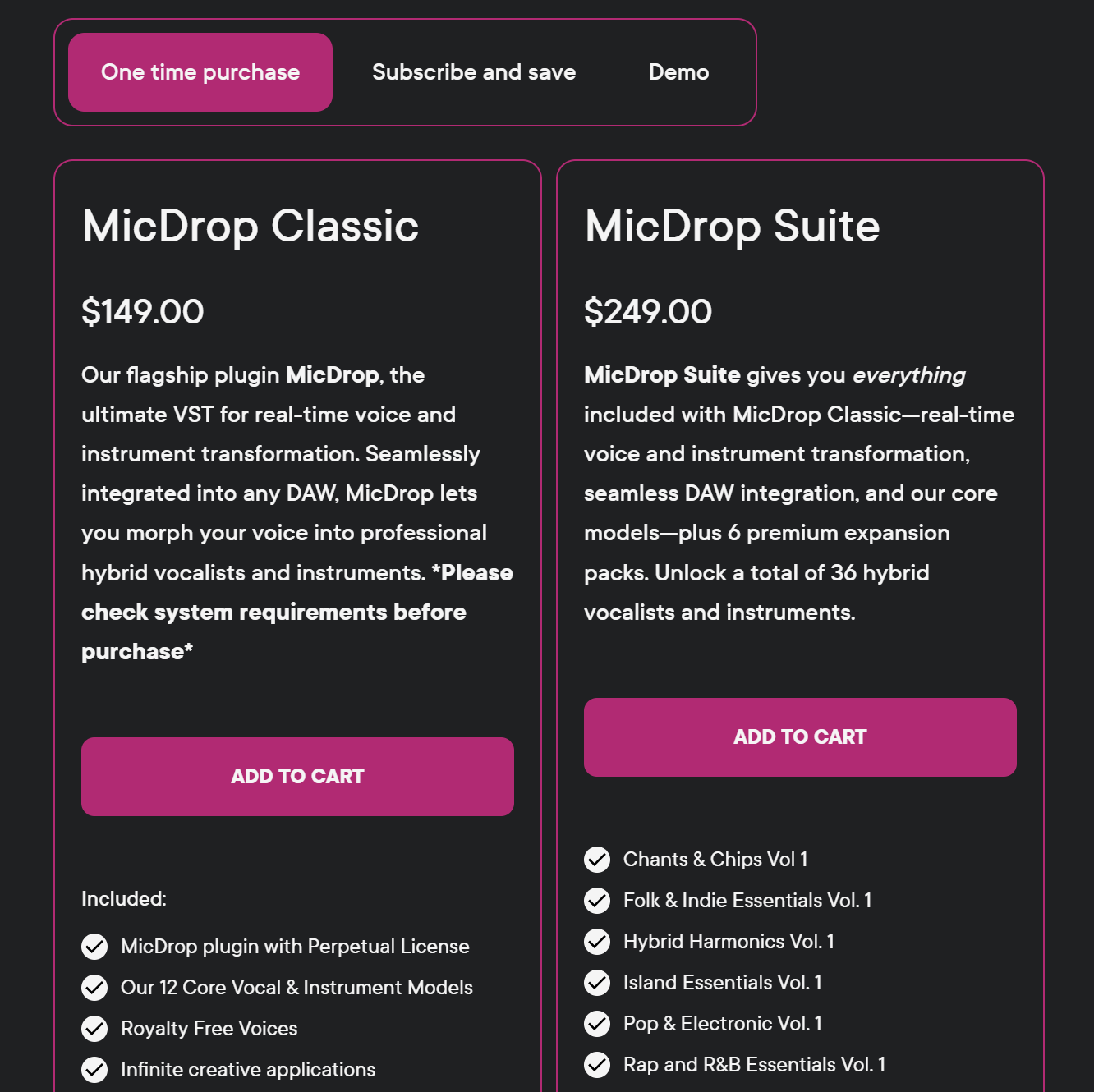
Soundlab AI presents MicDrop, the ultimate VST for real-time voice and instrument transformation. Seamlessly integrated into any DAW, MicDrop allows users to morph their voice into professional hybrid vocalists and instruments. Please check system requirements before purchase. MicDrop Suite is also available.
What’s Included?
- MicDrop plugin with a perpetual license
- 12 core voice and instrument models
- Royalty-free voices
- Infinite creative applications
Transform Your Voice, Transform Your Tracks
MicDrop is the ultimate voice-to-voice and voice-to-instrument plugin that redefines what’s possible in music production. Instantly morph your voice into studio-quality vocals, craft flawless harmonies, or turn your voice into instruments like trumpets, slap bass, or even a 303.
With real-time MIDI integration, studio-grade effects, and fresh updates every month, MicDrop ensures your sound stays ahead of the curve.
Now anyone can sing. From your voice to any voice, in real-time.
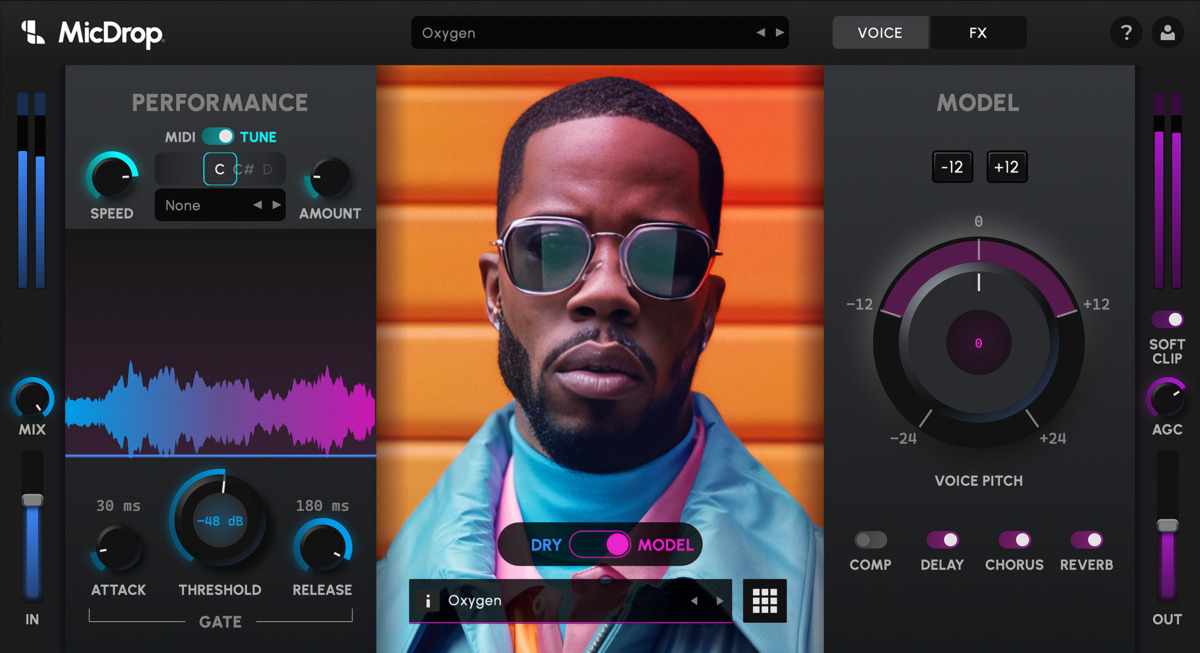
Professional Vocal Restoration: Studio-Grade Magic in a Click
Transform the vocals you have into the ones you need. Recorded on an iPhone? Noisy, low-fidelity takes? MicDrop’s cutting-edge restoration technology reimagines your raw recordings, delivering polished, studio-quality vocals with a single click. No sound booth required, no compromise.
Your creativity, your control—MicDrop makes it flawless.
Copyright and Royalty-Free Hybrid Models
Experience unparalleled creative freedom with MicDrop’s ethically crafted hybrid voices. Our composite “hybrid” singers are meticulously built from open-source, public domain works, and fully consented recordings of friends and family.
Every sound you create is not only royalty-free but also yours to own and use immediately in your tracks—no licensing hurdles, ever. With MicDrop, your music stays 100% yours, from inspiration to creation.
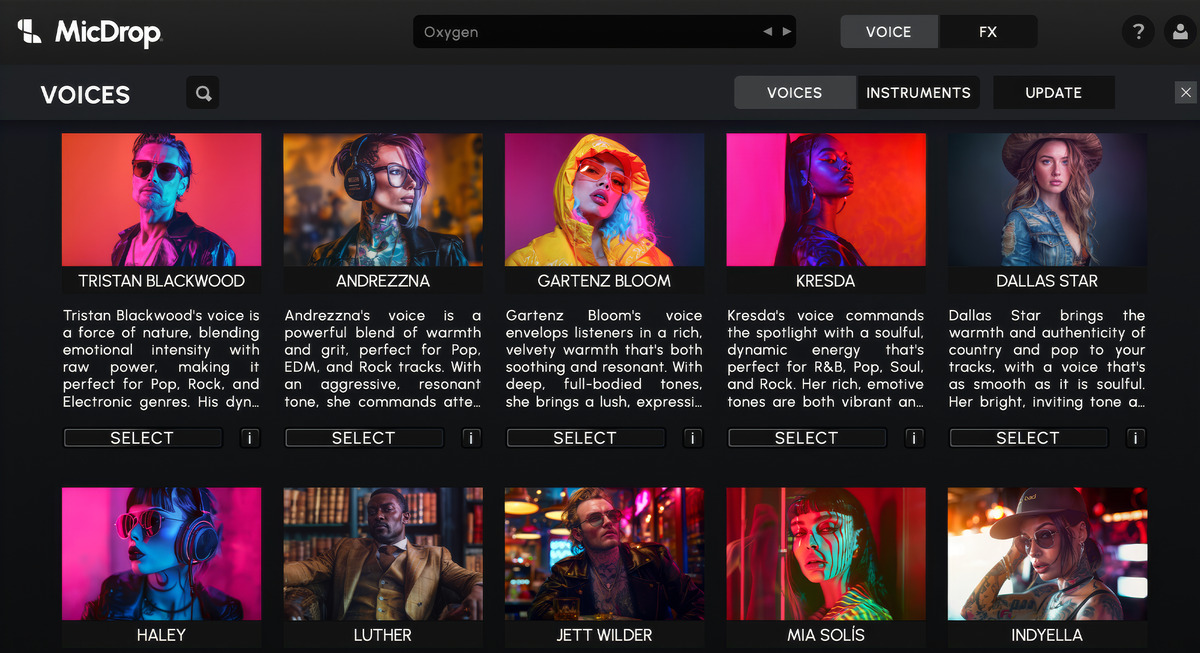
Voice-to-Instrument Revolution
Why stop at singing? Convert your voice into jaw-dropping instruments—think trumpets, slap bass, or talkbox. Your voice becomes the ultimate sound design tool.
MIDI Mastery for Instant Harmonies
Harness zero-latency control to craft complex harmonies and vocal layers on the fly. Flip between real-time vocoder and playback modes with ease, transforming spoken or sung vocals into studio-perfect takes.
Monthly Evolution
Never run out of inspo. MicDrop adds new voices and instruments every month, keeping your tracks fresh and your sound ahead of the game.
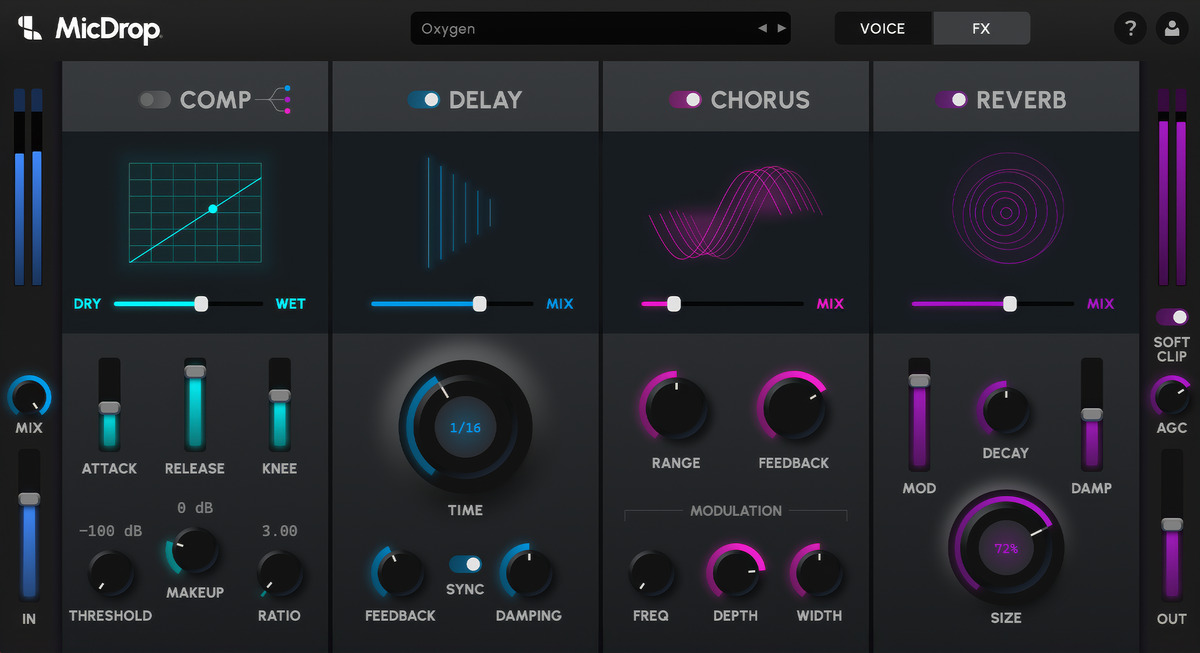
Built-In Studio Effects
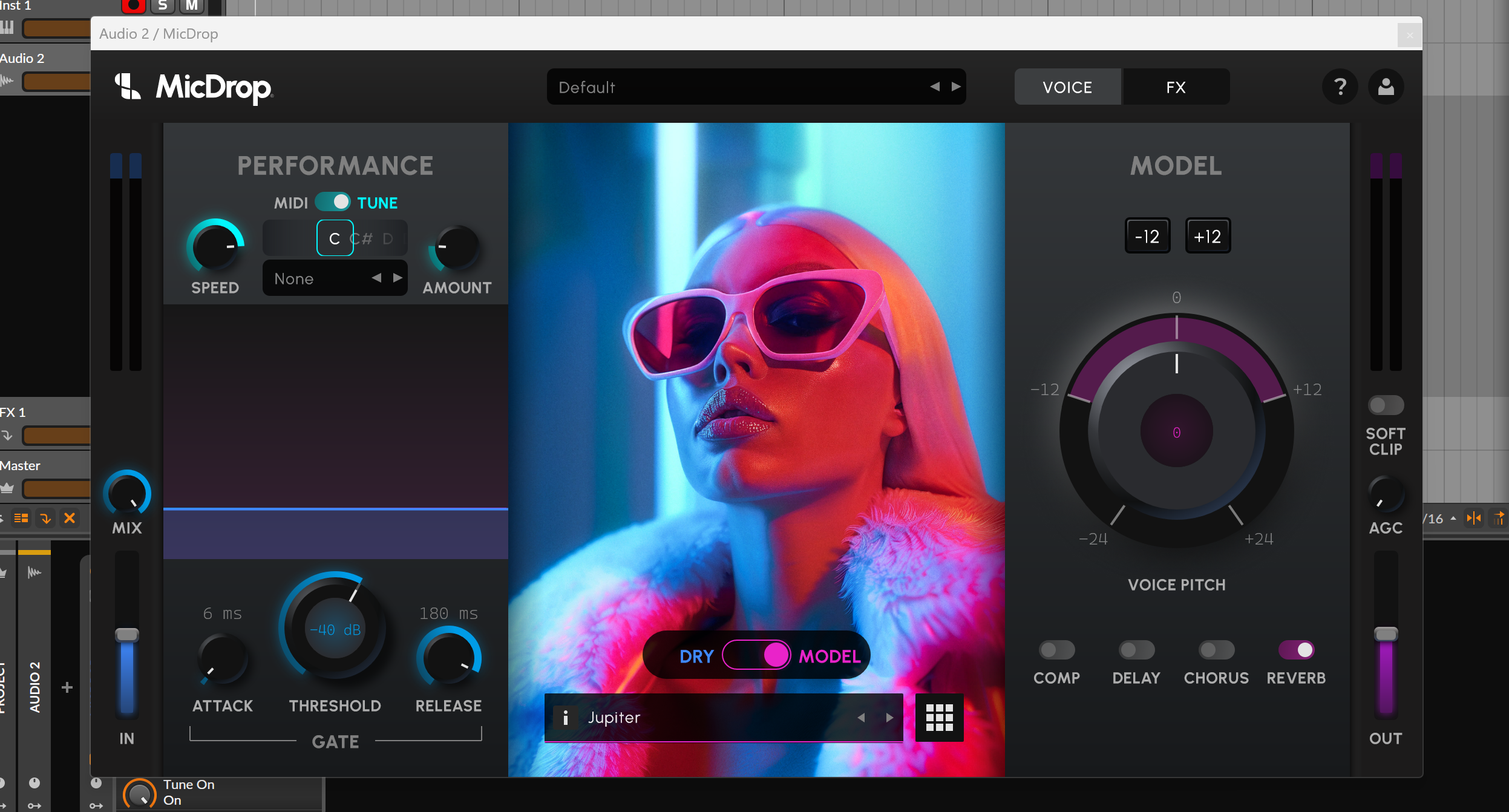
Includes pro-grade compression, chorus, reverb, and delay—all within the plugin. Save custom presets to streamline your sessions.
Auto Pitch Precision
From subtle tuning to bold auto-pitch effects, MicDrop adapts to your vibe. Choose your scale, key, and speed for pitch-perfect results, every time.
Noise-Free Brilliance
A CPU-friendly noise gate keeps your vocals crystal clear and artifact free, so you can focus on what matters: your music.
One-Click Simplicity
Sleek, intuitive, and designed for creators, MicDrop is as easy to use as it is powerful.
Seamless DAW Integration
Works flawlessly in Ableton, Logic Pro, FL Studio, Cubase, and more. Wherever you create, MicDrop fits perfectly into your workflow.
This is the moment you’ve been waiting for. From your voice - to any voice. Create the impossible with MicDrop.
Features
- Pro-fidelity vocal transformation plugin for music producers
- Real-time vocal transformation for any DAW
- Amazing auto pitch correction and vocal effects
- Ability to create flawless vocal harmonies with MIDI control
- Revolutionary voice-to-instrument plugin
System Requirements
macOS
- Operating System: macOS 14 (Sonoma) or later
- Processor: Any Apple Silicon processor (M1 or later). Intel is unsupported.
- Memory: 8 GB RAM (16 GB recommended)
- Storage: 2 GB available space
- Graphics: Any Apple Silicon processor includes the required graphics support.
- Audio: Core Audio compatible audio hardware recommended
Windows
- Operating System: Windows 10 (64-bit)
- Processor: Intel Core i5 or equivalent AMD processor
- Memory: 8 GB RAM (16 GB recommended)
- Storage: 2 GB available space
- Graphics: Dedicated DirectX 12 compatible graphics card. MicDrop has worked successfully on an NVidia 1050 Ti.
- Audio: ASIO compatible audio hardware recommended
Recommended Usage
MicDrop is a powerful, next-generation plugin that uses artificial intelligence to deliver complex, real-time audio transformations within your DAW. To ensure the best performance, we recommend the following: •
- Create and Commit: Instantiate MicDrop, craft your desired sound, then bounce it in place and save your session. Repeat this process as many times as needed (e.g., when building a background vocal stack).
- Optimize Your System: To prevent performance issues, minimize other active programs while using MicDrop, including system-level assistants like Siri or other Apple Intelligence services. Because MicDrop fully leverages CPU, GPU, and neural processing hardware on both Mac and PC, reducing background tasks helps ensure smooth operation.
- Consider Resource Limits: Due to the intensive processing demands, most computers can only run one or two instances of MicDrop simultaneously. Keep this in mind when planning your workflow and system requirements.
- Platform Compatibility: While MicDrop supports Mac and standard PC architectures, Windows ARM computers are not supported yet—even as more of these devices are becoming available. If you’re not sure if your system meets the requirements, please download our free demo to test compatibility