Buy Telos - Vocals, get a free gift with purchase:
Mixing vocals has never felt this good
Taking the pain out of mixing vocals
You already know the vocal is the most important part of your mix. Telos - Vocals takes the guesswork out, letting you get a radio-ready vocal in just minutes (or less).No complex chains, no endless tweaking, just vocals that give you that pro record sound every time.
Features
- Dial in the perfect vocal sound - Shape the tone, control the dynamics, tame sibilance and inject energy. Telos - Vocals lets you sculpt every aspect of your vocal sound like a true pro, letting your ears guide the process instead of getting lost in the weeds.
- One plugin for every vocal - Lead vocals, doubles, harmonies, and everything in between. Telos - Vocals covers every aspect of mixing vocals and works perfectly in any genre, from soft ballads to pop bangers to death-metal screams.
- Replace long, complex plugin chains - It doesn’t have to feel hard or complicated to dial in a vocal that shines. Whether you have sibilance, lack of clarity, or uneven dynamics, Telos - Vocals solves every problem and gives you the ‘secret sauce’ to make the vocal pop.
- Mac OS X 10.15 or higher
- 64 bit compatible
- Windows 10
- At least 200 MB of free drive space
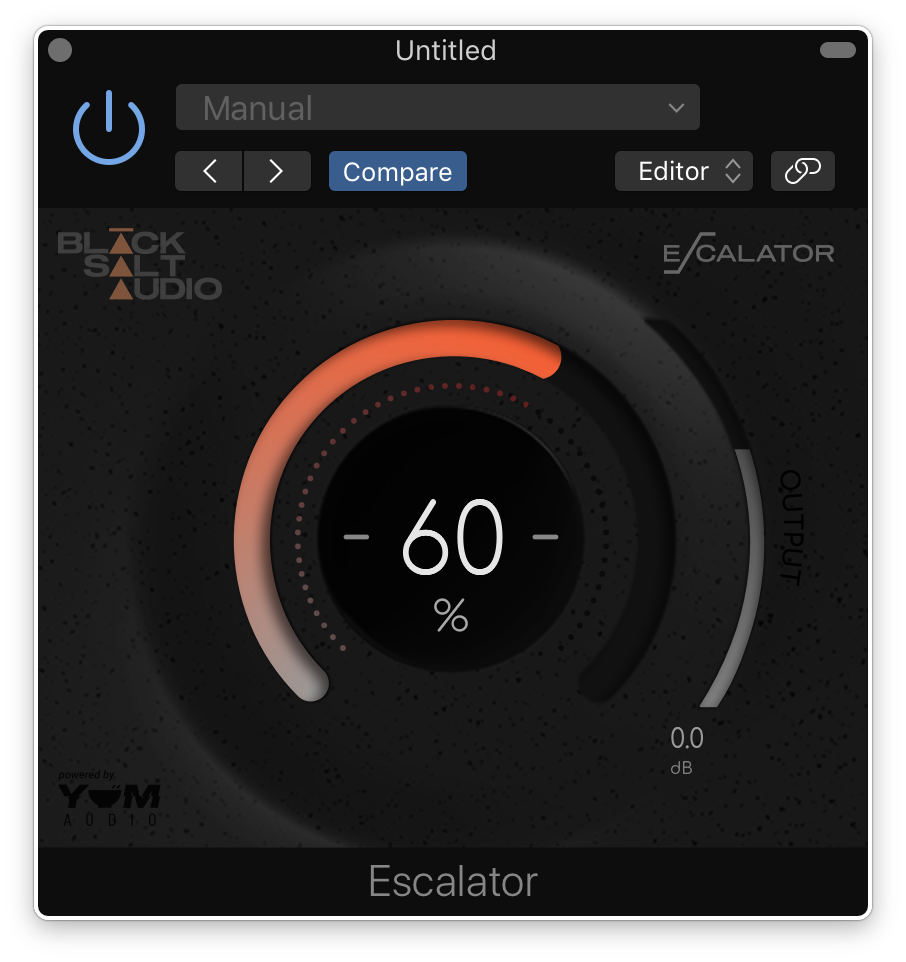
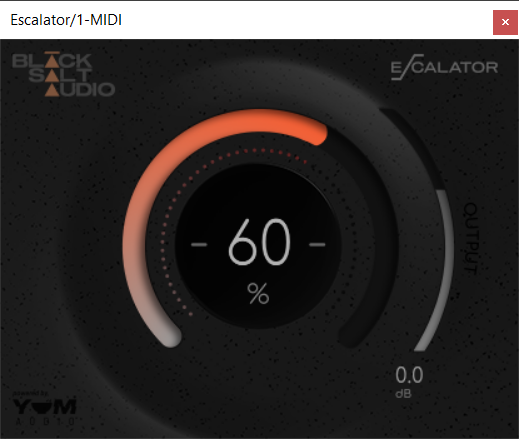
Note: Escalator is used as an example.
License Redemption
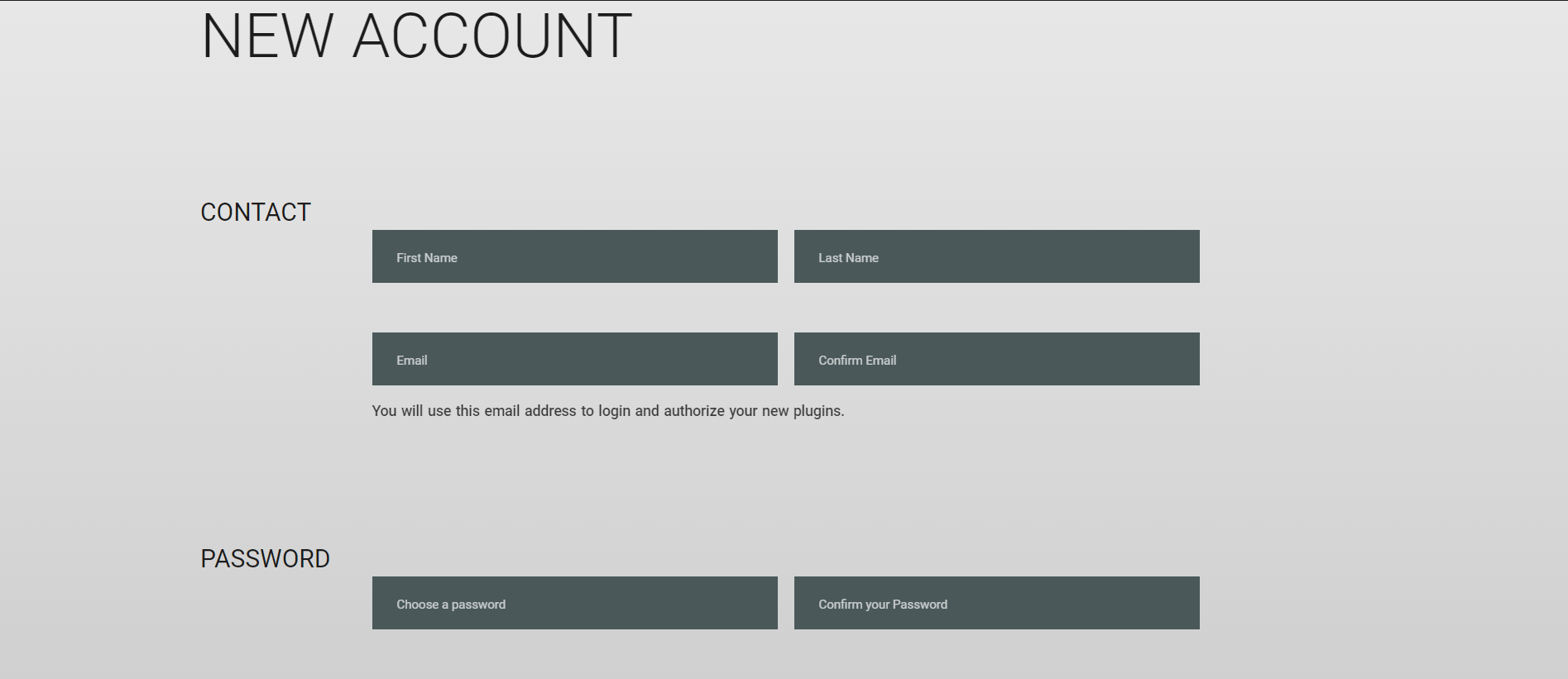
1. Visit https://blacksaltaudio.com/pluginboutique/redemption/ > sign in or create a new Black Salt Audio account.
2. Enter your details for your new Black Salt Audio account.
3. Scroll down and accept the Terms and Conditions > click 'Sign me up!'.
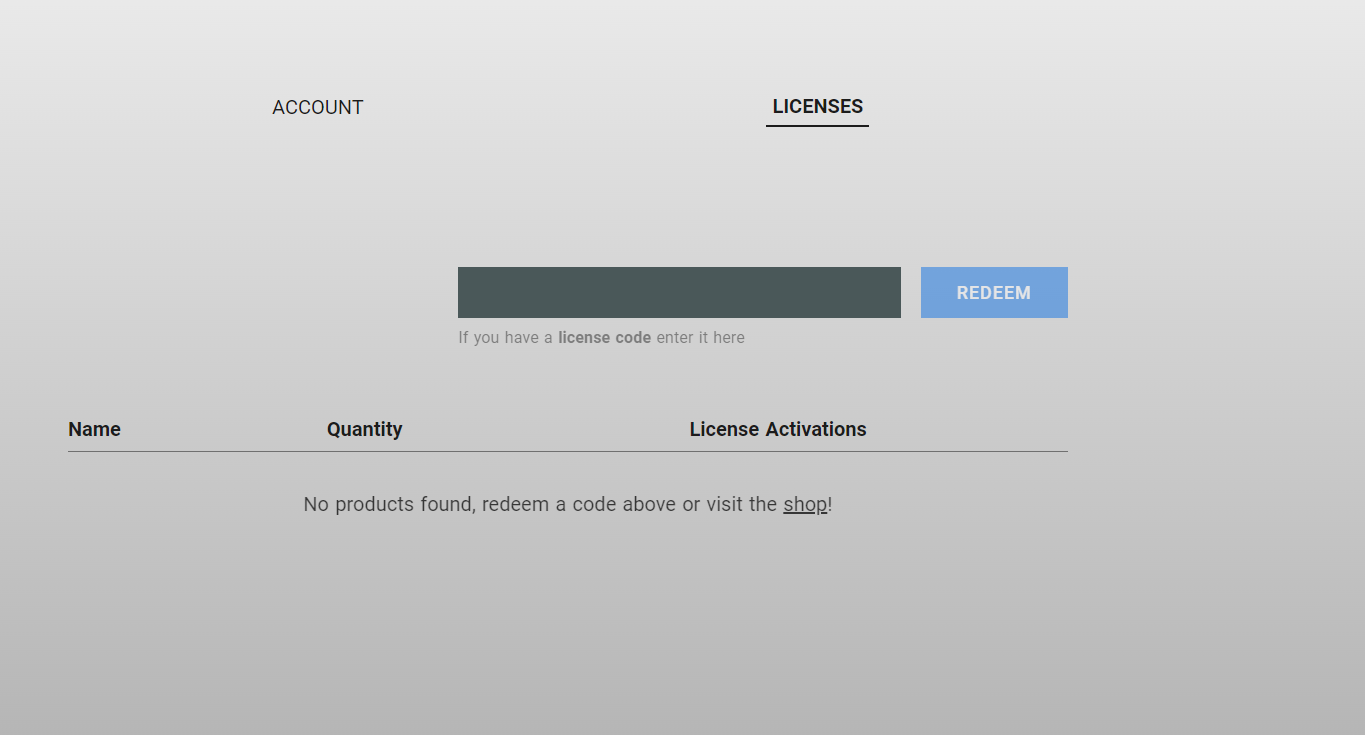
4. Enter your redeem code (found in your Plugin Boutique My Account page under 'Serial number' > click 'Redeem'.
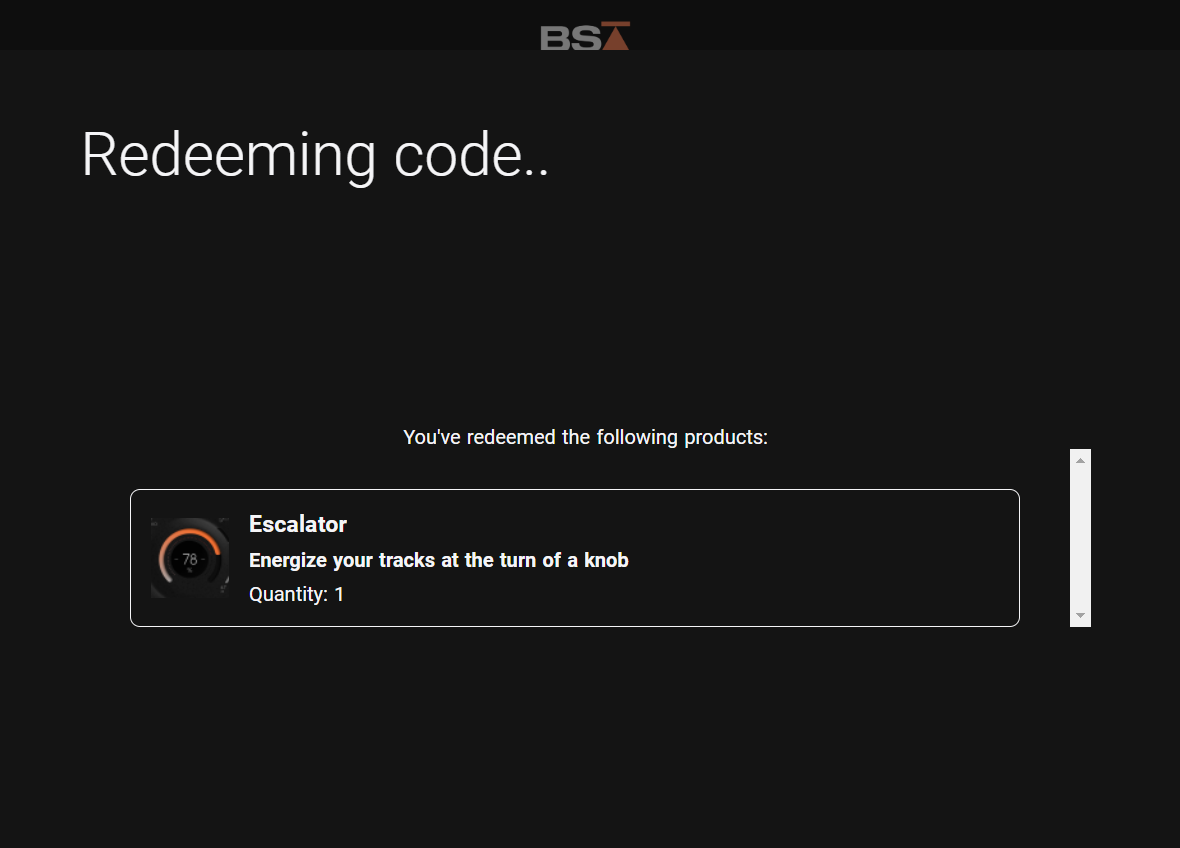
5. Your license has now been redeemed to your Black Salt Audio account > click anywhere to close this window.
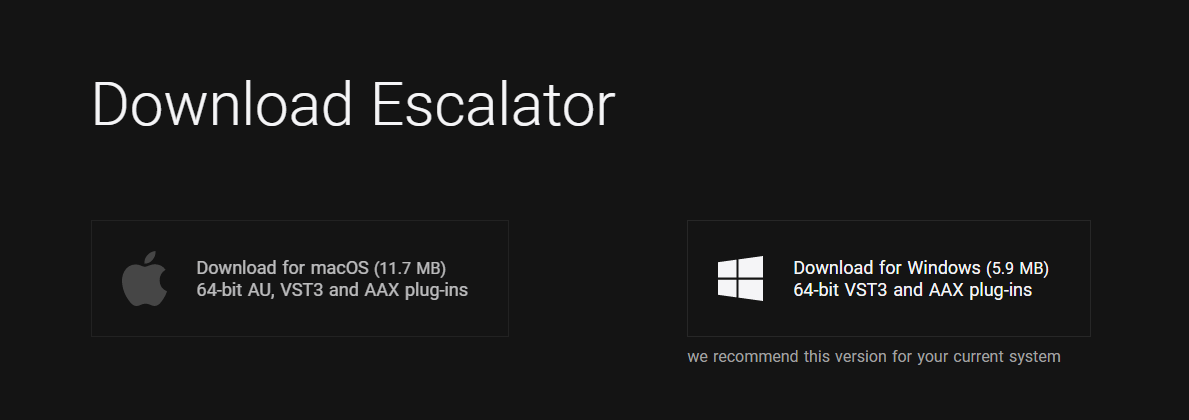
6. Locate the product you wish to install > click 'Download'.
7. Click the correct installer for your system.
Mac Installation
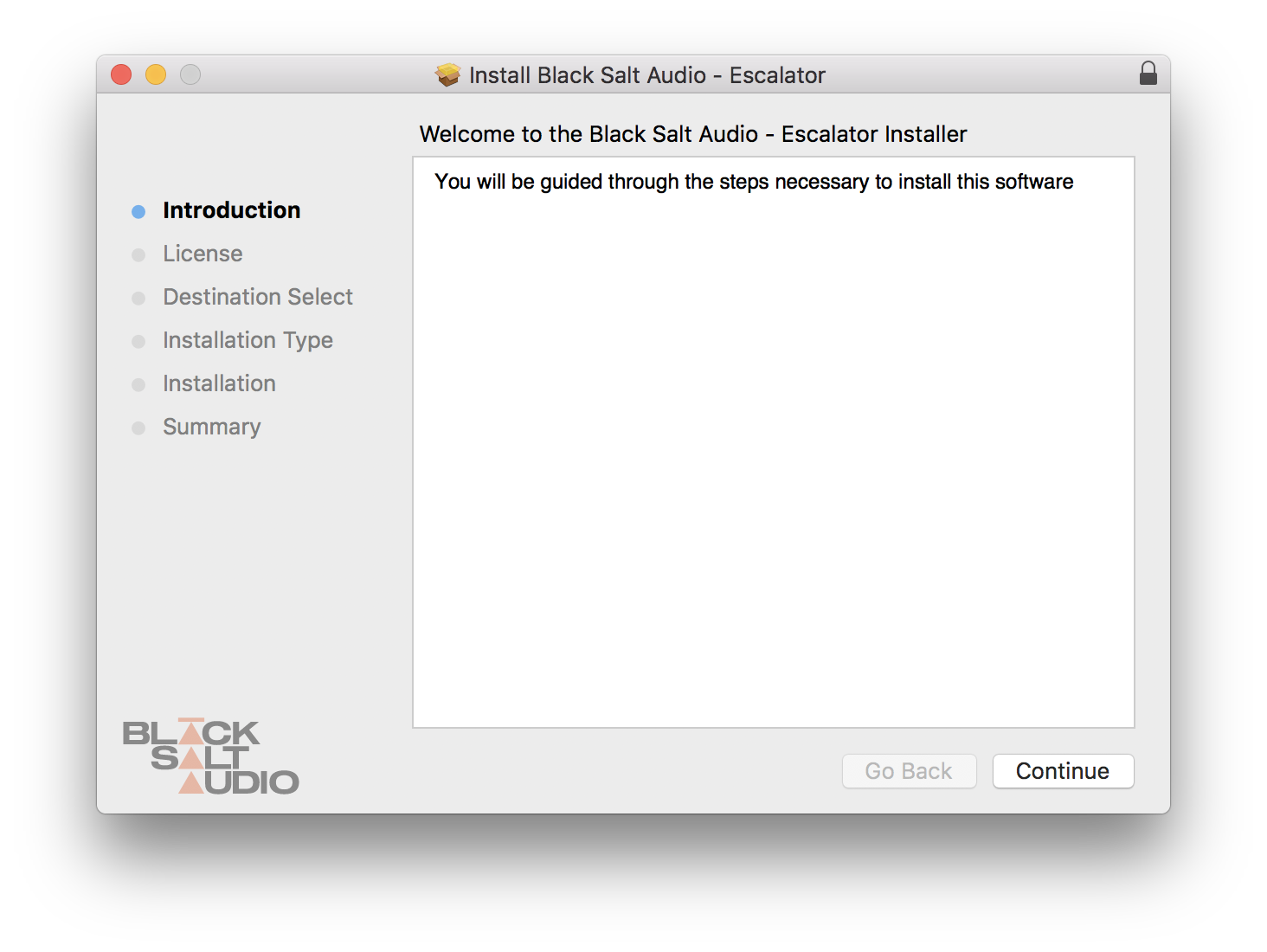
1. Locate the downloaded installer and launch the .pkg file.
2. Click 'Continue'.
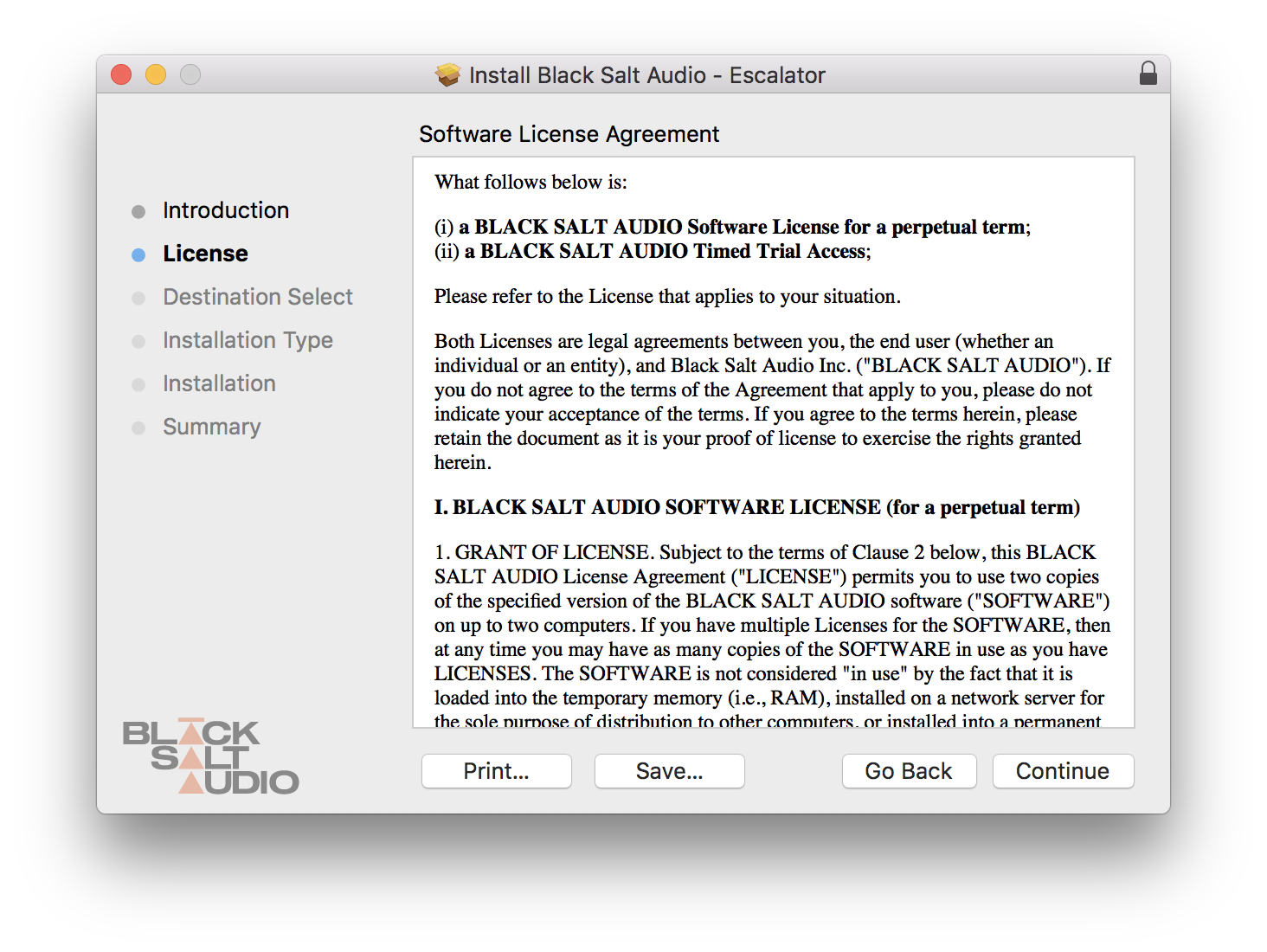
3. Click 'Continue'.
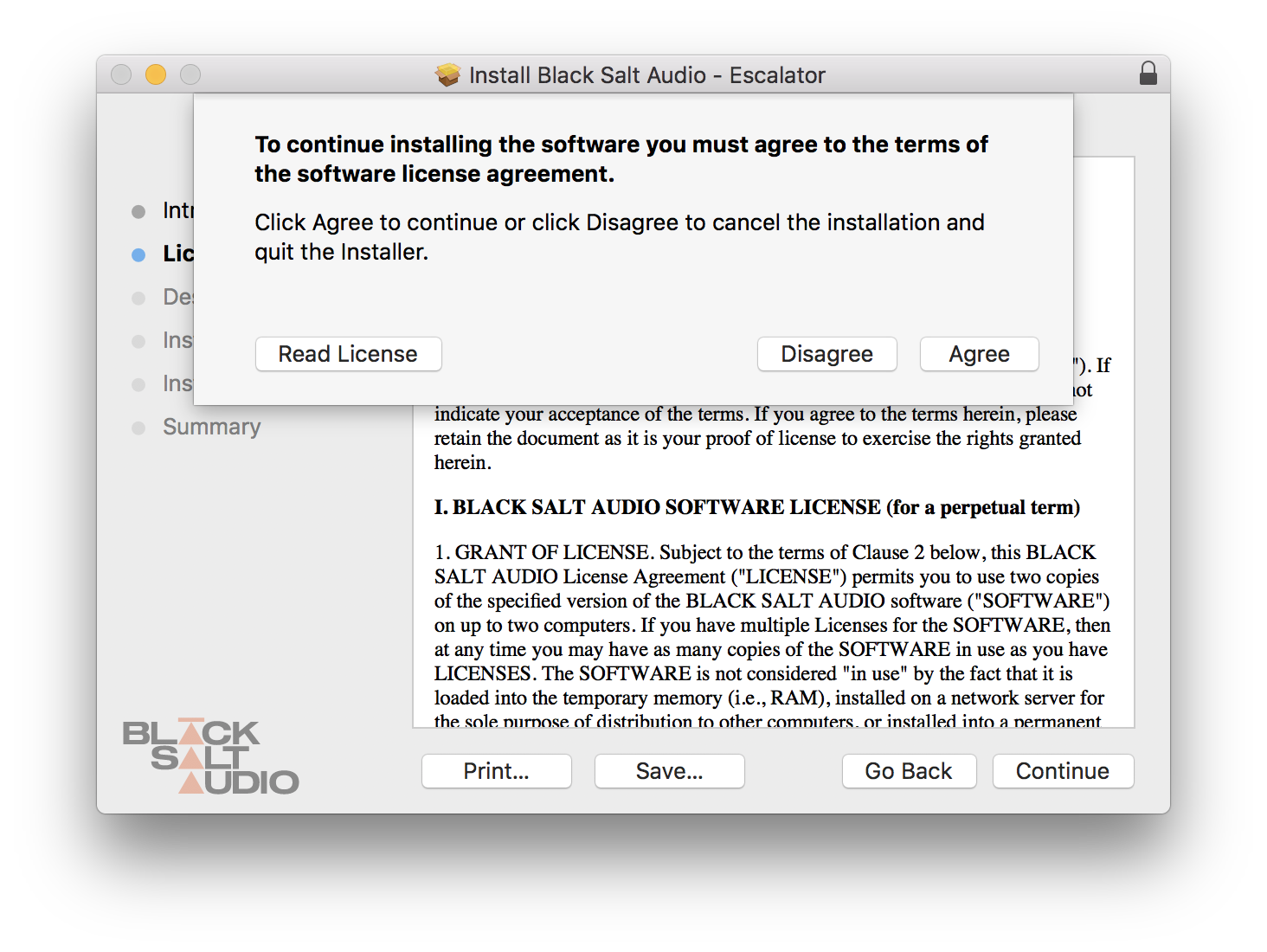
4. Click 'Agree'.
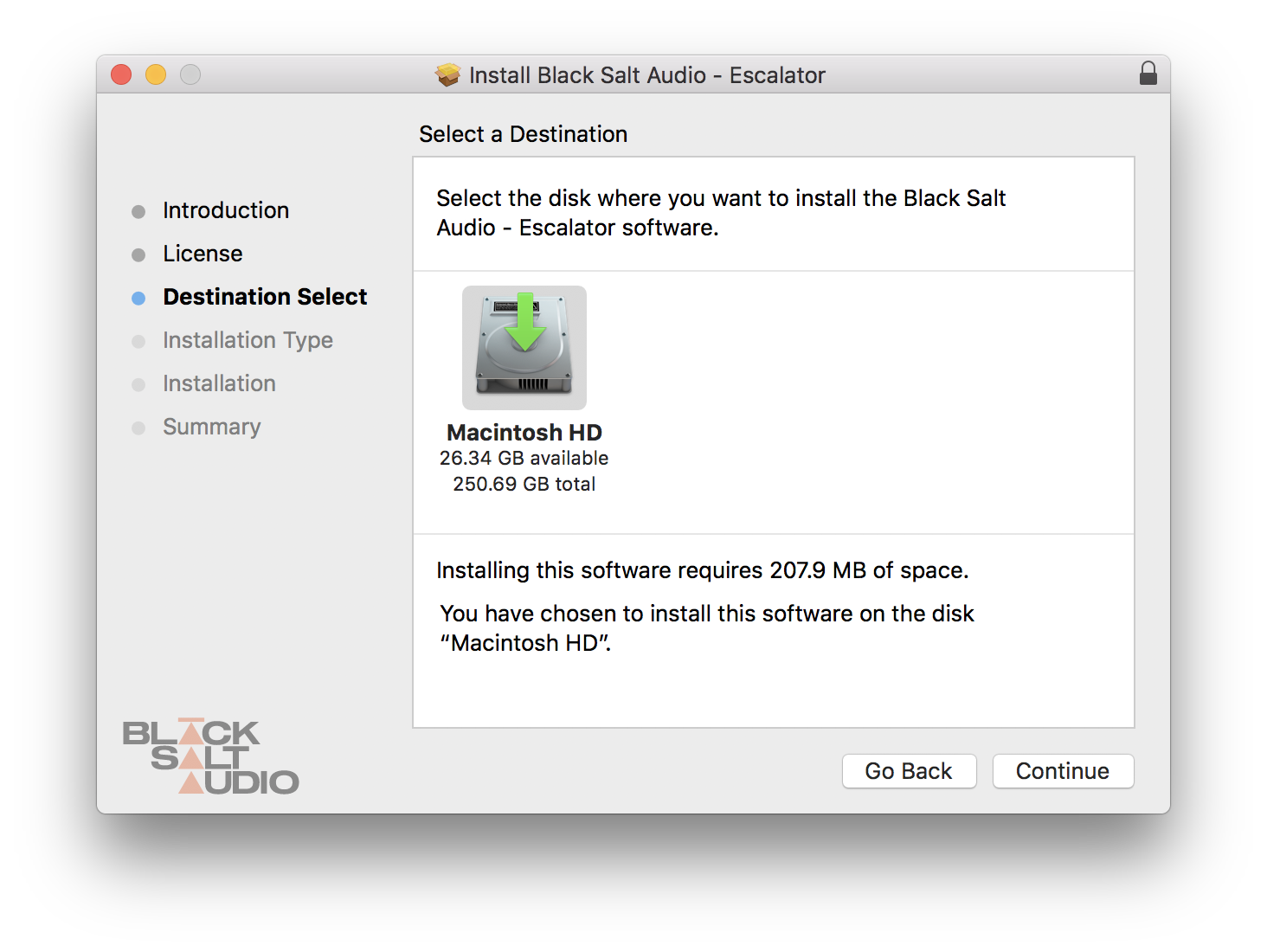
5. Click 'Continue'.
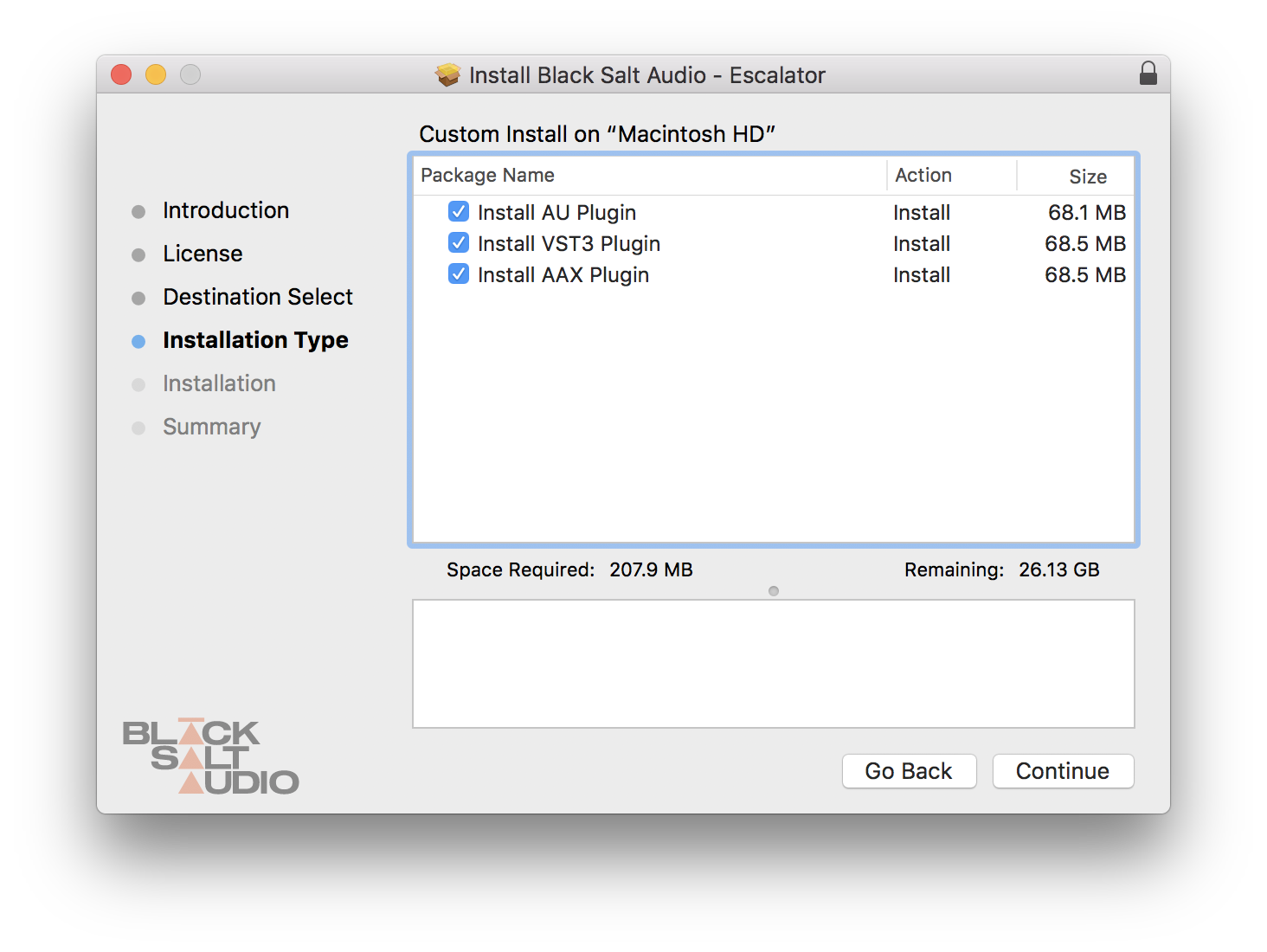
6. Select which versions you wish to be installed > click 'Continue'.
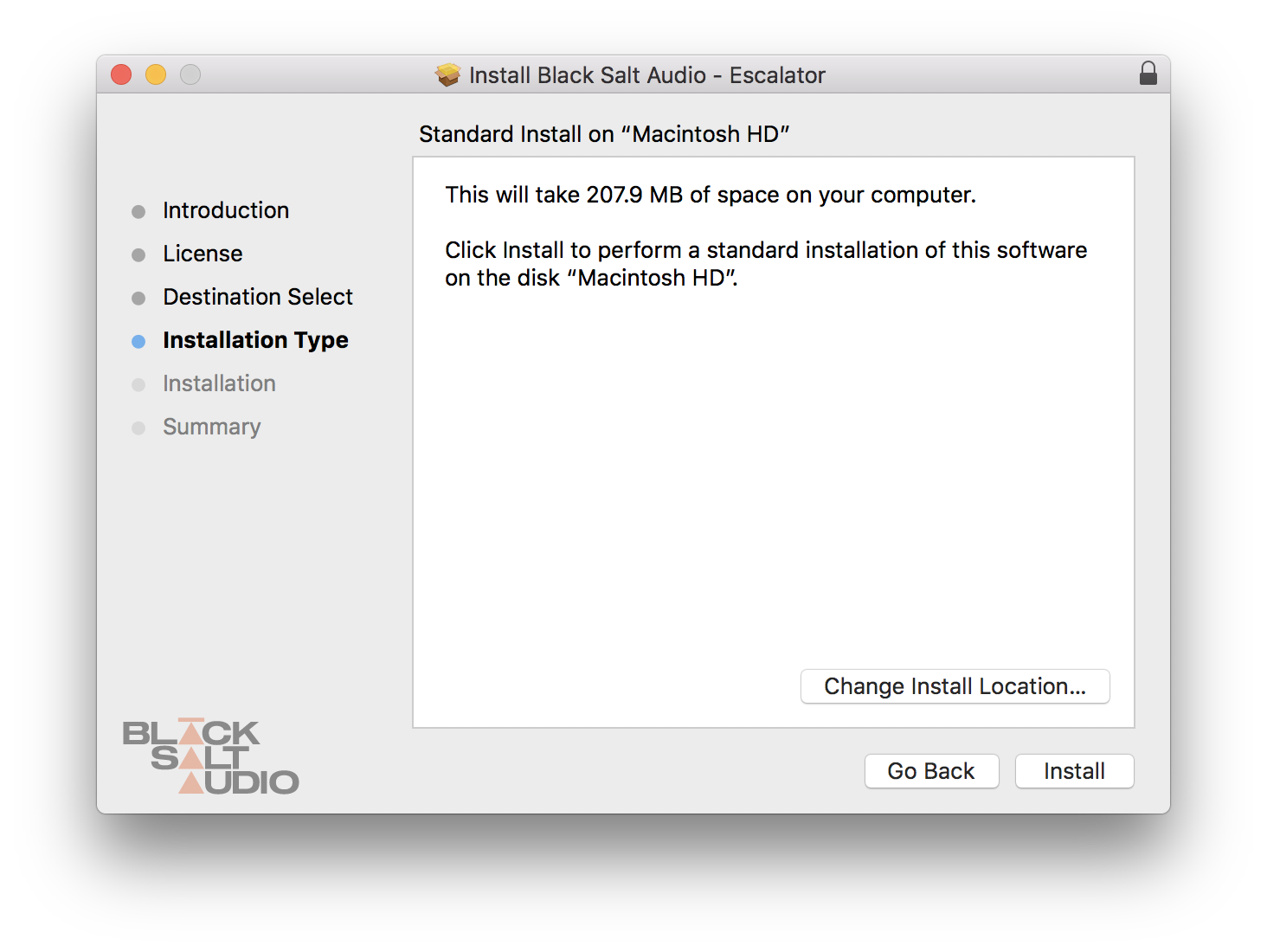
7. Click 'Install'.
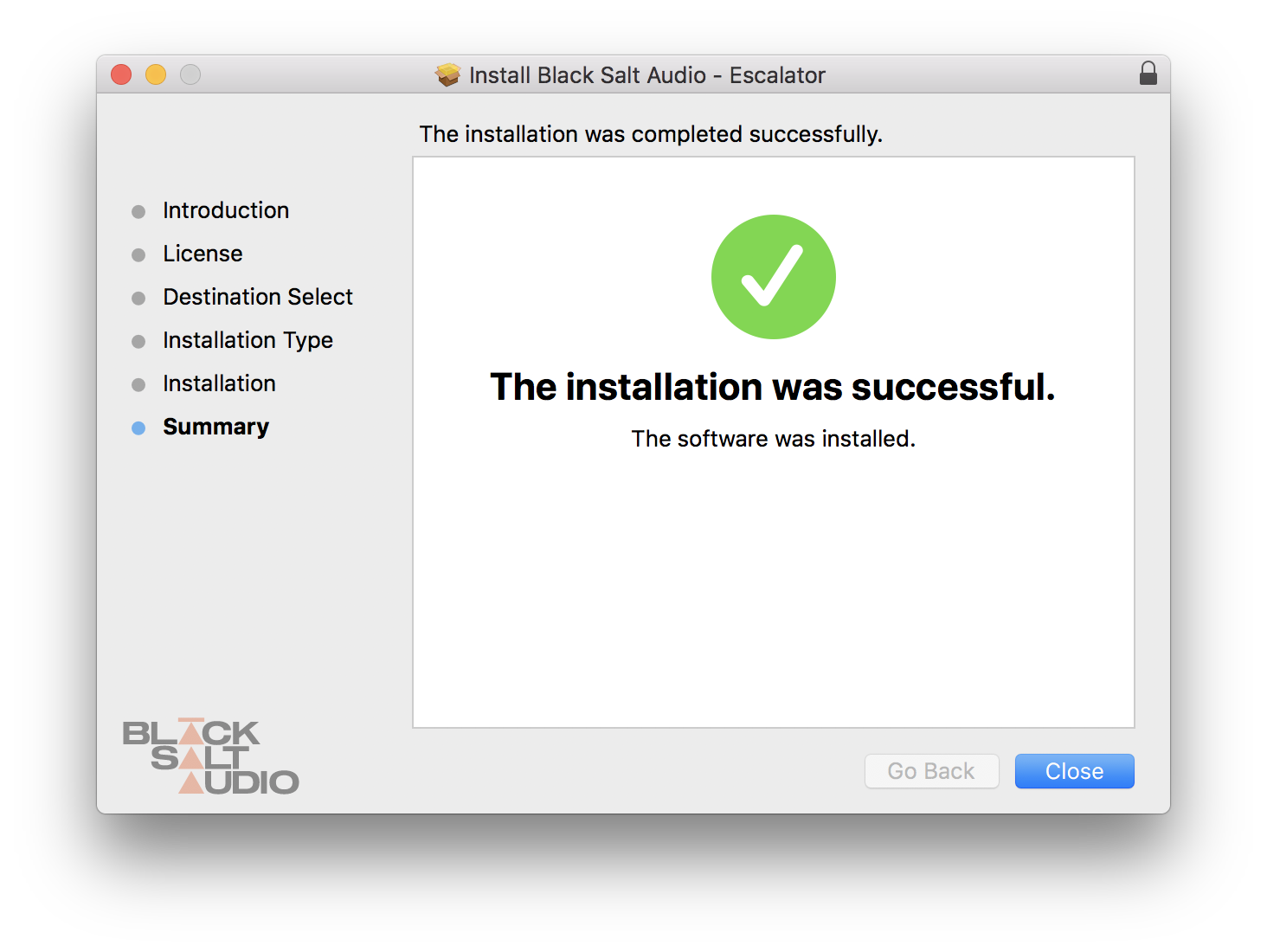
8. The plugin has now been installed > Click 'Close'.
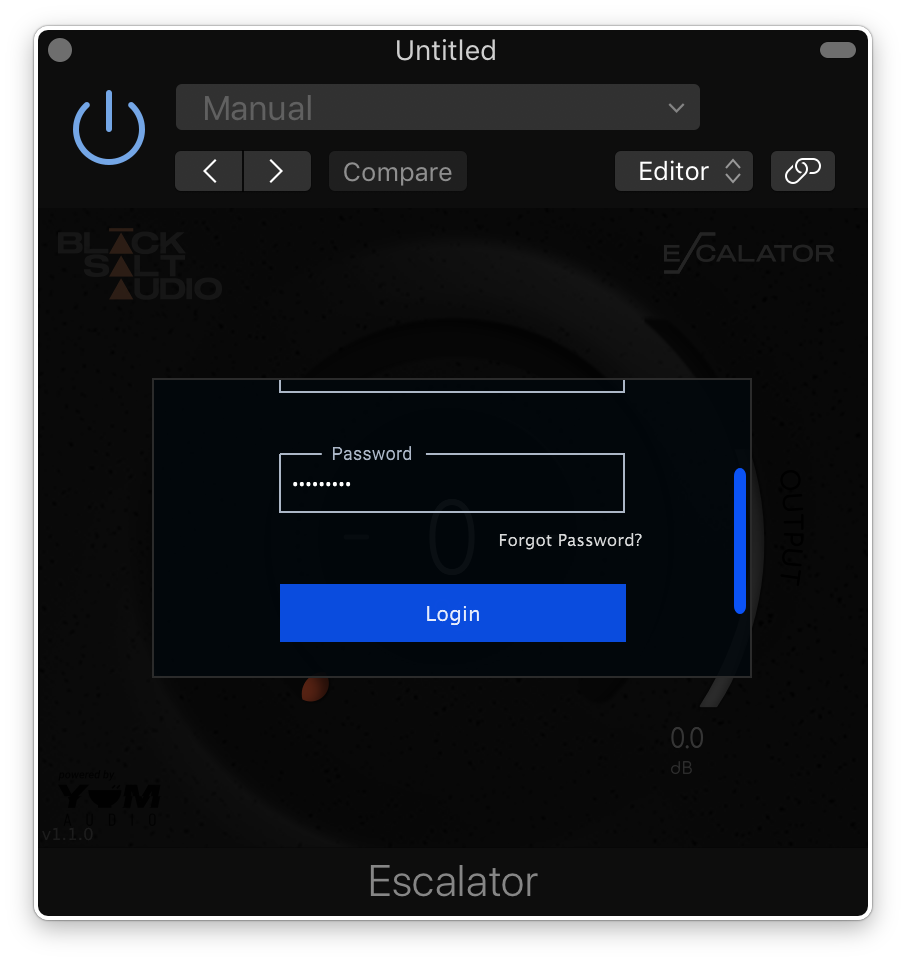
9. Launch your DAW and insert Escalator on a new track > open the plugin > click 'Activate License' > enter your Black Salt account details > click 'Login'.
Escalator is now installed and ready to use.
Windows Installation
1. Locate the downloaded installer and launch the .exe file.
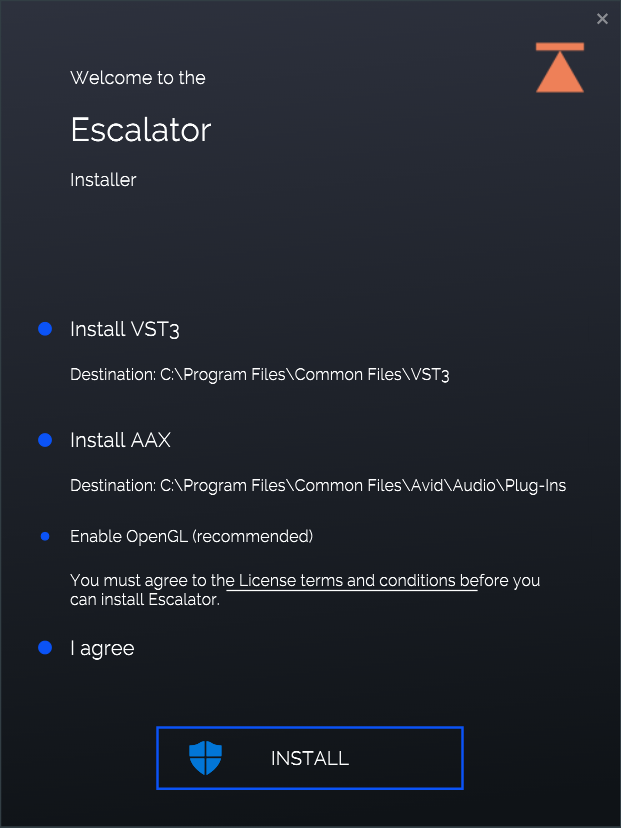
2. Select which versions you wish to be installed > click 'INSTALL'.
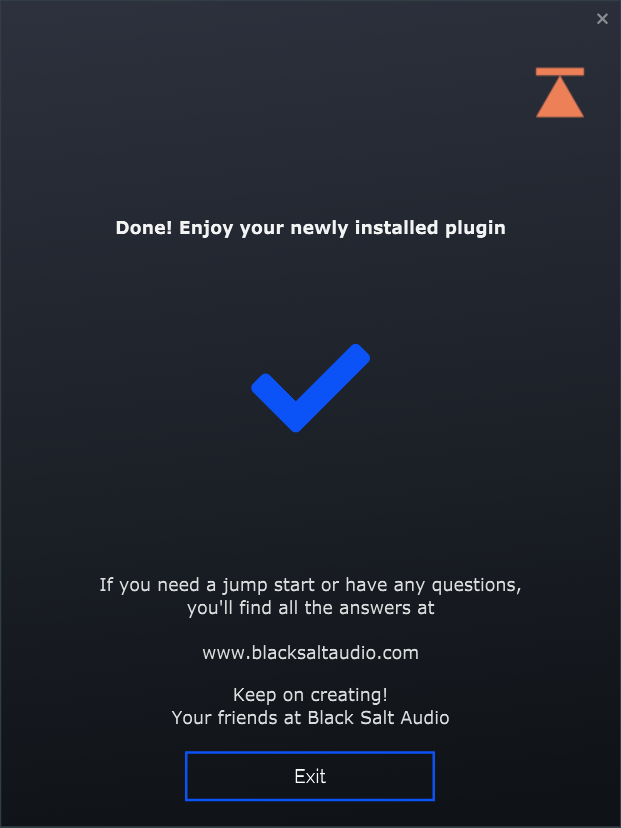
3. Click 'Exit'.
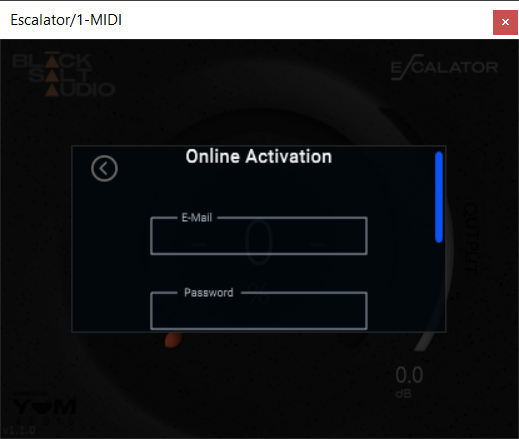
4. Launch your DAW and insert Escalator on a new track > open the plugin > click 'Activate License' > enter your Black Salt account details > click 'Login'.
Escalator is now installed and ready to use.