


 Log In

Free gifts available with your purchase
Monophonic Voice Manipulator
Vocal Formant and Pitch Shifting. Hard Tune FX. Robot/Vocoder Mode. Tube Drive.
Little AlterBoy is Soundtoys’ exciting new tool for dramatic voice alteration. Get a huge range of vocal transformations from one simple plugin. Change the pitch of a voice, or change the singer’s gender with formant shifting. Lock onto a single pitch for robotic sounds. You can even control the vocal’s melody using MIDI for creative vocoder-like effects.
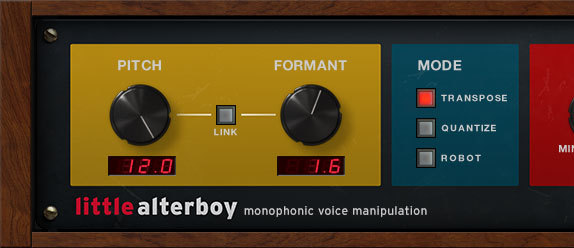
Get Altered!
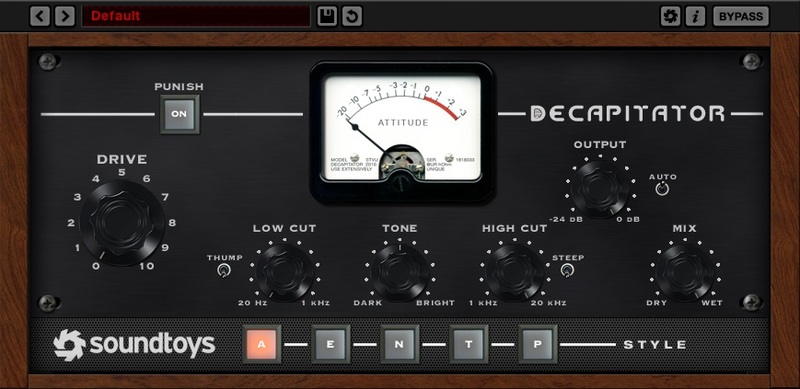
Want that overly popular pitch-quantized hard-tune effect? Yep, Little AlterBoy has you covered. Plus, Soundtoys included one of their classic tube saturation models from Decapitator to add warmth and edge to your new vocal creation.
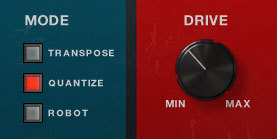
Control Your Creation
Once you’ve crafted your perfect vocal effect signature, you can use MIDI in your DAW to control the pitch for dramatic vocoder or harmony effects. It’s a hugely powerful way to find new directions and drive new ideas.
History in the Re-Making
Soundtoys' roots are in pitch-shifting. Soundtoys founders were part of the team that created the Eventide H3000, one of the most iconic pitch shifters of all time. They went on to start a company called Wave Mechanics (soon to be called Soundtoys), which created the first real-time pitch and formant shifter: PurePitch TDM. Back in the ProTools TDM years, SoundToys also produced other high-quality pitch-based effects including the acclaimed PitchDoctor and SoundBlender.
With Little AlterBoy, Soundtoys distilled all of that knowledge to create a potent little vocal tool. Soundtoys wanted to give you a wide range of the most popular vocal effects of the day, and give you the freedom to create your own signature sounds, too.
Features
- Transform vocals with a set of easy-to-use tools in one simple plug-in
- Shift the pitch and formant (gender) of vocals in real-time
- Use the mix control to create instant vocal harmonies
- Lock vocals to a pitch for robot effects
- Create vocoder-like effects using MIDI control
- Get that “hard tune” effect heard in countless hip-hop and pop hits
System Requirements
Mac
- macOS 10.12 and later (Intel / Apple Silicon supported) (64-bit only)
- VST2, VST3, AU, AAX Native, AAX AudioSuite
Windows
- Windows 7 and later (64-bit only)
- VST2, VST3, AAX Native, AAX AudioSuite
Supported Sample Rates:
- Minimum - 44.1 kHz
- Maximum - 192 kHz
Important Notes:
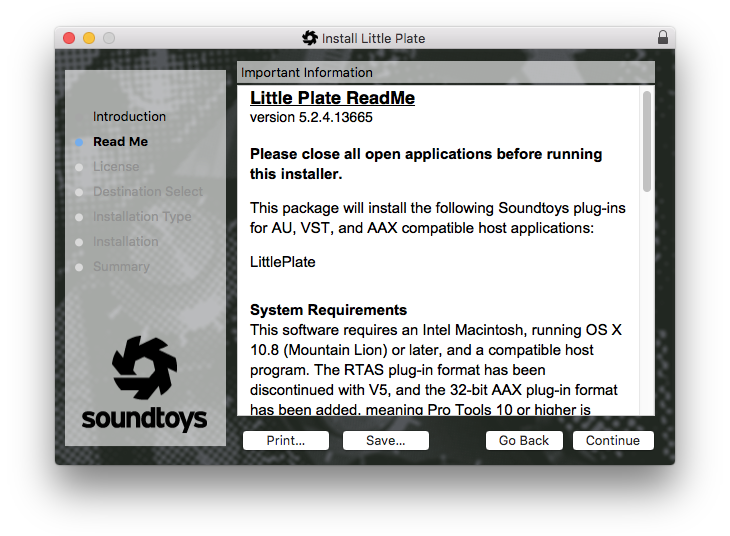
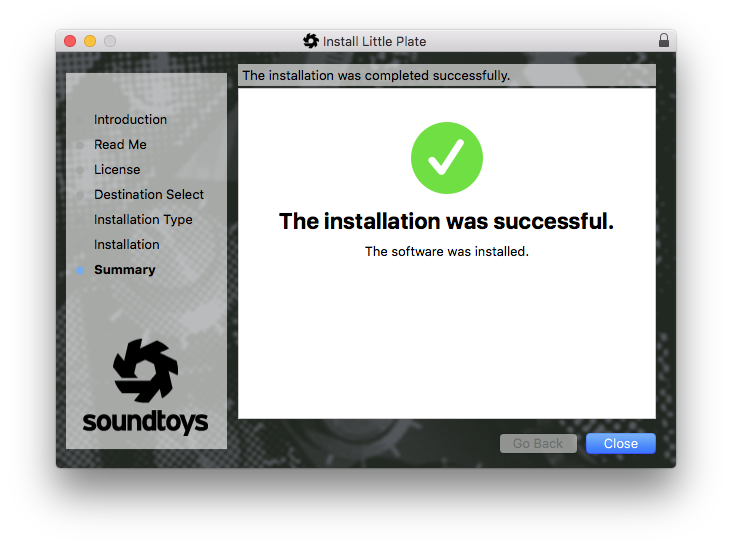
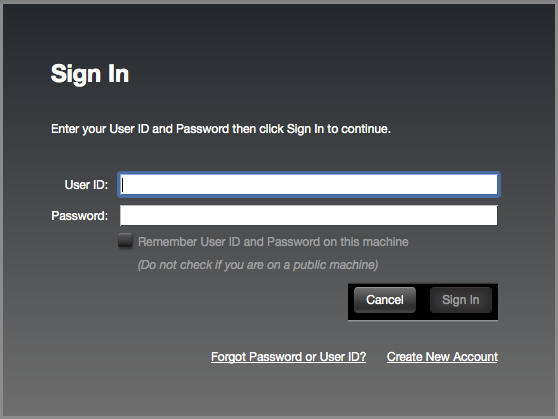
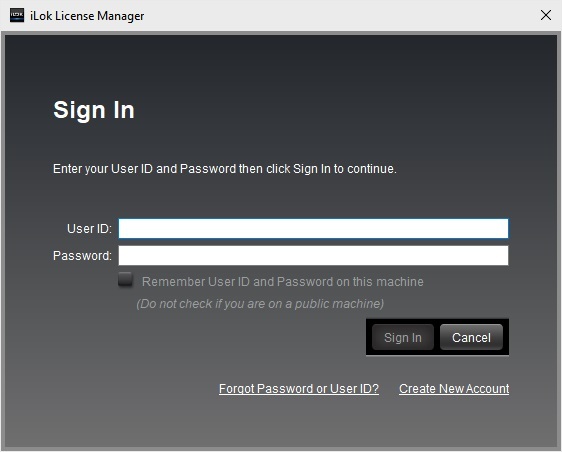
- A FREE account at ilok.com is required (a physical USB iLok is not required)
- This software is 64-bit only and is not compatible with 32-bit systems.
Officially Supported Host Applications:
All version 5 Soundtoys products come in 64-bit VST2, VST3, AU and AAX Native plugin formats.
Supported DAWs:
- Pro Tools: 12 or higher (Mac & PC: AAX Native and AudioSuite)
- Logic Pro X: 10.7 or higher (Mac: AudioUnits)
- Ableton Live: 10.0 or higher (Mac: AudioUnits, VST2 & VST3; Windows: VST2 & VST3)
- Studio One: 4.5 or higher (Mac: AudioUnits, VST2 & VST3; Windows: VST2 & VST3)
- Cubase: 9.5 or higher (Mac & PC: VST3)
- Nuendo: 8 or higher (Mac & PC: VST3)
- Reaper: 6 or higher (Mac: AudioUnits, VST2 & VST3; Windows: VST2 & VST3)
- Bitwig: 4 or higher (Mac & PC: VST2 & VST3)







Reviews Summary
While it aims to provide a helpful overview, it may not capture every perspective or detail. We encourage you to read individual reviews to make an informed decision.
Little AlterBoy is widely acclaimed as an essential, intuitive plugin for creative vocal processing, celebrated for its distinctive pitch and formant shifting, character-rich drive knob, and rapid workflow across genres like hip-hop, lo-fi, and voiceover work. While celebrated for its iconic sound and versatility, a few users noted drawbacks including latency issues, messy artifacts, stereo quirks, and a somewhat limited feature set relative to its price.


