


 Log In

Free gifts available with your purchase
ARTICULATOR - Digital Talkbox
Recreate the sound of classic talkbox effects.
Articulator is a modern digital version of the classic talk box, made famous on recordings by artists like Peter Frampton, Zapp, and Bon Jovi. Perfect for talking guitars, singing synths, and a wide range of special effects.
If you’ve ever seen a guitarist with a plastic tube in their mouth and a guitar that sounds like it’s talking, then you have a basic idea of what a talk box is. A physical talk box works by applying a filter (the human mouth) to an audio signal (usually a guitar or synth).
Articulator models this process by extracting the formant and amplitude information from a vocal track and applying it to another audio track or to its built-in noise generator in real time.
Articulator also features a built-in EQ, a formant modulation section, which lets you sculpt your vocal sound using our throat modeling technology, and an amplitude modulation control, which lets you dial in exactly how much of the effect you want on your track.
System Requirements
Mac
AAX Native (64-bit only):
- Pro Tools 2018.1 or later.
- macOS 11 or later as required by your version of Pro Tools.
VST3 (64-bit only):
- A compatible VST host program that supports the VST3 format.
- macOS 11 or later as required by your host.
Audio Units (64-bit only):
- A compatible DAW that supports the AU format.
- macOS 11 or later as required by your host.
Windows
AAX Native (64-bit only):
- Pro Tools 2018.1 or later.
- Windows 10
VST3 (64-bit only):
- A compatible DAW that supports the VST3 format.
- Windows 10
Important Note
- No iLok dongle is required to run this software - only a FREE iLok account/Manager is required for authorisation.
Note: Before starting the installation, you are required to create a FREE iLok user ID and install the iLok License Manager.
Please take a look at this Help Centre Guide for more information.
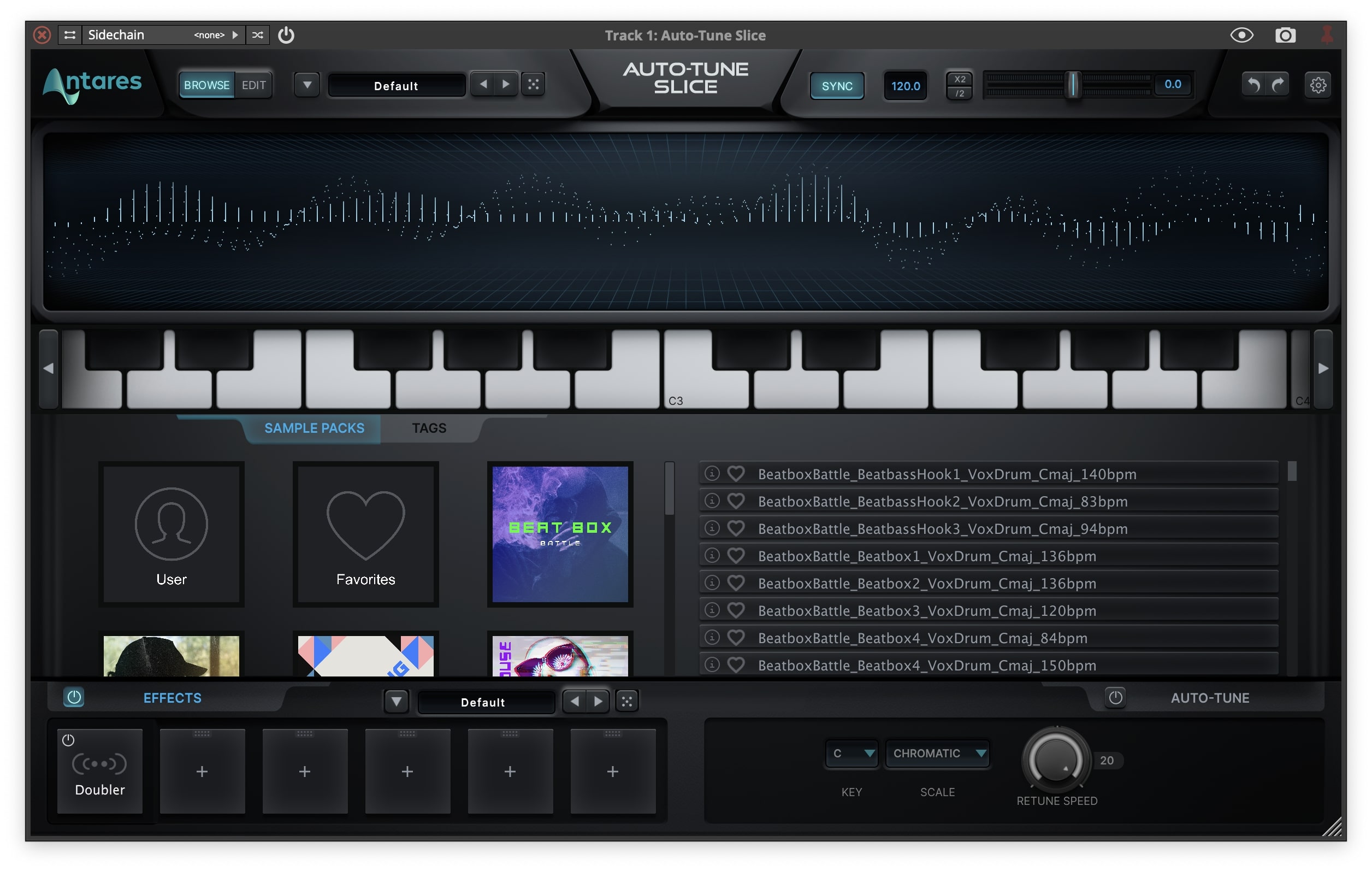
Note: Auto-Tune Slice is used as an example.
Mac
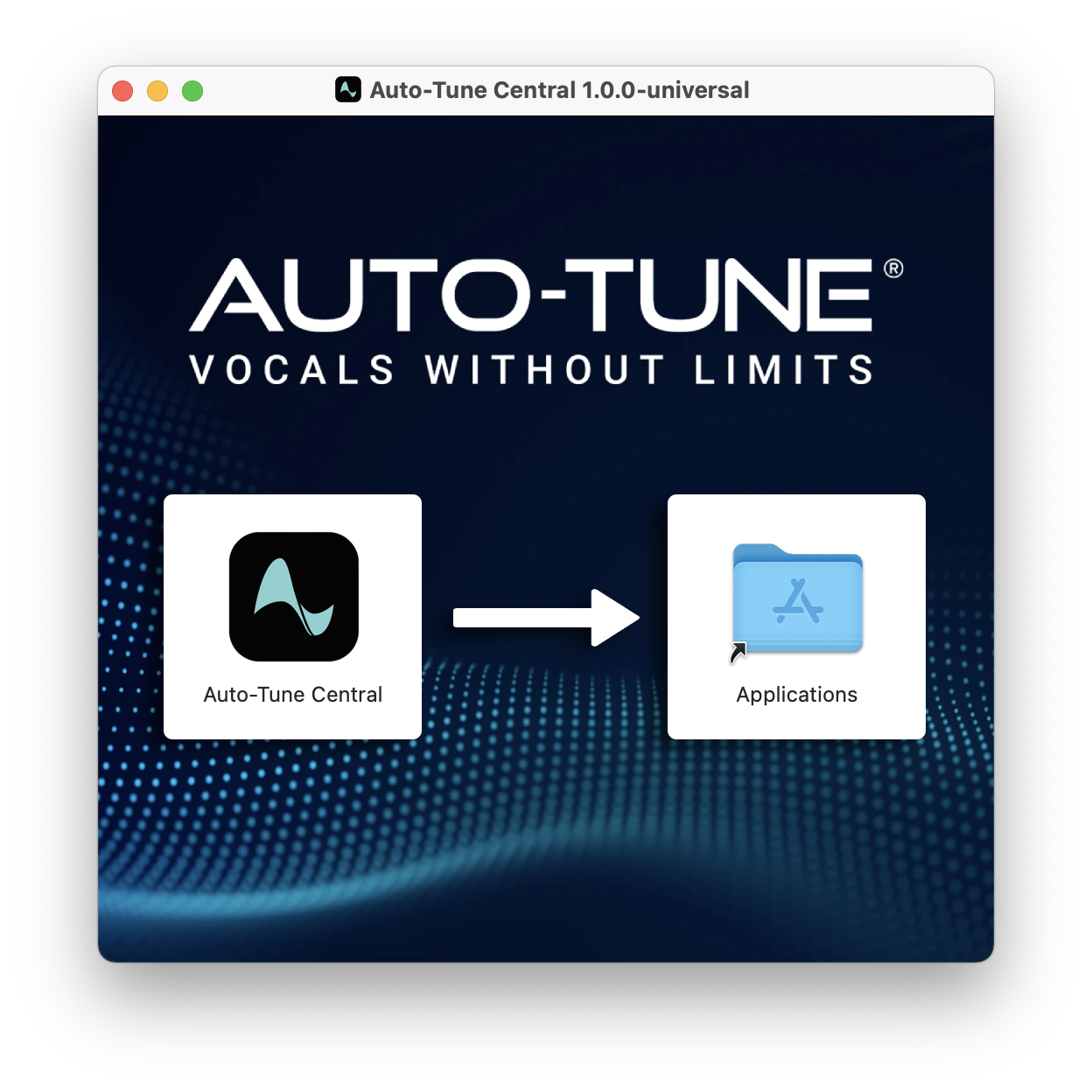
1. Download the .zip file from within your Plugin Boutique account and double-click it to extract the contents > Double-click the .dmg file to launch the installer > Drag Auto-Tune Central into your Applications folder > Auto-Tune Central will now automatically install.
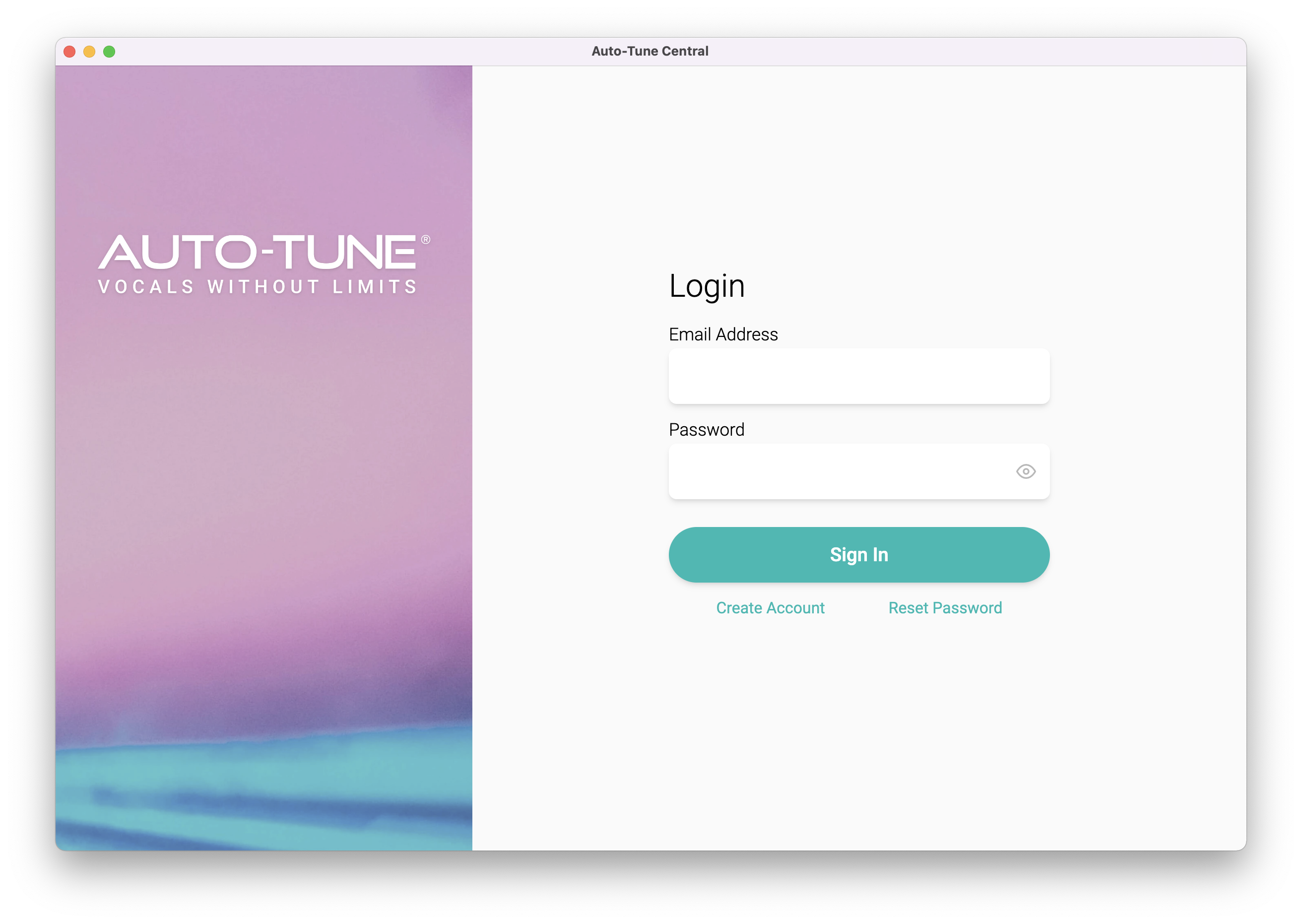
2. Launch Auto-Tune Central > Either create a new account by clicking 'Create Account' or if you already have an account, enter your Antares registered Email Address and Password > Click 'Sign In'.
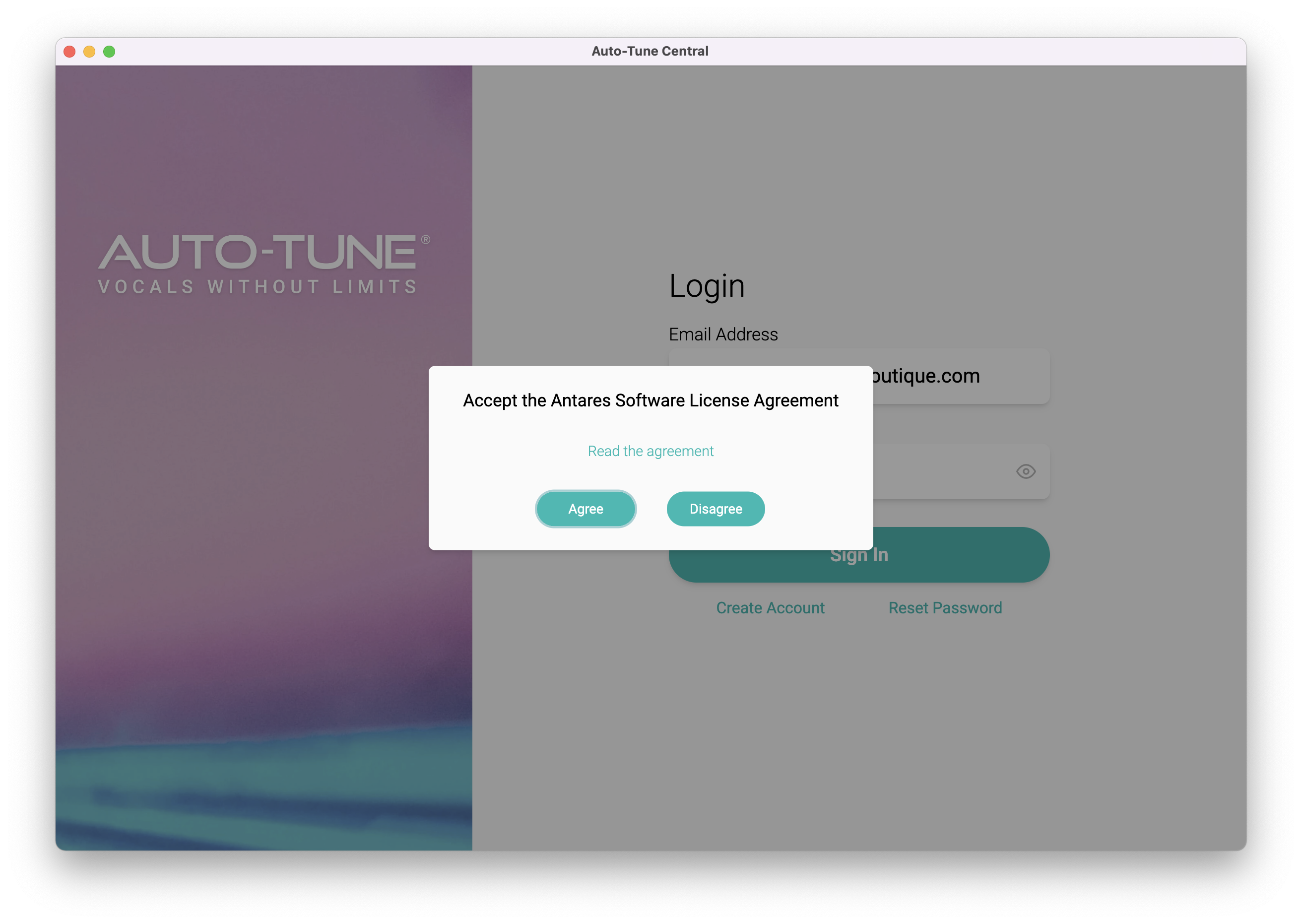
3. Click 'Agree'.
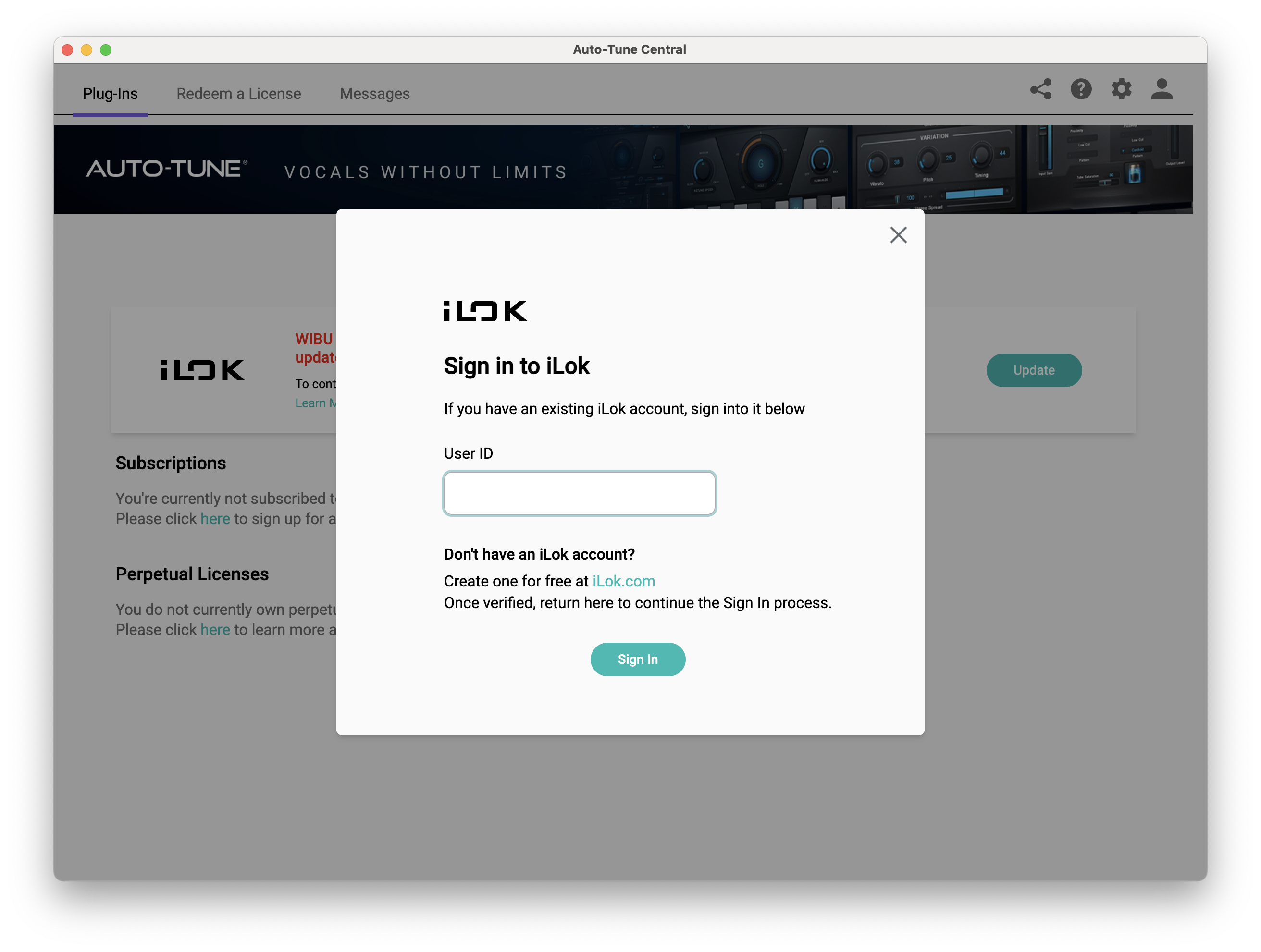
4. Enter your iLok User ID and click 'Sign In'.
5. Click 'Continue to iLok'.
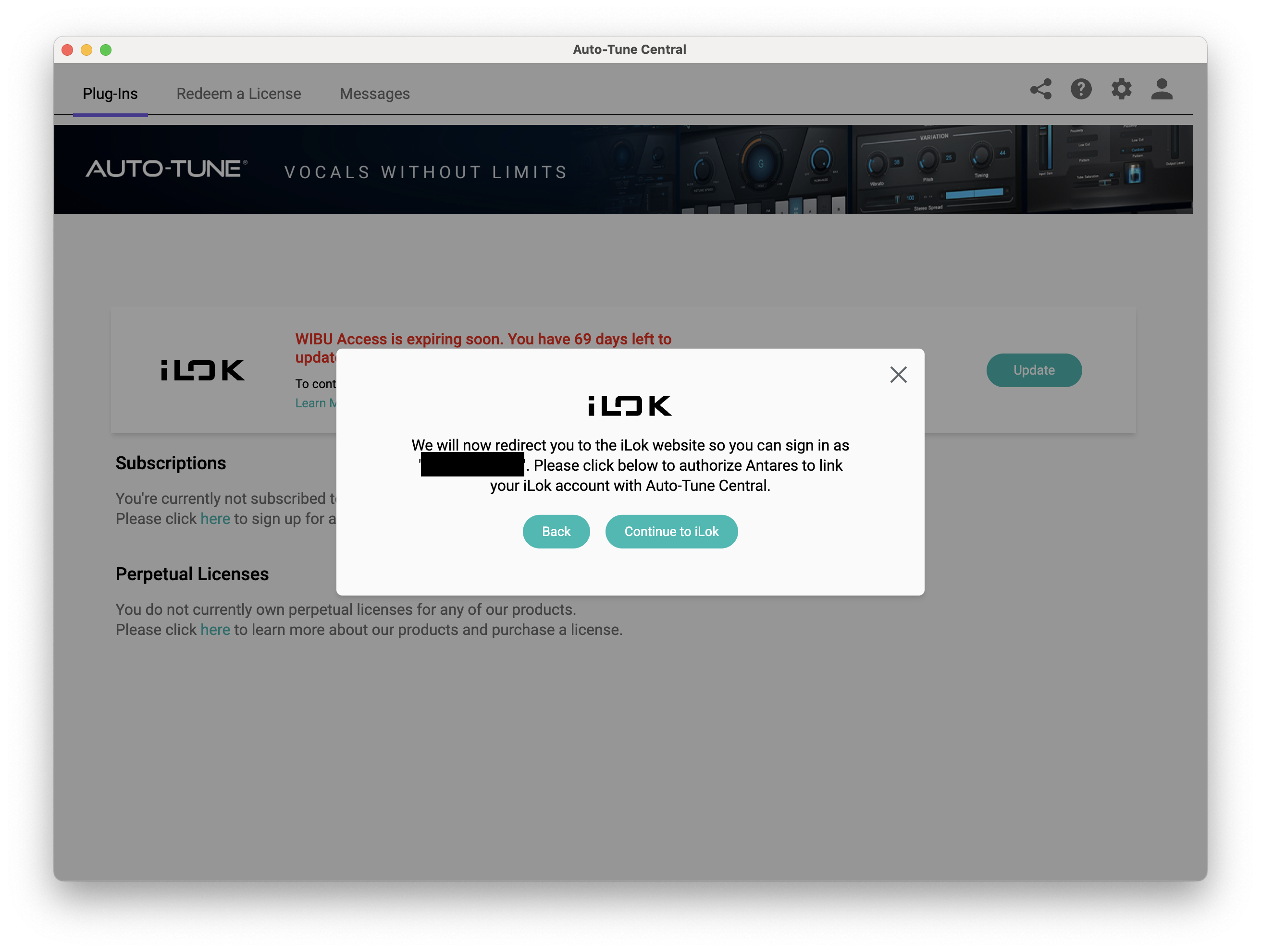
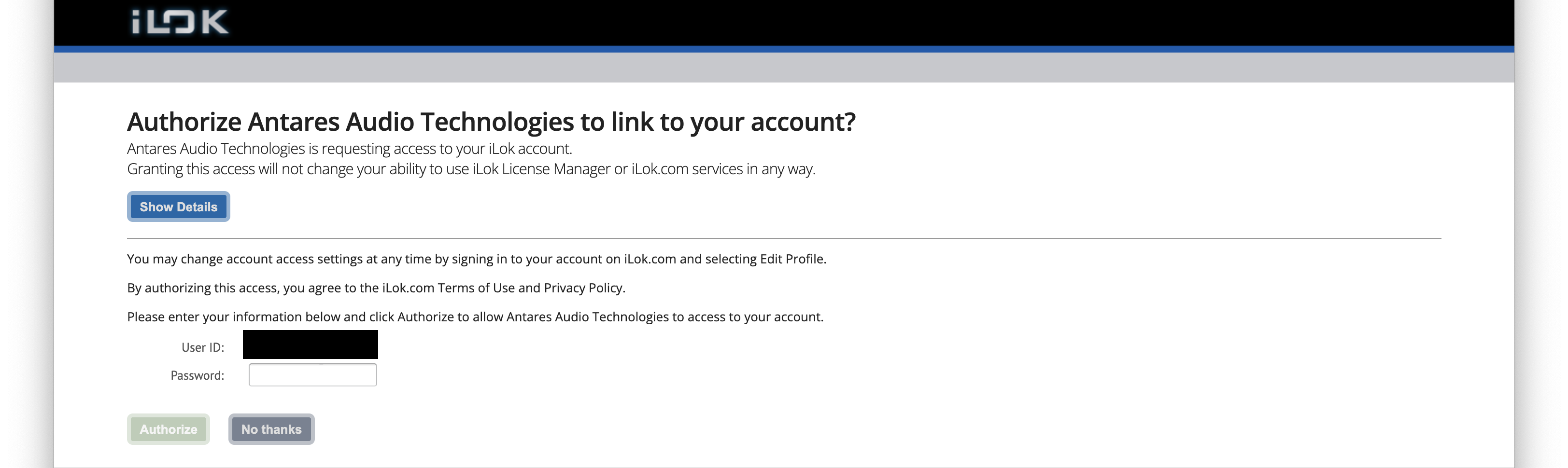
6. Enter your iLok User ID and Password then click 'Authorize'.
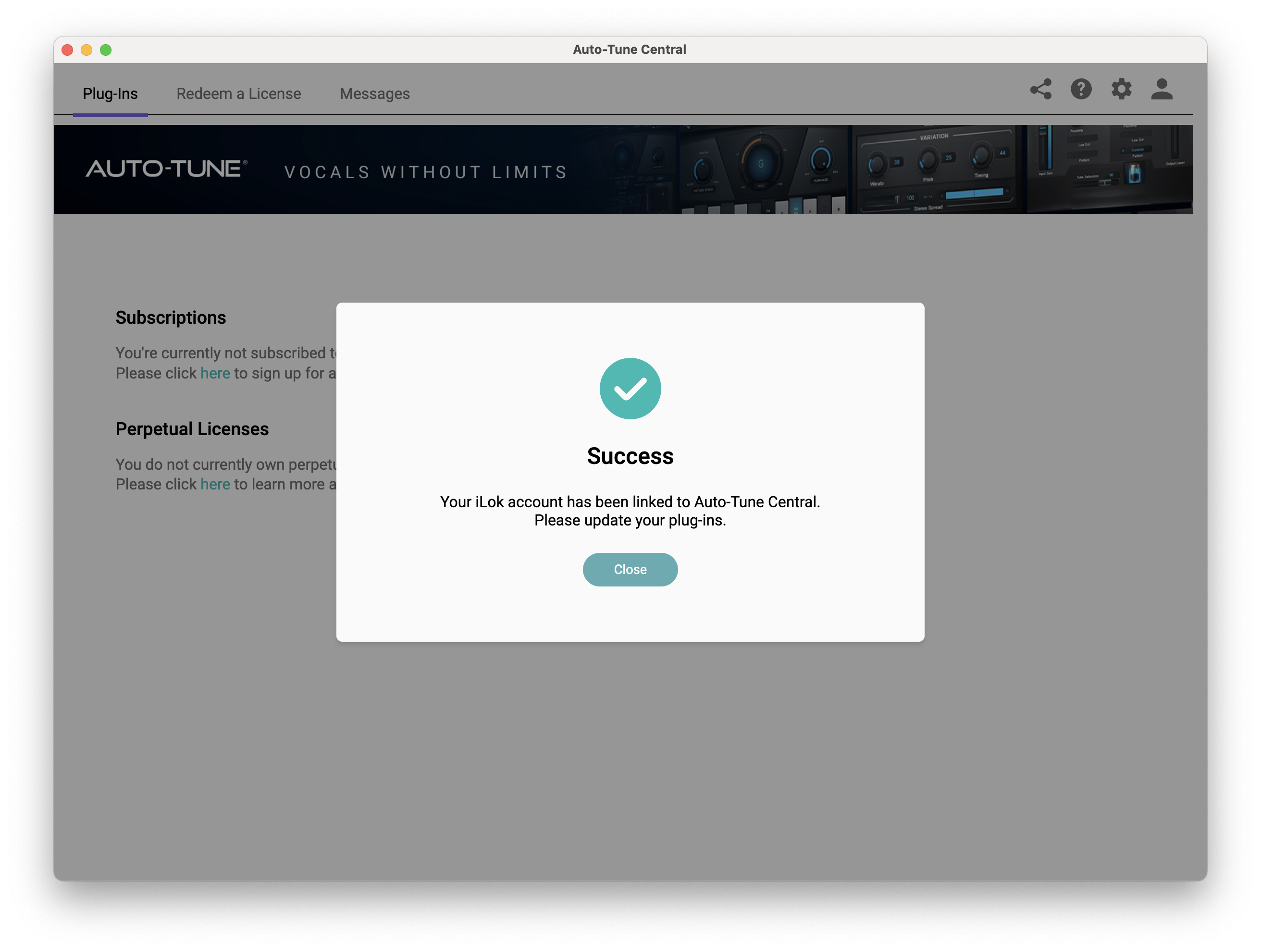
7. Your iLok account is now linked > Click 'Close'.
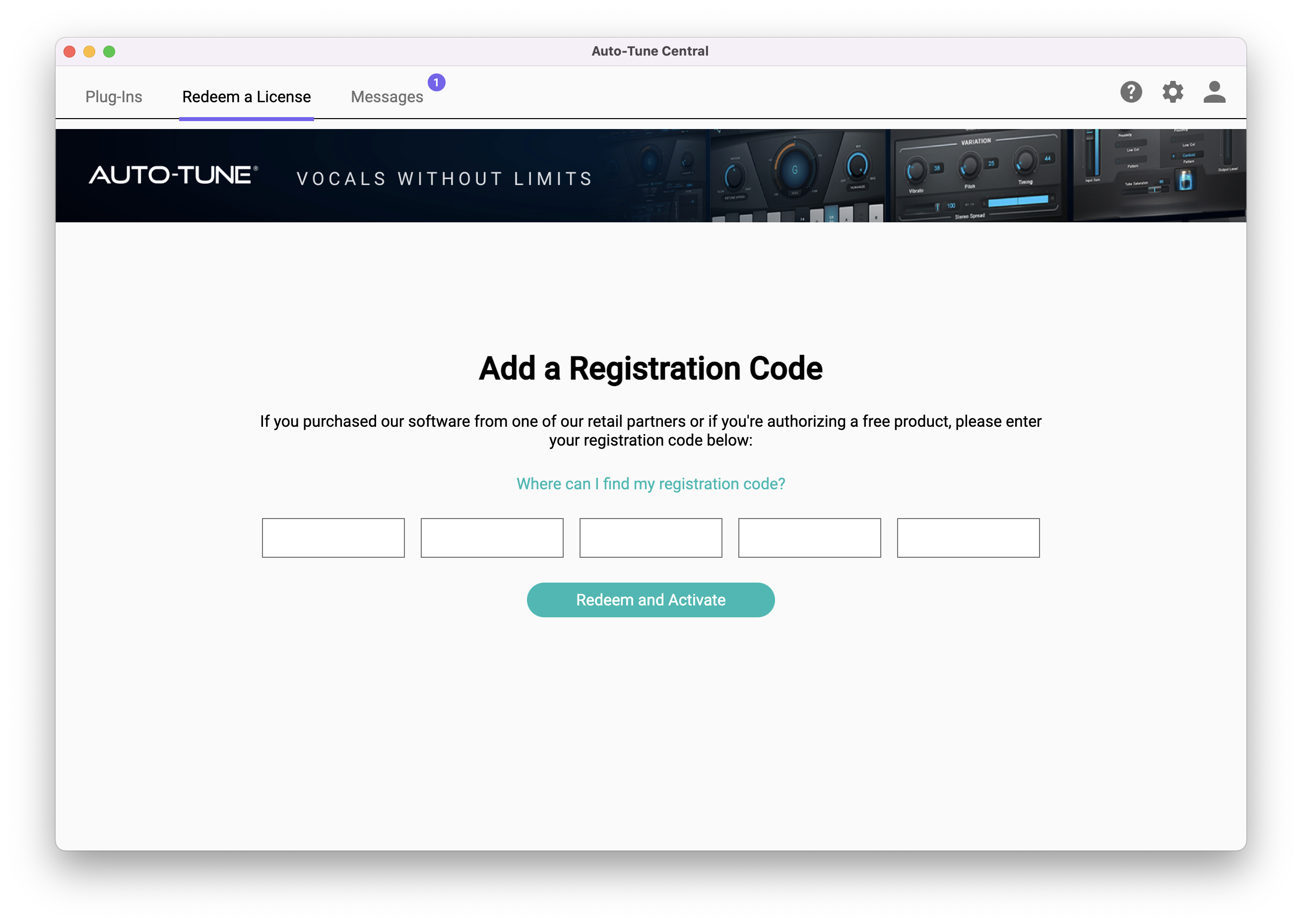
8. Click on the 'Redeem a License' tab > Enter the 25-digit Registration Code, found in the serial number section of your Plugin Boutique account > Click 'Redeem and Activate'.
9. Navigate back to the 'Plug-Ins' tab > Click 'Install' to install your plugin.
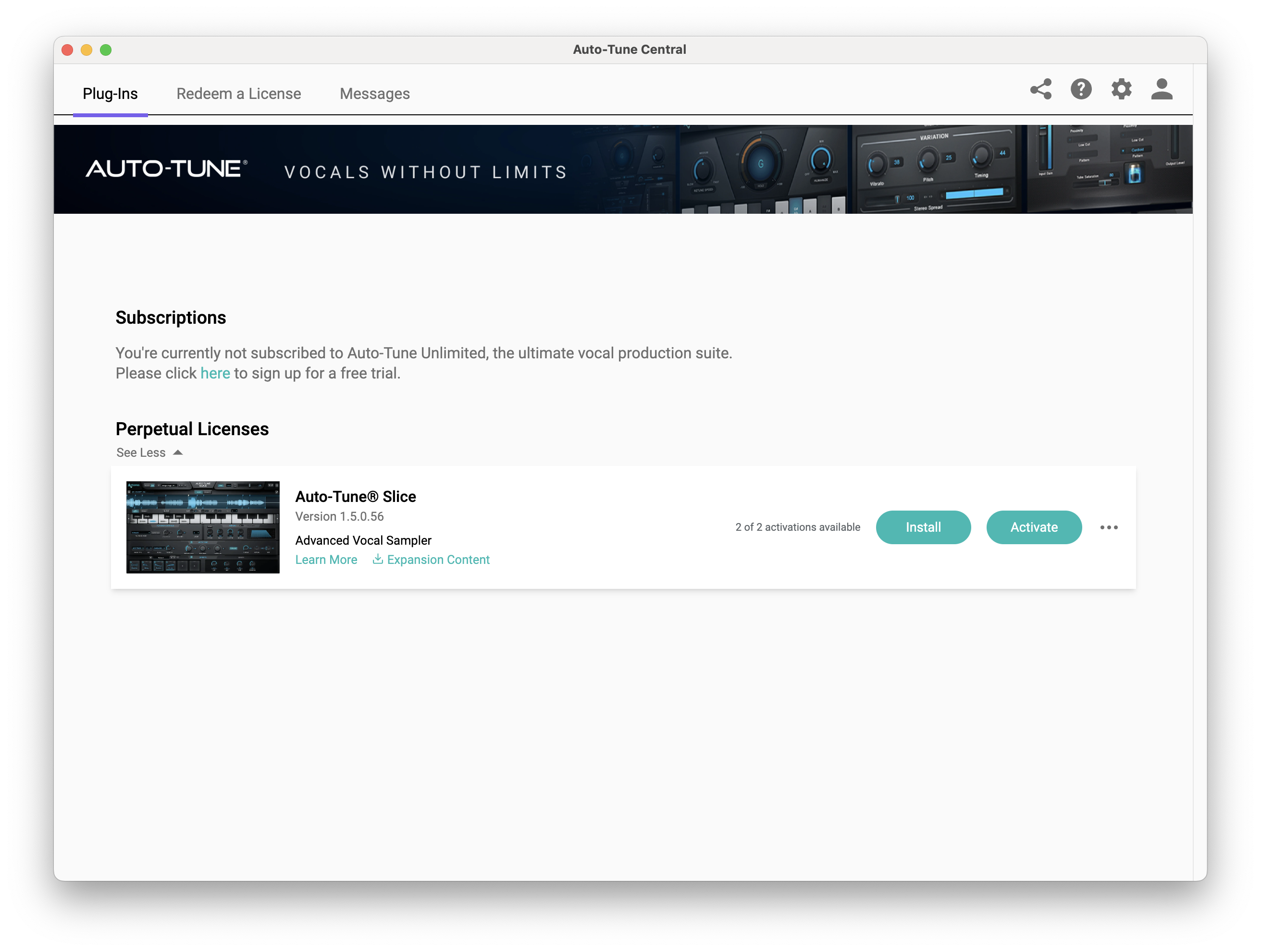
10. Click 'Activate'.
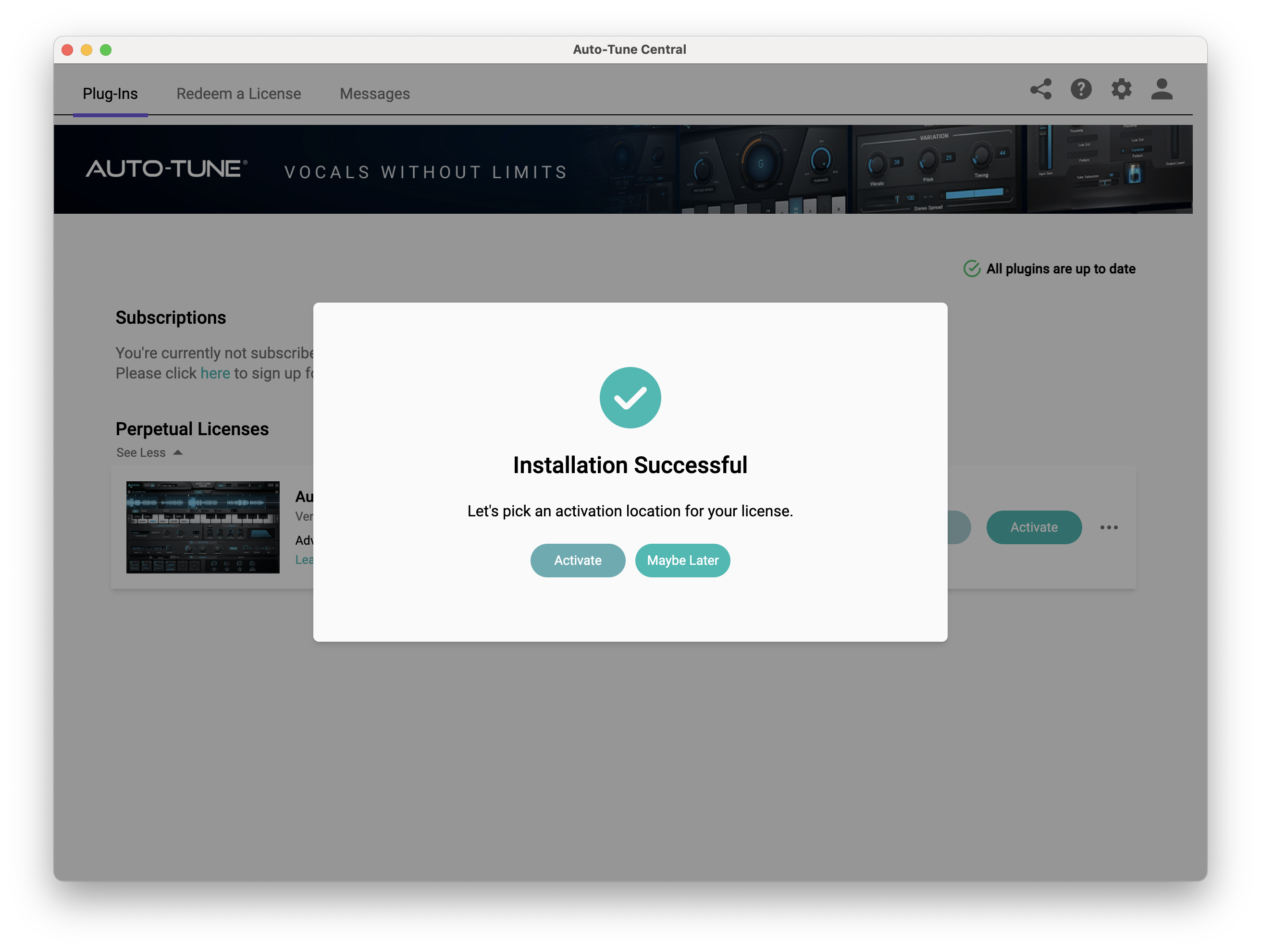
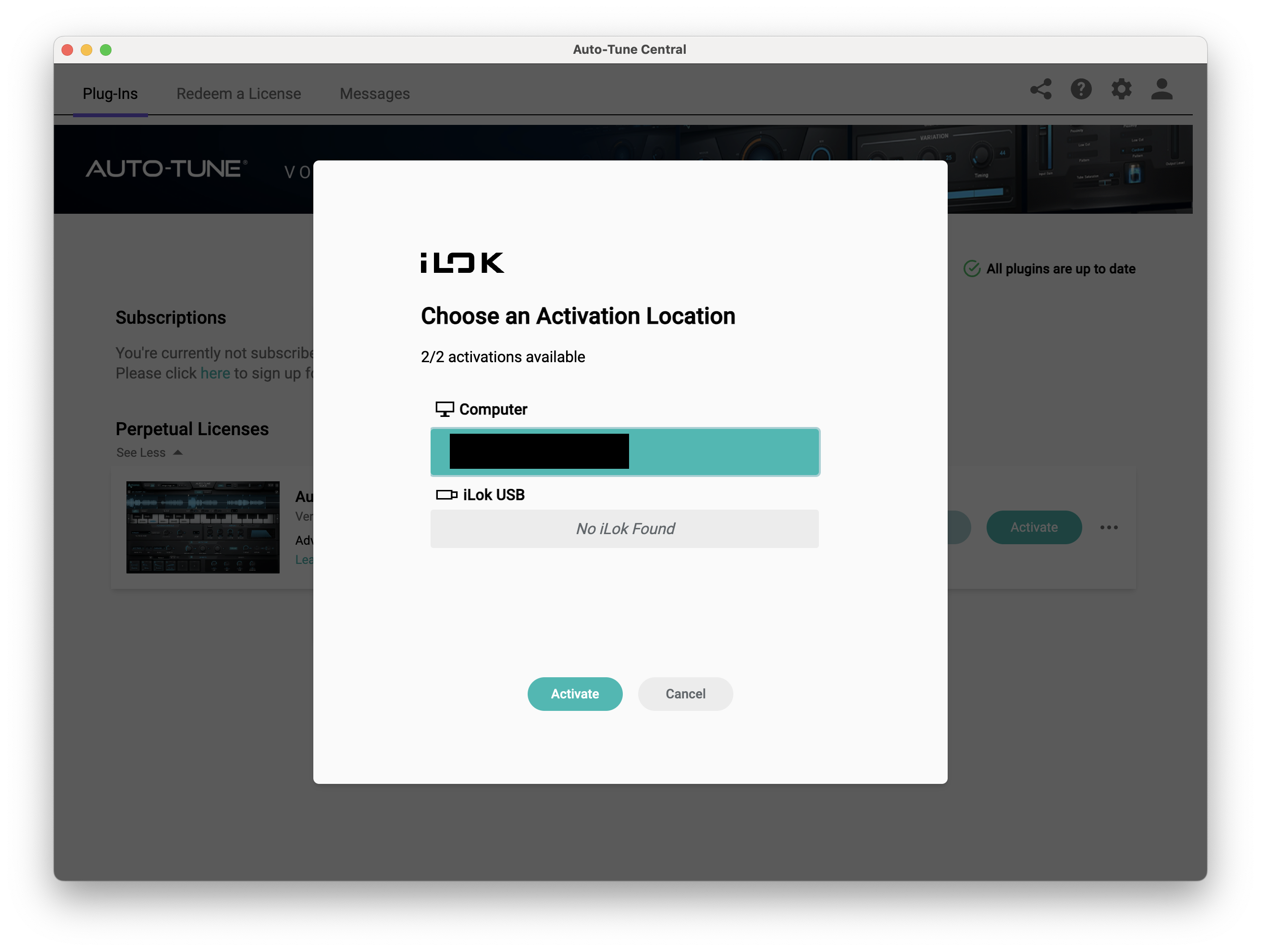
11. Select whether you want to activate the license to your Computer or iLok USB > Click 'Activate'.
12. Click 'Close'.
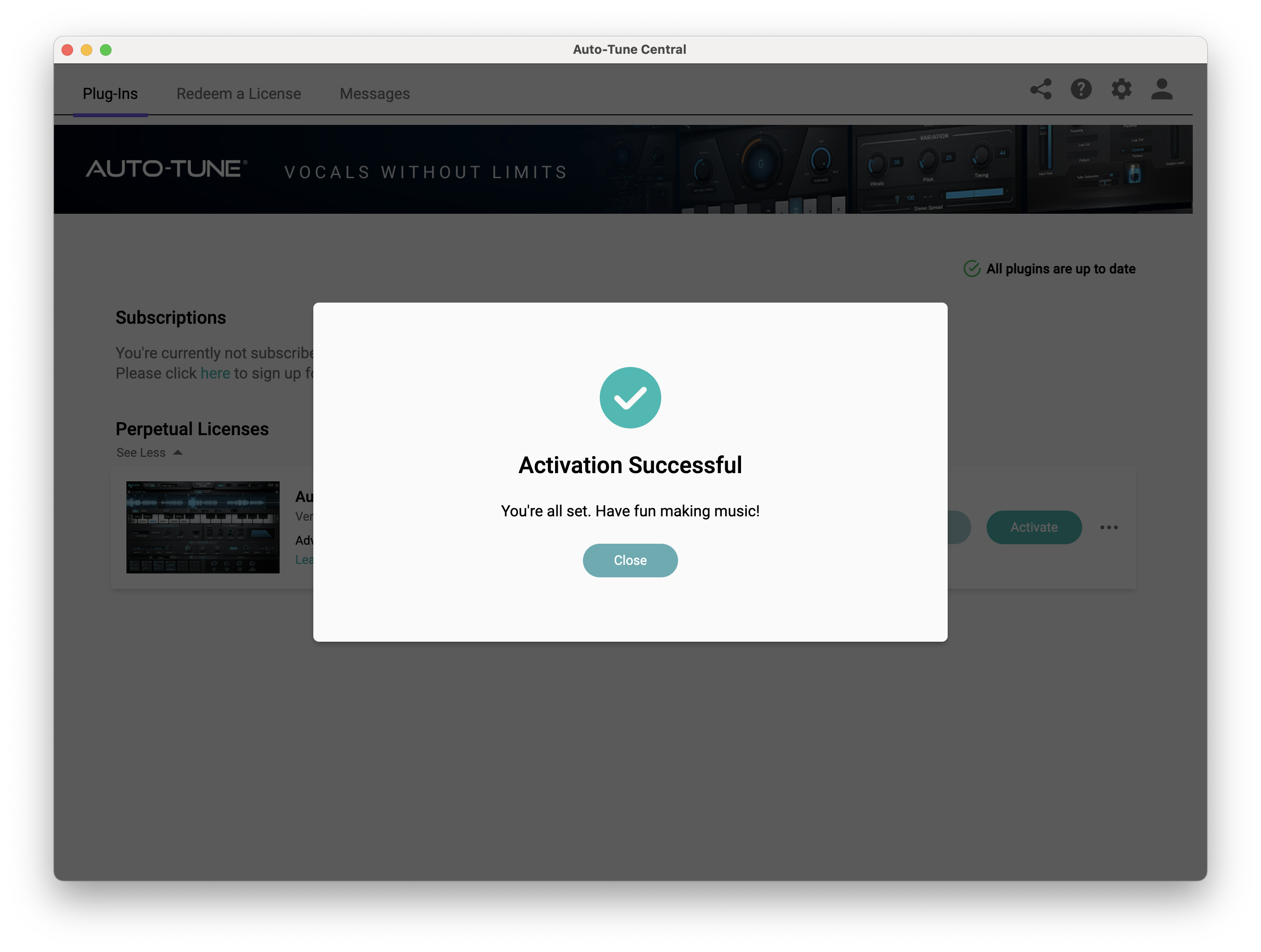
Your software is now activated and ready to use within your DAW.
PC
Windows
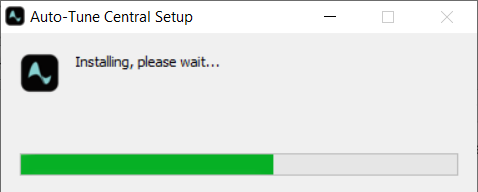
1. Download the .zip file from within your Plugin Boutique account and double-click it to extract the contents > Open the .exe file > Auto-Tune Central will now automatically install.
2. Launch Auto-Tune Central > Either create a new account by clicking 'Create Account' or if you already have an account, enter your Antares registered Email Address and Password > Click 'Sign In'.
3. Click 'Agree'.
4. Enter your iLok User ID and click 'Sign In'.
5. Click 'Continue to iLok'.
6. Enter your iLok User ID and Password then click 'Authorize'.
7. Your iLok account is now linked > Click 'Close'.
8. Click on the 'Redeem a License' tab > Enter the 25-digit Registration Code, found in the serial number section of your Plugin Boutique account > Click 'Redeem and Activate'.
9. Navigate back to the 'Plug-Ins' tab > Click 'Install' to install your plugin.
10. Click 'Activate'.
11. Select whether you want to activate the license to your Computer or iLok USB > Click 'Activate'.
12. Click 'Close'.
Your software is now activated and ready to use within your DAW.


