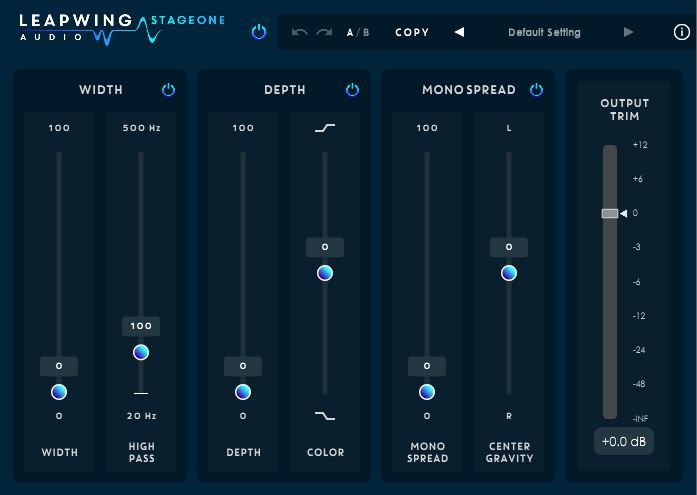
Buy UltraVox 2, get a free gift with purchase:
A Complete Vocal Chain in One Plugin
Building on the success of the original UltraVox, version 2 represents a significant step forward in vocal processing. UltraVox 2 offers a streamlined, low-latency workflow ideal for recording, production, and mixing, combining precision and musicality in every step of the signal chain.
UltraVox 2 includes Compression, Gate, De-Esser, Harmonics, Air, and Reverb — each optimized to complement and enhance the human voice while preserving its natural character. From taming peaks to adding clarity and warmth, UltraVox 2 gives artists and engineers a setand-forget solution that inspires creativity without getting in the way of the music.
What's new in version 2?
- Brand New Reverb Engine – A custom impulse-response based design blending hall, plate, and chamber characteristics for a rich yet natural space.
- Unique New De-Esser – Newly developed frequency-time analyzer ensures smoothand precise control over sibilance without dulling the vocal tone.
- Fresh Interface – Complete UI overhaul, making it even more intuitive and visually appealing
Features
- 6 highly optimized algorithms for fast, high-quality vocal shaping: Compression, Gate, De-esser, Harmonics, Air EQ, and Reverb.
- Ultra-low latency, making it perfect for both recording and mixing.
- Sample rates up to 384 kHz (DXD).
- 64-bit support for VST3, AAX, and AU on macOS (10.13+) and Windows 8/10.
- All algorithms built to deliver pristine sound quality and a natural musical feel
Mac
- macOS 10.13 or higher (64-bit only)
- VST3, AU, AAX
Windows
- Windows 8 and 10 (64-bit only)
- VST3, AAX
Mac
Registration
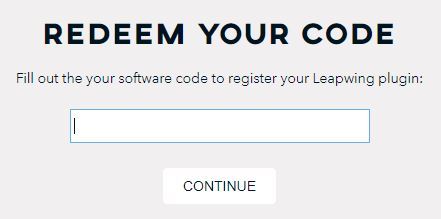
Go to https://www.leapwingaudio.com/redeem/ > Enter your redeem code found in the 'Serial Number' section of your Plugin Boutique User Account and click 'Continue'.

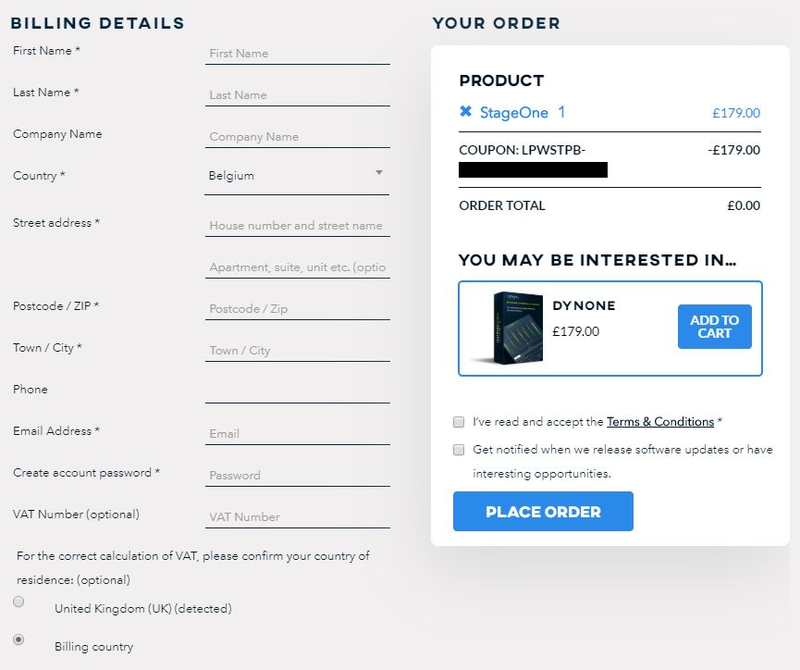
2. To create your Leapwing Audio account, fill out all fields with an asterisk (*) next to them > Check that the order total is £0.00 then click 'Place Order'.
Installation
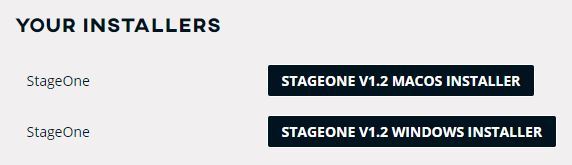
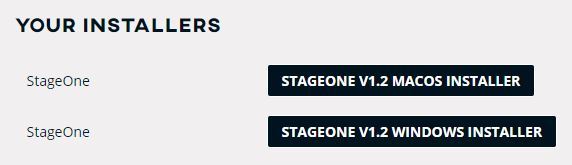
1. In your Leapwing Audio account click the 'STAGEONE V1.2 MACOS INSTALLER' button to download your installer.

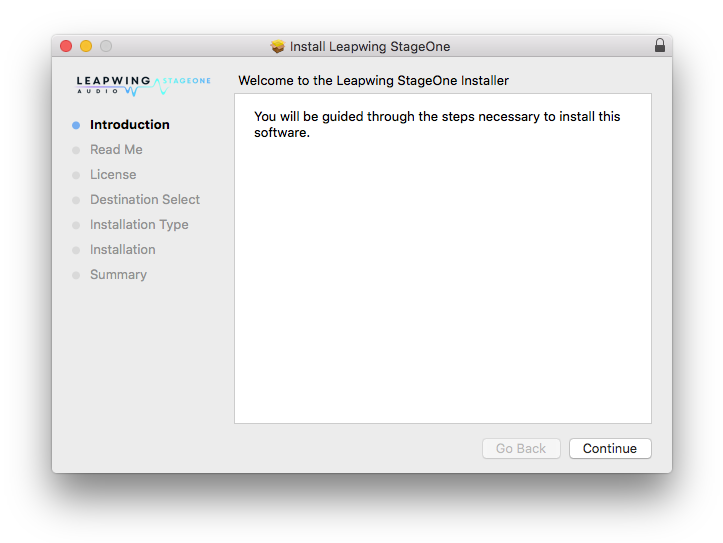
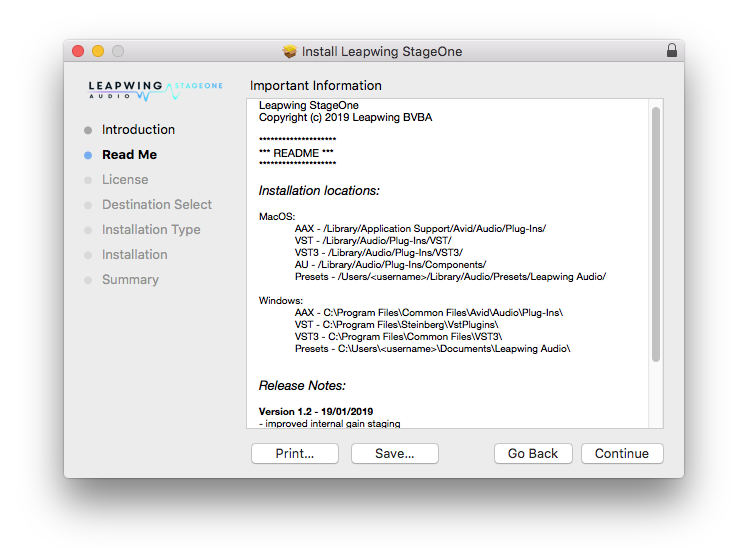
2. Double-click the .zip file to extract the contents and open the .pkg file to begin installation > Click 'Continue'.

3. Click 'Continue'.

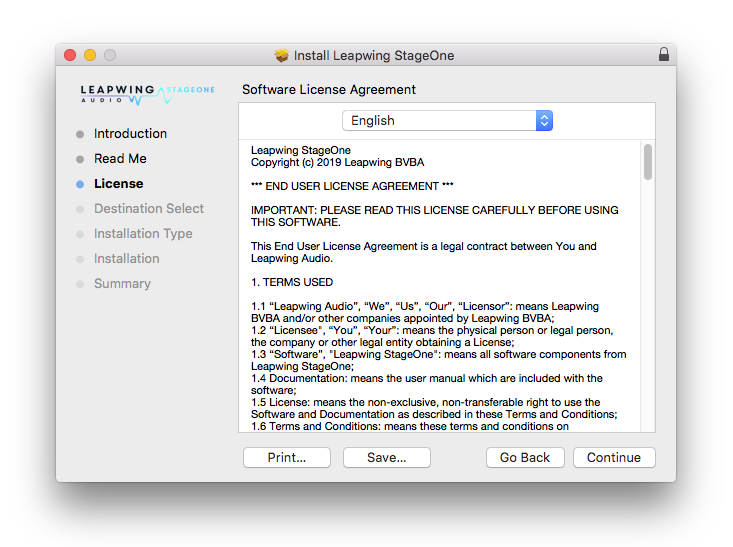
4. Click 'Continue'.

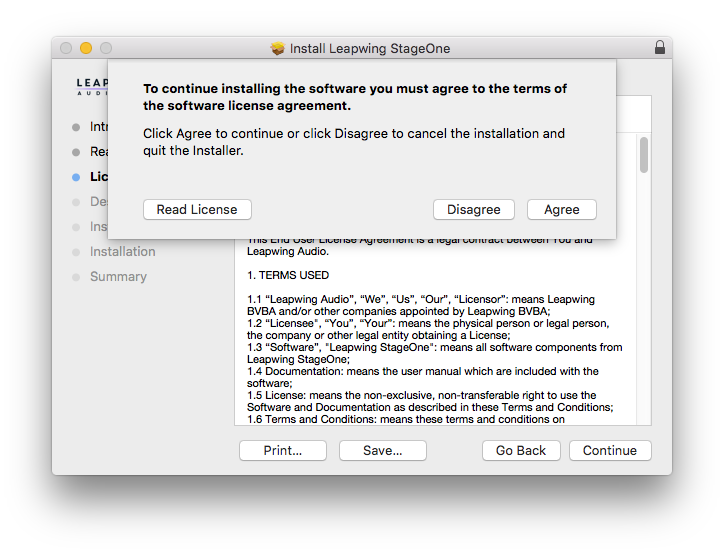
5. Click 'Agree'.

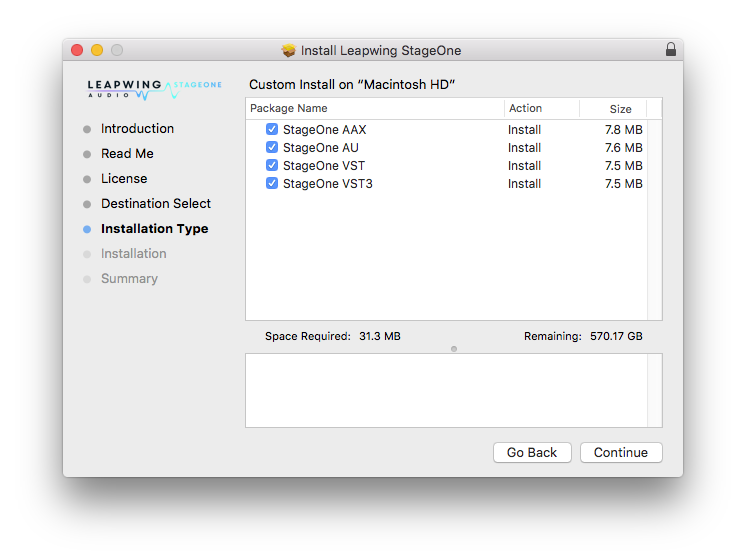
6. Click 'Continue'.

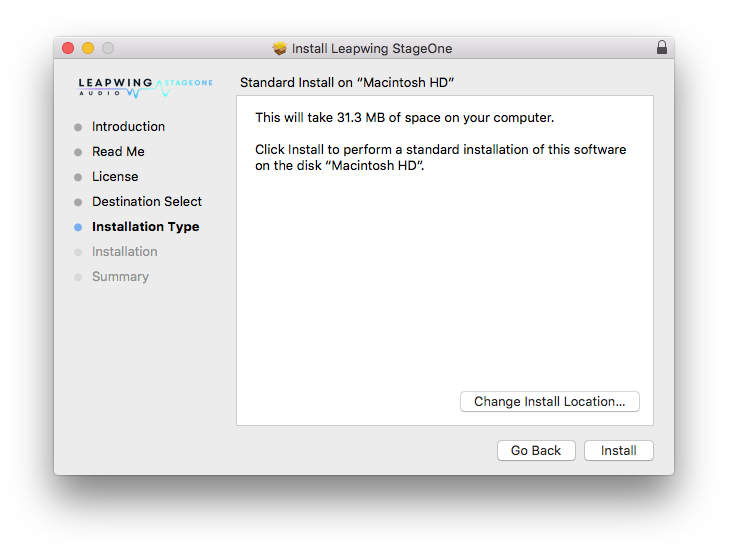
7. Click 'Install'.

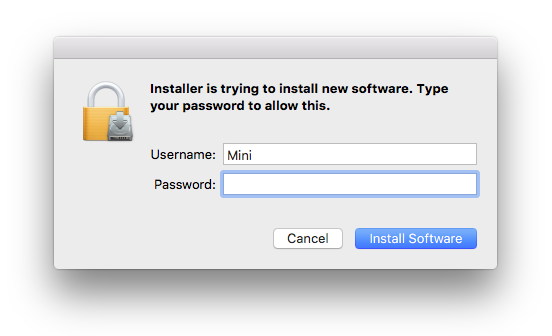
8. Enter your computer Username and Password > Click 'Install Software'.

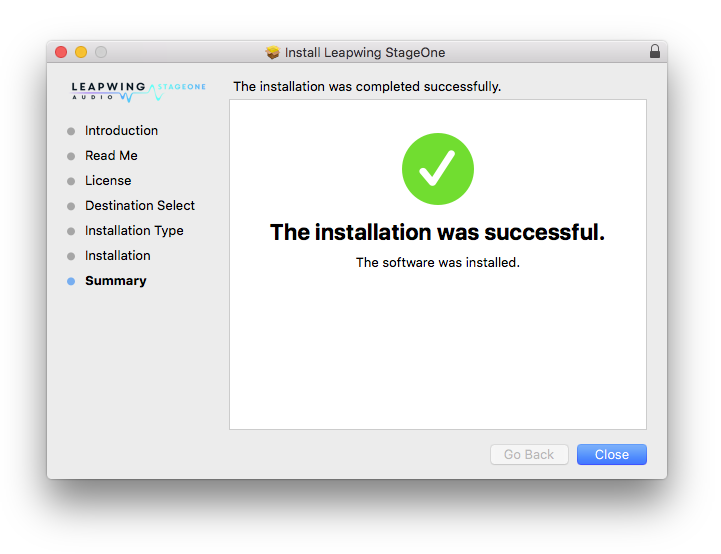
9. Click 'Close'.

Activation
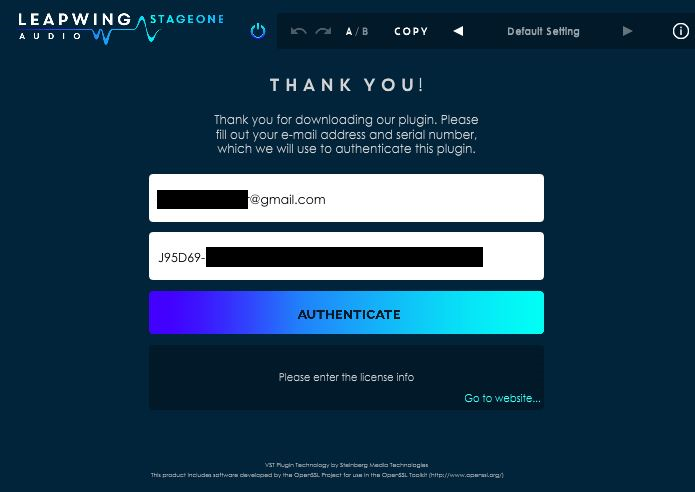
1. Open your recently installed product in your DAW and enter your Leapwing Audio-registered email address and Serial Number, found in your Leapwing Audio account > Click 'Authenticate'.
Note: After registration, you will also have received your serial number in the confirmation email from Leapwing Audio.
Your software is now activated and ready to use.

Windows
Registration
Go to https://www.leapwingaudio.com/redeem/ > Enter your redeem code found in the 'Serial Number' section of your Plugin Boutique User Account and click 'Continue'.

2. To create your Leapwing Audio account, fill out all fields with an asterisk (*) next to them > Check that the order total is £0.00 then click 'Place Order'.
Installation
1. In your Leapwing Audio account click the 'STAGEONE V1.2 WINDOWS INSTALLER' button to download your installer.
Note: After registration, you will also have received the installer download links in your confirmation email from Leapwing Audio.

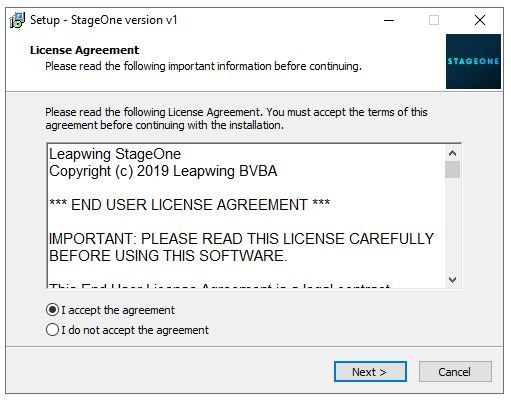
2. Double-click the .zip file to extract the contents and open the .exe file to begin installation > Select 'I Accept the Agreement' and click 'Next'.

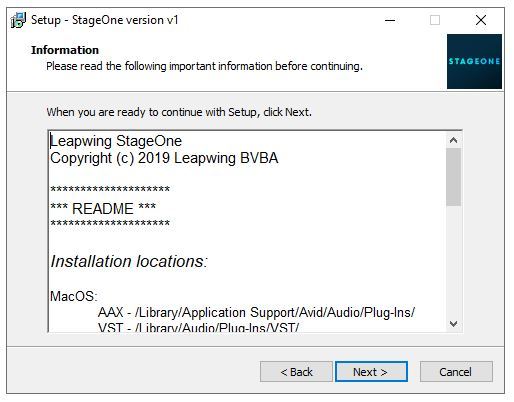
3. Click 'Next'.

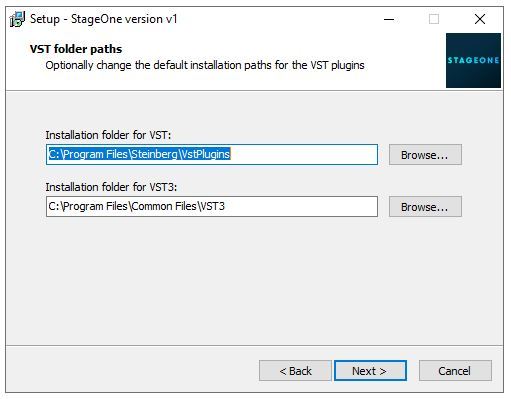
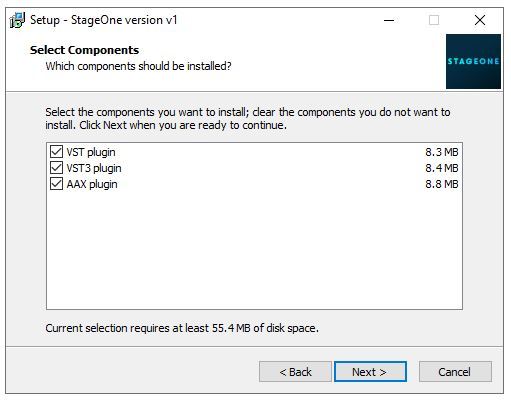
4. Click 'Next'.

5. Click 'Next'.

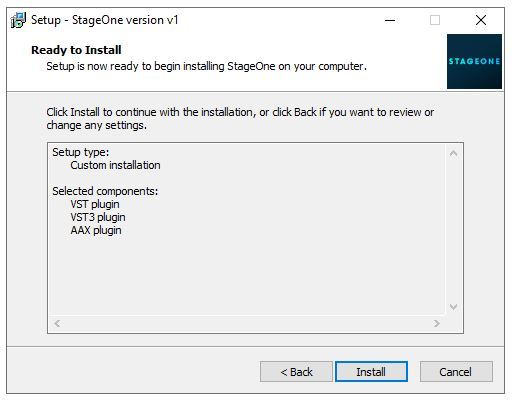
6. Click 'Install'.

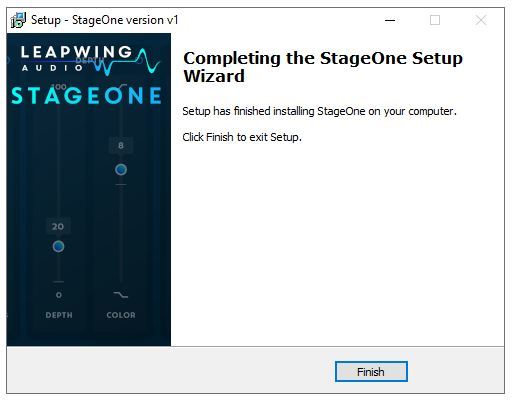
7. Click 'Finish'.

Activation
1. Open your recently installed product in your DAW and enter your Leapwing Audio-registered email address and Serial Number, found in your Leapwing Audio account > Click 'Authenticate'.
Note: After registration, you will also have received your serial number in the confirmation email from Leapwing Audio.

Your software is now activated and ready to use.