


 Log In

Free gifts available with your purchase
DUO - Automatic Vocal Doubler
The quickest, easiest way to create realistic vocal doubling.
Doubling is one of the best techniques for fattening up a lead vocal or giving it extra depth. And Duo is the easiest way to enhance vocals with a realistic doubled vocal part—automatically generated from your existing vocal.
In addition to programmable variation in pitch, timing and vibrato depth, Duo includes adjustable vocal timbre modeling, so you can create a doubled part that sounds like the same person as the lead vocalist—or like someone else entirely.
It also gives you independent control of the level and pan of the original and doubled voices, so you can craft the perfect stereo mix.
Just put Duo on your vocal track, and adjust the variation parameters and output controls to create exactly the doubling effect you’re looking for Instant doubling.
System Requirements
Mac
AAX Native (64-bit only):
- Pro Tools 2018.1 or later.
- macOS 11.x as required by your version of Pro Tools.
VST3 (64-bit only):
- A compatible VST host program that supports the VST3 format.
- macOS 11.x as required by your host.
Audio Units (64-bit only):
- A compatible DAW that supports the AU format.
- macOS 11.x as required by your host.
Windows
AAX Native (64-bit only):
- Pro Tools 2018.1 or later.
- Windows 10
VST3 (64-bit only):
- A compatible DAW that supports the VST3 format.
- Windows 10
Important Note
- No iLok dongle is required to run this software - only a FREE iLok account/Manager is required for authorisation.
Note: Before starting the installation, you are required to create a FREE iLok user ID and install the iLok License Manager.
Please take a look at this Help Centre Guide for more information.
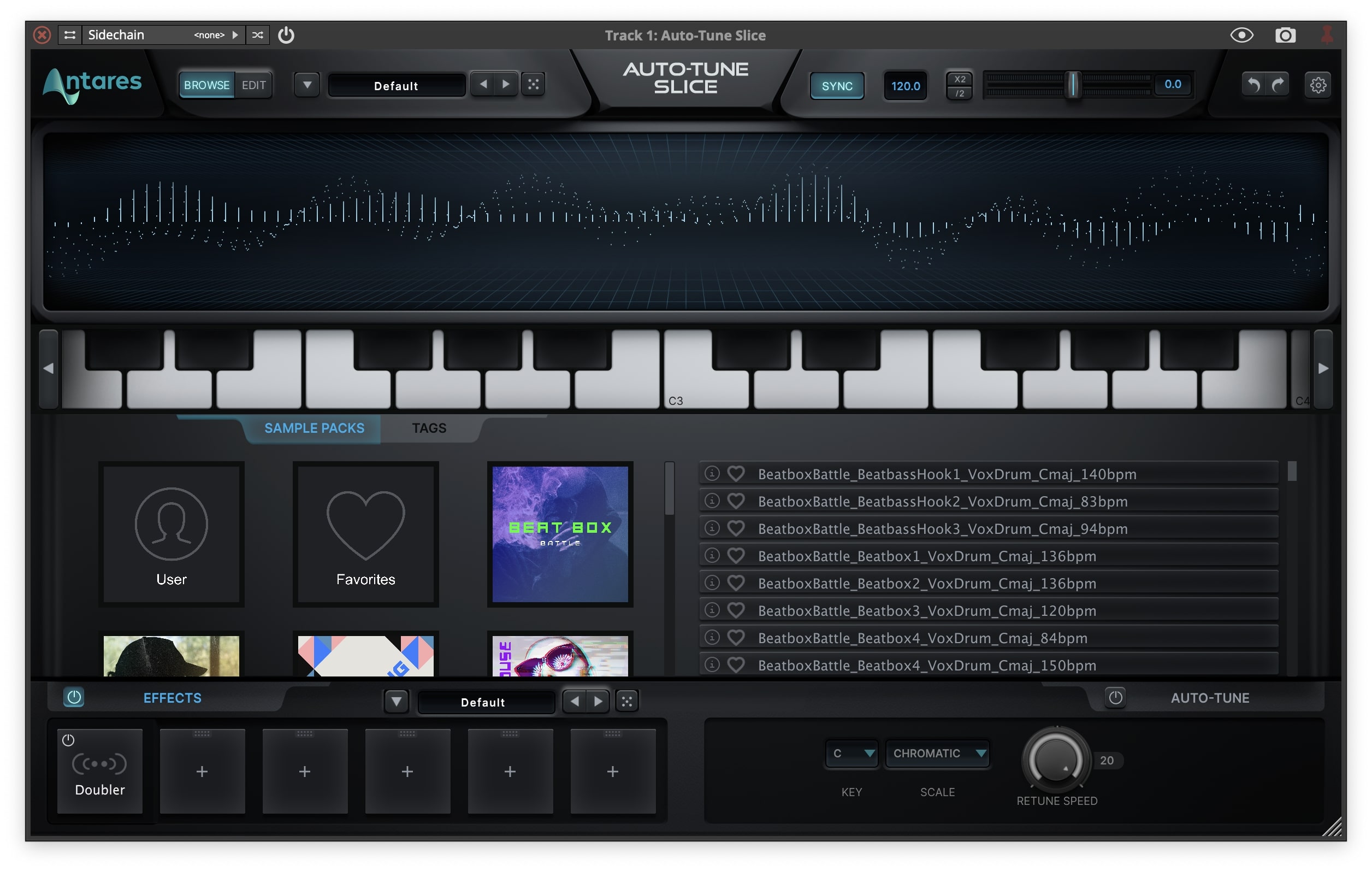
Note: Auto-Tune Slice is used as an example.
Mac
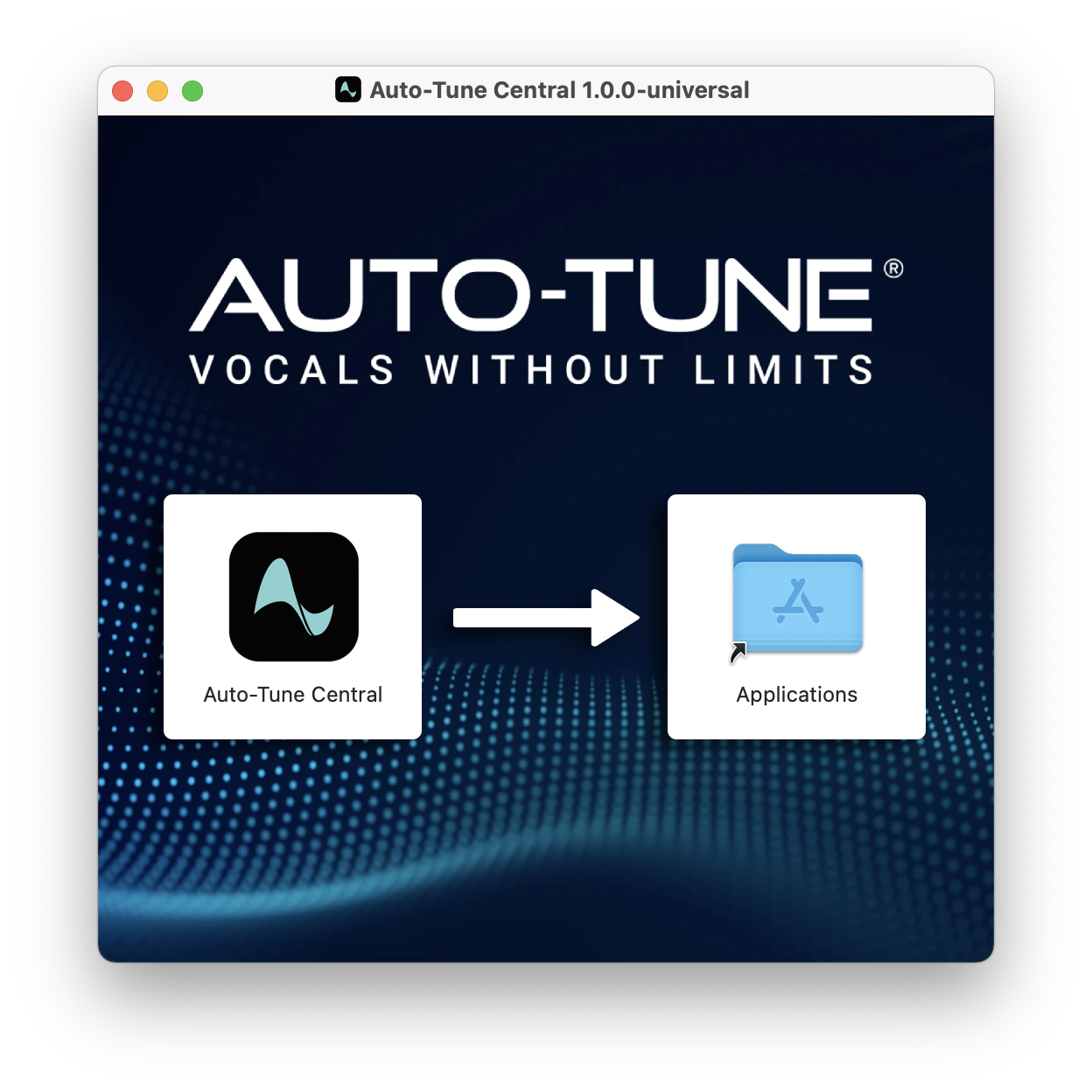
1. Download the .zip file from within your Plugin Boutique account and double-click it to extract the contents > Double-click the .dmg file to launch the installer > Drag Auto-Tune Central into your Applications folder > Auto-Tune Central will now automatically install.
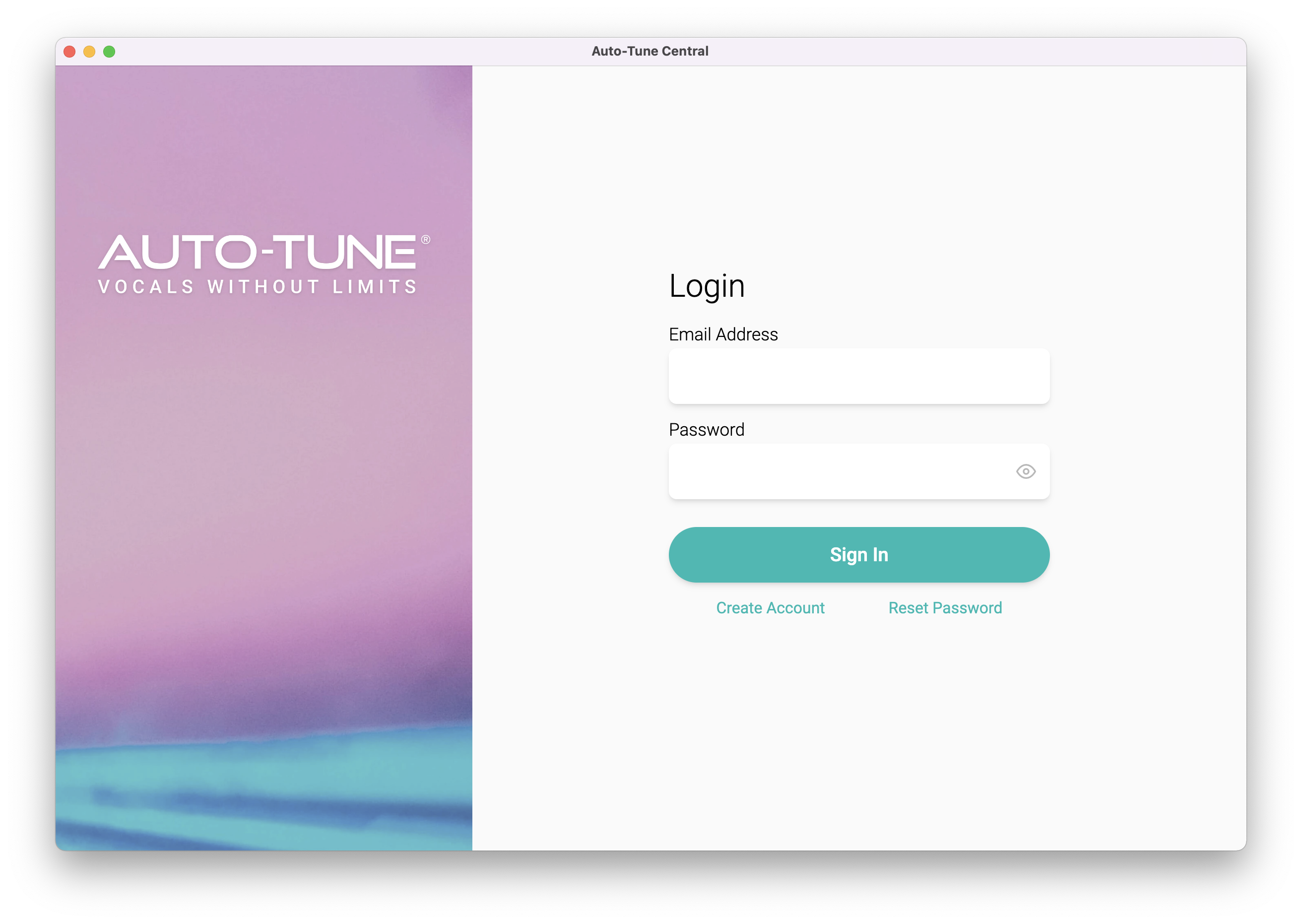
2. Launch Auto-Tune Central > Either create a new account by clicking 'Create Account' or if you already have an account, enter your Antares registered Email Address and Password > Click 'Sign In'.
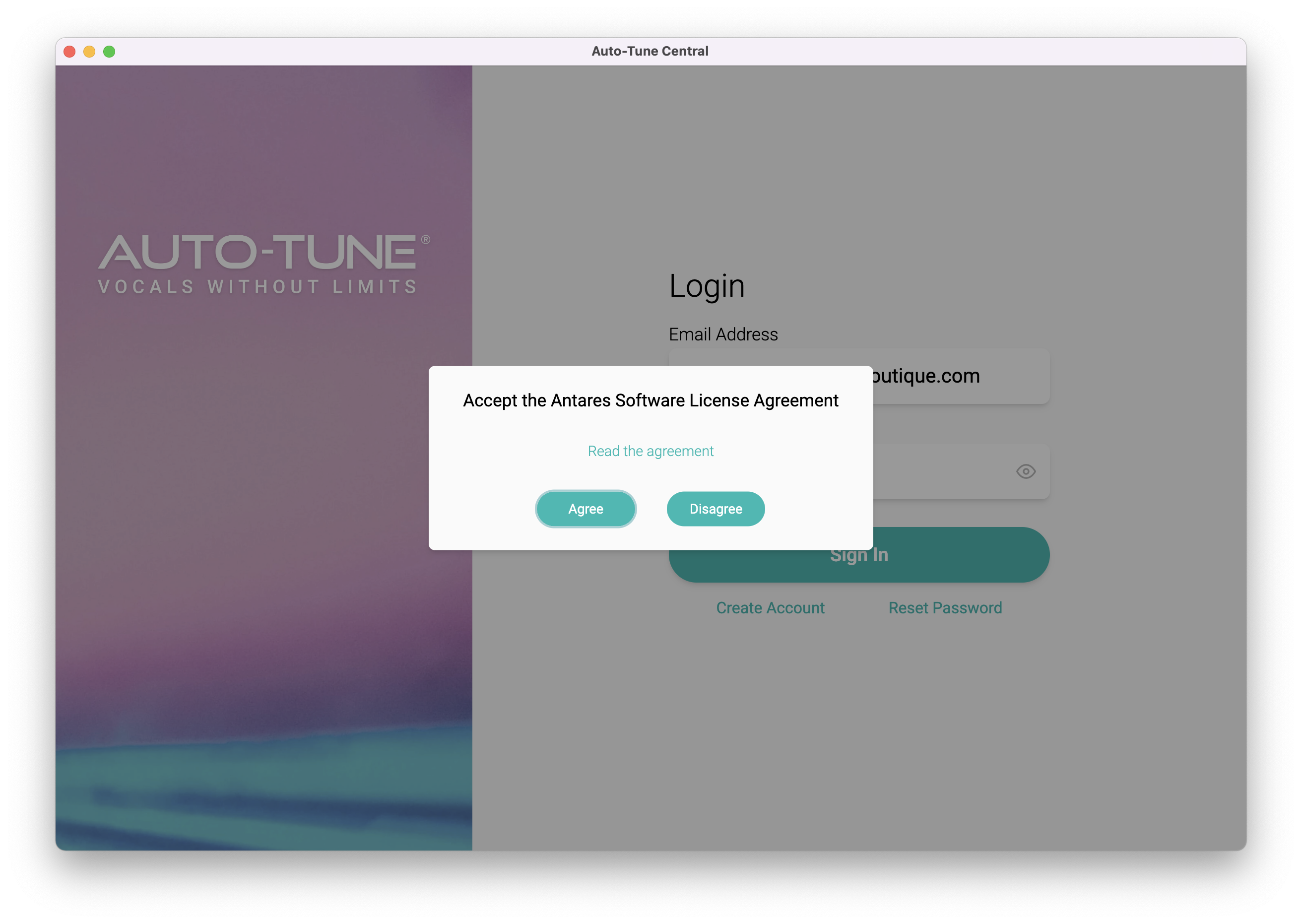
3. Click 'Agree'.
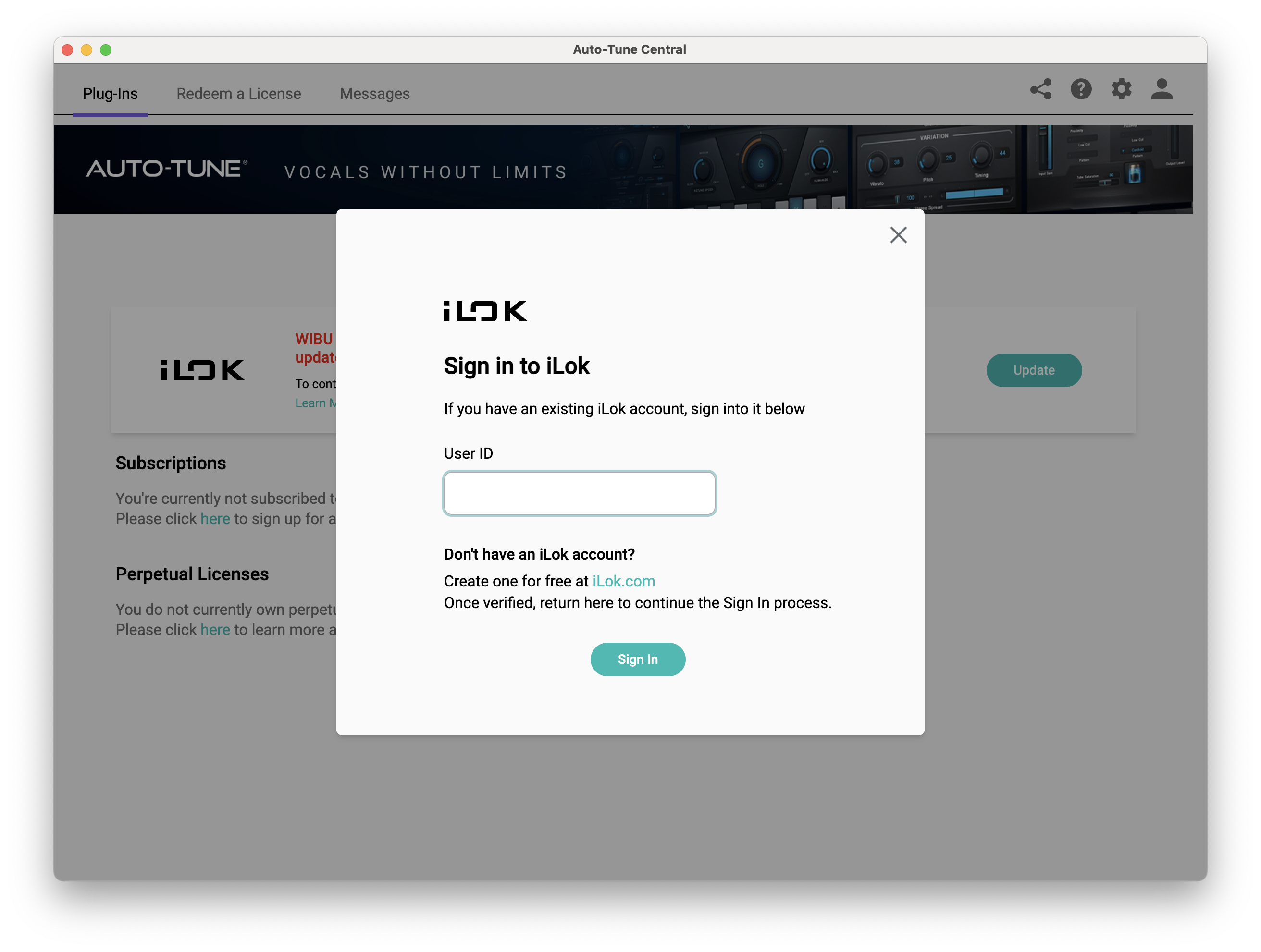
4. Enter your iLok User ID and click 'Sign In'.
5. Click 'Continue to iLok'.
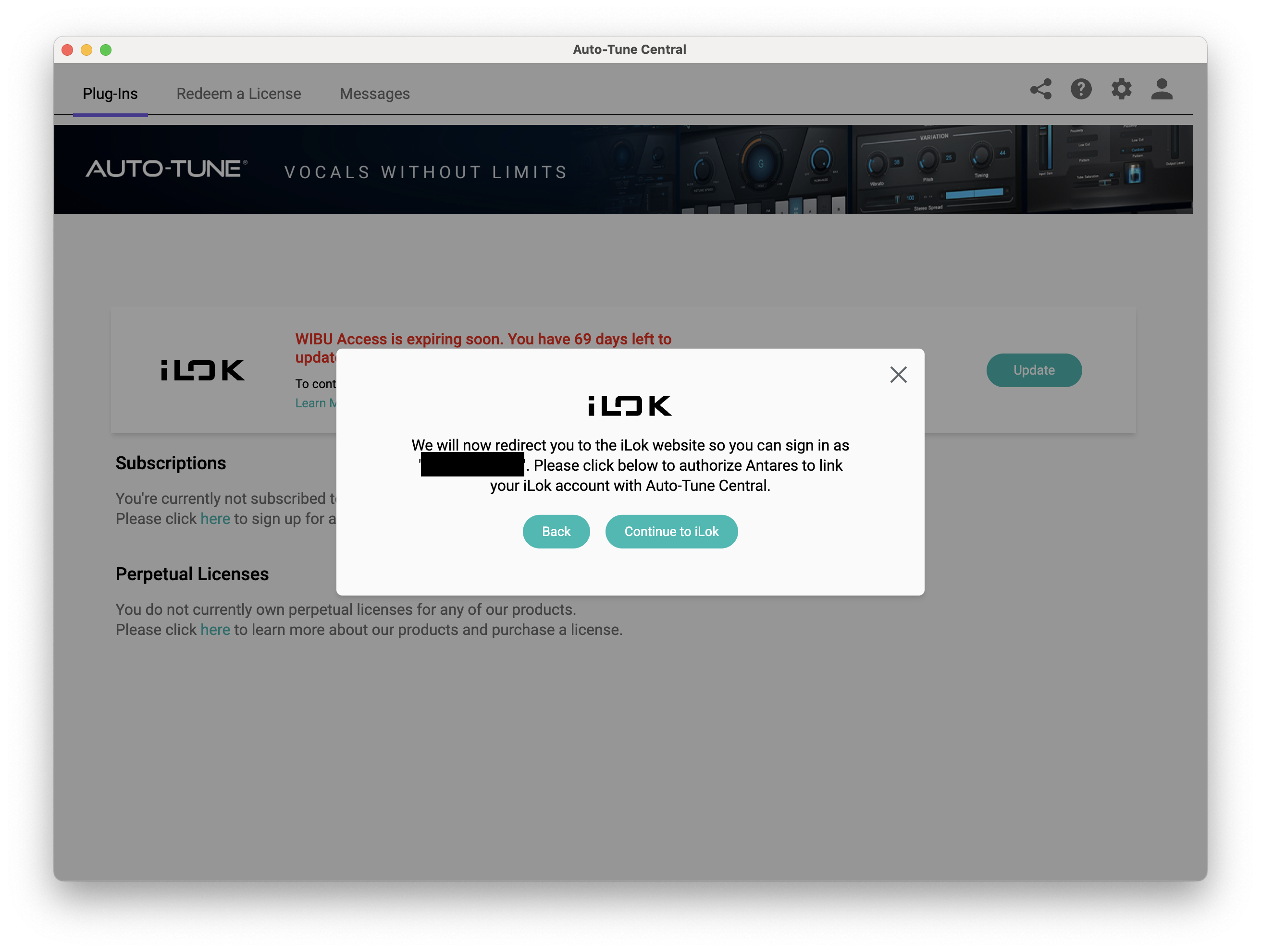
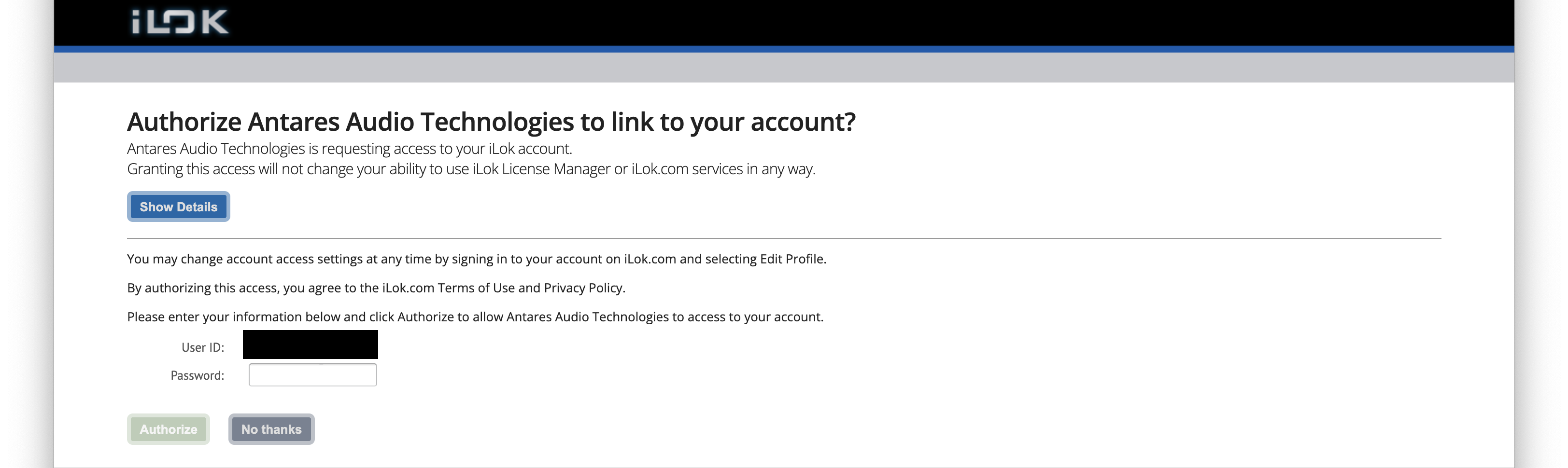
6. Enter your iLok User ID and Password then click 'Authorize'.
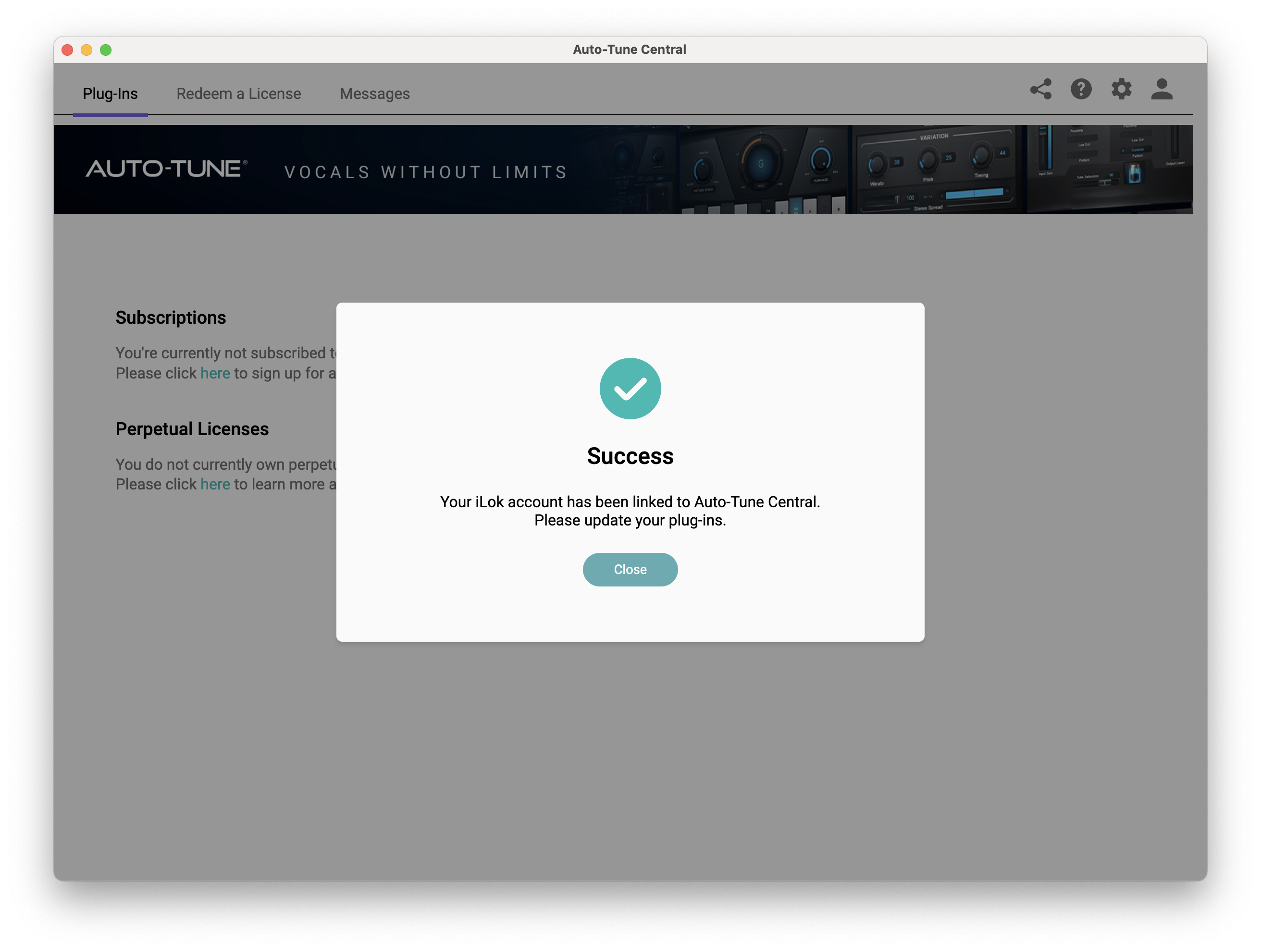
7. Your iLok account is now linked > Click 'Close'.
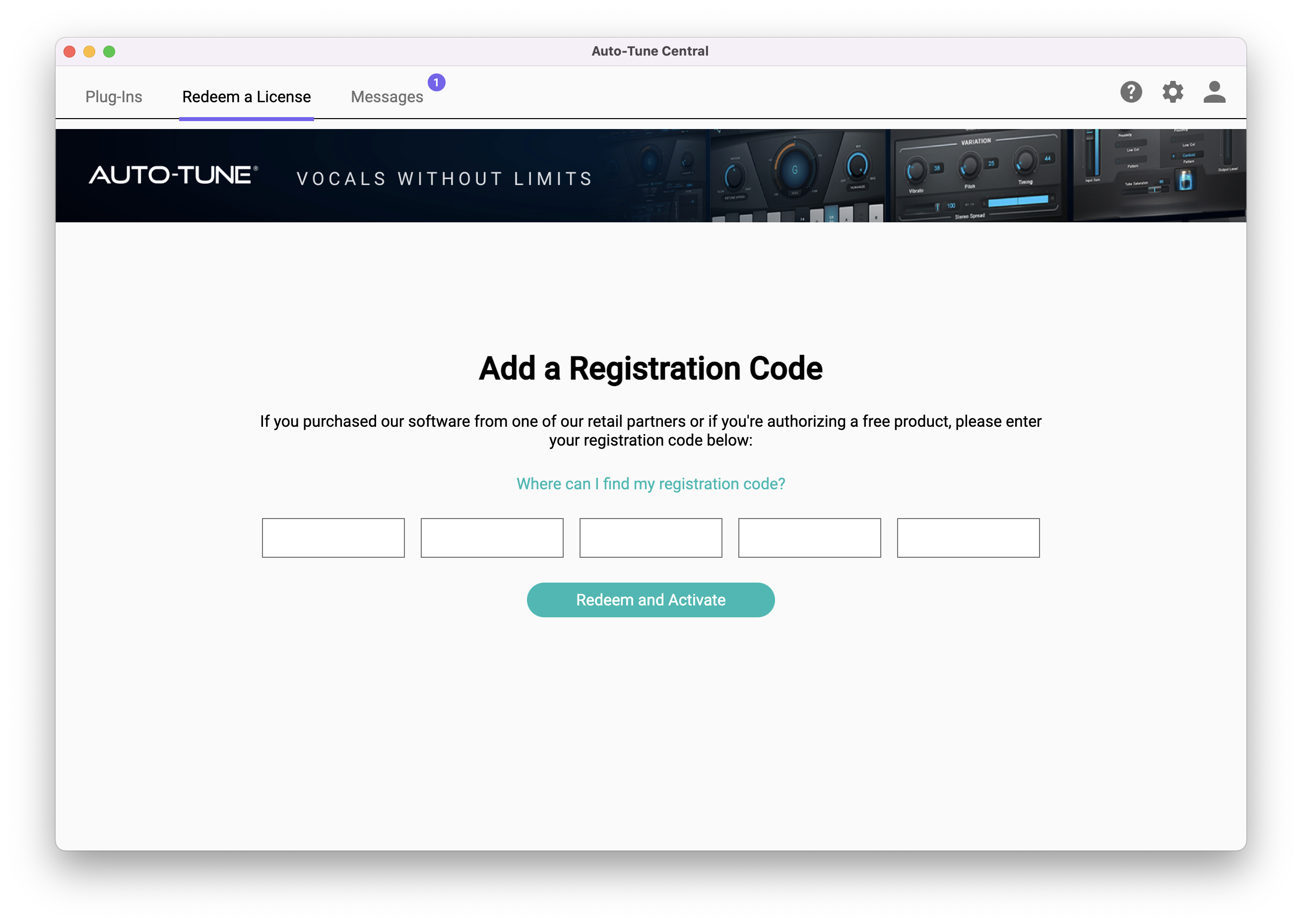
8. Click on the 'Redeem a License' tab > Enter the 25-digit Registration Code, found in the serial number section of your Plugin Boutique account > Click 'Redeem and Activate'.
9. Navigate back to the 'Plug-Ins' tab > Click 'Install' to install your plugin.
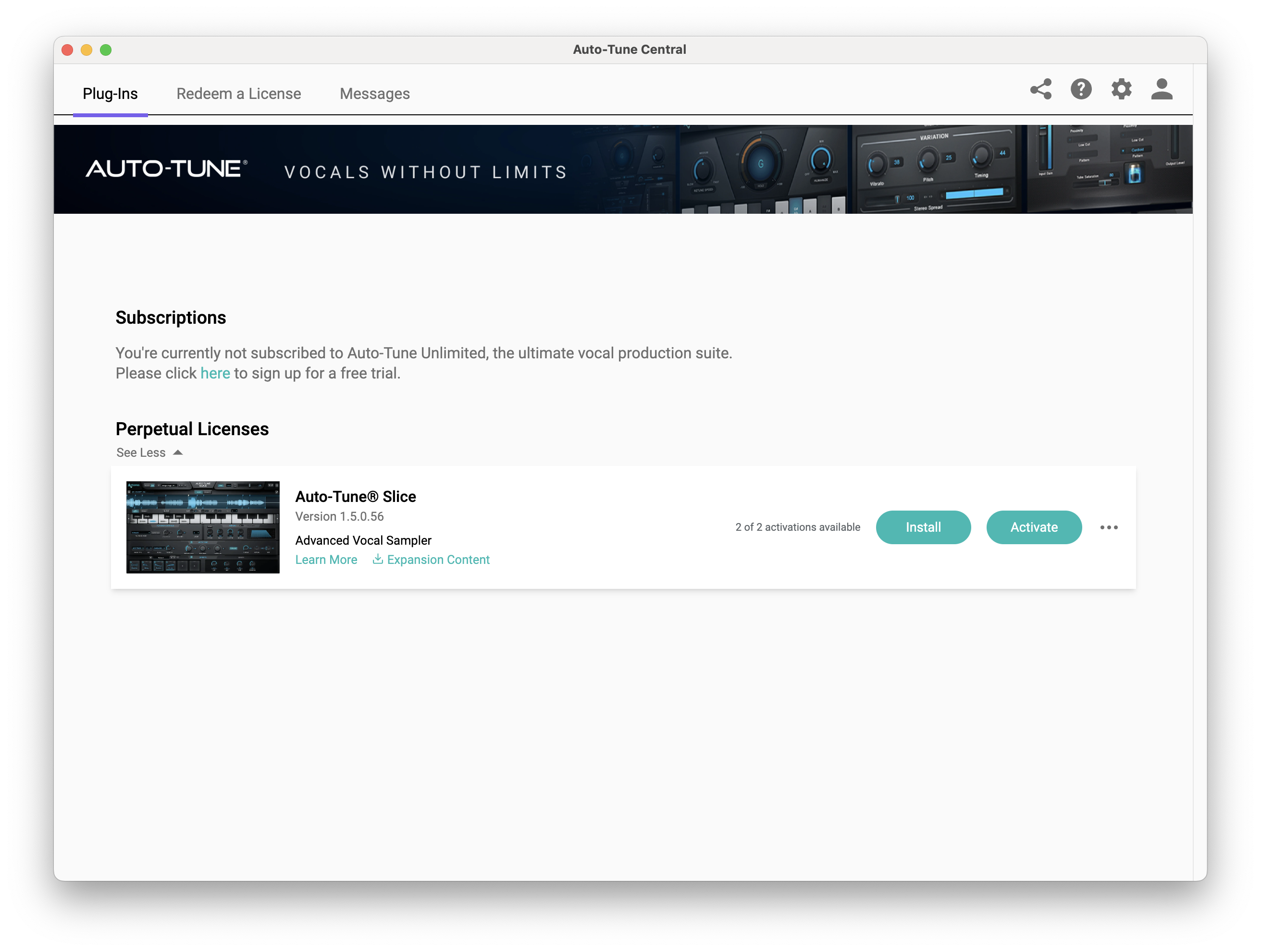
10. Click 'Activate'.
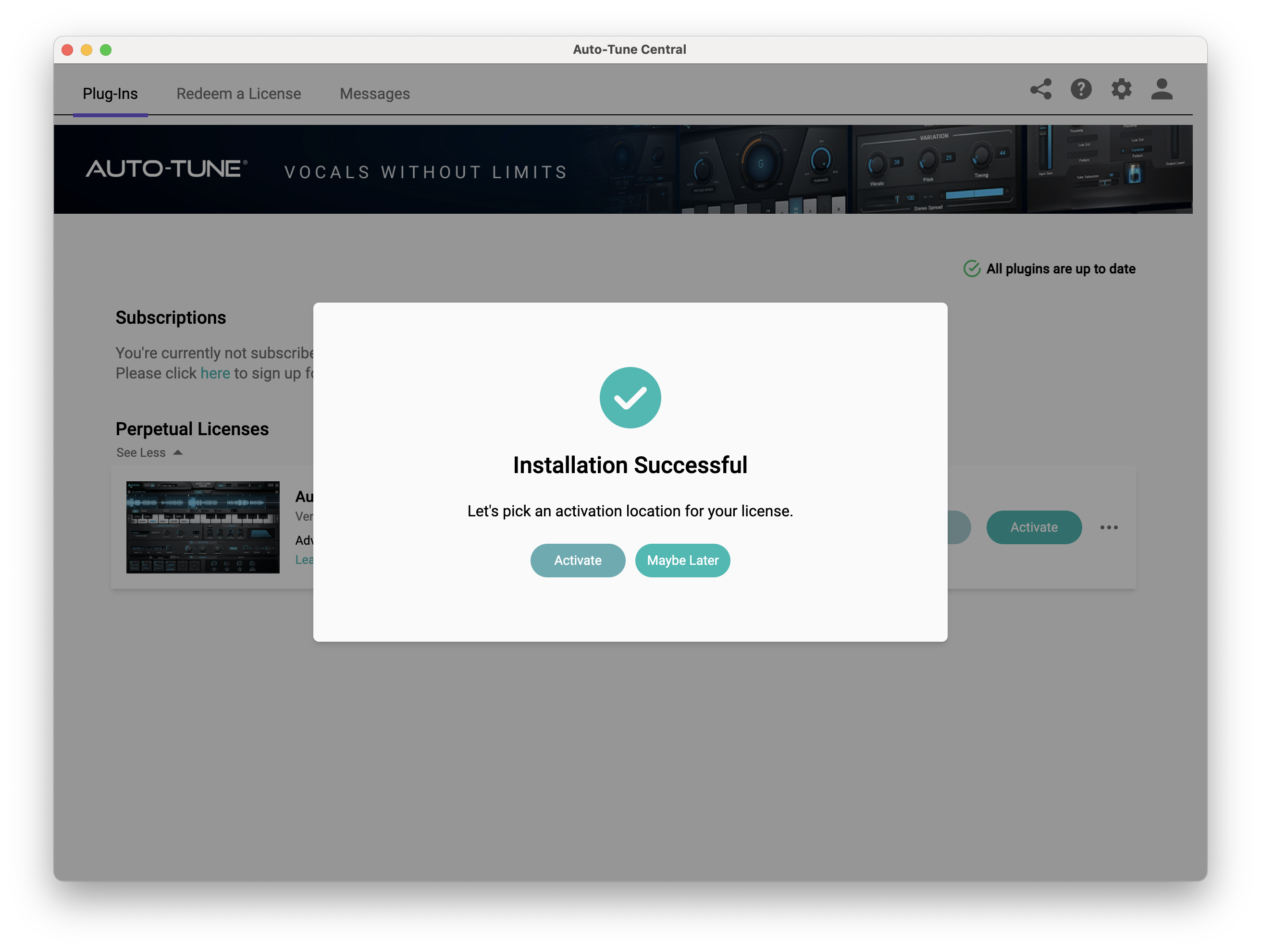
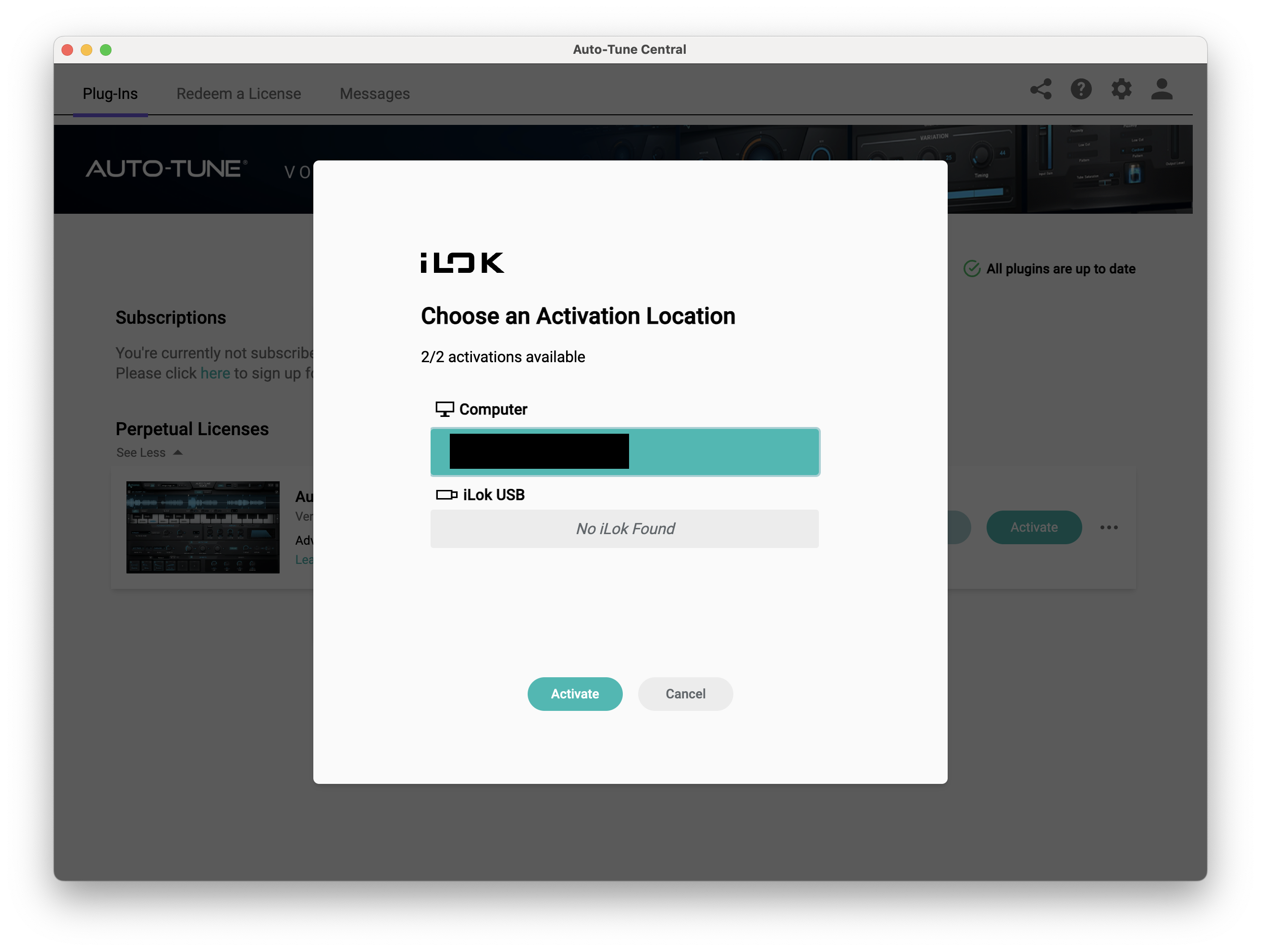
11. Select whether you want to activate the license to your Computer or iLok USB > Click 'Activate'.
12. Click 'Close'.
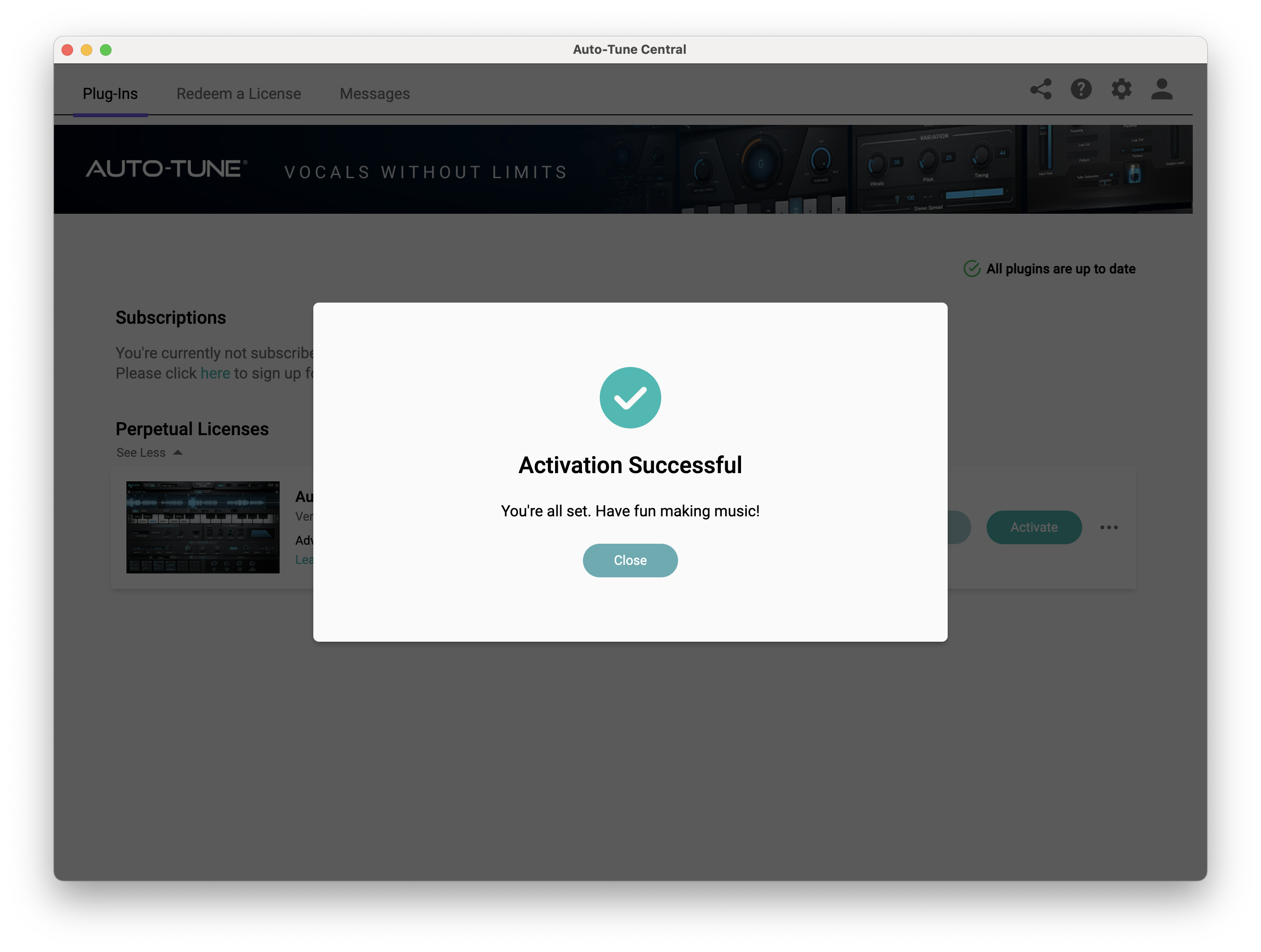
Your software is now activated and ready to use within your DAW.
PC
Windows
1. Download the .zip file from within your Plugin Boutique account and double-click it to extract the contents > Open the .exe file > Auto-Tune Central will now automatically install.
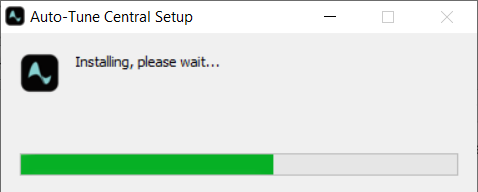
2. Launch Auto-Tune Central > Either create a new account by clicking 'Create Account' or if you already have an account, enter your Antares registered Email Address and Password > Click 'Sign In'.
3. Click 'Agree'.
4. Enter your iLok User ID and click 'Sign In'.
5. Click 'Continue to iLok'.
6. Enter your iLok User ID and Password then click 'Authorize'.
7. Your iLok account is now linked > Click 'Close'.
8. Click on the 'Redeem a License' tab > Enter the 25-digit Registration Code, found in the serial number section of your Plugin Boutique account > Click 'Redeem and Activate'.
9. Navigate back to the 'Plug-Ins' tab > Click 'Install' to install your plugin.
10. Click 'Activate'.
11. Select whether you want to activate the license to your Computer or iLok USB > Click 'Activate'.
12. Click 'Close'.
Your software is now activated and ready to use within your DAW.


