Log In
Free gifts available with your purchase
Natural Born Puncher
Squeeze and Unfold
The VCE-118 is a unique dynamics tool based on the breakthroughs that occurred of VCA technology in the early Seventies. Its reputation as a secret weapon lies in its special ratio implementation, which enables both compression and expansion, combined with its special linear mode as a powerful fuel for bending dynamics as a creative effect.
Regular vs. Linear
The central knob offers compression ratios between 1:1 and ∞:1 or expansion between 1:1 and 1:2, while the intensity of the effect can be tweaked with the Threshold control. The Mode button switches from regular gain reduction or expansion, where only levels above the threshold are processed, to linear operation, which affects the full level range above and below the threshold.
Diverse Duties
Naturally, the VCE-118 provides the ultimate punchy compression known from early VCA compressor flagships like the famous 160. But it doesn't stop there, since its expanded dynamic range surprises with intriguing effects reminiscent of gates and transient shapers. Linear mode can take this even further with sonic escapades like heavily pumping beats or dead silent ambience.
Dynamics Monster
The VCE-118 is nothing short of a giant in disguise. It can slam your drums to oblivion, and in the next second, it becomes a great punch enhancer if used sparingly in parallel. Linear mode is such an advantage when you're looking for unusual, extreme dynamics effects, applicable in various doses composed with the ever-crucial mix knob. Compress… expand… enhance.
Features
- Unique dynamics processor combining compression and expansion
- Special ratio implementation from 1:1 to ∞:1 for compression, and 1:1 to 1:2 for expansion
- Mode button switches between regular and linear operation for flexible control
- Linear mode affects the entire level range, creating more extreme dynamics effects
- Threshold control adjusts the intensity of compression or expansion
- Capable of punchy compression, transient shaping, and gate-like effects
- Ideal for both subtle punch enhancement and extreme sonic manipulation
- Mix knob allows blending for parallel compression or expansion techniques
- Inspired by iconic early VCA compressor designs for authentic punchy sound
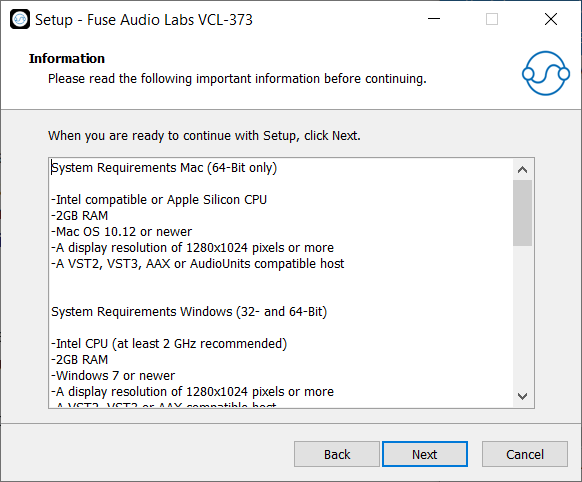
System Requirements
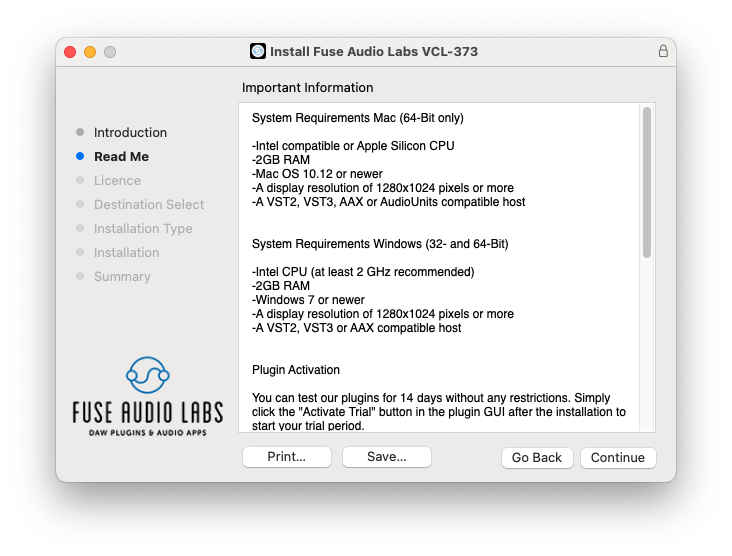
Mac (64-Bit only)
- Intel compatible or Apple Silicon CPU
- 2GB RAM
- Mac OS 10.12 or newer
- A display resolution of 1280x1024 pixels or more
- A VST2, VST3, AAX or AudioUnits compatible host
Windows (32- and 64-Bit)
- Intel compatible CPU (at least 2 GHz recommended)
- 2GB RAM
- Windows 7 or newer
- A display resolution of 1280x1024 pixels or more
- A VST2, VST3 or AAX compatible host