Log In

Free gifts available with your purchase
Panther gives you independent control over Left and Right channels of any stereo track. You get controls for EQ, Gain, Pan and Delay. It also features Mid/Side mode for extra control over your stereo tracks.
Panther is designed to solve the most common issues you face when mixing stereo tracked instruments. It has everything you need to prevent (or create!) volume, phase and tonal differences between the left and right channels of your track. With Panther, you get independent EQ, Gain, Pan and Delay control over each channel.
Panther also provides a Mid/Side option to give you complete control over the stereo field of your tracks.
System Requirements
Note for M1 Mac Users: This plugin is not yet compiled to work natively on M1 Macs. Boz Digital Labs are currently in the process of rewriting it so that it will, but it will take some time. In the meantime, it should work under Rosetta on M1 Macs.
- Windows XP or Greater
- Mac OSX 10.5 or Greater
Available Formats
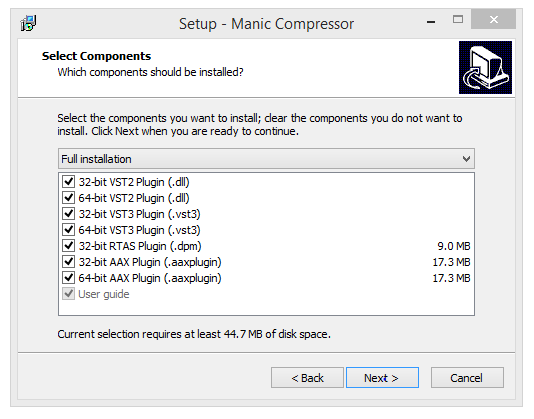
- Windows (32/64): VST2, RTAS, AAX Native
- Mac (32/64): AU, VST2, RTAS, AAX Native