Log In
.jpeg)
Free gifts available with your purchase

No Good Mix Goes Un-PUNISHed
Overview
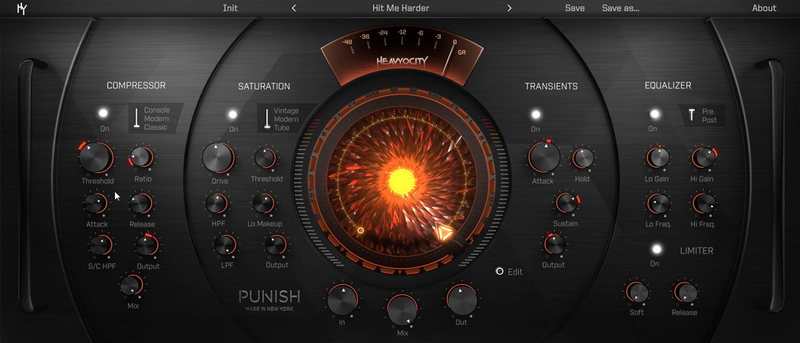
From subtle warmth to extreme drive and compression, PUNISH injects character and edge into any mix or instrument track. It’s the same PUNISH effect that you know and love, as featured in Heavyocity’s award-winning line of virtual instruments, now in VST/AU/AAX plugin format. Modeled after Heavyocity’s custom analog signal chains, PUNISH gives you control over Compression, Saturation, Transients, EQ, and Limiting. Chain the modules together to get that signature PUNISH sound, or isolate them to experience each dynamic effect on its own. And at the heart of it all is the global PUNISH Knob. Simply set your ranges, and dial in the devastation.
Compressor / Saturation
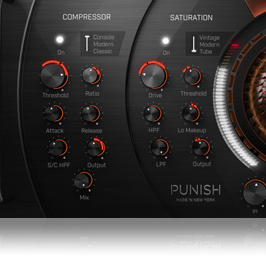
With three distinct compression models, the PUNISH Compressor offers a wide dynamic range, topped off with that classic analog warmth. The plugin features a smooth Class A-style Buss Compressor (Console), an aggressive, fat sound with a classic “knee” (Modern), and a warm vintage limiting amplifier-style (Classic).
The PUNISH Saturation module also features three different models, all with their own unique brand of warmth, drive, and character. With a classic broadcast mic-pre (Vintage), a chunky harmonic saturation (Modern), and a fat tube saturation (Tube), the PUNISH Saturation module can add a bit of grit to a track, or drive the whole thing into overload.
Transients / EQ / Limiter

Providing control over the attack, sustain, and output gain, PUNISH’s Transient shaping module enables users to bring stronger transients back into the signal after saturating the sound. The module also features Hold control to determine length of the attack.
The EQ module is basic but powerful, offering lift of the high and low frequencies. Set the EQ to Pre or Post to affect highs and lows before the Comp, Sat, and Transient...or after.
To prevent clipping, PUNISH also features a Limiter at the end of the chain. Soft clip amount and release time controls are key, when that Saturation starts to get things truly hairy.
Global PUNISH Knob
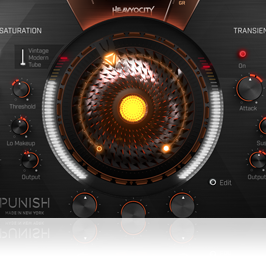
At the core of the plugin is the central Punish Knob. Heavyocity has designed an intuitive way to modulate all of the parameters, quickly and easily bringing life and movement into your sounds. By simply clicking the “edit” button, and setting the halo values, the central PUNISH knob becomes a highly-dynamic tool, capable of any and every degree of PUNISHment. Start off clean and warm and go punchy -- or expand the ranges to really let ‘er rip. When your track really kicks in, a twist of that center knob gives you all the attitude you'll need.
Analog Signal Chain
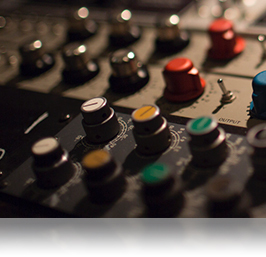
Heavyocity has been using their in-house custom analog chains to mangle and manipulate sound sources for years. From epic percussion to cinematic pads and stings, their line of award-winning VI’s always get touched up by their stable of Bus Compressors, Tube Saturation, and Limiting Amplifiers. It’s part of what has made instruments like GRAVITY, Vocalise, and AEON so compelling, and now they’re placing those custom signal chains into your hands. Meticulously modeled from the best in classic and analog units, PUNISH brings together a studios-worth of gear in one dynamic new FX plugin.
Expertly-Crafted Presets
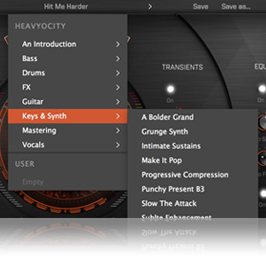
To get you up and running quickly, PUNISH is stocked full of crafted presets, laid out over six categories. This is where the versatility of PUNISH really shines. From Bass to Drums to Mixing/Mastering, PUNISH has a wide range of applications. Whatever it may be, PUNISH has a setting for you -- with over 90 presets arranged by instrument type, and a bonus folder of some HY staff favorites. They’re a great starting point, though an option to save your own presets is also available.emulated
90 Expertly-Crafted Presets in SIX Categories
- Guitar, Bass, Drums, Keys/Synth, Vocals, Mixing/Mastering
System Requirements
Operating Systems:
- Mac: OS X 10.10 or later (Natively compatible with Apple Silicon Macs)
- Windows 7 or later (both 32 and 64-bit)
DAW Host Compatibility:
- Pro Tools 10+, Live 9+, Cubase 8+, Logic Pro X+
Available Plugin Formats:
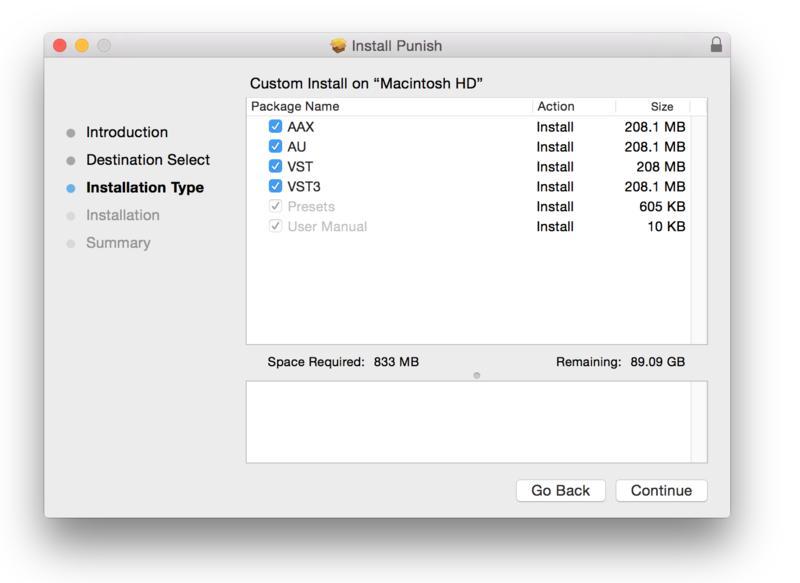
- AAX, VST, and Audio Units (AU) Formats
Please Note:
- Internet connection is required to activate this software
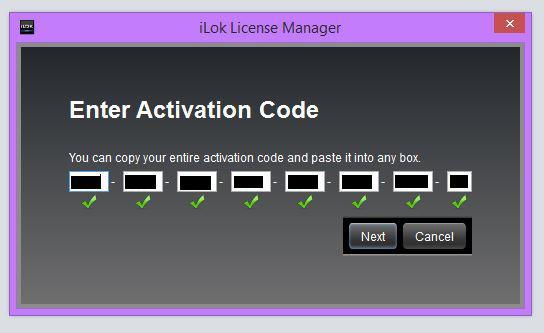
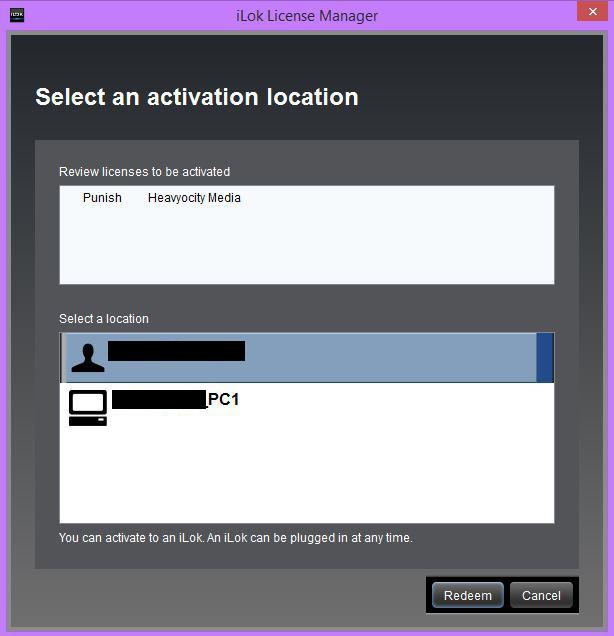
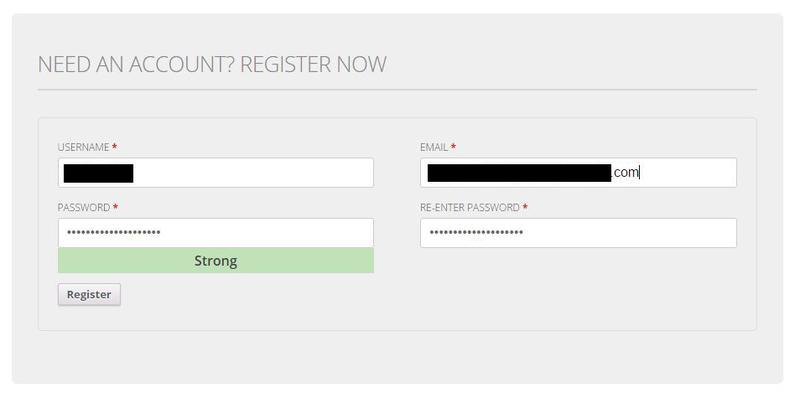
- A FREE iLok account is necessary for authorisation (iLok USB dongle not required)
Kevin Riepl
Video game composer who's worked on Gears of War, Batman Unlimited, Cabin Fever etc.
"Heavyocity's first foray into the Plugin realm with PUNISH does not disappoint. Having this signature feature of their instruments now available as a stand alone FX Plugin to use and apply on anything I want, has me smiling from ear to ear."
Mike Mangini
Dream Theatre, Extreme, Steve Vai.
"Applying Heavyocity’s PUNISH to my tracks and mixes feels like somebody put a huge drum stool thumper under my seat."
Rik Simpson
Black Rebel Motorcycle Club, Jay Z, Coldplay, Portishead.
"PUNISH is a great combo of glue, punch and character. You can really dial in the desired intensity, it's incredibly well-conceived and the PUNISH Knob is genius."